Dreaming of creating crisp, scalable artwork that looks amazing on everything from t-shirts to websites? Vector graphics are your ticket, and mastering them is more accessible than you think. This guide leverages essential YouTube tutorials to demystify the process, offering practical insights and workflows to get you creating professional-quality vector art.
Key Takeaways
- 1Learn essential vector graphics basics from top YouTube tutorials.
- 2Discover workflows for Adobe Illustrator, Fresco, and Procreate.
- 3Master free software like Inkscape for professional results.
- 4Create scalable art for print and digital projects.
- 5Develop your digital illustration skills step-by-step.
Who this is for
- If you're an aspiring graphic designer struggling to grasp vector fundamentals
- If you're an illustrator wanting to transition to scalable digital art
- If you're a hobbyist eager to learn Adobe Illustrator basics for the first time
Start Learning with AI-Powered Video Summaries
Get instant summaries, ask questions, and turn any video into an interactive study session.
Try Querivo Free →Streamline Your Vector Workflow with Adobe Fresco
Creating polished vector art often starts with a solid workflow. The tutorial "Vector Art Doesn’t Need to Be Complicated — Adobe Fresco Tutorial" by LOINDAFLOW provides a specific, tried-and-true process for creating scalable vector art directly within Adobe Fresco. This method is directly applicable to commercial merchandise design, emphasizing simplicity and efficiency. You'll learn how to craft custom brushes that give your line art a unique feel, and importantly, how to use vector trimming and layer separation to ensure your artwork scales perfectly without losing any crispness. Organizing your layers well is key here, and the creator walks you through that process for effective color separation, which is absolutely crucial for merchandise production. It's a really practical way to start, offering detailed brush settings for replication, making it an excellent resource for beginners aiming for professional results.
- Create fully vector, hand-drawn illustrations in Adobe Fresco.
- Experiment with custom line art brushes and layer organization for merchandise.
- Follow a tried-and-true process for scalable vector art applicable to commercial design.
Study This Video Deeper
Get an AI summary and ask questions about confusing parts in real-time.
Open in Querivo →Capture Ideas with Adobe Illustrator
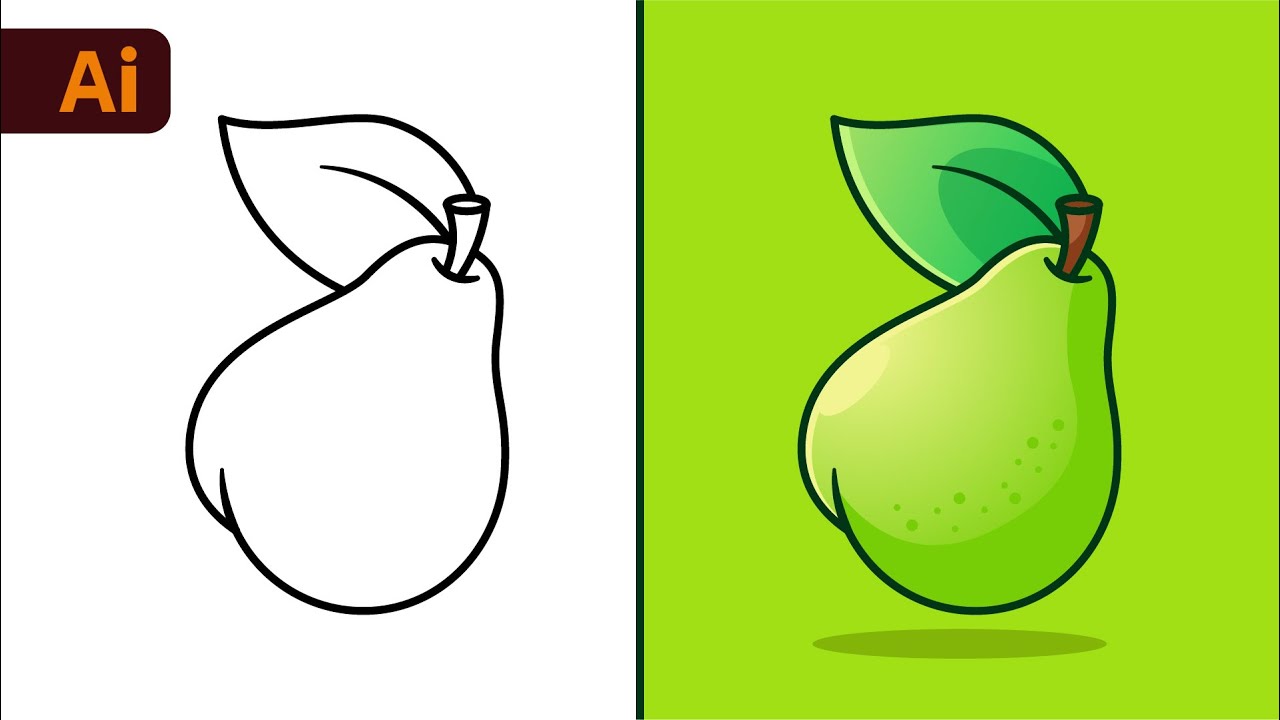
When it comes to industry standards, Adobe Illustrator reigns supreme for vector graphics. The "Adobe Illustrator Beginner Tutorial: Create a Vector Pear from Sketch (HD)" by Dom Designs is valuable content for anyone looking to grasp the foundational elements of this powerful software. This video is designed to help beginners confidently start their vector design projects by demystifying the workspace and essential tools. You'll learn to navigate the program with ease and get hands-on experience with fundamental drawing tools, most notably the Pen Tool and various Shape Tools. Understanding how to manipulate paths and anchor points, along with using fills and strokes effectively, is key to creating scalable artwork. This tutorial lays down those crucial groundwork concepts, making Illustrator feel much less intimidating and paving the way for you to create professional-quality vector graphics for all sorts of applications.
- Navigate Adobe Illustrator and master fundamental drawing tools.
- Understand path manipulation, fills, strokes, and scalable vector creation.
- Learn to create a simple vector illustration from a sketch.
Start Drawing with Adobe Fresco and Procreate
Thinking about starting your vector graphics journey on a device you already have? The video "How To Make Vector Art in Adobe Fresco! From Sketch to Finished Products." by Chris Piascik is perfect for that. You'll see how to begin creating vector artwork using Adobe Fresco on your device, which is fantastic for getting those initial ideas down. The focus here is on sketching and refining your illustrations, making them ready for further work. Understanding how to build layered illustrations is a game-changer for control and organization, and this video really emphasizes that. It's a great way to get comfortable with digital art concepts before diving into more complex programs. Plus, learning how to prepare your work for seamless integration is a smart move for any aspiring digital artist.
- Initiate vector graphic creation on your device using Adobe Fresco.
- Learn sketching, refinement, and preparation techniques for layered artwork.
- Transition from sketch to finished vector products efficiently.
Essential Tips for Vector Art Creation
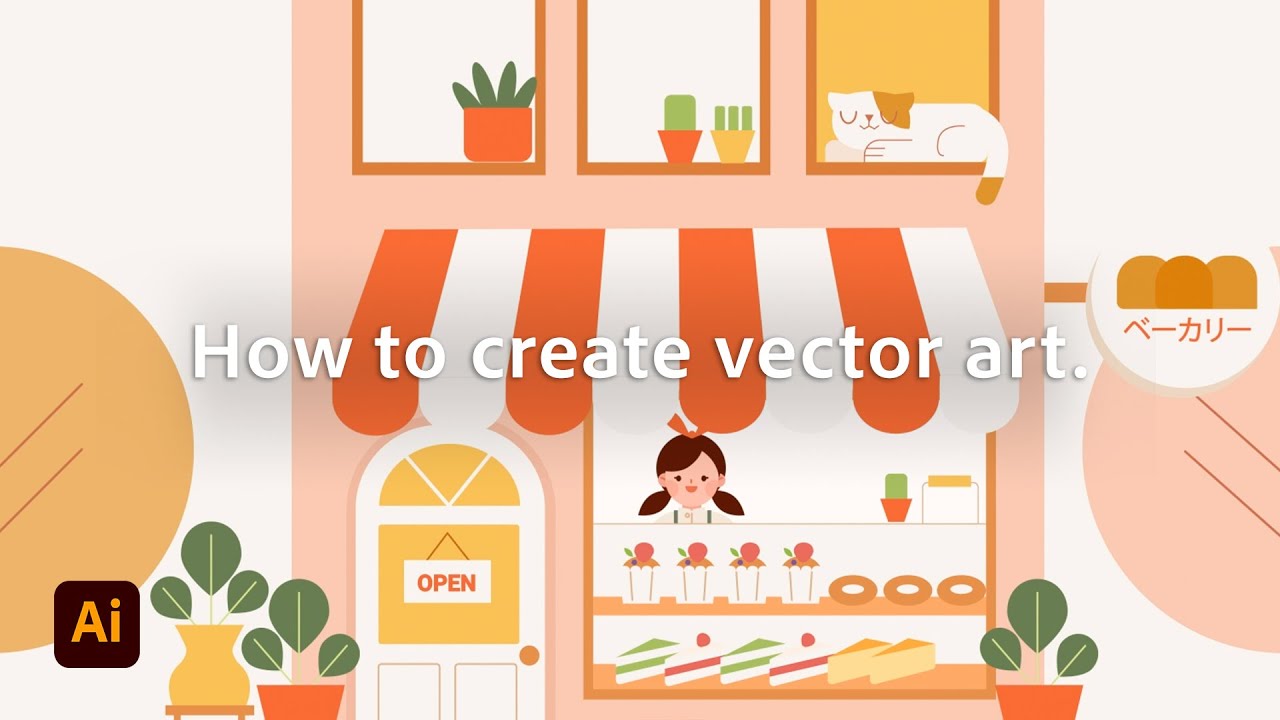
For those looking to refine their approach, the "Tips to Make Vector Art for Beginners | Adobe Illustrator" video by Adobe Asia Pacific offers valuable content that can significantly improve your process. This tutorial delves into practical advice and best practices specifically tailored for beginners working with vector art. You'll gain insights into efficient techniques and common pitfalls to avoid, helping you create cleaner, more professional-looking designs. Understanding these fundamental tips can save you time and frustration as you develop your skills, ensuring your vector graphics are not only aesthetically pleasing but also technically sound for various applications.

- Gain practical tips for creating effective beginner vector art.
- Learn best practices to improve your vector illustration workflow.
- Understand common mistakes to avoid for professional results.
Your Next Steps
You've seen how accessible vector graphics creation can be, whether you're using specialized apps like Fresco or diving into industry-standard software like Adobe Illustrator. The key is to start experimenting and building your skills step-by-step. These curated tutorials provide a fantastic starting point, offering clear guidance and practical demonstrations.
Your Action Items
- ☐Pick one video from above and watch it on Querivo
- ☐Ask questions and check summaries while watching without breaking your flow
- ☐Use the AI chat to clarify confusing parts and deepen understanding
- ☐Come back for more curated videos on topics you want to master
Ready to bring your designs to life? Start with one of these tutorials today and begin your exciting journey into the world of vector graphics!
Turn Any YouTube Video into an Interactive Lesson
Paste any video link, get an instant AI summary, and ask questions in real-time.
Try Querivo Free →Related Videos You Might Enjoy
Looking for more perspectives on this topic? Here are some additional videos worth checking out:
Adobe Illustrator for Beginners: Get Started in 10 Minutes
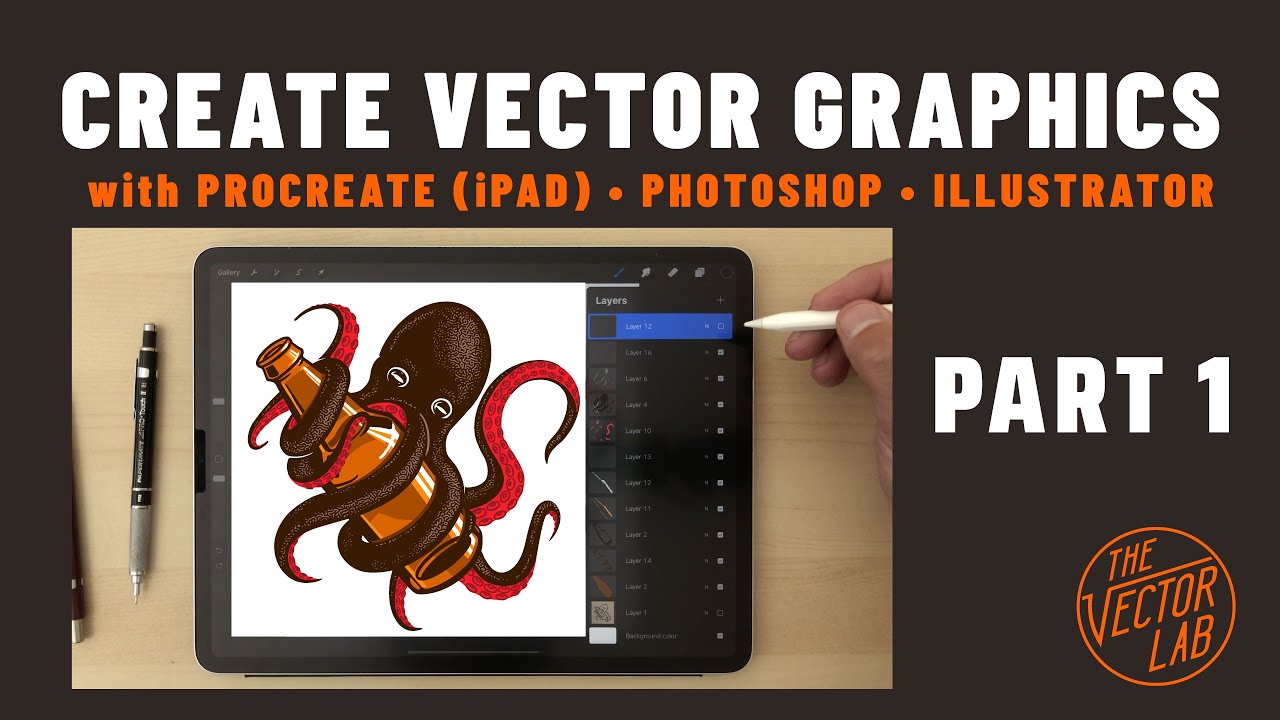
How to Create Vector Graphics (Tutorial Part 1)
This video, part one of a tutorial series, demonstrates how to create layered vector graphics using Procreate on an iPad. It showcases the process of sketching, refining, and adding details to illustrations, with a focus on preparing designs for further refinement in other software.