

Dreaming of crafting your own immersive video games? Unreal Engine stands as a powerful gateway to bring those digital visions to life, and with the right guidance, your game development journey can kick off right now!
Key Takeaways
- 1Master Unreal Engine with this curated YouTube guide.
- 2Learn essential blueprints, level design, and game logic.
- 3Avoid common pitfalls for a smoother development path.
- 4Build foundational skills for your first game project.
- 5Gain confidence to start creating in Unreal Engine.
Who this is for
- If you're a beginner eager to jump into game development but feel overwhelmed by Unreal Engine's complexity
- If you're looking for free, high-quality YouTube tutorials to learn Unreal Engine effectively
- If you're an aspiring developer wanting to understand core concepts like Blueprints and level design
Start Learning with AI-Powered Video Summaries
Get instant summaries, ask questions, and turn any video into an interactive study session.
Try Querivo Free →Master Your Learning: A 5-Step Roadmap to Unreal Engine Proficiency
Many aspiring game developers feel the initial wave of excitement quickly followed by a daunting sense of scale when approaching Unreal Engine. Where do you even start? This video offers a remarkably clear and structured approach, breaking down the learning process into manageable steps. It’s not just about watching tutorials; it’s about building a solid understanding from the ground up.
We've found that the 5-step framework presented here is pretty genius. It kicks off with nailing the fundamentals, moves to defining clear goals for your learning, then effectively chunking those large tasks, establishing a consistent routine, and, crucially, getting hands-on with practice. This isn't just theoretical advice; it's a practical blueprint to avoid getting lost in the weeds.
The core message? Don't just jump into advanced features. Prioritize understanding how Unreal Engine works at its core. And a fantastic way to do that? Recreating simple, well-known games. This helps solidify your grasp on fundamental mechanics in a fun, relatable way. As you'll see, consistency is key.
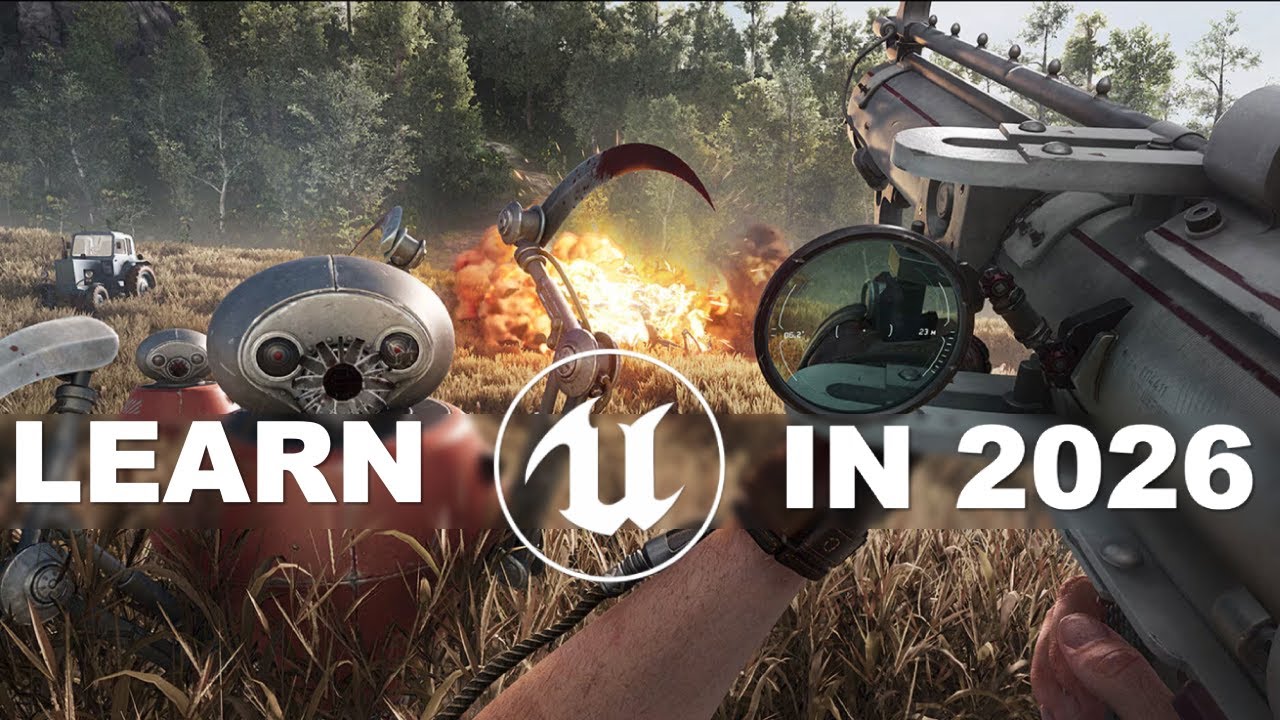
- Embrace the 5-step learning framework for Unreal Engine.
- Recreate simple games to solidify core concepts and practice.
Study This Video Deeper
Get an AI summary and ask questions about confusing parts in real-time.
Open in Querivo →Avoid Common Pitfalls: Essential Unreal Engine Workflow Habits for Success
Starting a new project in Unreal Engine can feel like setting off on an expedition. You're excited, full of ideas, but without a map and the right gear, you can easily get lost. This video is like your seasoned guide, pointing out the hidden traps and essential tools you'll need right from the start. It’s all about building smart habits to prevent those frustrating roadblocks down the line.
Implementing version control, like Diversion, from day one is a game-changer. Seriously, safeguarding your progress is paramount. You’ll also discover why developing strong asset management and organization habits is so important. A messy project quickly becomes an unmanageable one. Imagine trying to find that one specific texture or blueprint when your project folder looks like a digital junkyard.
Plus, this video stresses the importance of playtesting early and often. It sounds obvious, right? But so many developers get caught up in building features that they forget to actually play their game. This proactive approach helps catch and fix issues when they're small and easy to solve, rather than when they’ve snowballed into major problems. Focus on mastering those fundamentals before you even think about the advanced stuff.

- Implement version control and organized asset management from the start.
- Playtest frequently to proactively identify and fix issues.
Unlock Visual Scripting: Your First Steps with Unreal Engine Blueprints
Ever watched a game and thought, "How did they make that character jump like that?" or "How does that door open?" The answer, especially in Unreal Engine, often lies in Blueprints. This video is your introduction to that powerful visual scripting system. And honestly, it makes creating complex game logic surprisingly accessible, even if you've never written a line of traditional code.
You'll get to grips with the basics of creating and connecting Blueprint nodes. Think of it like building with digital LEGOs to define character actions, game events, and interactive elements. It’s an intuitive way to bring your game's mechanics to life. The video encourages starting with simple Blueprint interactions, like controlling character movement or making a basic object react to player input.
Exploring the visual interface to build fundamental game mechanics is genuinely rewarding. You can see your logic come to life in real-time. For anyone looking to dive into game development without the steep learning curve of programming languages, Blueprints are definitely worth checking out.
- Understand Blueprints for accessible game logic creation.
- Learn to build fundamental game mechanics through visual scripting.
Study This Video Deeper
Get an AI summary and ask questions about confusing parts in real-time.
Open in Querivo →Craft Your Worlds: Essential Level Design Principles for Beginners
A game can have the best mechanics, but if the world it’s set in isn't engaging or functional, players won't stick around. This video delves into the foundational principles of creating compelling game levels within Unreal Engine. It’s your first step towards building the environments where your game's story and action will unfold.
You'll learn how to navigate the Unreal Engine editor, a crucial skill for placing objects and shaping your environments. Understanding how to build simple spaces and arrange assets effectively is key. The focus here is on creating playable areas that naturally guide the player and support the intended gameplay. It’s not just about making pretty scenery; it’s about making spaces that work for the game.
Experimenting with lighting and basic environmental elements will really start to bring your levels to life. You'll see how these simple touches can dramatically impact the player's experience. For anyone dreaming of building their own virtual worlds, this video offers the essential starting point for level design in Unreal Engine.
- Learn to navigate the editor and place objects for level creation.
- Focus on creating playable spaces that guide the player.
Your Next Steps
By adopting a structured learning approach, prioritizing fundamental skills, and implementing good workflow habits, you can confidently embark on your Unreal Engine game development journey. Mastering Blueprints and basic level design will be your first major achievements.
Your Action Items
- ☐Pick one video from above and watch it on Querivo
- ☐Ask questions and check summaries while watching without breaking your flow
- ☐Use the AI chat to clarify confusing parts and deepen understanding
- ☐Come back for more curated videos on topics you want to master
These curated videos provide a solid foundation for anyone looking to learn Unreal Engine for beginners. Get ready to start building!
Turn Any YouTube Video into an Interactive Lesson
Paste any video link, get an instant AI summary, and ask questions in real-time.
Try Querivo Free →