Are you tired of repetitive tasks bogging down your Excel workflow? Imagine slashing hours of manual effort with the power of automation.
Key Takeaways
- 1Your ultimate guide to mastering Excel VBA on YouTube
- 2Learn to record, edit, and understand your first macros
- 3Discover how to recover lost access to protected VBA projects
- 4Unlock and unprotect Excel sheets with simple DIY methods
- 5Build powerful custom automation solutions for complex tasks
Who this is for
- If you're overwhelmed by manual data entry and repetitive Excel tasks
- If you're looking to leverage macros for increased productivity
- If you're an intermediate Excel user ready to explore VBA automation
Start Learning with AI-Powered Video Summaries
Get instant summaries, ask questions, and turn any video into an interactive study session.
Try Querivo Free →Master Your First Excel VBA Macros: From Recording to Editing
Tired of clicking through the same steps in Excel day after day? This video is your perfect launchpad into the world of Excel VBA automation. It focuses on demystifying the fundamentals, showing you exactly how to start recording simple macros that can handle those mind-numbingly repetitive tasks for you. You'll get a clear look at the Visual Basic Editor (VBE) interface, which might seem a bit intimidating at first, but the creator breaks it down in a way that's surprisingly accessible.
You'll discover the power of recording your actions directly within Excel, turning those manual steps into instant code. But it doesn't stop there. This tutorial also dives into how to actually understand and edit that recorded code, a crucial step for any budding VBA user. Plus, you'll learn the importance of keeping your code clean and readable through commenting – a practice that definitely pays off as your projects grow. It’s a really solid foundation for anyone new to VBA automation.
- Learn to record and edit basic Excel VBA macros.
- Get comfortable with the Visual Basic Editor (VBE) interface.
Study This Video Deeper
Get an AI summary and ask questions about confusing parts in real-time.
Open in Querivo →Regain Access: Unlock Forgotten Excel VBA Project Passwords
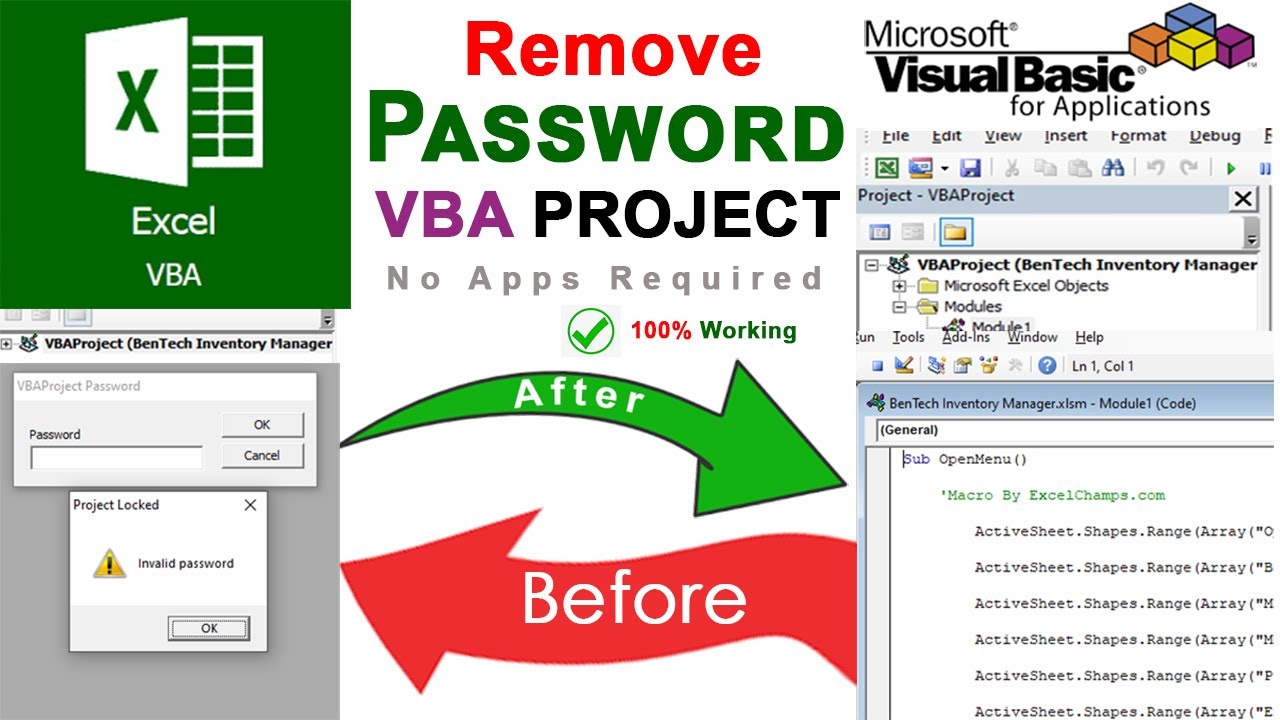
Ever forgotten the password to your VBA project? It's a frustratingly common problem that can lock away hours of hard work. This video tackles that exact issue head-on, providing a practical, and importantly, free method to recover access to your protected macro code. You won't need to buy any special software here.
The process involves a clever trick: converting your Excel file (.xlsm) into a ZIP archive. From there, you'll delve into the file's structure, modify a specific file called project.bin using a hex editor, and essentially bypass the password protection. It's a step-by-step demonstration that really shows you how to get your hands dirty with file manipulation for a practical outcome. If you've ever been locked out of your own VBA code, this video is a game-changer.
- Learn a free method to remove VBA project passwords.
- Understand how to use hex editors for file modification.
Effortlessly Unprotect Excel Sheets: Your DIY Solution
Locked Excel sheets are another common hurdle, especially when you've forgotten the protection password or inherited a workbook with it still in place. This tutorial offers a surprisingly straightforward, DIY approach to remove sheet protection without needing the password or any complex tools. It’s designed to be accessible for most Excel users.
The method leverages the fact that modern Excel files are essentially ZIP archives. You’ll learn how to convert your Excel file to a ZIP, then navigate to the specific XML file that controls sheet protection. By making a small edit to that XML code, you can effectively unlock the sheet. This video empowers you to take control of your data without relying on external services or complicated workarounds. It's a really clever solution that's worth knowing.
- Discover a simple DIY method to remove Excel sheet protection.
- Understand how to edit Excel's underlying XML structure.
Elevate Your Automation: Building Robust Excel Macros
Ready to move beyond basic recordings and build truly powerful automation tools in Excel? This video dives into more advanced VBA concepts that will significantly expand what you can accomplish. It focuses on the core building blocks of robust macros, essential for tackling complex data manipulation and creating interactive user experiences.
You'll get a solid introduction to key VBA objects and properties like Worksheets, Ranges, and Cells, understanding how to interact with them programmatically. Plus, you'll explore the logic of loops and conditional statements (think For loops and If/Then statements), which are critical for handling varying amounts of data or making decisions within your code. The tutorial even touches on creating User-Defined Functions (UDFs), allowing you to create custom formulas within Excel. It's a fantastic next step for anyone serious about VBA automation and writing efficient, reliable code.
- Learn about essential VBA objects, loops, and conditional statements.
- Explore creating custom User-Defined Functions (UDFs) in Excel.
Your Next Steps
By mastering these essential Excel VBA techniques from our curated YouTube tutorials, you can move beyond manual tasks and unlock significant efficiency gains in your data analysis and reporting. From recovering protected projects to building custom automation solutions, the power to transform your Excel workflow is now within reach.
Your Action Items
- ☐Pick one video from above and watch it on Querivo
- ☐Ask questions and check summaries while watching without breaking your flow
- ☐Use the AI chat to clarify confusing parts and deepen understanding
- ☐Come back for more curated videos on topics you want to master
Ready to supercharge your Excel skills and conquer repetitive tasks? Dive into these invaluable Excel VBA YouTube tutorials and start building your own powerful automation solutions today!
Turn Any YouTube Video into an Interactive Lesson
Paste any video link, get an instant AI summary, and ask questions in real-time.
Try Querivo Free →Related Videos You Might Enjoy
Looking for more perspectives on this topic? Here are some additional videos worth checking out:
EASILY UNLOCK Protected Excel Sheets WITHOUT Password
This video demonstrates a method to unprotect Excel sheets without knowing the password. It involves renaming the Excel file to a ZIP archive, extracting the relevant XML file for the protected sheet, manually removing the protection code from the XML, and then re-zipping and renaming the file back to an Excel workbook.