Google's Gemini AI is no longer a concept of the future; it's a powerful tool transforming how we interact with technology today. But with its rapid evolution, understanding its full potential and how to leverage it can feel overwhelming. Fortunately, several excellent YouTube resources are available to guide you through Gemini's capabilities, from beginner-friendly introductions to advanced developer insights.
Key Takeaways
- 1Explore Google Gemini's powerful capabilities.
- 2Learn effective prompting and multimodal use.
- 3Discover developer APIs for AI integration.
- 4Understand future trends and ethical AI.
- 5Become proficient in Google's advanced AI.
Who this is for
- If you're feeling overwhelmed by the complexity of advanced AI tools
- If you're looking to harness the power of Google's latest AI for practical applications or development
- If you're a tech enthusiast, developer, or researcher eager to stay ahead of AI innovation
Start Learning with AI-Powered Video Summaries
Get instant summaries, ask questions, and turn any video into an interactive study session.
Try Querivo Free →Unlock Gemini's Potential: Your First Steps to AI Mastery
To truly grasp Gemini's power, starting with a solid foundation is essential. The video "The ONLY Google Gemini Tutorial You Need! How To Use Gemini Like a Pro in 18 Minutes" by Charlie Chang provides exactly that. This comprehensive tutorial is designed to be your go-to resource, whether you're a complete beginner or looking to refine your existing skills. It meticulously breaks down how to navigate the Gemini interface (gemini.google.com), demonstrating how to pose questions effectively, generate text with impressive fluency, and even leverage Gemini for research assistance. A key takeaway is learning the art of crafting prompts that yield the desired results, a skill that's surprisingly crucial for unlocking Gemini's full potential. Furthermore, this video tackles a common AI pitfall: understanding and mitigating hallucinations, ensuring you can rely on Gemini for more accurate and trustworthy outputs. It also touches upon how Gemini seamlessly integrates with other Google services, making it an incredibly versatile tool for a wide range of everyday tasks.
To get the most out of this video, actively try the prompts and interface interactions as the creator demonstrates them. Pay close attention to the examples provided for avoiding hallucinations, as this is a critical skill for any AI user.
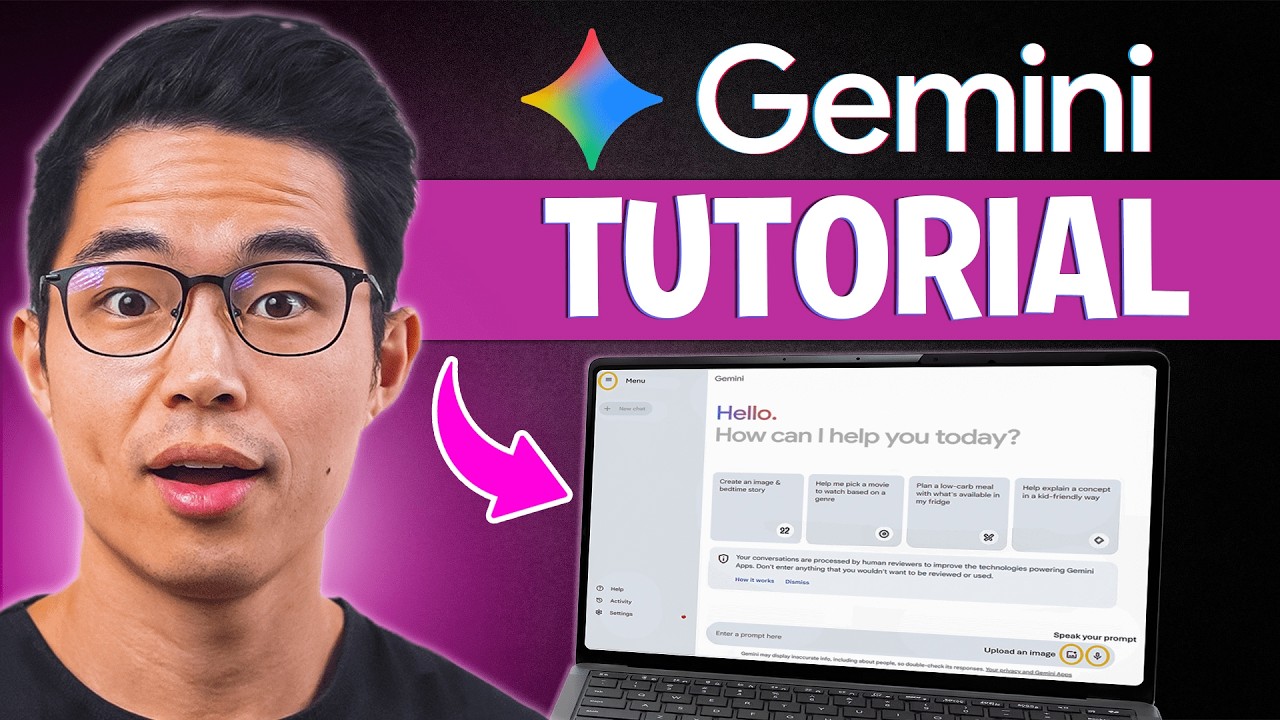
- Master the Gemini interface and basic functionalities.
- Learn to craft effective prompts and avoid AI hallucinations.
Study This Video Deeper
Get an AI summary and ask questions about confusing parts in real-time.
Open in Querivo →Beyond Text: Exploring Gemini's Multimodal Magic
Gemini's capabilities extend far beyond just processing and generating text. It's a truly multimodal AI, meaning it can understand and interact with images, audio, and video in conjunction with text. The video "Master Gemini 3.0 for Work in 12 Minutes (2026)" by Jeff Su offers a fantastic glimpse into this advanced functionality. You'll witness practical, real-world examples of how Gemini can ingest diverse types of information and produce creative, contextually relevant outputs. Imagine feeding the AI an image and asking it to generate a compelling story inspired by its content, or providing an audio clip and having it meticulously summarize the key points discussed. This multimodal understanding is a game-changer for tasks that require a nuanced grasp of information across various media formats. This resource is invaluable if you want to see how Gemini can tackle complex data sets and generate a wide spectrum of diverse content.
For practical application, consider the types of multimodal prompts you could create for your own work or hobbies after watching this video.
- Discover Gemini's ability to process and generate multimodal content.
- See practical examples of image, audio, and video integration.
Gemini for Developers: Building the Future with Code
If you're a developer looking to integrate cutting-edge AI into your own applications, this video is your essential guide. "Gemini 3.0 vs ChatGPT — How to Use Google’s New AI Upgrade (2025 Guide)" by AI Master shifts the focus from direct user interaction to programmatic access, diving straight into the Gemini API. You'll receive a clear introduction to what the API offers, its core features, and practical steps for implementation. The creator walks you through step-by-step guides for common development use cases, making the integration process surprisingly accessible. This is where you'll learn the best practices for building robust applications that effectively leverage Google's advanced AI. It truly opens up a world of possibilities for creating custom AI solutions tailored to specific business needs or creative projects. This is a must-watch for anyone aiming to build with Gemini.
When watching, actively take notes on the code snippets and API endpoints discussed. Consider how these could be adapted for a project you're currently working on or one you envision for the future.
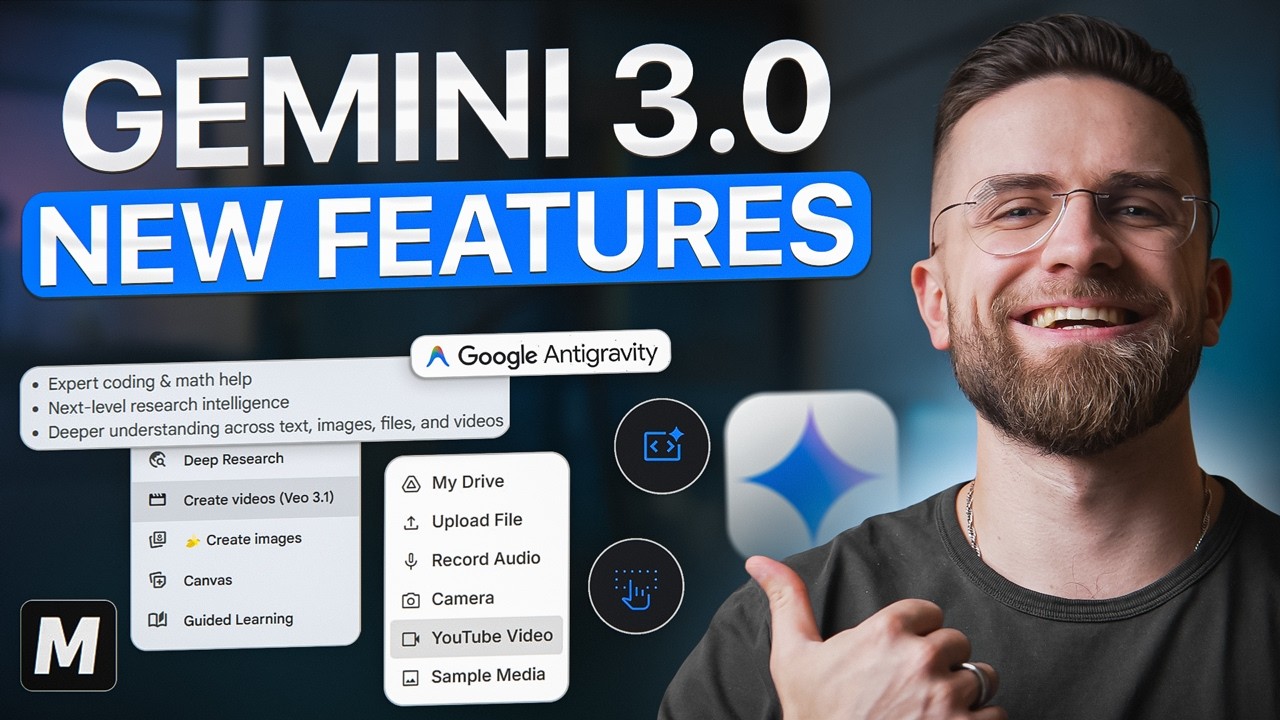
- Get hands-on with the Gemini API for development.
- Learn integration strategies and best practices for AI applications.
Looking Ahead: Gemini's Evolution and Ethical Frontiers
What does the future hold for Gemini? The video "Master 85% of Google Gemini in 12 Minutes" by Jeff Su delves into the exciting, and sometimes complex, trajectory of Google's advanced AI. It explores potential new features and upcoming advancements, offering you a valuable glimpse into where this transformative technology is headed. Beyond just the exciting capabilities, this resource also thoughtfully addresses the crucial ethical considerations that accompany the development and deployment of powerful AI systems. We're talking about essential strategies for responsible AI development and deployment. It provides an insightful look at how Gemini might impact various industries and research fields, and how we, as users and developers, can navigate the evolving landscape of artificial intelligence in a thoughtful and ethical manner. This is a particularly thought-provoking watch for anyone interested in the long-term implications and societal impact of AI.
As you watch, reflect on the ethical challenges presented and consider how developers and users can contribute to responsible AI adoption.

- Understand the future roadmap and potential of Gemini AI.
- Explore the critical ethical considerations of advanced AI development.
Your Next Steps
To truly harness the power of Gemini AI, active learning is key. We encourage you to dive into these resources and engage with the material:
Your Action Items
- ☐Pick one video from above and watch it on Querivo
- ☐Ask questions and check summaries while watching without breaking your flow
- ☐Use the AI chat to clarify confusing parts and deepen understanding
- ☐Come back for more curated videos on topics you want to master
By exploring these top YouTube resources, you've gained a comprehensive understanding of Google Gemini's capabilities, from user-friendly applications to developer-focused integrations and future possibilities. Mastering Gemini is key to staying at the forefront of AI innovation, and these videos provide the essential knowledge to get you there.
Turn Any YouTube Video into an Interactive Lesson
Paste any video link, get an instant AI summary, and ask questions in real-time.
Try Querivo Free →Related Videos You Might Enjoy
Looking for more perspectives on this topic? Here are some additional videos worth checking out: