Tired of user interfaces that are confusing, clunky, or just plain forgettable? In today's digital-first world, a seamless and delightful user experience isn't a luxury—it's a necessity. Mastering the core principles of UI and UX design is paramount to creating products that not only function well but also truly resonate with users. Fortunately, a wealth of knowledge is available at your fingertips, especially through insightful YouTube videos. We've curated some must-watch resources to help you elevate your design game.
Key Takeaways
- 1Master key UI/UX principles with curated YouTube videos.
- 2Learn to guide user attention and build trust through effective design.
- 3Discover how color, consistency, and interaction create delight.
- 4Elevate your digital product design skills with expert insights.
- 5Create user experiences that truly resonate and keep users engaged.
Who this is for
- If you're struggling to make your designs intuitive and engaging for your audience
- If you're a product manager looking to understand user-centric development and its impact
- If you're a web developer wanting to bridge the gap between code and a superior user experience
Start Learning with AI-Powered Video Summaries
Get instant summaries, ask questions, and turn any video into an interactive study session.
Try Querivo Free →Mastering Visual Hierarchy: Guiding User Attention with Purpose
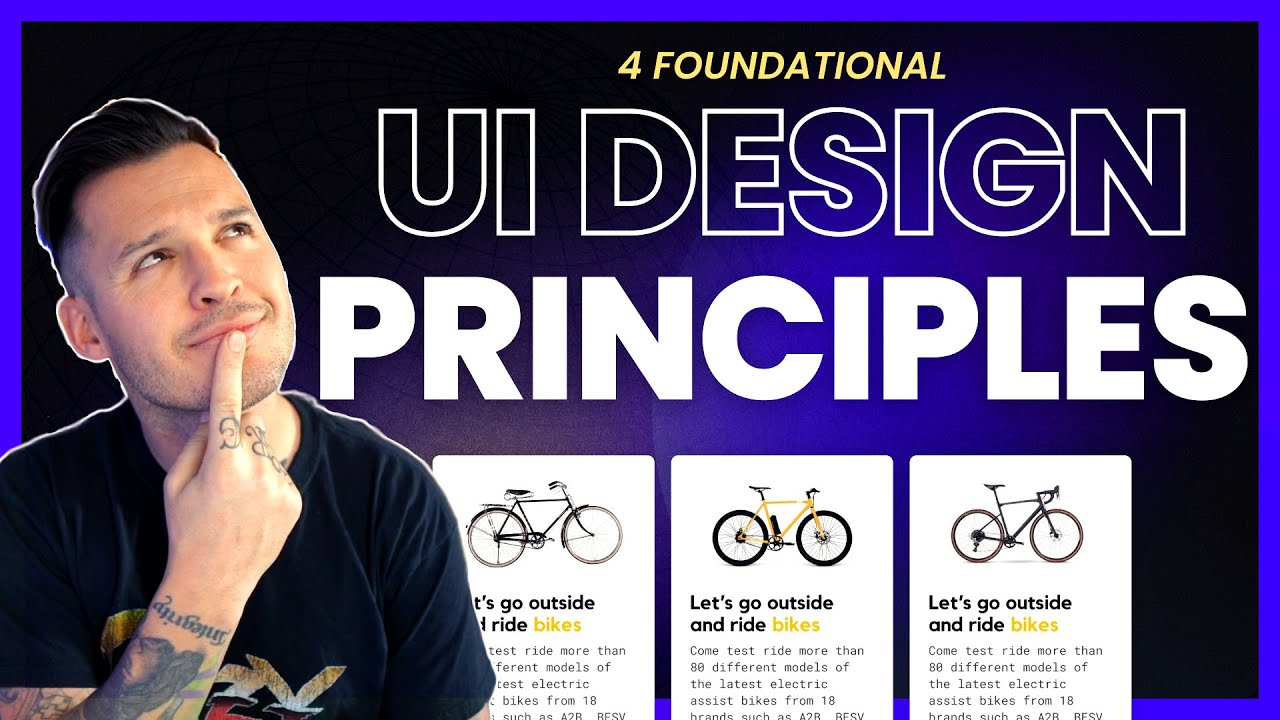
Ever feel like a user is lost on your webpage, unsure of where to look or what to do next? That's often a sign that visual hierarchy isn't working hard enough. The video "UI Design Principles | Everything You Need To Know" by DesignWithArash distills essential UI design principles into a digestible 5-minute format, making it accessible for quick learning and review. This video dives deep into how to strategically arrange elements so users naturally see what's most important first. Think of it as designing a clear, unambiguous path for their eyes, making navigation intuitive and stress-free.
Understanding this principle is absolutely crucial for any UI/UX design. It's not just about making things look good; it's about making them work for the user. This video emphasizes practical application for creating interfaces users will love. We'll explore practical tips on using contrast, scale, and placement to create these clear visual paths. You'll learn how to use these tools to draw attention to those primary actions, like a "buy now" button, or to highlight the most essential content on a page. This video is definitely a game-changer for making your designs communicate effectively and ensuring your users can find what they need with ease.
- Visual hierarchy guides user attention effectively.
- Use contrast, scale, and placement to create clear visual paths.
The Power of Consistency: Building Trust and Familiarity in Your Designs
Think about your favorite apps. Chances are, they feel familiar and predictable, right? That's the magic of consistency at play. The video "UI/UX Explained In 8 Minutes | UI/UX Design For Beginners | UI/UX Design Basics | Simplilearn" by Simplilearn breaks down why maintaining a cohesive look and feel across an interface is so vital. It's not just about aesthetics; it's about reducing what designers call "cognitive load"—making it easier for users to understand and interact with your product.
This resource provides valuable content on the foundational aspects of UI/UX. We'll explore strategies for keeping things consistent, from typography and color palettes to how you use common components. When elements behave predictably, users build trust and learn your interface faster. This leads to a much more intuitive and satisfying user experience, which, let's be honest, is the ultimate goal. This approach is surprisingly effective at making complex systems feel simple and approachable for everyone.

- Consistency fosters user familiarity and builds trust.
- Maintain uniform typography, colors, and components for a cohesive experience.
Study This Video Deeper
Get an AI summary and ask questions about confusing parts in real-time.
Open in Querivo →Thinking Like a Genius: Advanced Strategies for UI/UX Design
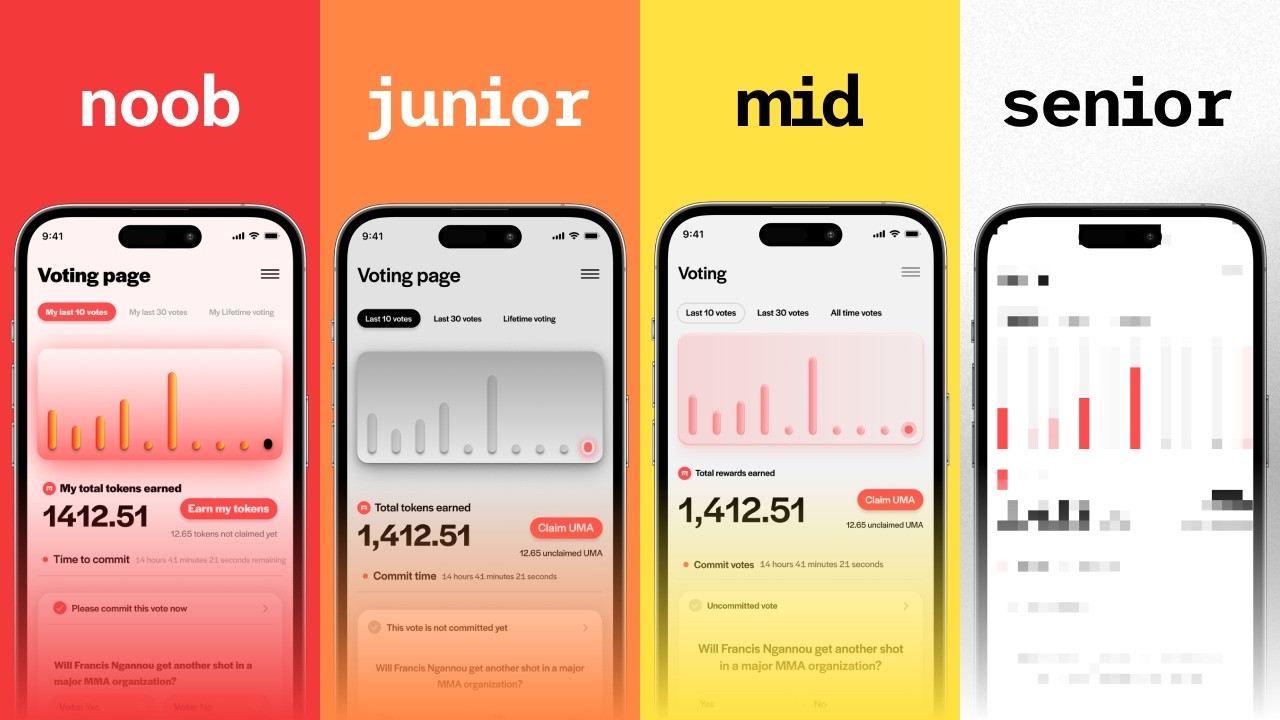
What separates a good UI/UX designer from a truly exceptional one? It often comes down to a unique way of thinking and approaching problems. The video "How to think like a GENIUS UI/UX designer" by Kole Jain delves into this very topic. This video offers valuable content that goes beyond basic principles, exploring the mindset and strategies employed by top-tier designers.
By understanding how these "genius" designers approach challenges, you can begin to adopt their methods. This includes developing a deeper empathy for users, challenging assumptions, and embracing creative problem-solving. We'll look at how to frame design problems in novel ways and how to leverage intuition backed by solid design knowledge. Adopting this mindset can significantly impact the quality and innovation of your own design work, leading to truly groundbreaking user experiences.

- Cultivate a problem-solving mindset akin to top designers.
- Develop empathy and challenge assumptions to drive innovation.
Elevating Your Skills: Advanced UX/UI Design Tips and Tricks
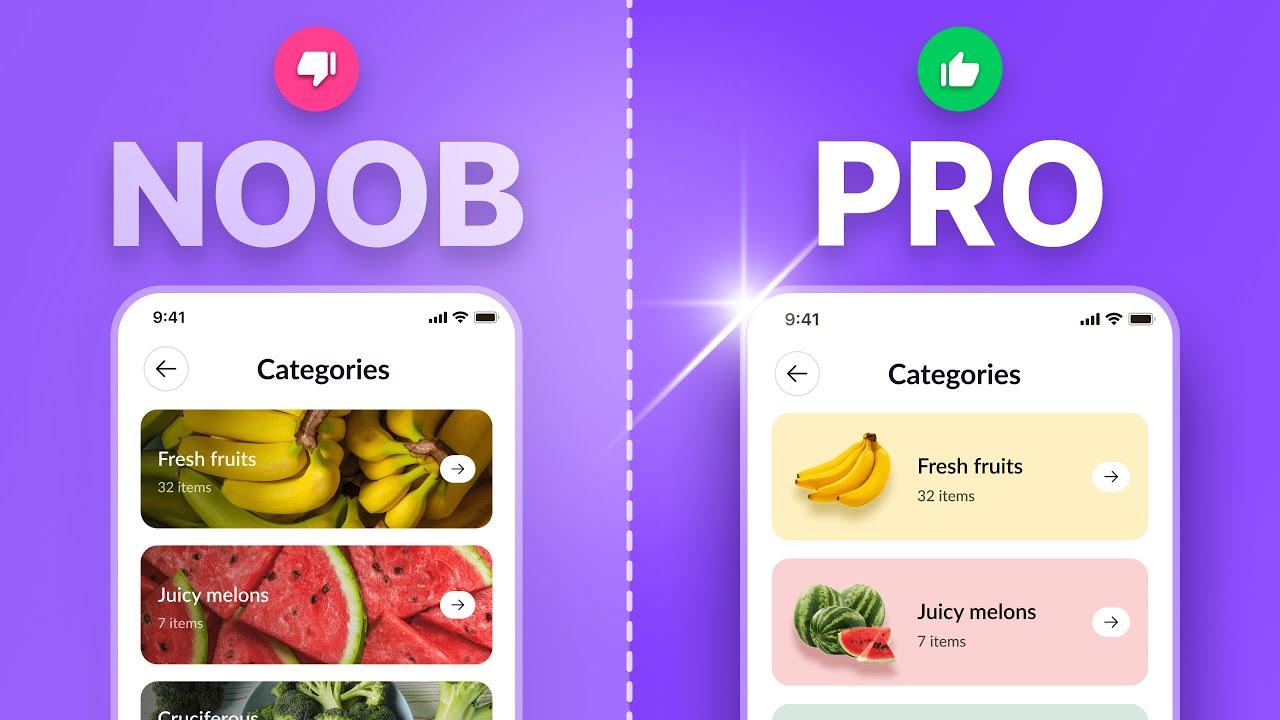
Once you've grasped the fundamentals, it's time to refine your skills and incorporate advanced techniques. The video "Top 5 Advanced UX/UI Design Tips and Tricks Every Designer Needs to Know About – Part 3" by uxpeak provides actionable insights for experienced designers looking to push their boundaries. This is valuable content that can help you move from competent to exceptional.
This video focuses on practical tips and tricks that can significantly enhance your designs. We'll explore advanced strategies that go beyond the common practices. This might include intricate user flow optimization, subtle animation techniques that guide user behavior, or sophisticated usability testing methods. By learning and applying these advanced concepts, you can create interfaces that are not only functional but also remarkably polished, efficient, and engaging, setting your work apart.

- Incorporate advanced strategies for enhanced user experiences.
- Refine skills with practical tips for polished and efficient designs.
Your Next Steps
By internalizing these fundamental UI/UX design principles—guided by insights on visual hierarchy, consistency, advanced thinking, and expert tips—you're well on your way to creating digital products that users will love. These principles form the bedrock of intuitive, engaging, and ultimately successful design. Ready to put these principles into practice and transform your design approach?
Your Action Items
- ☐Pick one video from above and watch it on Querivo
- ☐Ask questions and check summaries while watching without breaking your flow
- ☐Use the AI chat to clarify confusing parts and deepen understanding
- ☐Come back for more curated videos on topics you want to master
Dive deeper into each principle by exploring the recommended videos. Experiment with design tools, create mockups, and seek feedback to continuously refine your understanding and application of UI/UX design. These UI UX design principles YouTube resources are a fantastic starting point for anyone looking to master the art and science of user experience.
Turn Any YouTube Video into an Interactive Lesson
Paste any video link, get an instant AI summary, and ask questions in real-time.
Try Querivo Free →Related Videos You Might Enjoy
Looking for more perspectives on this topic? Here are some additional videos worth checking out: