Tired of flat, uninspired photos? Ready to inject some serious creativity and artistic flair into your images? The world of photo manipulation is at your fingertips, and the best way to dive in is through the wealth of knowledge available on YouTube.
Key Takeaways
- 1Master photo manipulation for stunning visuals.
- 2Learn artistic vector styles and realistic textures.
- 3Add dramatic lighting and enhance landscapes.
- 4Elevate your photography with pro-level skills.
- 5Transform ordinary images into extraordinary art.
Who this is for
- If you're looking to move beyond basic edits and create something truly unique.
- If you're interested in exploring creative photo composites and digital art.
- If you're an intermediate Photoshop user eager to learn advanced techniques.
Start Learning with AI-Powered Video Summaries
Get instant summaries, ask questions, and turn any video into an interactive study session.
Try Querivo Free →Go From Ordinary to Extraordinary: Achieve Striking Stylized Looks
Ever look at an image and wonder how it was transformed into something completely different, almost illustrative? This video from Get That Pixel shows you exactly how to achieve a unique vector-like style from your regular photographs. It's a fantastic way to inject artistic flair into your work, making your photos stand out from the crowd. You'll learn to select subjects effectively, then dive into manipulating colors with adjustment layers like Hue/Saturation and Gradient Map. Plus, there's the neat trick of using filters like Oil Paint for that final illustrative touch.
What's really cool is how the instructor emphasizes non-destructive editing. Using Smart Objects means you can always go back and tweak things without ruining your progress. And for those fine details? You'll get hands-on with layer masking and brush tools, making sure your stylized transformation looks polished and intentional. It’s a process that’s definitely worth exploring if you want to push your creative boundaries.
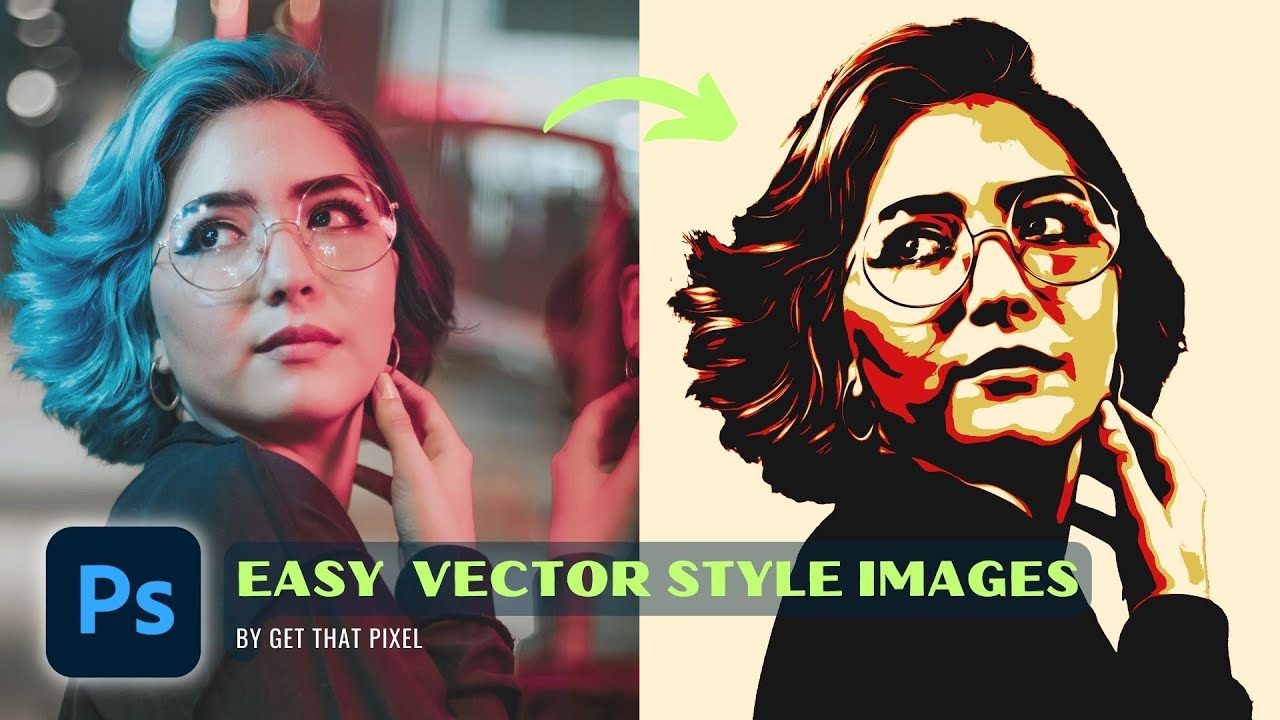
- Transform photos into a stylized, vector-like artistic appearance.
- Master color alteration and filter application for unique looks.
Craft Realistic Textures: Turn Photos into Weathered Posters
Imagine giving your photos the gritty, authentic feel of old outdoor posters. This tutorial from Blue Lightning makes it totally achievable. It's surprisingly detailed, showing you how to create a displacement map to actually warp your image onto a textured surface – pretty neat, right? You'll learn to apply adjustments non-destructively, so your image looks faded and worn in all the right places, without looking overdone.
The real magic happens when you start simulating those abraded and torn effects. Using custom brushes, you can add those authentic imperfections that make a weathered poster look incredibly realistic. It's a fantastic technique for adding a narrative layer to your images, making them feel like they have a history. If you're into adding depth and character, this video is a goldmine.
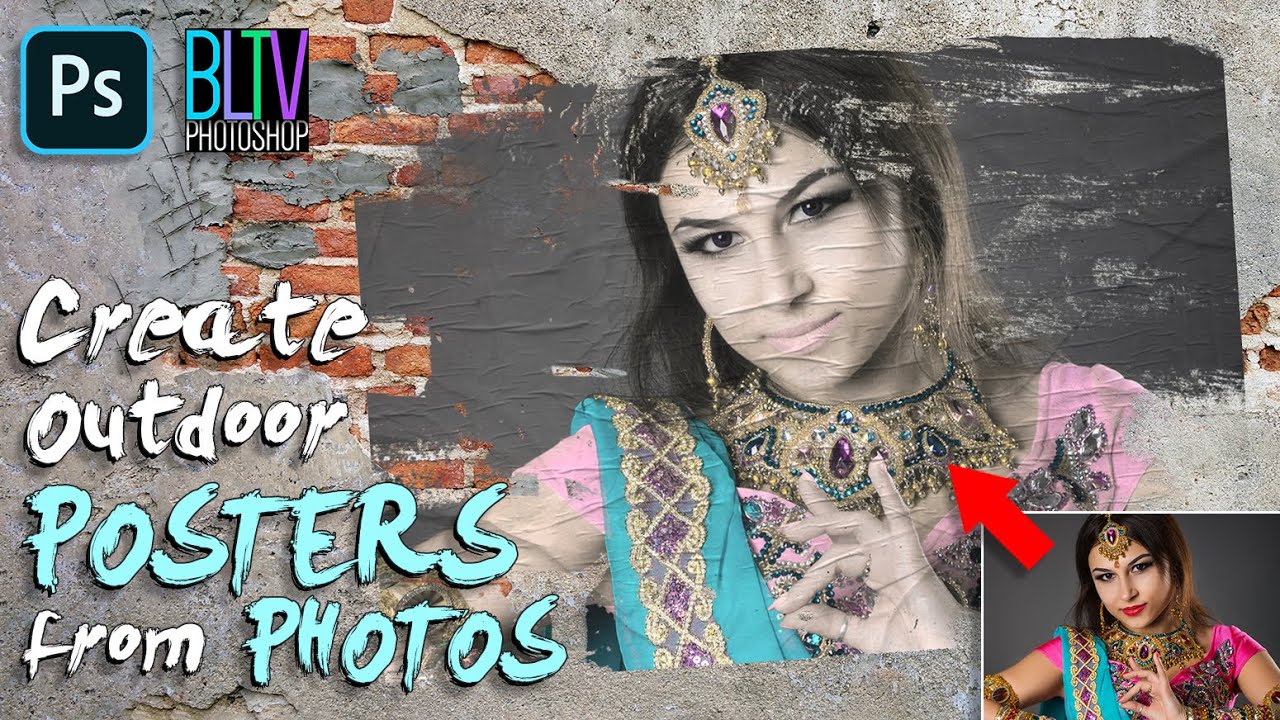
- Give photos the authentic look of weathered outdoor posters.
- Learn to warp images onto textured surfaces realistically.
Study This Video Deeper
Get an AI summary and ask questions about confusing parts in real-time.
Open in Querivo →Add Dramatic Lighting: Create Visually Striking Images
Lighting can make or break an image, and this tutorial from PSDESIRE is all about mastering those dramatic effects in Photoshop. You'll learn how to replace backgrounds seamlessly and add textures to set a compelling scene. Then, it’s all about getting that light just right. Applying Outer Glow and Inner Shadow layer styles helps simulate realistic light sources, adding incredible depth and dimension to your subject.
This video really shines when it shows you how to adjust highlights and shadows to enhance that sense of volume. It’s not just about adding light; it’s about sculpting with it. Plus, the creator provides free downloadable background textures, which is a super helpful bonus! Using Smart Objects throughout means you can experiment freely without fear. It's a perfect watch for anyone wanting to make their photos pop.
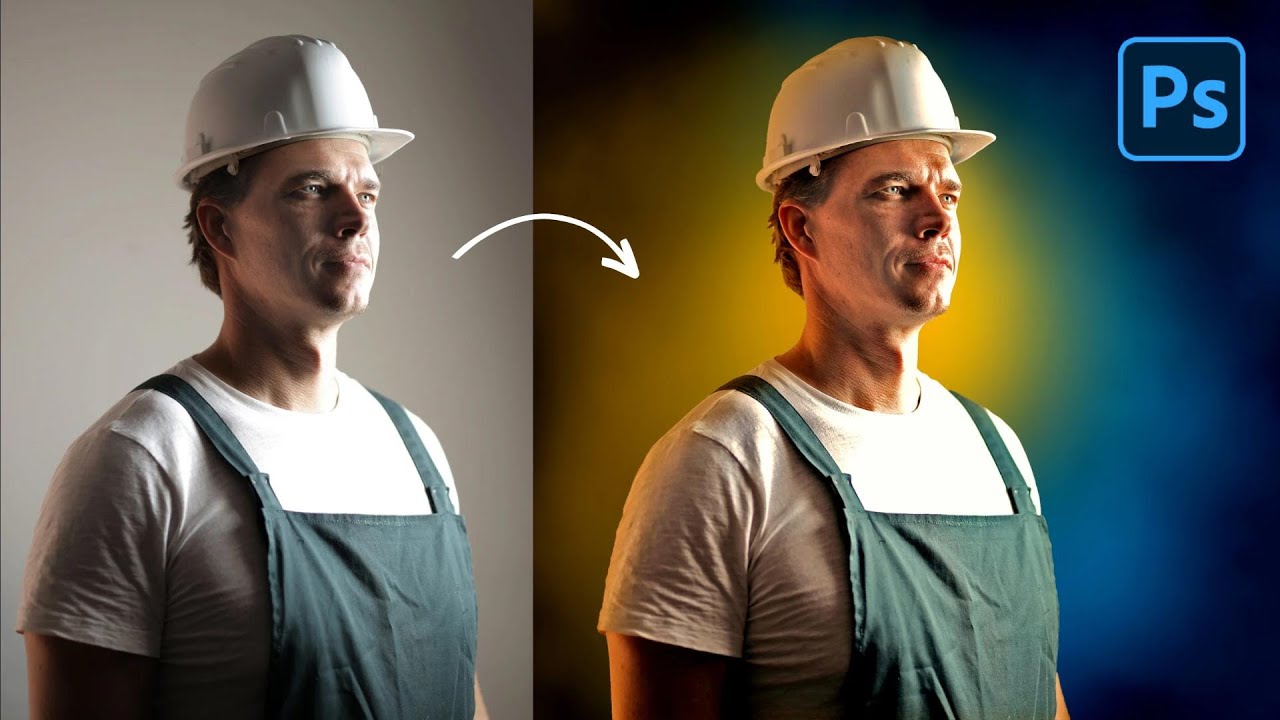
- Enhance photos with compelling dual lighting effects.
- Simulate realistic light sources for dramatic depth.
Enhance Landscapes with Natural Light and Dimension
For all you landscape photographers out there, this quick gem from Steve Arnold is a must-watch. You'll discover three genuinely impactful techniques that can instantly transform your shots. We're talking about an improved 'autumn effect' that looks incredibly natural thanks to luminosity masks, and the creation of realistic golden hour light using simple brush and mask techniques. It’s about enhancing what’s already there, not faking it.
The tutorial also digs into enhancing the dimensionality of landscapes with selective dodging and burning. This is where you really learn to shape the light and shadow to make your scenes feel more alive and three-dimensional. And the best part? These methods are presented as being easy to learn and deliver dramatic results without overediting. Plus, there's even a free plugin mentioned to simplify advanced masking. Seriously useful stuff.
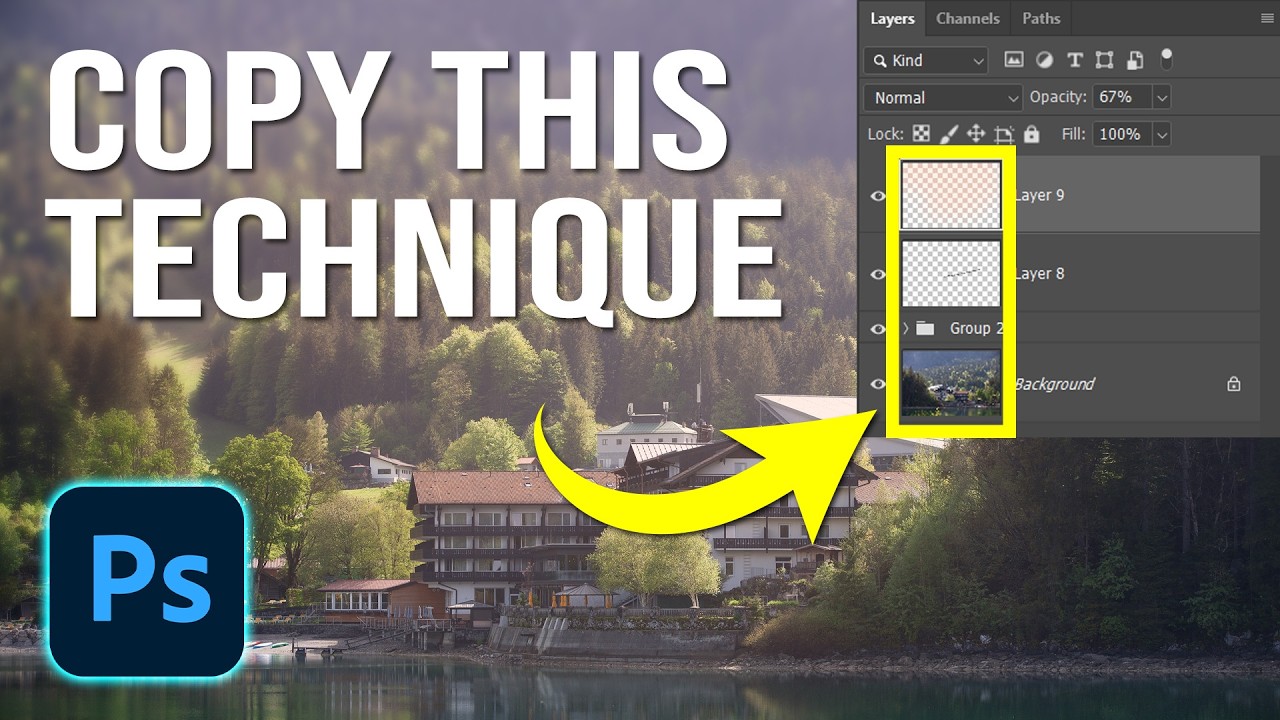
- Add realistic golden hour light and autumn effects.
- Enhance landscape dimensionality with selective dodging and burning.
Your Next Steps
By diving into these incredible photo manipulation techniques from leading YouTube creators, you can genuinely transform your photography. Whether you're aiming for unique artistic styles, hyper-realistic textures, dramatic lighting, or simply want to make your landscapes sing, these tutorials provide actionable steps. They’re designed to elevate your creative output and expand your digital art skills.
Your Action Items
- ☐Pick one video from above and watch it on Querivo
- ☐Ask questions and check summaries while watching without breaking your flow
- ☐Use the AI chat to clarify confusing parts and deepen understanding
- ☐Come back for more curated videos on topics you want to master
Don't just look at great photos, create them! Start practicing these photo manipulation techniques youtube offers today and unlock your full creative potential.
Turn Any YouTube Video into an Interactive Lesson
Paste any video link, get an instant AI summary, and ask questions in real-time.
Try Querivo Free →Related Videos You Might Enjoy
Looking for more perspectives on this topic? Here are some additional videos worth checking out:
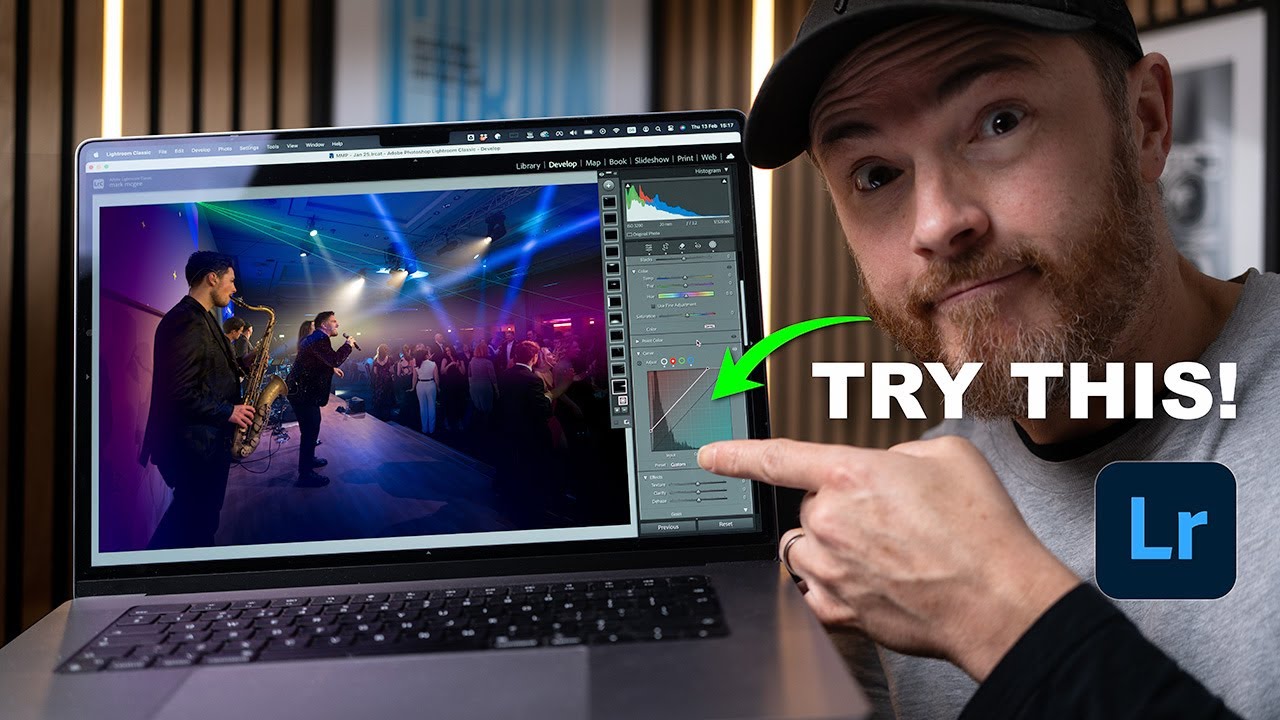
Transform Your Photos with Epic Lightroom Curves Trick!!
This video demonstrates how to transform a dull nightclub scene into a vibrant light show effect using Lightroom's radial gradient masks and the curves adjustment tool. The tutorial covers creating various lighting effects, color grading, and atmospheric enhancements by strategically applying curves to different mask areas.
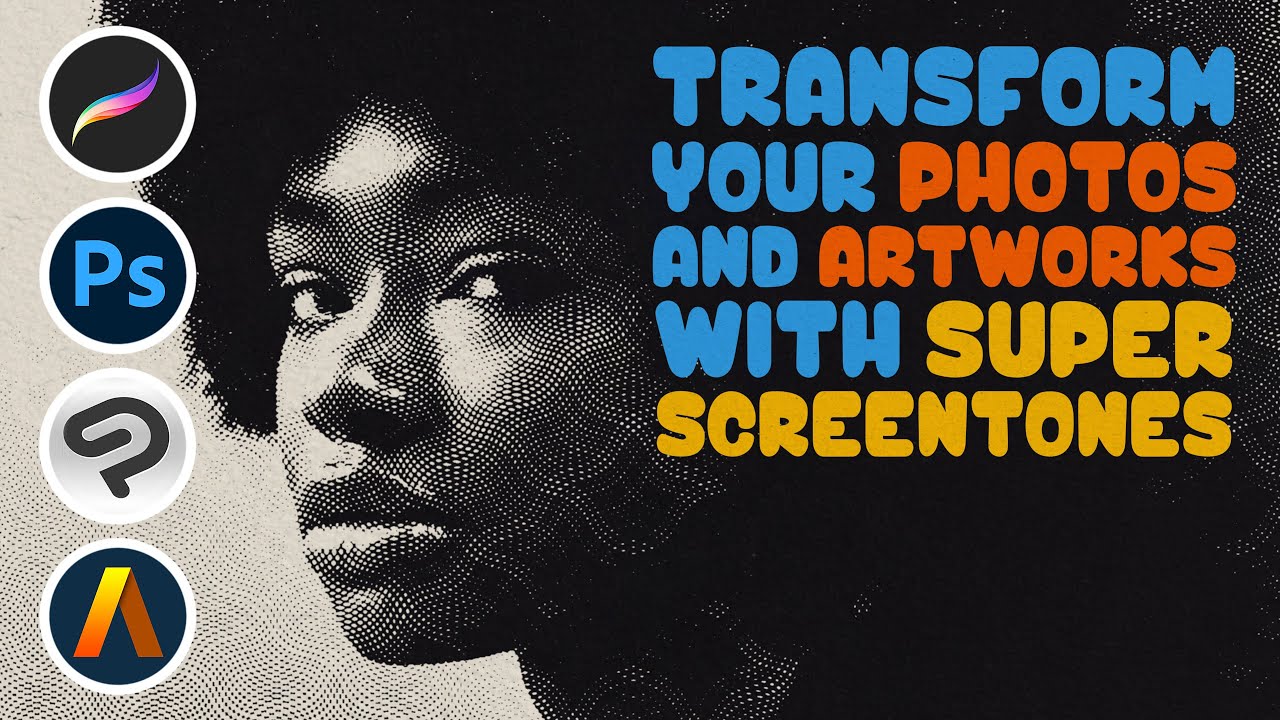
How to Transform your Photos and Artworks using SuperScreentones
This video tutorial demonstrates how to apply a professional screentone effect to photos and artworks using Ittai Manero's SuperScreentones set. It provides a step-by-step guide on layering textures and adjusting blending modes in art software like Procreate, Photoshop, and Clip Studio Paint to achieve a unique visual style.
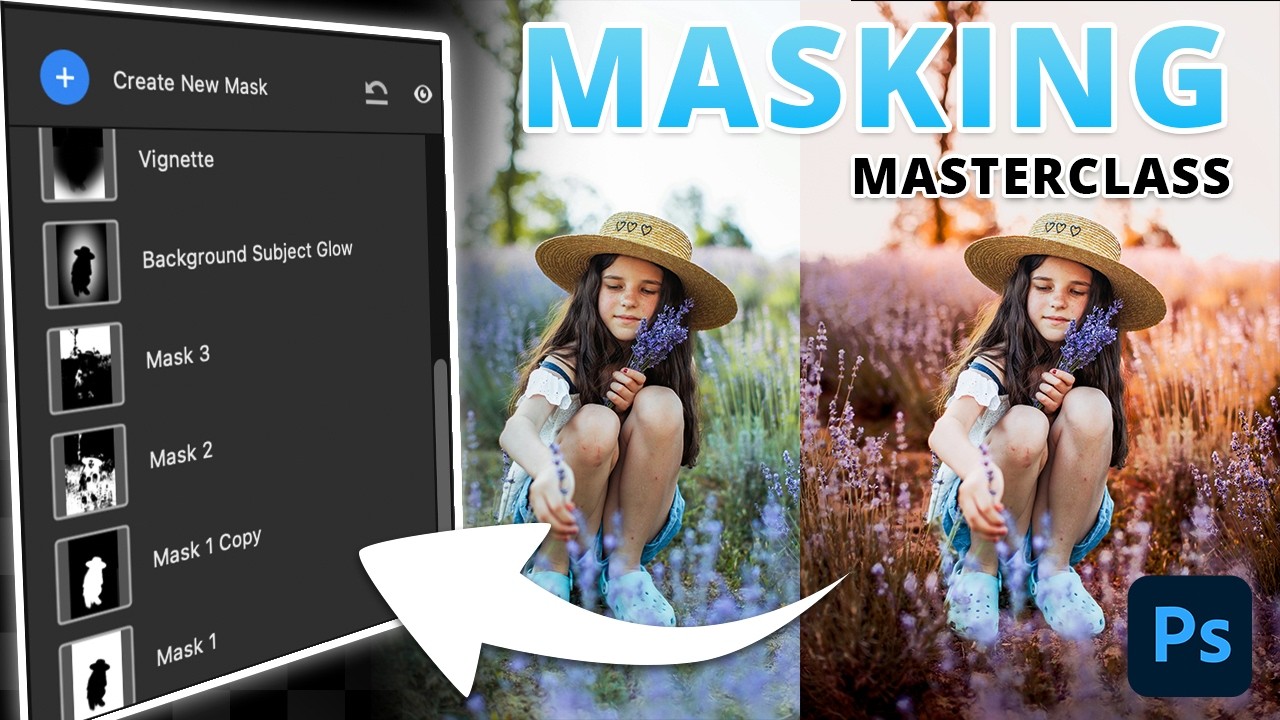
TRANSFORM Your Photos Using These MASKS In Photoshop
This video demonstrates a three-stage masking system within Photoshop's Camera Raw filter to enhance photos. It focuses on applying adjustments to the background, subject, and then refining specific tonal ranges (midtones and shadows) using luminance masks for greater control and impact.
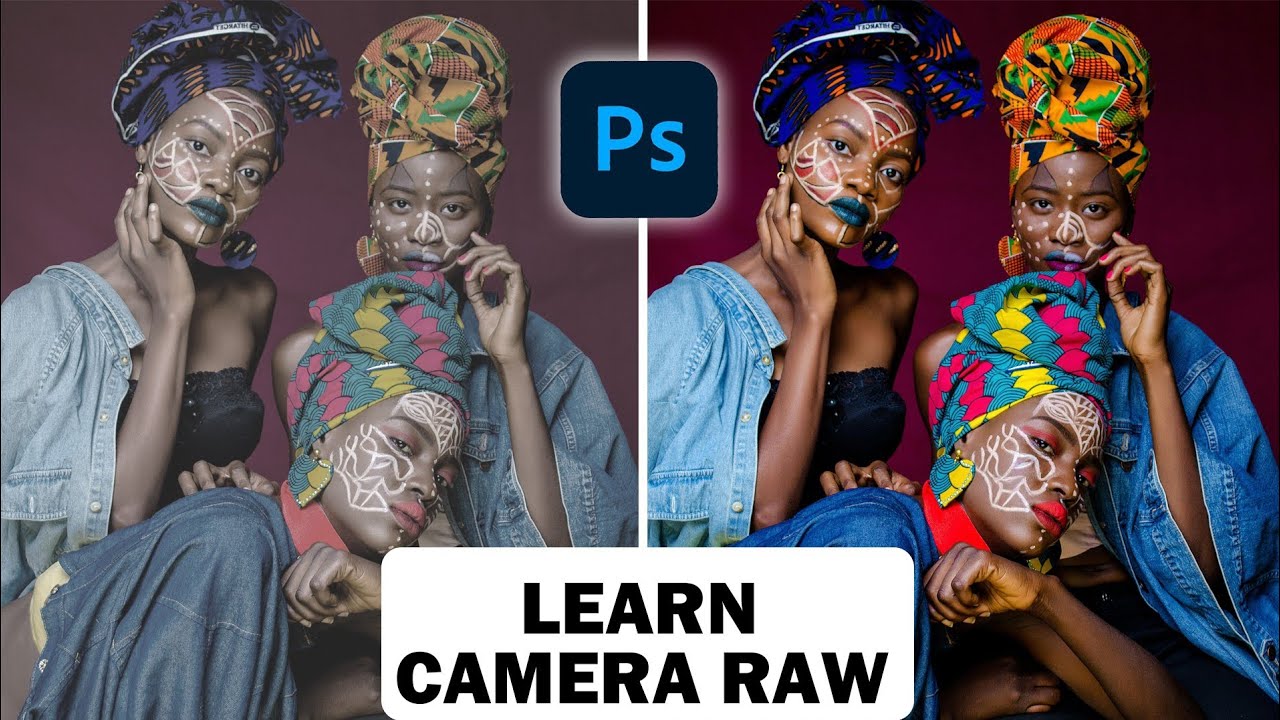
Master Color Grading in Photoshop | Transform Your Photos Like a Pro!
This video tutorial demonstrates how to professionally color grade photos in Photoshop using the Camera Raw filter. It guides viewers through adjusting white balance, exposure, contrast, shadows, highlights, vibrance, and saturation to achieve a desired look.
Perfect iPhone Camera Settings That’ll Transform Your Photos!
This video guides viewers on how to optimize their iPhone camera settings for maximum photo quality. It covers essential settings like format, resolution, and the benefits of using Pro models, along with practical tips for composition and lens care.