Unlock the full potential of your photographs and transform them from ordinary snapshots to breathtaking masterpieces.
Key Takeaways
- 1Discover top Photoshop photo editing & retouching YouTube videos.
- 2Master AI tools for seamless object removal and image enhancement.
- 3Achieve stunning color grading with expert-level techniques.
- 4Learn advanced portrait retouching for polished, realistic results.
- 5Unlock creative potential with advanced photo manipulation.
Who this is for
- If you're a photographer looking to elevate your editing workflow
- If you're a graphic designer seeking to impress clients with polished visuals
- If you're a social media manager aiming to create scroll-stopping content
Start Learning with AI-Powered Video Summaries
Get instant summaries, ask questions, and turn any video into an interactive study session.
Try Querivo Free →Leverage the Latest AI for Effortless Photo Edits
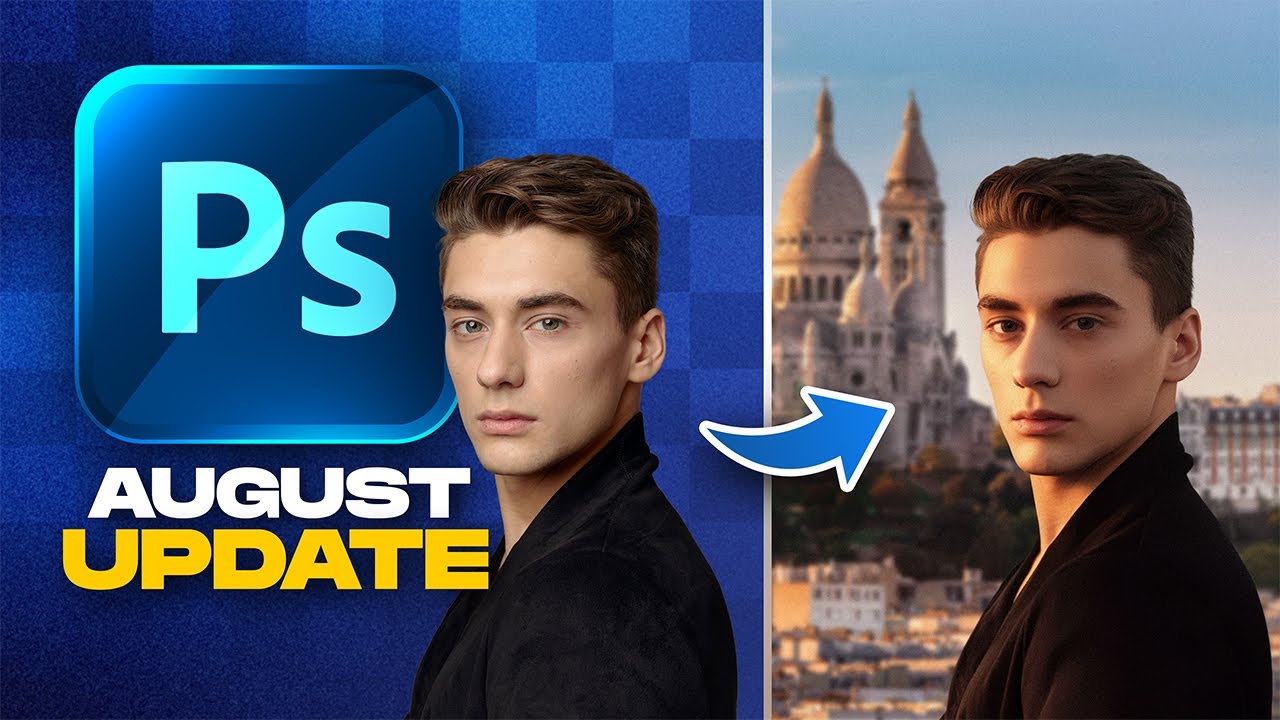
In today's fast-paced digital world, efficiency and professional results are key. This video dives deep into the revolutionary AI-powered features now available in Photoshop, making complex edits surprisingly simple. You'll discover how these tools can dramatically speed up your workflow and unlock creative possibilities you might not have imagined. Whether you're cleaning up a busy background or generating entirely new elements, the AI capabilities discussed here are a total game-changer for photo editing.
The creator walks you through practical applications, showing exactly how to use the enhanced Remove Tool with Generative AI for flawless object removal. Plus, you'll get a solid understanding of how to select the right Firefly Model for Generative Fill and Expand, giving you incredible control over content generation. And for those looking to composite images, the Harmonize feature is a must-see, intelligently matching lighting and color between different shots. It’s pretty amazing how much this technology can do.
- Utilize Photoshop's new AI features like the enhanced Remove Tool and Generative Fill.
- Experiment with Harmonize for seamless image compositing and Generative Upscale for resolution.
Study This Video Deeper
Get an AI summary and ask questions about confusing parts in real-time.
Open in Querivo →Achieve Breathtaking Color Grading Like a Pro
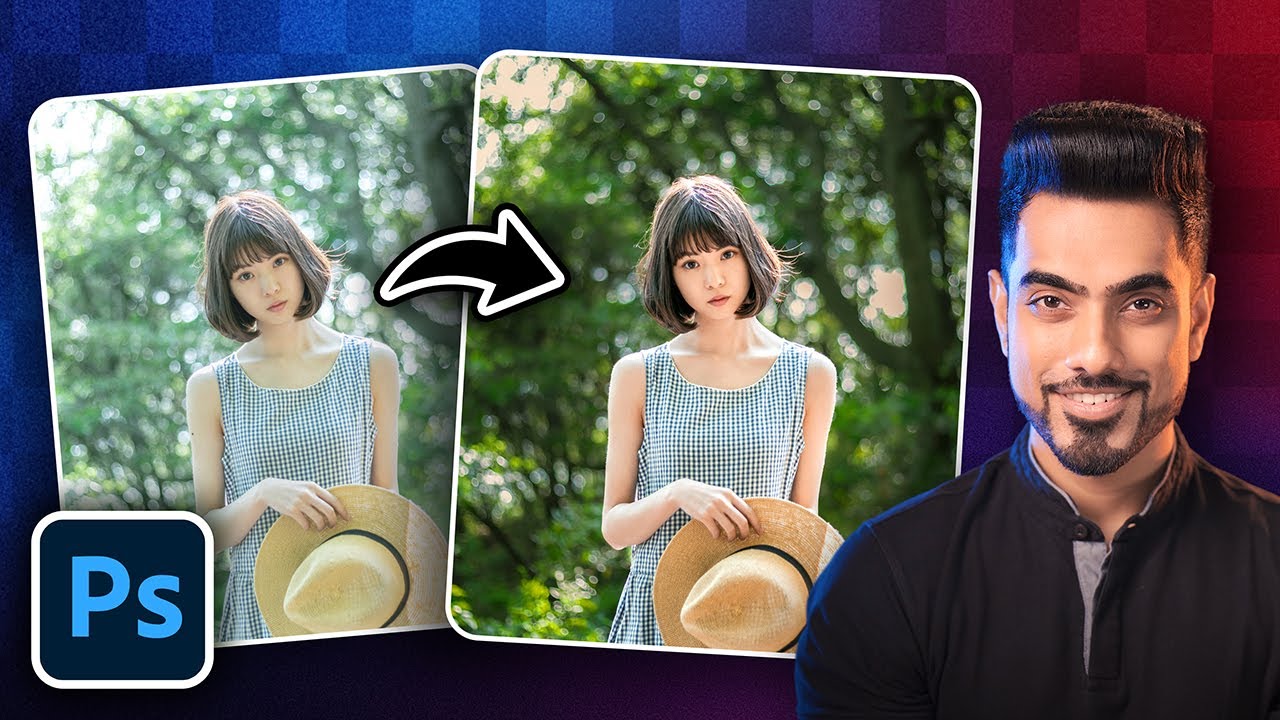
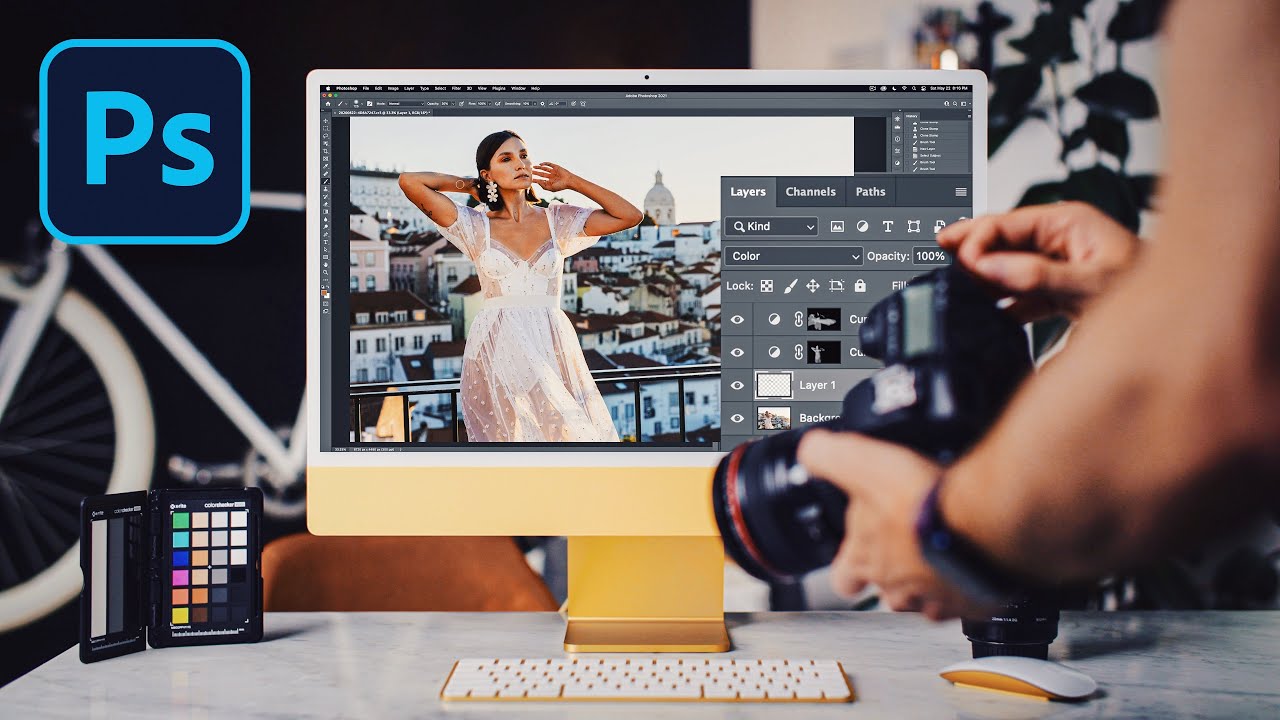
Color is everything in photography, isn't it? It sets the mood, tells a story, and can completely transform the feel of an image. This tutorial is your key to unlocking the secrets of professional color correction and grading within Photoshop. You’ll move beyond basic adjustments to understand the deeper principles that allow you to craft specific aesthetics, from vibrant and punchy to moody and cinematic. It’s definitely worth your time if color is an area you want to master.
We found that the techniques presented here offer a robust foundation for anyone looking to enhance their images. The instructor clearly explains how to effectively use essential tools like Curves and Levels, and how to leverage Color Balance to achieve precise tonal control. Plus, you’ll learn vital strategies for matching colors across multiple images, ensuring a consistent and professional look for your entire portfolio. This is fundamental knowledge for anyone serious about their visual output.
- Master fundamental color correction for balanced tones using Curves and Levels.
- Explore advanced color grading to create specific moods and cinematic looks.
Transform Portraits with Advanced Retouching Skills
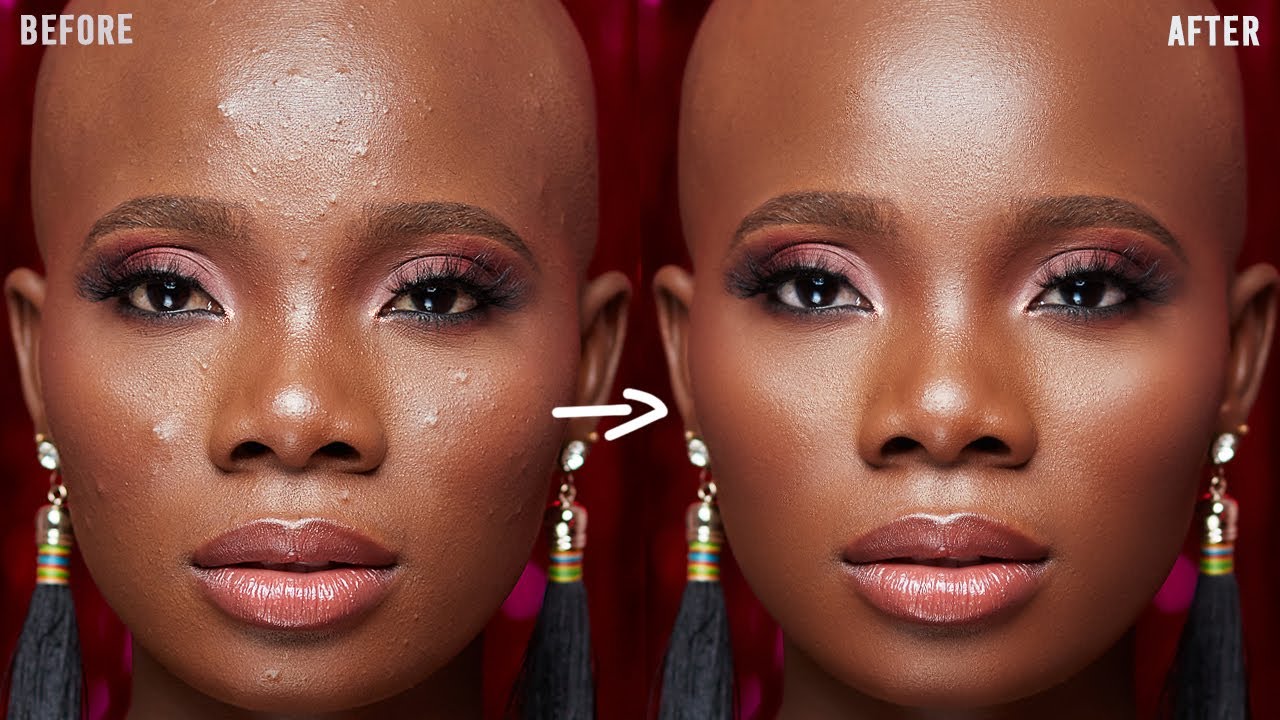
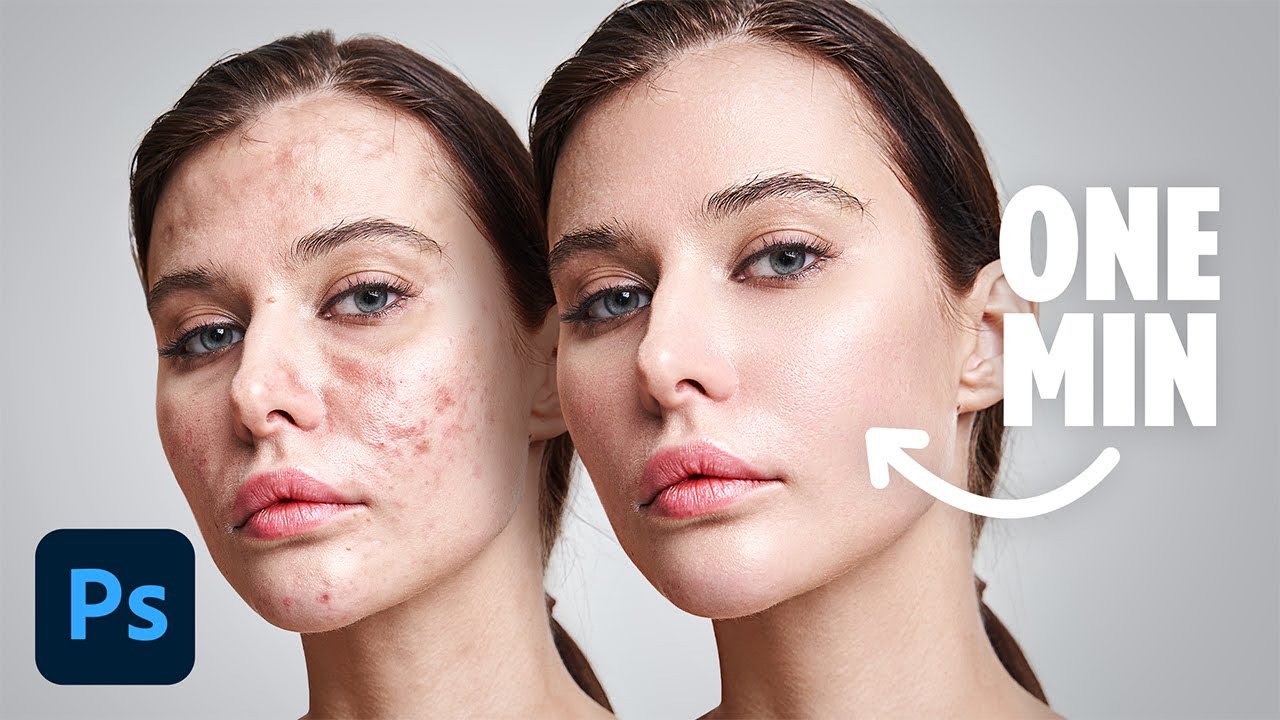
Getting portraits to look just right can be a delicate balance, can't it? You want polish, but you definitely don't want to lose the natural essence of the person. This video tutorial offers practical, step-by-step guidance on advanced portrait retouching that strikes that perfect chord. It focuses on techniques that enhance natural beauty while maintaining realism, ensuring your subjects look their absolute best without appearing overly processed. It’s surprisingly accessible, even for those who might be newer to retouching.
You'll pick up invaluable skills like effective skin smoothing that preserves texture, alongside precise blemish removal. The creator also breaks down techniques for subtle eye enhancement and teeth whitening, making those key features pop naturally. A real highlight is the clear explanation of frequency separation, a technique that gives you granular control over detail. Plus, the demonstrations of dodge and burn are fantastic for realistic contouring and highlight application, making faces really come alive. This is essential viewing for anyone working with people photography.
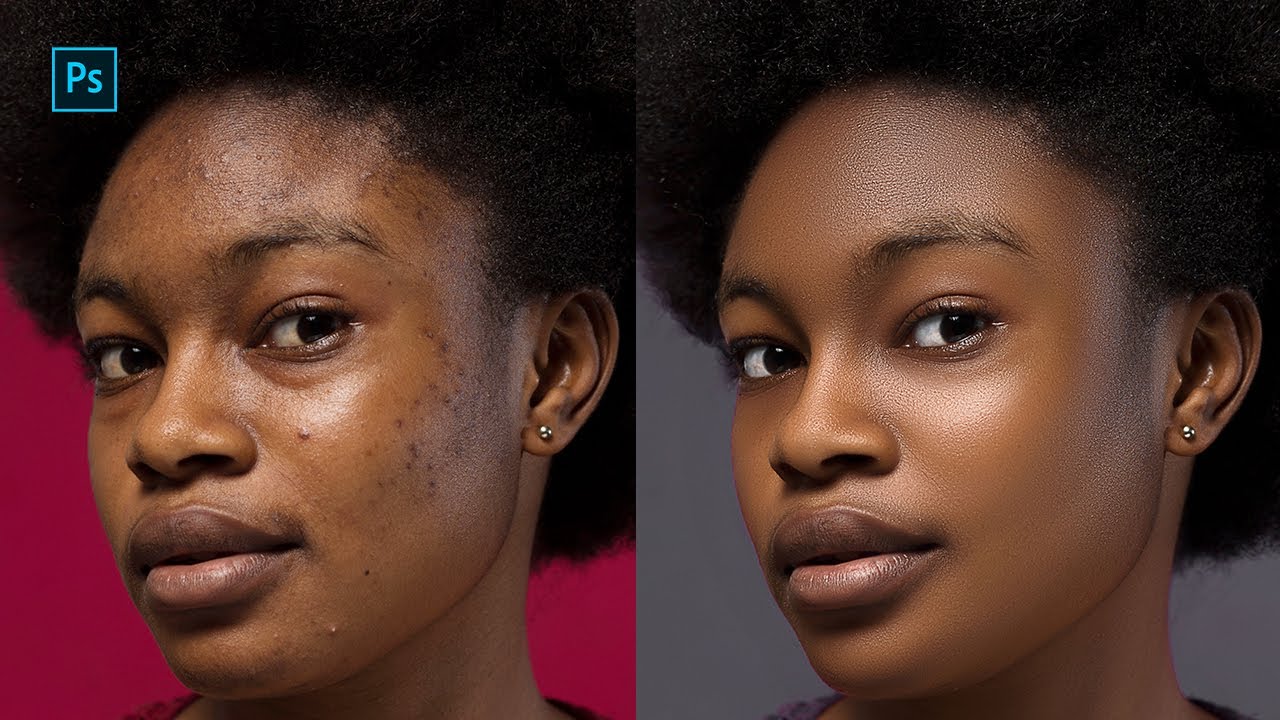
- Learn skin smoothing and blemish removal techniques that maintain natural texture.
- Master eye enhancement, teeth whitening, and realistic contouring with dodge and burn.
Unlock Your Creative Potential with Photo Manipulation
Ready to push the boundaries of what's possible with your images? This video delves into the exciting realm of advanced photo manipulation, where you'll learn to create truly imaginative and complex visual narratives. It's not just about combining pictures; it's about building entirely new realities and bringing surreal concepts to life with meticulous skill. If you've ever looked at a composite image and wondered "how did they do that?", this is the video you need to watch.
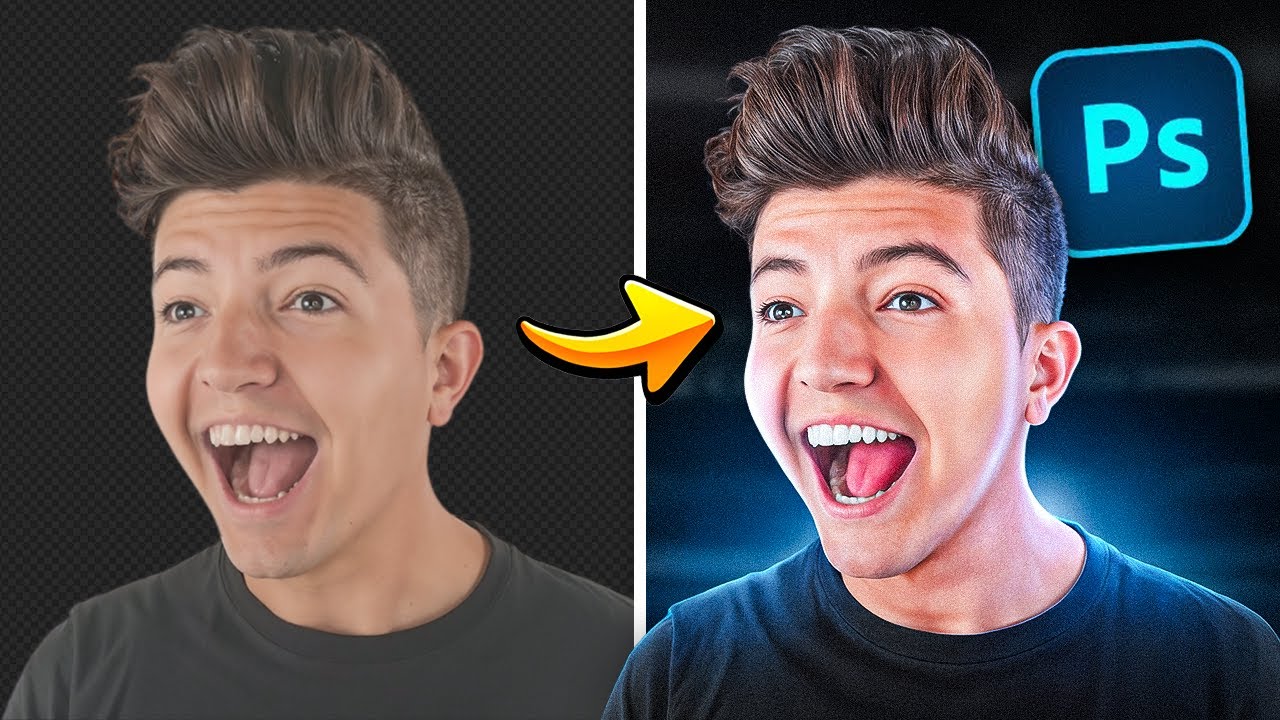
The instructor covers the nitty-gritty of advanced masking and selection, which is absolutely critical for seamlessly integrating disparate elements. You'll also gain a deep understanding of how to match lighting and shadows perfectly, a key step in making manipulated images believable. Plus, the exploration of creative blending modes and adjustment layers opens up a universe of unique visual effects. This tutorial provides a solid workflow for building intricate, compelling, and believable manipulated images that truly capture the imagination. It's definitely advanced stuff, but surprisingly well explained.
- Master advanced masking and selection for complex image composites.
- Understand lighting and shadow matching for realistic element integration.
Your Next Steps
Your Action Items
- ☐Pick one video from above and watch it on Querivo
- ☐Ask questions and check summaries while watching without breaking your flow
- ☐Use the AI chat to clarify confusing parts and deepen understanding
- ☐Come back for more curated videos on topics you want to master
By diving into these top-tier YouTube tutorials, you're setting yourself up for significant growth in your Photoshop photo editing and retouching abilities. From harnessing the power of cutting-edge AI for effortless edits to mastering the subtle art of color grading and executing complex photo manipulations, you now have a clear roadmap. These videos provide actionable techniques that can truly transform your creative output.
Turn Any YouTube Video into an Interactive Lesson
Paste any video link, get an instant AI summary, and ask questions in real-time.
Try Querivo Free →Related Videos You Might Enjoy
Looking for more perspectives on this topic? Here are some additional videos worth checking out: