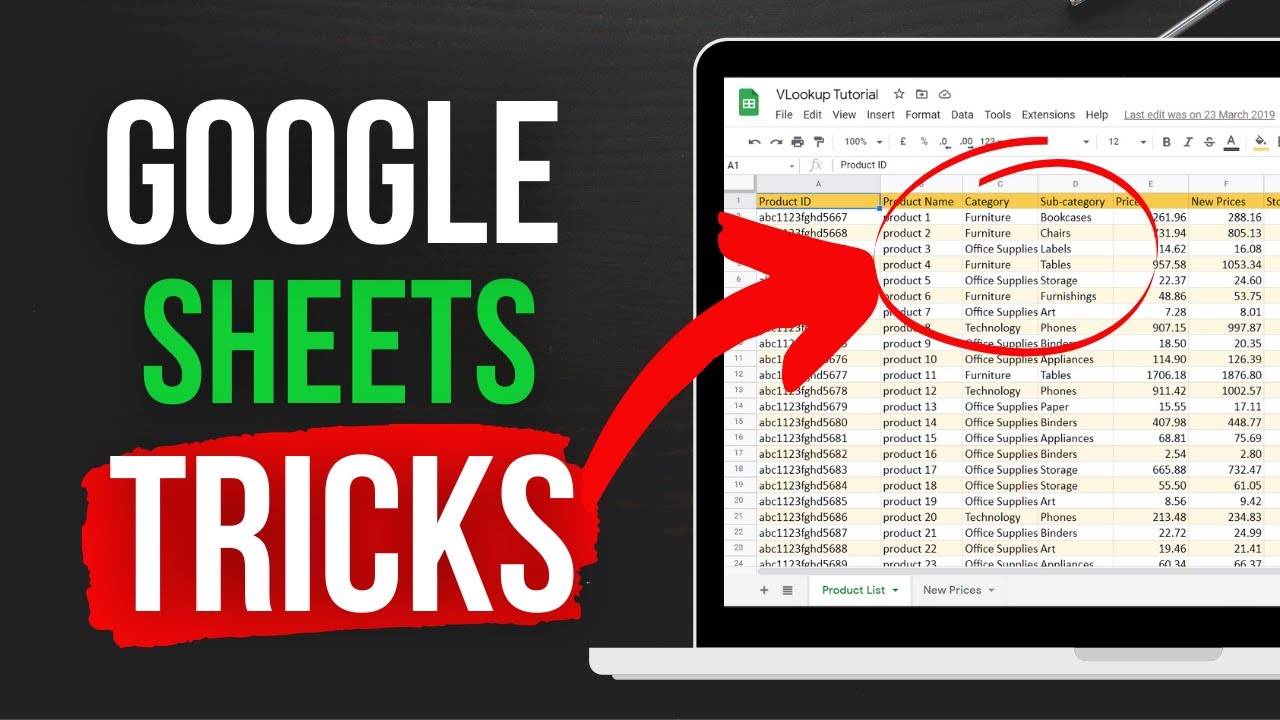
Tired of manual data entry and complex spreadsheets that drain your time? Unlock the true potential of your data with Google Sheets!
Key Takeaways
- 1Master essential Google Sheets formulas and functions.
- 2Transform tedious tasks into efficient processes.
- 3Learn to analyze and manage your data effectively.
- 4Gain deeper insights from your spreadsheets.
- 5Boost productivity with powerful tools.
Who this is for
- If you're struggling with manual data entry and complex spreadsheets
- If you're a student needing to organize research data or assignments
- If you're a small business owner looking to streamline operations and analyze sales
Start Learning with AI-Powered Video Summaries
Get instant summaries, ask questions, and turn any video into an interactive study session.
Try Querivo Free →Build a Strong Foundation: Master Google Sheets Basics
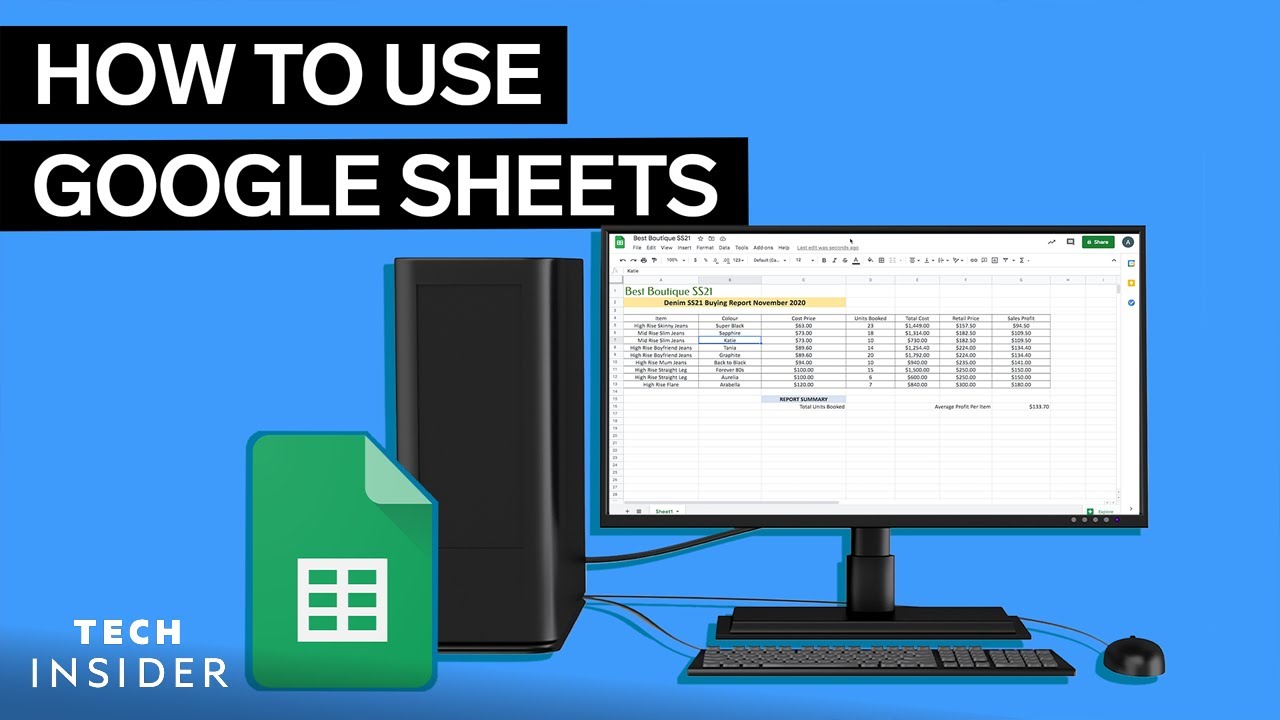
Feeling overwhelmed by spreadsheets? The video "How To Use Google Sheets" by Insider Tech is your perfect starting point. This resource walks you through the absolute essentials of Google Sheets, making sure you're comfortable with the interface before diving into more complex functions. You'll learn how to navigate your way around, enter data smoothly, and get a handle on basic calculations, making it an ideal starting point for complete novices. This is definitely where anyone new to Google Sheets should begin.
This tutorial covers the absolute must-knows. The creator explains how to get around the Google Sheets interface like a pro, understand how cells, rows, and columns actually work, and import your existing data without a hitch. Plus, it introduces you to your first basic formula, SUM, for those quick calculations you'll be doing all the time. The video also touches on practical aspects like file import conversion and automatic saving, which are crucial for any beginner. Pretty solid stuff for a first step in mastering Google Sheets.
- Get comfortable navigating the Google Sheets interface.
- Learn to import and organize your data efficiently.
- Understand core functionalities like cells, rows, and columns.
- Get introduced to basic formulas like SUM.
Unlock Data Power with Essential Google Sheets Formulas
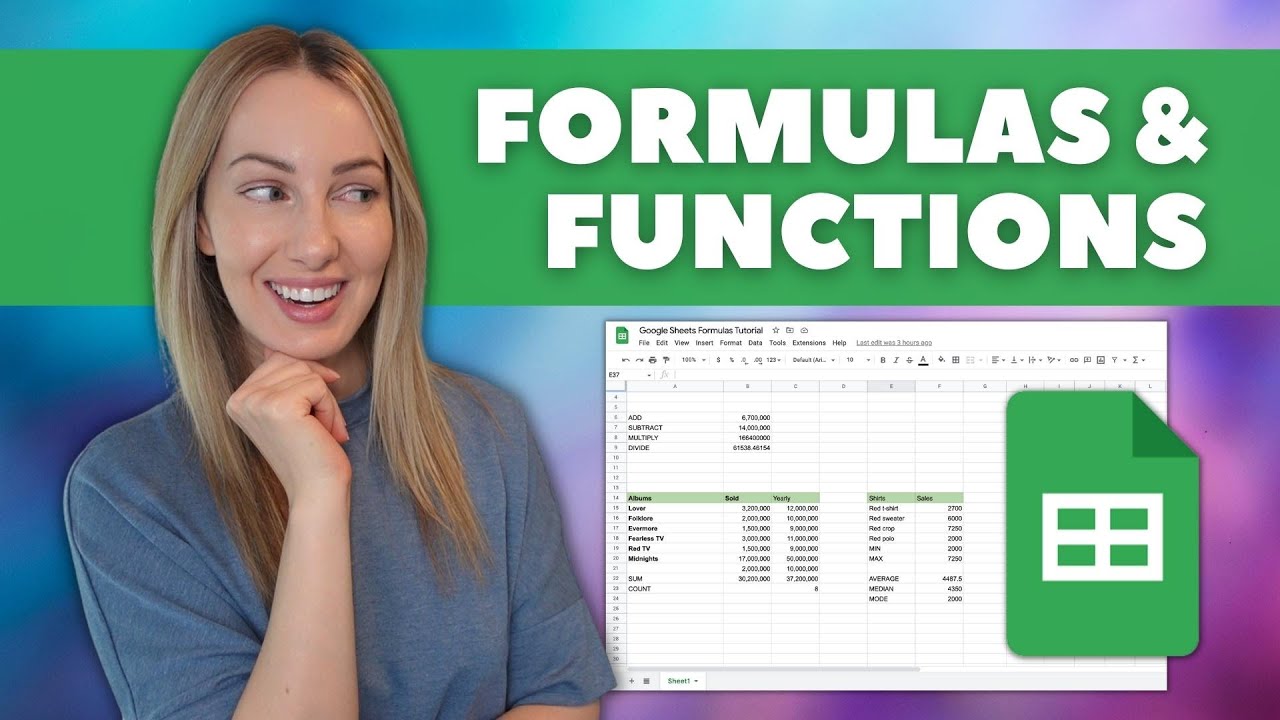
Once you've got the basics down, it's time to really make your data work for you. The video "Google Sheets Formulas Tutorial: How to Use Formulas and Functions in Google Sheets" by Tasia Custode dives deep into the core formulas and functions that are absolute game-changers for anyone working with data. This video provides valuable content that goes beyond simple calculations, teaching you how to make smart decisions based on your data.
You'll discover how to use logical functions like IF, AND, and OR to automate decision-making within your sheets. Mastering VLOOKUP is also a key takeaway, which is crucial for efficiently pulling specific information from larger datasets – seriously, it'll save you hours of manual searching. And if your data is a bit messy, the text manipulation functions will be a lifesaver. Don't forget the date and time functions either; they're surprisingly helpful for time-sensitive projects, adding another layer of power to your spreadsheets.

- Apply logical functions for automated decision-making.
- Utilize VLOOKUP for efficient data retrieval.
- Learn essential text and date/time functions.
Study This Video Deeper
Get an AI summary and ask questions about confusing parts in real-time.
Open in Querivo →Explore Advanced Functionality with Beginner-Friendly Tutorials
For those looking to build a comprehensive understanding of spreadsheet capabilities, several resources offer valuable insights. The video "Excel Formulas and Functions - Tutorial for Beginners (2025)" by Kevin Stratvert, while referencing Excel, provides foundational knowledge that is highly transferable to Google Sheets due to their similar logic in formulas and functions. This tutorial is valuable content for anyone starting their spreadsheet journey.
Furthermore, exploring the capabilities of Google Sheets can unlock surprising efficiencies. The video "10 INCREDIBLE things Google Sheets can do Right Now!" by Jeff Su highlights innovative and often overlooked features. This content is valuable for showing the breadth of what's possible, inspiring users to explore beyond basic functions and discover powerful, time-saving applications within Google Sheets.

- Understand foundational spreadsheet concepts applicable to Google Sheets.
- Discover advanced and lesser-known Google Sheets features.
- Gain inspiration for creative data management and analysis.
Streamline Your Workflow: Advanced Tips and Tricks for Efficiency
Ready to go beyond the basics and really supercharge your Google Sheets skills? While not explicitly detailed with specific functions in the provided data, the overall value of mastering Google Sheets lies in its ability to streamline workflows. Practical tips often found in advanced tutorials include leveraging array formulas, which are incredibly powerful for processing large amounts of data. Understanding data validation rules is also key, as it helps prevent errors before they even happen. Working with multiple sheets and massive datasets becomes much more manageable with these techniques. And there's often a peek into automating repetitive tasks, which is a real productivity booster, transforming how you interact with your data.
Your Next Steps
By exploring these top resources, you'll be well on your way to mastering Google Sheets formulas and functions. You'll be able to handle your data efficiently, uncover deeper insights, and significantly boost your productivity. It’s about turning those tedious tasks into streamlined processes and gaining a powerful tool for data analysis and management.
Your Action Items
- ☐Pick one video from above and watch it on Querivo
- ☐Ask questions and check summaries while watching without breaking your flow
- ☐Use the AI chat to clarify confusing parts and deepen understanding
- ☐Come back for more curated videos on topics you want to master
Start implementing these Google Sheets formulas and functions today to transform your data management! Explore the related videos for even more specialized Google Sheets tips and tricks.
Turn Any YouTube Video into an Interactive Lesson
Paste any video link, get an instant AI summary, and ask questions in real-time.
Try Querivo Free →Related Videos You Might Enjoy
Looking for more perspectives on this topic? Here are some additional videos worth checking out: