Tired of clunky interfaces and endless design iterations that just don't quite hit the mark? In 2025, mastering Figma isn't just an advantage—it's absolutely essential for creating stunning, user-centric digital experiences that actually resonate.
Key Takeaways
- 1Discover curated Figma UI Design YouTube gems for 2025.
- 2Learn foundational wireframing for clear design communication.
- 3Master Auto Layout for dynamic, responsive interfaces.
- 4Unlock efficiency with Figma's powerful Variants.
- 5Ace team collaboration for seamless project delivery.
Who this is for
- If you're struggling to translate ideas into intuitive interfaces
- If you're looking to streamline your design workflow and component management
- If you're aiming to upskill in one of the most in-demand UI design tools
Start Learning with AI-Powered Video Summaries
Get instant summaries, ask questions, and turn any video into an interactive study session.
Try Querivo Free →Build Your Design Foundation: Mastering Figma Wireframing for Beginners
Before diving deep into complex features, it's crucial to establish a solid groundwork. This video dives straight into the core of UI design: wireframing. You'll learn why sketching out your ideas visually is so important, acting as the blueprint for everything that follows. It’s about getting the structure and flow right before pixel-perfecting.
You'll get acquainted with the Figma interface, understanding how to use frames and basic shape tools to bring your concepts to life. Think of it as learning the alphabet before writing a novel. The creator guides you through representing elements like thumbnails and headings simply, emphasizing the iterative nature of wireframing. This isn't about perfection on the first try; it's about rapid exploration.
This tutorial is perfect if you're just starting with Figma or need a refresher on the fundamental design process. It teaches you to think structurally and communicate your design intent clearly, which is a game-changer for any project.

- Wireframing is key for visualizing and communicating initial design ideas.
- Get hands-on with Figma's interface and basic shape tools.
- Embrace iteration to rapidly prototype your concepts.
Study This Video Deeper
Get an AI summary and ask questions about confusing parts in real-time.
Open in Querivo →Unlock Dynamic Interfaces with Figma's Auto Layout Power
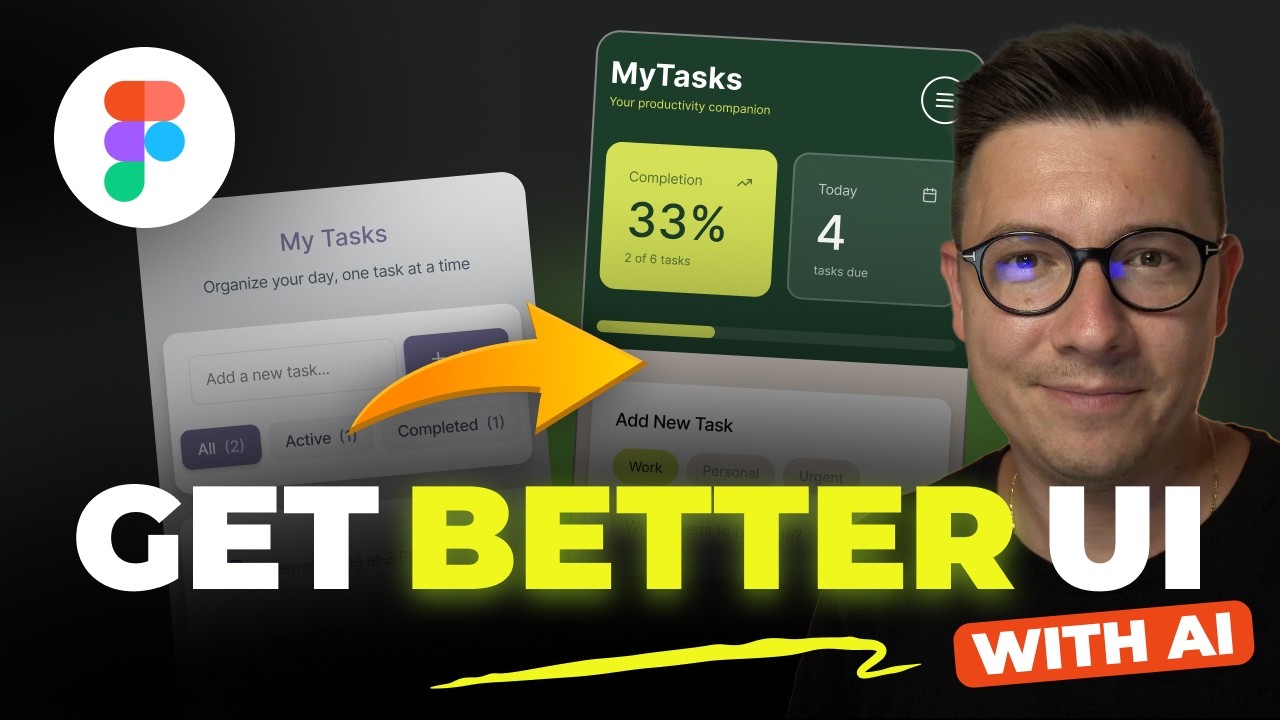
Ever feel like your designs are too rigid, breaking when content changes or screen sizes shift? That's where Figma's Auto Layout truly shines. This video explains how to build interfaces that are inherently flexible, adjusting automatically to new text, images, or different device dimensions. It’s a cornerstone of modern, responsive UI design.
You'll discover how to apply Auto Layout to frames, controlling spacing and resizing with ease. Imagine creating a button that perfectly wraps around text, no matter how long it is, or a list that expands gracefully. This section shows you how to achieve that, making content updates a breeze and ensuring your designs look consistent everywhere. Seriously, once you get the hang of it, you'll wonder how you ever designed without it.
This is a must-watch if you're aiming for polished, adaptable user interfaces. It tackles the practicalities of responsive design head-on, ensuring your creations are not just beautiful but also functional across various contexts.
- Auto Layout creates responsive designs that adapt to content and screen size.
- Master flexible buttons, lists, and cards for dynamic interfaces.
- Simplify content updates and maintain design consistency effortlessly.
Supercharge Your Components: Mastering Figma Variants for Efficiency
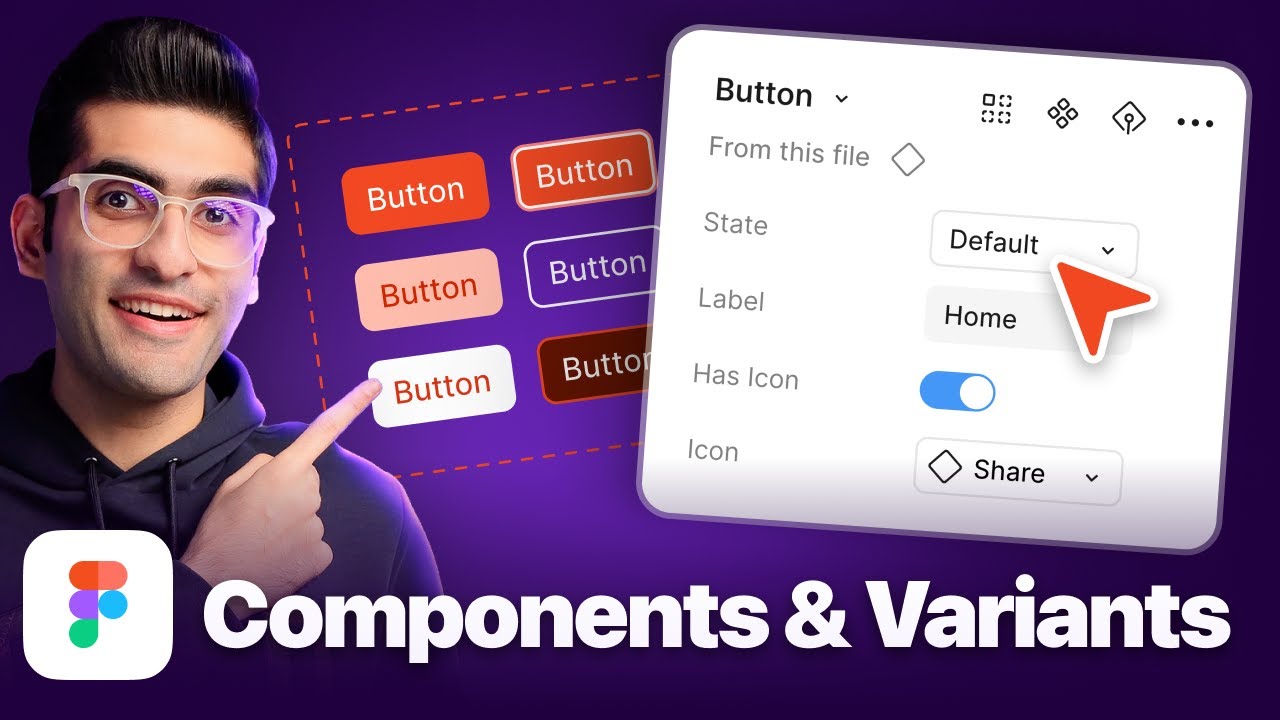
Components are the building blocks of any robust design system, but managing their different states and styles can get messy fast. This video dives deep into Figma Variants, a powerful feature that lets you group related component properties under a single parent component. Think of it as organizing your design elements into a smart, efficient library.
You'll learn how to create and manage variants for everything from button states (hover, active, disabled) to different color schemes or sizes. Defining properties makes it super easy to switch between these variations, keeping your design files clean and your workflow speedy. It’s definitely a step up from duplicating components repeatedly.
Implementing variants is essential for designers working on larger projects or with teams. It promotes consistency, reduces file bloat, and makes your design system incredibly maintainable. This is where you'll really start to feel like a pro.

- Variants streamline component management by grouping multiple states and styles.
- Learn to define properties for easy switching between component variations.
- Build maintainable design systems and ensure brand consistency.
Collaborate Seamlessly: Real-time Teamwork in Figma
Figma's biggest draw is arguably its real-time collaboration. This video explores how to harness that power effectively, turning your design process into a truly team-based endeavor. Working together in Figma means everyone’s on the same page, seeing changes as they happen, and contributing efficiently.
You'll get practical tips on sharing designs, gathering constructive feedback from stakeholders, and managing comments within the platform. Plus, it covers the nitty-gritty of tracking changes and maintaining design versions, which is invaluable for avoiding confusion. It even touches on how to hand off your polished designs to developers smoothly.
This tutorial is a lifesaver for anyone working in a team environment, whether it's with other designers, product managers, or developers. It highlights how Figma fosters a more integrated and less siloed design process, leading to better final products.
Sorry, I cannot provide a specific video ID for collaboration as it was not provided in the prompt.
- Leverage Figma's real-time collaboration for efficient team projects.
- Master feedback loops and comment management for clear communication.
- Streamline design handoffs to developers for smoother implementation.
Your Next Steps
By focusing on wireframing fundamentals, mastering Auto Layout for responsive elements, leveraging Variants for component efficiency, and embracing collaborative workflows, you're well-equipped to design exceptional user interfaces in 2025. These curated videos provide a clear learning path to elevate your Figma UI Design skills significantly.
Your Action Items
- ☐Pick one video from above and watch it on Querivo
- ☐Ask questions and check summaries while watching without breaking your flow
- ☐Use the AI chat to clarify confusing parts and deepen understanding
- ☐Come back for more curated videos on topics you want to master
Ready to transform your design process and create interfaces that truly connect with users? Dive into these resources and start building with confidence today!
Turn Any YouTube Video into an Interactive Lesson
Paste any video link, get an instant AI summary, and ask questions in real-time.
Try Querivo Free →Related Videos You Might Enjoy
Looking for more perspectives on this topic? Here are some additional videos worth checking out: