Unlock the full potential of your design workflow with Figma, the industry-leading platform for UI/UX design. But mastering its advanced features, especially for prototyping and seamless collaboration, can feel like a journey. Fortunately, the YouTube community has curated a wealth of expert-led tutorials to guide you.
In today's fast-paced design landscape, efficient prototyping and effective team collaboration are paramount. Figma offers powerful tools, but knowing how to leverage them for maximum impact can significantly boost productivity and product quality. This article cuts through the noise to highlight the most valuable YouTube resources for taking your Figma skills to the next level. Dive into this curated list of top YouTube videos to discover how to enhance your Figma prototyping capabilities, streamline team collaboration, and integrate cutting-edge tools to build exceptional user experiences. We'll cover everything from foundational wireframing to advanced handoff processes and even exciting new integrations.
Key Takeaways
- 1Master Figma's advanced features for design and collaboration.
- 2Learn efficient prototyping and seamless design handoffs.
- 3Discover tools to boost team productivity and product quality.
- 4Enhance your UI/UX workflow with practical video guides.
- 5Build exceptional user experiences with expert insights.
Who this is for
- If you're a UI/UX designer struggling with design handoffs
- If you're a product designer looking to improve team collaboration
- If you're a front-end developer aiming to bridge the design-dev gap
Start Learning with AI-Powered Video Summaries
Get instant summaries, ask questions, and turn any video into an interactive study session.
Try Querivo Free →Streamline Your Handoffs with Figma's Dev Mode
Bridging the gap between design and development is often one of the trickiest parts of the product development lifecycle. Figma's Dev Mode aims to make this transition as smooth as possible, and this video is your quick guide to understanding its power. It’s surprisingly straightforward once you see it in action.
You'll learn how Dev Mode provides developers with the exact specifications they need—measurements, colors, and spacing—all directly within Figma. This minimizes the back-and-forth and ensures that what the designer envisioned is what gets built. We really think it's a game-changer for cross-functional teams.
This resource is especially valuable for designers who want to empower their development counterparts and for developers who want to access design assets efficiently. It’s a concise look at a feature that can dramatically speed up iteration cycles.
- Leverage Dev Mode for clear design specifications and developer workflow.
- Implement precise measurements and annotations for efficient handoffs.
Elevate Your Teamwork: Essential Figma Collaboration Strategies
Working effectively as a team is absolutely critical for any design project. This video dives deep into the heart of collaborative design within Figma, offering practical strategies that you can implement right away. It's not just about sharing files; it's about building a cohesive workflow.
We'll explore how to manage team permissions, set up efficient feedback loops, and maintain design integrity through version control. Integrating design systems is also a key takeaway, ensuring consistency across all your projects and making collaboration a breeze for everyone involved. You'll discover that good collaboration is built on clear communication and robust processes.
This tutorial is a must-watch for any design team looking to optimize their collaborative efforts. It provides actionable advice for enhancing teamwork and producing higher-quality designs more consistently. Pretty solid advice all around.
- Optimize team permissions and feedback loops for seamless teamwork.
- Integrate design systems to maintain consistency and efficiency.
Study This Video Deeper
Get an AI summary and ask questions about confusing parts in real-time.
Open in Querivo →Build Your Foundation: Figma Wireframing for Beginners
Before diving into pixel-perfect mockups, it's essential to lay a solid foundation with wireframing. This video is perfect for those just starting out with Figma, guiding you through the fundamental concepts and tools needed to bring your initial ideas to life. It’s a gentle introduction that stresses the importance of this early design stage.
You'll learn to navigate the Figma interface, create basic frames, and use essential shapes to build your layouts. Understanding how to represent UI elements with simple rectangles and text is a skill that pays dividends throughout the entire design process. Why skip this crucial step, right?
This resource emphasizes the significance of wireframing for visualizing concepts and facilitating clear communication early on. If you're new to UI/UX design or just picking up Figma, this is definitely worth checking out.
- Understand the Figma interface and basic functionalities for layout.
- Practice creating frames and using fundamental shapes for wireframing.
Innovate Your Workflow: Figma Integrations for App Development
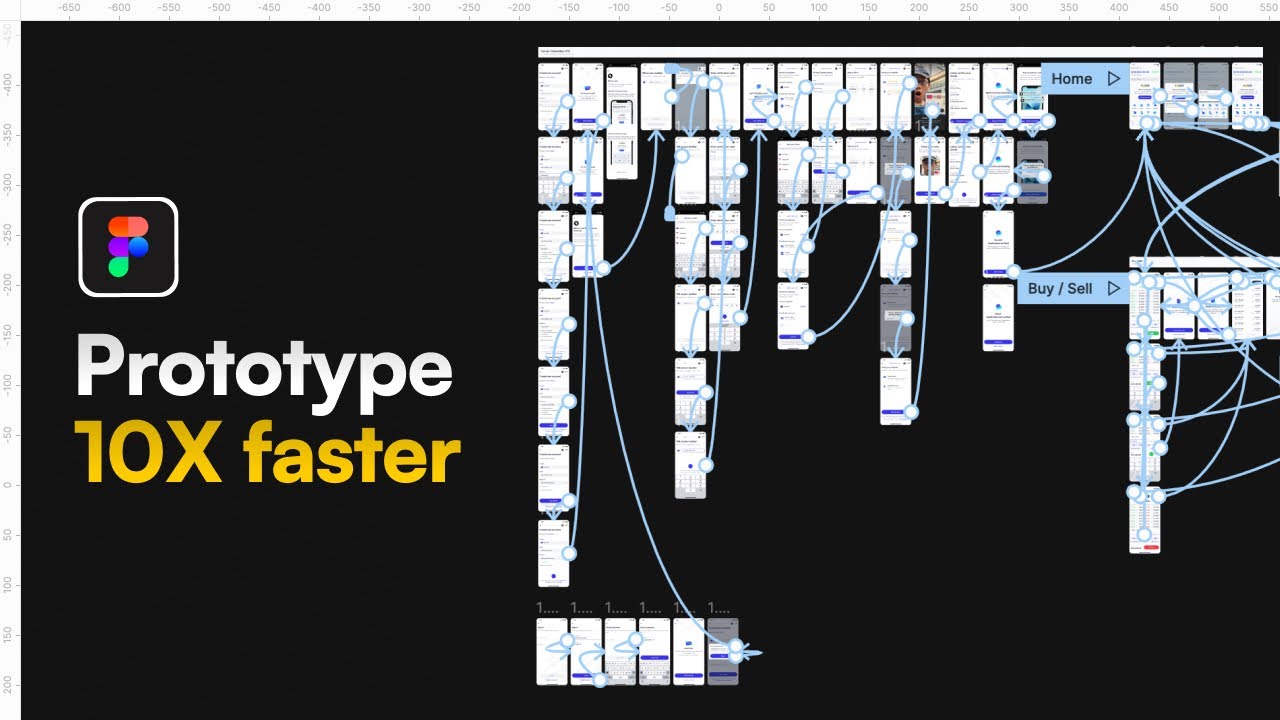
Ever wished you could turn your Figma designs directly into functional applications with minimal effort? This video explores some exciting integrations that are doing just that, showcasing a novel approach powered by AI. It really pushes the boundaries of what's possible between design and code generation.
We'll look at how plugins like builder.io can convert your Figma designs into code, streamlining the process of bringing your UI/UX visions to life as tangible products. This is a peek into the future of app development, where the design and coding phases become more interconnected than ever before. It’s a fascinating look at how tools like Lovable can bridge the gap.
For designers and developers eager to explore cutting-edge workflows and speed up their development cycles, this video offers a glimpse into powerful new possibilities. You might find it’s exactly the kind of innovation you’ve been looking for.
- Discover integrations that transform Figma designs into functional code.
- Explore AI-assisted app building from imported Figma designs.
Your Next Steps
By leveraging these top YouTube resources, you can significantly enhance your Figma prototyping and collaboration skills. From mastering Dev Mode for seamless handoffs and adopting best practices for team collaboration to building a strong foundation with wireframing and exploring cutting-edge integrations, you're now equipped to design more efficiently and effectively.
Your Action Items
- ☐Pick one video from above and watch it on Querivo
- ☐Ask questions and check summaries while watching without breaking your flow
- ☐Use the AI chat to clarify confusing parts and deepen understanding
- ☐Come back for more curated videos on topics you want to master
Ready to elevate your Figma game? Start by watching these recommended videos and begin implementing these powerful techniques in your next project! Practice the wireframing techniques shown, experiment with Dev Mode for your next handoff, and explore how integrations can transform your workflow. Share your learnings with your team and continue to explore the vast resources available for Figma.
Turn Any YouTube Video into an Interactive Lesson
Paste any video link, get an instant AI summary, and ask questions in real-time.
Try Querivo Free →Related Videos You Might Enjoy
Looking for more perspectives on this topic? Here are some additional videos worth checking out: