Struggling with buggy code and elusive errors? Elevate your software development game by mastering the art of testing and debugging. In today's fast-paced development environment, delivering high-quality, reliable software is paramount. This means not only writing clean code but also rigorously testing it and efficiently squashing any bugs that emerge. Fortunately, the wealth of knowledge available on YouTube can be your secret weapon. We've curated some essential videos to help you transform your approach to code quality.
Key Takeaways
- 1Your ultimate guide to mastering code testing and debugging.
- 2Learn essential unit and integration testing strategies.
- 3Discover powerful debugging techniques with browser tools.
- 4Become proficient with VS Code's debugging capabilities.
- 5Deliver higher-quality, more reliable software.
Who this is for
- If you're tired of chasing down elusive bugs that disrupt your workflow.
- If you're looking to build more robust and maintainable applications that stand the test of time.
- If you're a developer aiming to improve your code quality, boost your confidence, and streamline your development process.
Start Learning with AI-Powered Video Summaries
Get instant summaries, ask questions, and turn any video into an interactive study session.
Try Querivo Free →Build Bulletproof JavaScript with Core Testing & Debugging Insights
Let's face it, nobody enjoys wading through a sea of bugs. The video "30 Testing and Debugging JavaScript Code: Complete Guide for Developers" by Bug Ninza offers a fantastic starting point for understanding why testing and debugging are so crucial in the first place. This video provides a structured and accessible introduction, covering the 'why' and 'how' with clear examples. It breaks down the fundamental types of testing – unit, integration, and end-to-end – giving you a clear picture of how each contributes to a solid codebase. You'll also get a good overview of popular JavaScript testing frameworks that are industry standards, plus some practical tips on using console logging and browser developer tools to find those pesky issues. It's a concise introduction that bridges the gap between theoretical concepts and practical implementation, setting the stage perfectly for diving deeper into building reliable software.

- Understand the foundational importance of testing and debugging for software quality.
- Explore the different layers of testing: Unit, Integration, and End-to-End.
- Get practical tips for using console logging and browser developer tools.
Become a VS Code Debugging Ninja
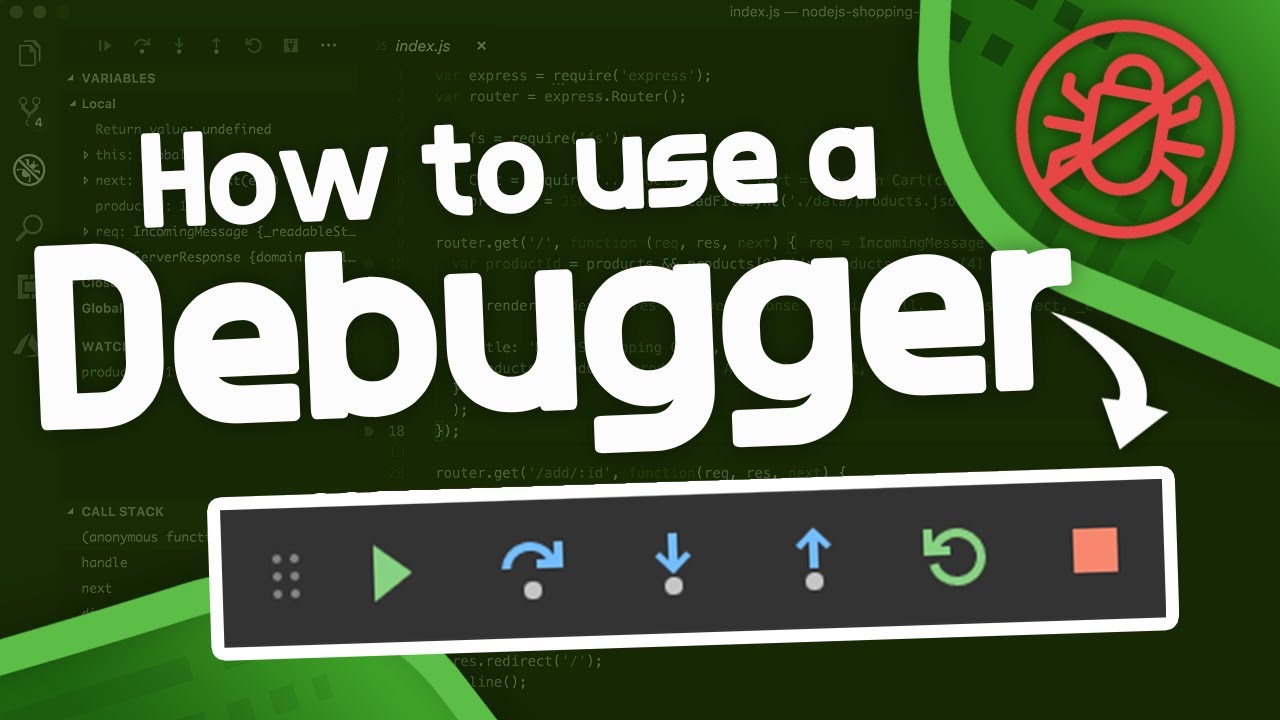
If you're primarily using VS Code for your development, you're in for a treat. The video "How to Use a Debugger - Debugger Tutorial" by Tech With Tim dives headfirst into the powerful debugging features built right into your favorite IDE. We're talking about setting breakpoints, stepping through your code line-by-line, and really understanding what's happening under the hood of your application. You'll learn to navigate the debug interface effectively – the variables pane, call stack, and watch expressions – making them second nature. This tutorial also touches on configuring launch.json, which is super helpful for debugging web applications efficiently. It's a practical guide that will make you feel way more in control when things inevitably go wrong, transforming your debugging process from guesswork to a systematic investigation.
- Master VS Code's debugger essentials like setting breakpoints and stepping through code.
- Learn to leverage the Debug pane for inspecting variables, understanding the call stack, and using watch expressions.
- Gain insights into configuring `launch.json` for efficient debugging.
Study This Video Deeper
Get an AI summary and ask questions about confusing parts in real-time.
Open in Querivo →Debugging Like a Pro: From Fundamentals to Advanced Strategies
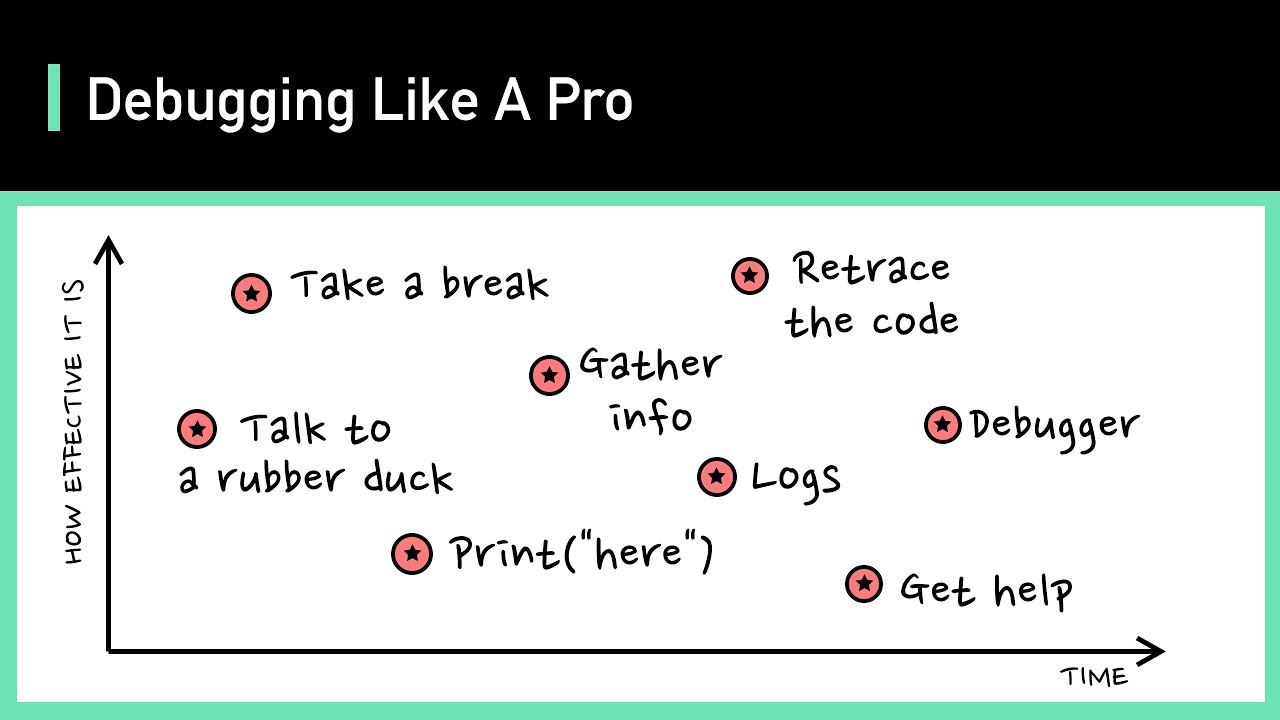
For those looking to elevate their debugging skills beyond the basics, the video "Debugging Like A Pro" by ByteByteGo is invaluable. This resource delves into the mindset and methodologies that distinguish novice debuggers from seasoned professionals. It often covers crucial aspects like understanding error messages, effective strategies for isolating the root cause of a bug, and leveraging various debugging tools and techniques. You'll likely learn how to approach debugging systematically, rather than randomly trying fixes, which saves immense time and frustration. Expect to gain practical advice that can be applied across different programming languages and scenarios, making you a more efficient and effective problem-solver.

- Adopt a professional mindset and systematic approach to debugging.
- Learn effective strategies for isolating and identifying the root cause of bugs.
- Gain insights into advanced debugging techniques and best practices.
Strategies for Writing Code Without Bugs
While specific details for "how to never write bug" by Fireship are not provided beyond "Valuable content," we can infer its importance. This video likely offers a proactive approach to software development, focusing on preventative measures to minimize the occurrence of bugs in the first place. This could include principles of clean code, robust design patterns, and best practices in coding that naturally lead to fewer defects. Learning these strategies means you're not just fixing problems; you're actively preventing them, which is the ultimate goal for any developer striving for perfection. This type of content is crucial for building a strong foundation in software quality.

- Explore preventative strategies to minimize bug introduction.
- Learn principles for writing cleaner, more robust code from the outset.
- Understand how proactive development leads to higher software quality.
Your Next Steps
To truly internalize these concepts and transform your development workflow, we encourage you to actively engage with these resources.
Your Action Items
- ☐Pick one video from above and watch it on a platform that supports interactive learning, like Querivo.
- ☐Use AI summaries and Q&A features to clarify any confusing parts as you watch, ensuring you grasp every key takeaway without breaking your flow.
- ☐Practice the debugging and testing techniques demonstrated immediately in your own projects.
- ☐Come back for more curated videos on testing, debugging, and other essential development topics you want to master.
By incorporating the testing and debugging strategies from these essential YouTube videos, you'll be well-equipped to write more reliable code, identify issues faster, and ultimately deliver higher-quality software. Practicing these techniques is key to becoming a more effective developer and ensuring the stability and success of your applications.
Master Code Testing Debugging with AI
Unlock the full potential of these essential programming videos with AI summaries and Q&A.
Explore Videos on Querivo →Related Videos You Might Enjoy
Looking for more perspectives on this topic? Here are some additional videos worth checking out:
Getting Started with Debugging in VS Code (Official Beginner Guide)
This VS Code tutorial provides a beginner-friendly guide to debugging, starting with simple JavaScript/Node.js applications and progressing to more complex C# projects. It covers essential debugging tools like breakpoints, step-over, step-into, step-out, and the various panes for variables, watch, call stack, and loaded scripts. The video also demonstrates setting up debugging for web applications, including configuring launch.json.