

Feeling overwhelmed by the complexities of photo editing? Are your shots not quite hitting the mark you envisioned?
Key Takeaways
- 1Essential videos to conquer common photo editing challenges.
- 2Streamline your workflow with smart organization and shortcuts.
- 3Master AI tools to create stunning cinematic videos.
- 4Elevate your images with professional color grading and detail enhancement.
- 5Transform your creative output with practical, actionable techniques.
Who this is for
- If you're struggling to make your photos look professional.
- If you're looking for ways to speed up your editing process significantly.
- If you're curious about using AI to create compelling video content.
Start Learning with AI-Powered Video Summaries
Get instant summaries, ask questions, and turn any video into an interactive study session.
Try Querivo Free →Master DaVinci Resolve for Lightning-Fast Editing
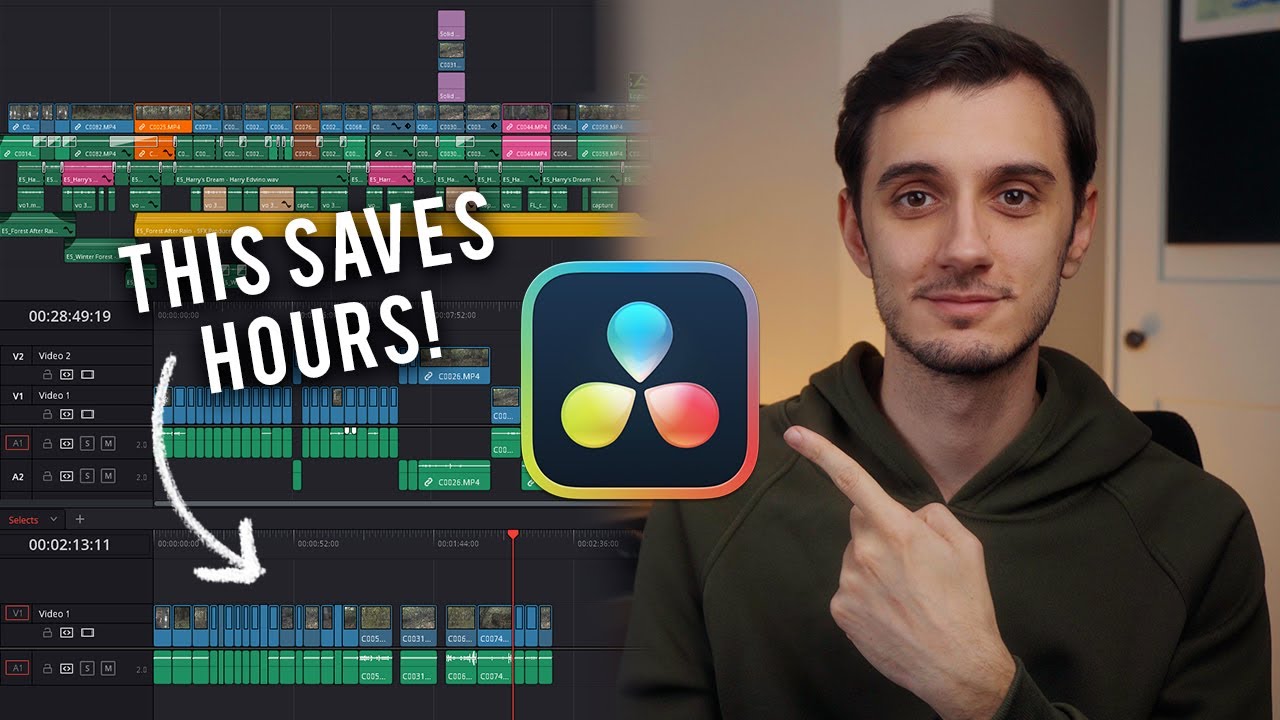
You've probably spent hours wrestling with your video footage, trying to get it just right in your editing software. It's easy to get bogged down, isn't it? This next video tackles that exact problem head-on, showing you how to make DaVinci Resolve work for you, not against you. We're talking about serious time-saving strategies here, the kind that can free you up to focus on the creative aspects rather than the tedious ones.
This tutorial dives deep into organizational methods that actually make sense. Forget messy project folders; we're looking at stacked timelines, which are surprisingly effective for managing complex projects. Plus, you'll get a rundown of crucial keyboard shortcuts that will feel like a superpower once you've integrated them into your workflow. It's about making editing fluid and, dare we say, even enjoyable.
If you're someone who finds yourself repeatedly trimming clips or deleting sections, this video offers a much more elegant solution. The split clip and ripple delete workflow demonstrated here is a genuine game-changer for anyone serious about efficient video editing. It’s definitely worth watching if you’re looking for practical photo editing help to speed up your video projects.

- Implement stacked timelines for superior project organization in DaVinci Resolve.
- Adopt a split clip and ripple delete workflow for fluid editing.
Unlock Cinematic AI Videos: A Step-by-Step Guide
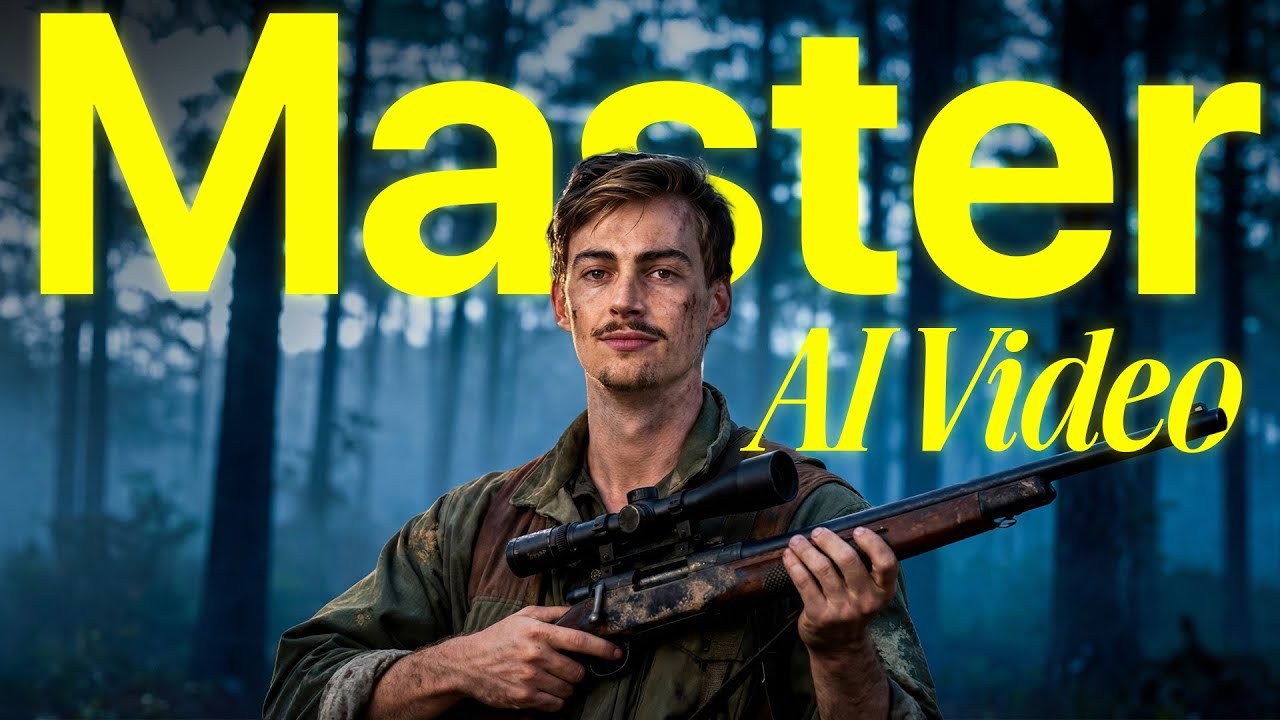
Ever watch those incredibly polished, almost surreal videos and wonder, "How on earth did they do that?" A lot of that magic these days comes from Artificial Intelligence. And while AI video generation might seem super complicated, this next video breaks it down into manageable steps. It’s not just about pressing a button; it's about understanding the process to get truly cinematic results.
You'll discover the three core pillars of creating consistent AI videos: defining your character reference, animating your scenes, and then refining everything in post-production. The real secret sauce here is prompt engineering – learning how to talk to the AI to ensure your characters and scenes stay consistent. It's a fascinating look at how creative direction translates into AI output.
This tutorial also points you towards specific AI tools like Nano Banana and Open Art, giving you concrete resources to experiment with. If you're looking to enhance photos and videos with cutting-edge technology, this is a must-watch. It demystifies AI filmmaking, making it accessible even if you're just starting out.
- Understand the three essential stages of AI video creation: reference, animation, and post-production.
- Explore specific AI tools and prompt engineering for consistent visual styles.
Transform Your Photos with Advanced Editing Techniques
Sometimes, you take a great shot, but it just doesn't pop. It's missing that something extra that separates a good photo from a truly stunning one. This next video is all about giving you those advanced techniques to elevate your images from good to professional grade. We’re talking about moving beyond basic adjustments and really sculpting your visuals.
You'll get hands-on with advanced color grading, learning how to use color to evoke specific moods and styles in your images. Whether you're aiming for a warm, nostalgic feel or a cool, modern aesthetic, this tutorial shows you how. Plus, it covers crucial lighting correction and enhancement techniques that can dramatically improve the dynamism and visual appeal of your shots.
And for those pesky details? The video delves into sharpening, noise reduction, and other methods to really bring out the best in your image's details. It's comprehensive photo editing help designed to give you the tools to make your photographs shine. You'll definitely walk away with new skills to enhance photos and achieve that polished look you've been aiming for.
- Learn advanced color grading to set specific moods and styles in your photos.
- Master techniques for correcting and enhancing lighting for dynamic shots.
Your Next Steps
By diving into these carefully selected YouTube tutorials, you've got a clear path to conquering your photo editing help needs. You can streamline your video editing workflow, harness the power of AI for cinematic creations, and apply professional photo editing techniques to your stills. These videos offer practical, actionable advice that anyone can use to improve their visual content.
Your Action Items
- ☐Pick one video from above and watch it on Querivo
- ☐Ask questions and check summaries while watching without breaking your flow
- ☐Use the AI chat to clarify confusing parts and deepen understanding
- ☐Come back for more curated videos on topics you want to master
Ready to truly transform your images and videos? Start watching these essential guides today and begin your journey to becoming a more confident and skilled editor. The resources are right there, waiting for you to unlock their potential.
Turn Any YouTube Video into an Interactive Lesson
Paste any video link, get an instant AI summary, and ask questions in real-time.
Try Querivo Free →