Feeling overwhelmed by cryptic characters and complex logic in Google Sheets?
Key Takeaways
- 1Your ultimate Google Sheets formula guide.
- 2Learn foundational and advanced Sheets functions.
- 3Master VLOOKUP, conditional formatting, and charting.
- 4Discover AI-driven spreadsheet analysis.
- 5Transform data into actionable insights with confidence.
Who this is for
- If you're a small business owner struggling with data entry and analysis.
- If you're a professional looking to boost productivity with efficient spreadsheets.
- If you're a beginner eager to unlock the power of Google Sheets formulas.
Start Learning with AI-Powered Video Summaries
Get instant summaries, ask questions, and turn any video into an interactive study session.
Try Querivo Free →Master the Building Blocks: Your First Steps with Google Sheets Formulas
Navigating Google Sheets can feel like deciphering a secret code when you're just starting out. This video acts as your friendly guide, breaking down the essentials so you can stop feeling intimidated and start getting things done. It's all about building a solid foundation.
You'll discover how spreadsheets are organized and how to input your data effectively. Plus, we'll cover those fundamental formulas – think SUM, AVERAGE – that are the workhorses of basic calculations. It's surprisingly straightforward once you see it explained clearly. This isn't just about typing numbers; it's about understanding the logic behind them.
And for those moments when you want to speed things up, you'll pick up some pretty handy keyboard shortcuts. They're a game-changer for efficiency. If you've ever found yourself lost in the interface or fumbling with basic math, this tutorial is definitely worth your time. It's designed to make those first steps with Google Sheets formulas as smooth as possible.

- Grasp essential spreadsheet organization and data entry.
- Learn foundational formulas like SUM and AVERAGE.
- Pick up useful keyboard shortcuts for efficiency.
Study This Video Deeper
Get an AI summary and ask questions about confusing parts in real-time.
Open in Querivo →Revolutionize Your Data Analysis: The Power of AI Spreadsheets
Tired of wrestling with complex formulas and still not getting the insights you need? What if you could get powerful data analysis results without writing a single traditional formula? This video introduces an exciting, AI-powered alternative that's changing how we interact with spreadsheets. It's a glimpse into the future of data work.
The creator dives into Quadratic, an AI spreadsheet that lets you ask questions about your data in plain English. Imagine generating charts, reports, and uncovering trends just by describing what you're looking for. It sounds almost too good to be true, right? But this is where AI is taking us, simplifying complex tasks and making data accessible to everyone.
This approach is particularly compelling if you're looking to streamline your data analysis workflows significantly. Connecting databases and pulling insights can become an effortless process. For anyone who finds traditional formula-building a bottleneck, this video offers a refreshing and incredibly efficient perspective on managing and understanding your data. It’s a real paradigm shift.
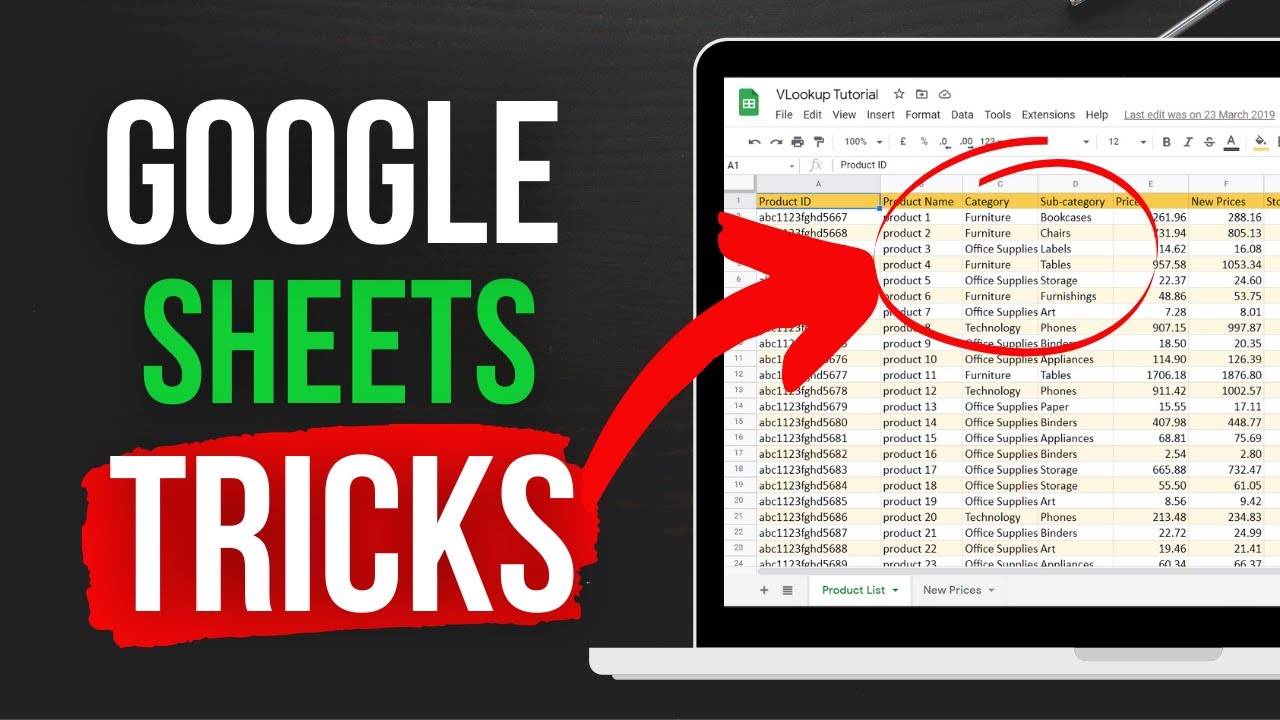
- Explore AI spreadsheets like Quadratic for natural language data interaction.
- See how AI can effortlessly generate insights and reports.
- Understand how to streamline data analysis workflows.
Unlock Advanced Functions: Tackling Common Google Sheets Formula Challenges
Once you've got the basics down, you'll inevitably run into scenarios where you need more powerful tools. This video dives deep into some of the most common, and often frustrating, formula challenges that users face in Google Sheets. It’s packed with practical solutions that you can apply to real-world problems immediately.
A major focus here is the VLOOKUP function, a real lifesaver for pulling specific information from different tables. If you've ever spent ages manually copying and pasting data, you'll appreciate how VLOOKUP (and other lookup functions) can save you immense amounts of time. Plus, you'll learn how to use conditional formatting with formulas to highlight important data points automatically.
And what about keeping your data clean and accurate? This tutorial also touches upon data validation and error handling within formulas. These are crucial skills for maintaining the integrity of your spreadsheets, especially when multiple people might be inputting data. It's a robust look at solving those trickier, everyday Google Sheets formula puzzles.
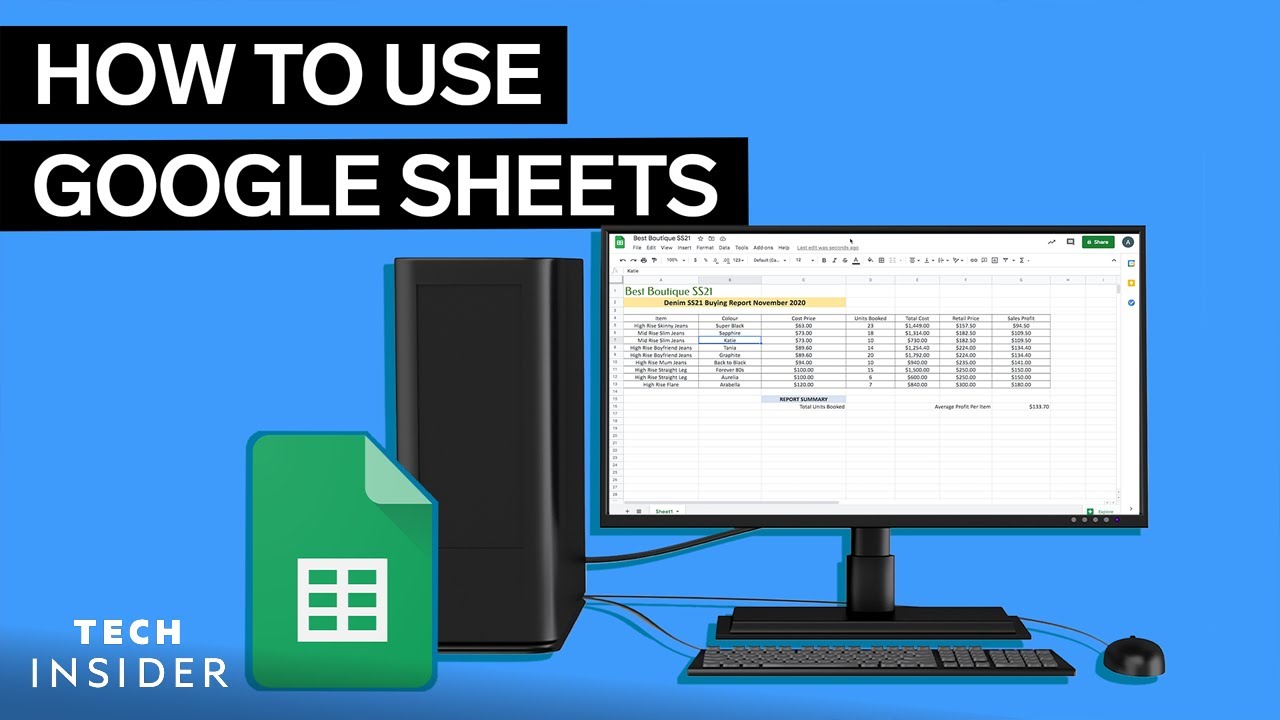
- Master VLOOKUP and other essential lookup functions.
- Learn to apply conditional formatting using formulas.
- Discover techniques for data validation and error handling.
Visualize Your Data: Creating Dynamic Charts and Graphs with Formulas
Raw data can be overwhelming. Transforming it into clear, compelling visuals is where the real magic happens, and this video shows you exactly how to do it using Google Sheets formulas. It's a vital skill for anyone who needs to present information, whether it's for a business report, a personal project, or just to understand trends better.
You'll learn how to build charts that aren't static; they're dynamic. This means as your data updates, your charts update automatically, keeping your visuals relevant and accurate. No more manual chart recreation! This video walks you through the formulas needed to prepare your data for effective visualization, which is often half the battle.
From bar charts to line graphs and pie charts, you'll explore how to construct specific chart types using formula-driven data. Understanding this connection between formulas and visuals is key to creating impactful dashboards and reports. If you want your spreadsheets to tell a story, and not just hold numbers, this tutorial is an absolute must-watch.

- Build dynamic, auto-updating charts with formulas.
- Learn data manipulation techniques for effective visualization.
- Create various chart types like bar, line, and pie charts.
Your Next Steps
Conquering Google Sheets formulas is definitely achievable when you have the right resources. Whether you're just starting out, looking to solve specific problems, or even exploring cutting-edge AI solutions, these curated YouTube videos offer a clear and practical path to spreadsheet mastery. Don't let complex formulas hold you back any longer.
Your Action Items
- ☐Pick one video from above and watch it on Querivo
- ☐Ask questions and check summaries while watching without breaking your flow
- ☐Use the AI chat to clarify confusing parts and deepen understanding
- ☐Come back for more curated videos on topics you want to master
Start implementing the techniques you learn from these videos today to streamline your data management and unlock new insights within your Google Sheets.
Turn Any YouTube Video into an Interactive Lesson
Paste any video link, get an instant AI summary, and ask questions in real-time.
Try Querivo Free →Related Videos You Might Enjoy
Looking for more perspectives on this topic? Here are some additional videos worth checking out:
STOP Learning Excel! This AI Spreadsheet will BLOW Your Mind!
This video introduces Quadratic, an AI-powered spreadsheet tool that allows users to interact with and analyze data using natural language prompts instead of complex formulas or code. It demonstrates how Quadratic can generate insights, charts, and reports from uploaded data or connected databases with ease.