Staring at a blank Excel sheet with a daunting formula ahead? You're definitely not alone. Many users find Excel formulas intimidating, leading to frustration and lost productivity.
Key Takeaways
- 1Conquer Excel formulas with our curated video guide.
- 2Learn essential counting, summing, and arithmetic functions.
- 3Master cell referencing for dynamic spreadsheet building.
- 4Automate data analysis and reporting for better insights.
- 5Transform your data handling from struggle to success.
Who this is for
- If you're tired of manual data entry and errors in Excel,
- If you're looking to understand and apply basic to intermediate Excel functions,
- If you're an Excel user aiming to improve efficiency and accuracy in your work,
Start Learning with AI-Powered Video Summaries
Get instant summaries, ask questions, and turn any video into an interactive study session.
Try Querivo Free →Unlock Data Counting and Summing with COUNT, SUM, and Their Conditional Powerhouses
Many of us dive into spreadsheets expecting simple calculations, but quickly realize the need to count and sum data based on specific conditions. This video is a fantastic starting point for understanding how to efficiently manage your datasets by getting precise counts and totals. It breaks down the core functions you'll likely reach for time and time again when working with any kind of data.
You'll discover the subtle yet crucial differences between functions like COUNT, COUNTA, and COUNTBLANK. This isn't just academic; knowing which to use means more accurate reporting. Plus, the video dives into the super useful COUNTIF and COUNTIFS, showing you how to tally up entries that meet your exact criteria. And for summing? SUMIF and SUMIFS are covered, making it easy to add up numbers based on those same conditions. This is definitely worth watching if you want to move beyond basic sum totals.

- Master the distinctions between COUNT, COUNTA, and COUNTBLANK.
- Learn to count and sum data using conditional functions like COUNTIF and SUMIF.
Study This Video Deeper
Get an AI summary and ask questions about confusing parts in real-time.
Open in Querivo →Build Your Excel Foundation: Essential Arithmetic and Order of Operations
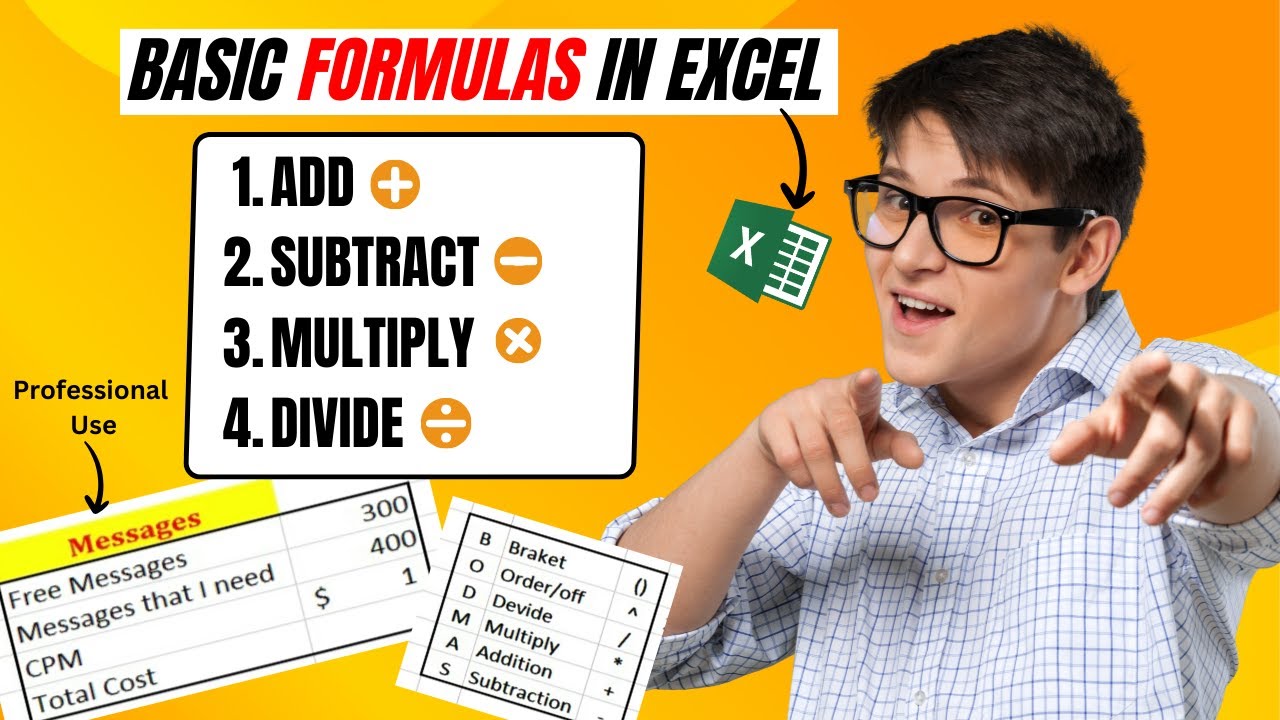
Before you can tackle complex formulas, it's absolutely essential to have a rock-solid grasp of the fundamentals. This video gets right to the heart of basic arithmetic in Excel, showing you how to perform addition, subtraction, multiplication, and division. But it's not just about typing numbers and operators; it delves into how Excel processes these calculations, which is surprisingly important.
You'll learn about the BODMAS rule (or PEMDAS, depending on where you learned it!) and how Excel adheres to it. This is crucial because understanding calculation order prevents those head-scratching moments when your formula doesn't yield the result you expect. The effective use of parentheses is also a key takeaway here, giving you direct control over how your formulas are evaluated. For anyone just starting out or needing a refresher, this video is a must-watch to build your Excel formula foundation. It’s a really clear guide to learn Excel formulas YouTube has to offer.
- Understand and apply basic arithmetic operations in Excel.
- Grasp the importance of calculation order (BODMAS/PEMDAS) and using parentheses.
Stop Formula Errors: Master Cell Referencing for Dynamic Spreadsheets
Formula errors are the bane of many Excel users' existence, and often, the culprit is something as simple as incorrect cell referencing. This video tackles a common pitfall head-on by explaining the three primary types of cell references: relative, absolute, and mixed. Understanding these is not just about preventing errors; it's about building dynamic spreadsheets that update intelligently.
When you copy a formula, a relative reference automatically adjusts, which is usually what you want. But sometimes, you need a reference to stay fixed – that's where absolute referencing comes in. Mixed references offer a blend of both. The F4 shortcut is a genuine game-changer for managing these, and the video demonstrates how to use it efficiently. This knowledge is critical for creating robust spreadsheets that can be easily extended and modified without breaking. It’s a fundamental skill for any serious Excel user.

- Differentiate and effectively use relative, absolute, and mixed cell references.
- Learn to prevent formula errors by mastering cell referencing techniques.
Automate Student Results: Calculating Averages, Grades, and Pass/Fail Status
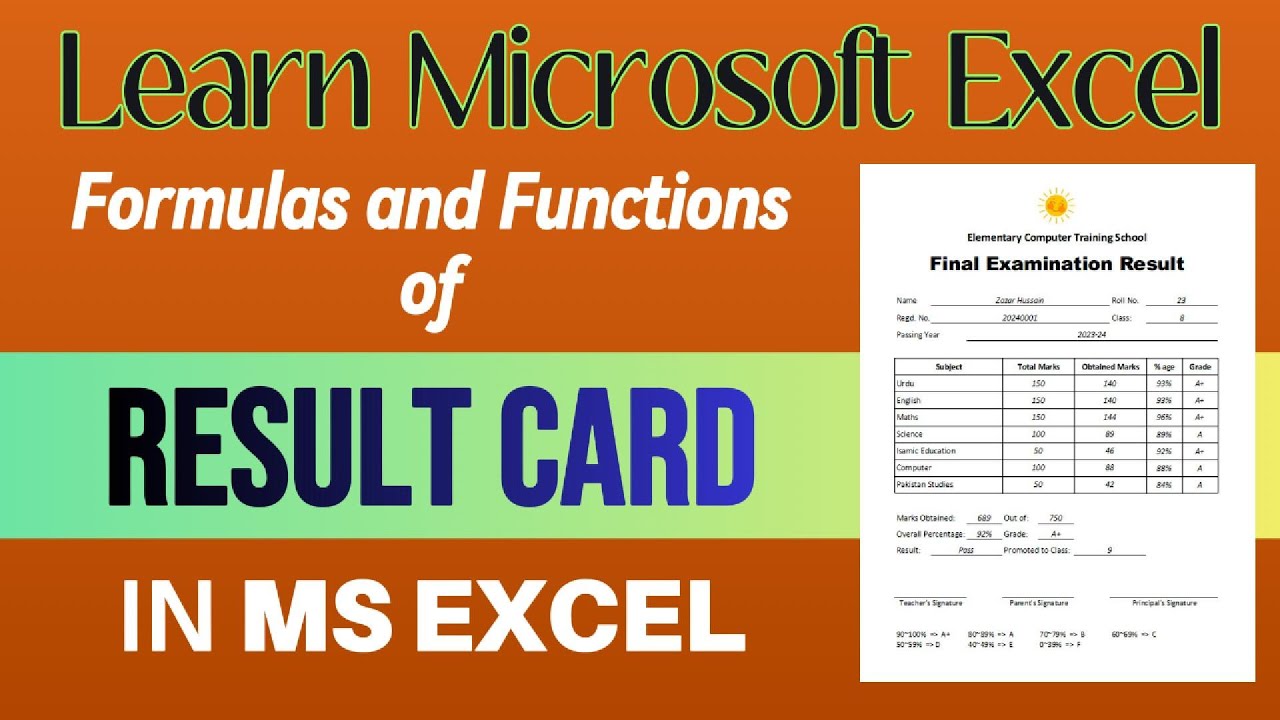
This video takes a practical, real-world approach, demonstrating how to automate the creation of student result cards. It’s a brilliant example of how combining various Excel functions can streamline complex processes, turning manual tasks into automated reports. If you work in education or any field involving performance tracking, this is highly relevant.
You'll see how functions like AVERAGE and SUM are combined with IF statements to create a system that automatically calculates scores, assigns grades, and determines a pass or fail status. This isn't just about generating a single report; it's about understanding the logic to automate similar tasks in your own work. The efficiency gains from having such a system are enormous, saving time and reducing the potential for human error. It’s a perfect illustration of how to effectively learn Excel formulas YouTube can provide for practical applications.
- Implement AVERAGE and SUM functions for score calculation.
- Use IF statements to automate grading and pass/fail determination.
Your Next Steps
By mastering these core Excel formulas and referencing techniques through these excellent video tutorials, you can significantly boost your data analysis capabilities and overall efficiency. These resources provide the foundational knowledge and practical examples you need to tackle your Excel challenges head-on and truly learn Excel formulas.
Your Action Items
- ☐Pick one video from above and watch it on Querivo
- ☐Ask questions and check summaries while watching without breaking your flow
- ☐Use the AI chat to clarify confusing parts and deepen understanding
- ☐Come back for more curated videos on topics you want to master
Turn Any YouTube Video into an Interactive Lesson
Paste any video link, get an instant AI summary, and ask questions in real-time.
Try Querivo Free →Related Videos You Might Enjoy
Looking for more perspectives on this topic? Here are some additional videos worth checking out:
Excel for Accounting - 10 Excel Functions You NEED to KNOW!
Excel Cell Reference: Absolute, Relative or Mixed?
This video explains and demonstrates how to use Relative, Absolute, and Mixed cell referencing in Excel. It shows practical examples of when and why to use each type to ensure formulas update correctly when copied across rows and columns.

Complete Guide to Formulas & Functions in Result Card | Master Excel Easily | Result Card - Part 2
This video demonstrates how to create a dynamic result card in Microsoft Excel. It covers filling in student data, calculating averages and percentages, assigning grades based on performance, and determining overall pass/fail status and promotion to the next class using various Excel formulas and functions.