

Stuck with static designs? Imagine your UI sketches leaping off the page and becoming interactive experiences your users can actually click, swipe, and explore.
Key Takeaways
- 1Master Figma prototyping with top YouTube tutorials.
- 2Learn to transform sketches into interactive prototypes.
- 3Discover AI-powered tools for rapid design iteration.
- 4Utilize design libraries to accelerate your workflow.
- 5Build compelling user experiences from concept to reality.
Who this is for
- If you're struggling to move beyond flat mockups in your design process
- If you're looking to create more engaging and user-friendly interfaces
- If you're a UI/UX designer, product manager, or aspiring digital creator eager to learn Figma prototyping
Start Learning with AI-Powered Video Summaries
Get instant summaries, ask questions, and turn any video into an interactive study session.
Try Querivo Free →Communicate Your Vision: The Art of Product Design Sketching
Before diving into Figma's powerful prototyping features, it's essential to have a solid foundation in communicating your ideas effectively. This video is all about mastering the art of sketching, not as a purely artistic endeavor, but as a crucial tool for clear communication in product design. You'll learn why a well-executed sketch can speak volumes and how to ensure your design intent is accurately conveyed from the very first idea.
The creator emphasizes that great sketching isn't about being a perfect artist; it's about clarity and accuracy. We'll explore how using basic geometric shapes can quickly bring your concepts to life, and how orthographic views offer a precise way to represent your designs. This approach helps you rapidly iterate and test ideas before committing to digital tools, saving valuable time and effort down the line. It’s a surprisingly simple yet incredibly effective way to start any design project.
This tutorial is a game-changer for anyone who thinks they "can't draw." It breaks down complex ideas into manageable steps, showing you how to develop a personal sketching style that aids efficient idea generation. Ultimately, this video helps you lay the groundwork for stunning interactive prototypes by ensuring your initial concepts are robust and well-understood.
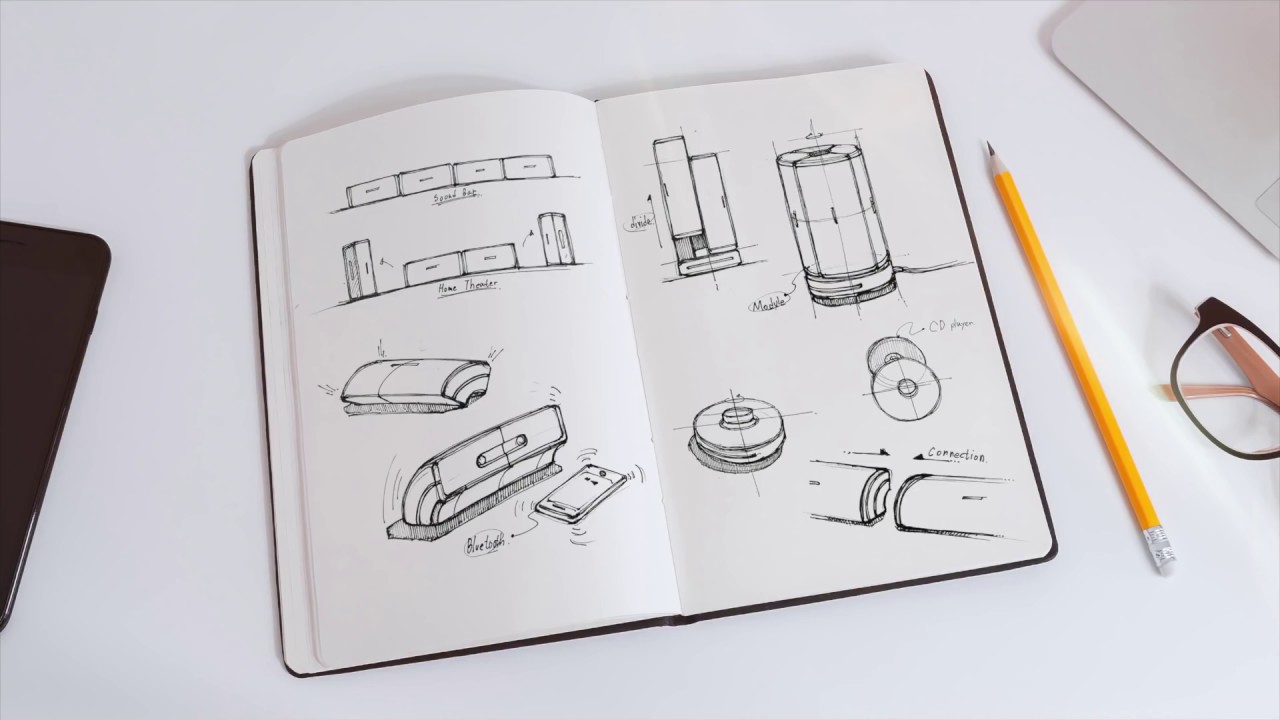
- Effective sketching is about clear communication, not just art.
- Practice using basic shapes and orthographic views for clarity.
Rapid Prototyping: AI Transforms Your Sketches
Isn't it fascinating how technology is constantly evolving the design process? This next video dives into the cutting edge, showcasing a truly innovative way to turn your hand-drawn sketches into functional web component prototypes with the help of Artificial Intelligence. It's about accelerating the entire workflow, making the jump from a rough idea to an interactive element faster than ever before.
You'll discover how tools like Magic Pad can analyze your sketches and begin creating components almost instantly. The process involves iteratively refining design elements – think images, text, colors, and layout – using simple AI prompts. This approach to AI-assisted prototyping is a peek into the future of UI development, offering a powerful way to customize components for web interfaces. It's a brilliant demonstration of how we can leverage AI to speed up innovation and bring designs to life more efficiently.
This tutorial is a must-watch if you're looking to explore the bleeding edge of design technology. It provides a practical, visual demonstration of an AI tool that bridges the gap between initial concepts and functional prototypes, offering a novel perspective on UI development. You'll likely be surprised at how quickly you can go from paper to pixels.
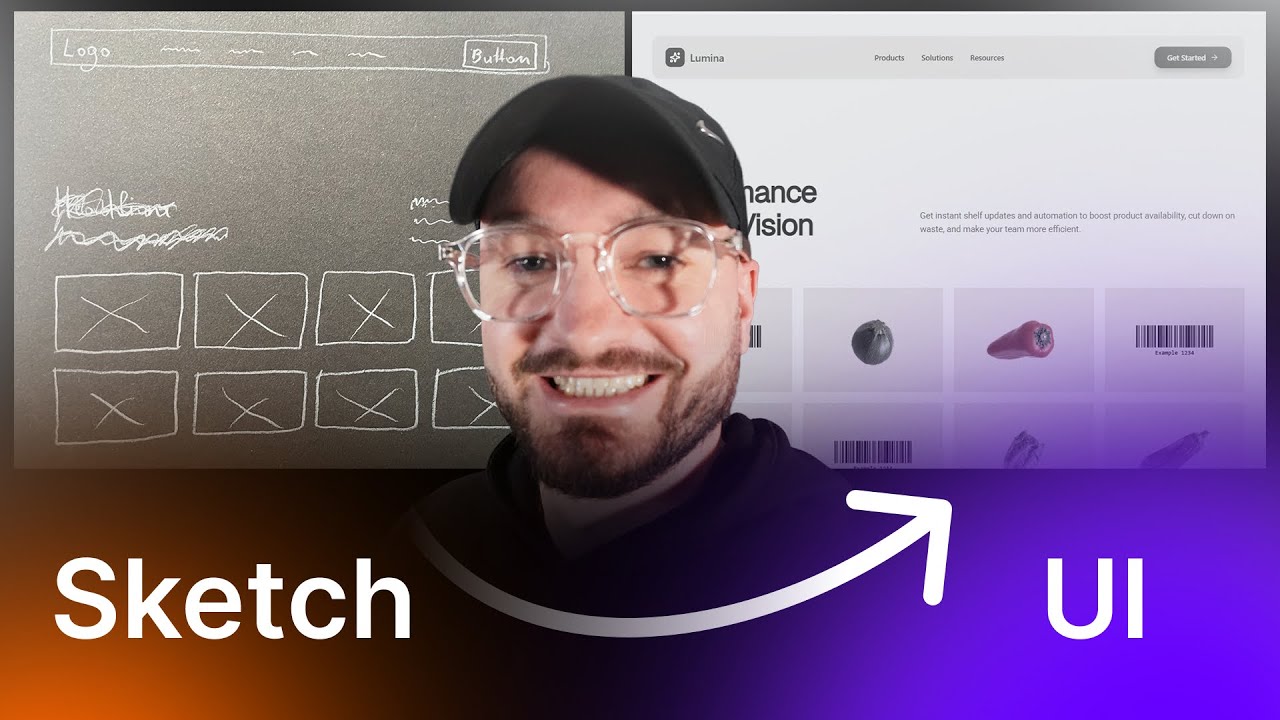
- AI tools can rapidly convert sketches into functional web components.
- Iterate and refine designs using AI prompts for quick customization.
Study This Video Deeper
Get an AI summary and ask questions about confusing parts in real-time.
Open in Querivo →Design Faster with Pre-Built Form Elements
Working with forms can often feel like a tedious part of the design process, right? This video introduces a seriously helpful resource designed to tackle that challenge head-on: the Forma Sketch Library. It's all about streamlining your workflow, particularly for projects that involve a lot of form-heavy interfaces, by leveraging pre-built design assets.
You'll learn how to effectively use and customize a variety of form elements that are ready to go. This library significantly accelerates the creation of low to mid-fidelity wireframes and prototypes. By applying these pre-built components, you can rapidly map out user flows and test different form layouts, making the entire process much smoother. Plus, the video touches upon UX best practices specifically tailored for designing effective forms.
If you're a UX or UI designer who regularly works with Sketch and finds yourself spending a lot of time on forms, this is definitely worth checking out. It highlights a specific, readily available tool that directly addresses a common design hurdle, offering tangible time-saving benefits. It's a practical guide to working smarter, not harder.
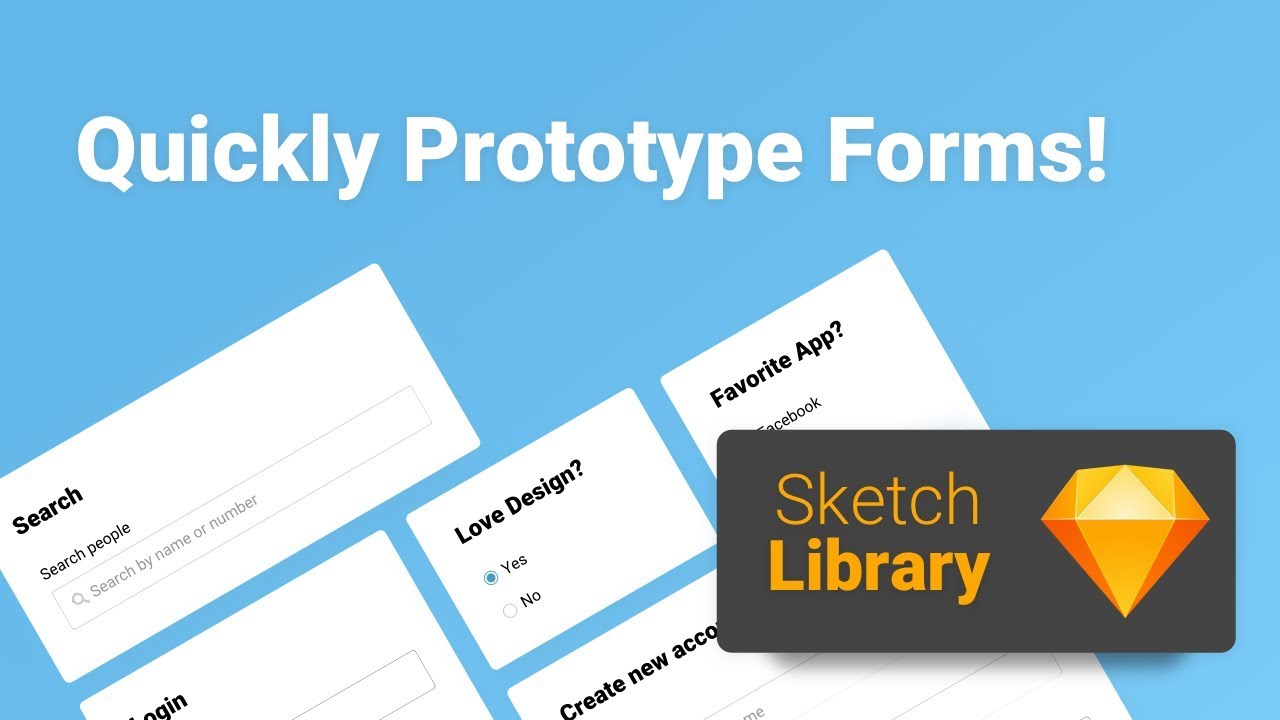
- Utilize the Forma Sketch Library to speed up wireframing for forms.
- Leverage pre-built form elements for faster prototyping in Sketch.
The Full Journey: From Sketch to Physical Prototype
Sometimes, understanding the entire product development cycle is key to appreciating the prototyping process. This comprehensive video takes us through the complete industrial design journey, starting with an initial sketch and culminating in a functional, 3D-printed prototype. It’s a fantastic look at how digital concepts translate into tangible objects.
The creator walks us through redesigning a synthesizer's pitch and modulation wheel, showcasing advanced 3D CAD modeling techniques, likely using Fusion 360, to bring the design to life digitally. You'll see the practicalities of preparing these complex designs for 3D printing and then witness the final output. This iterative design process, especially through physical prototyping, is crucial for understanding the feel and true functionality of a product.
This tutorial is ideal for anyone interested in industrial design, product development, or even just curious about how physical products are made. It provides a realistic walkthrough of a complete design cycle, demonstrating how to move from abstract ideas to a physical, testable prototype using common design and manufacturing tools. It really highlights the iterative nature of bringing a concept into the real world.
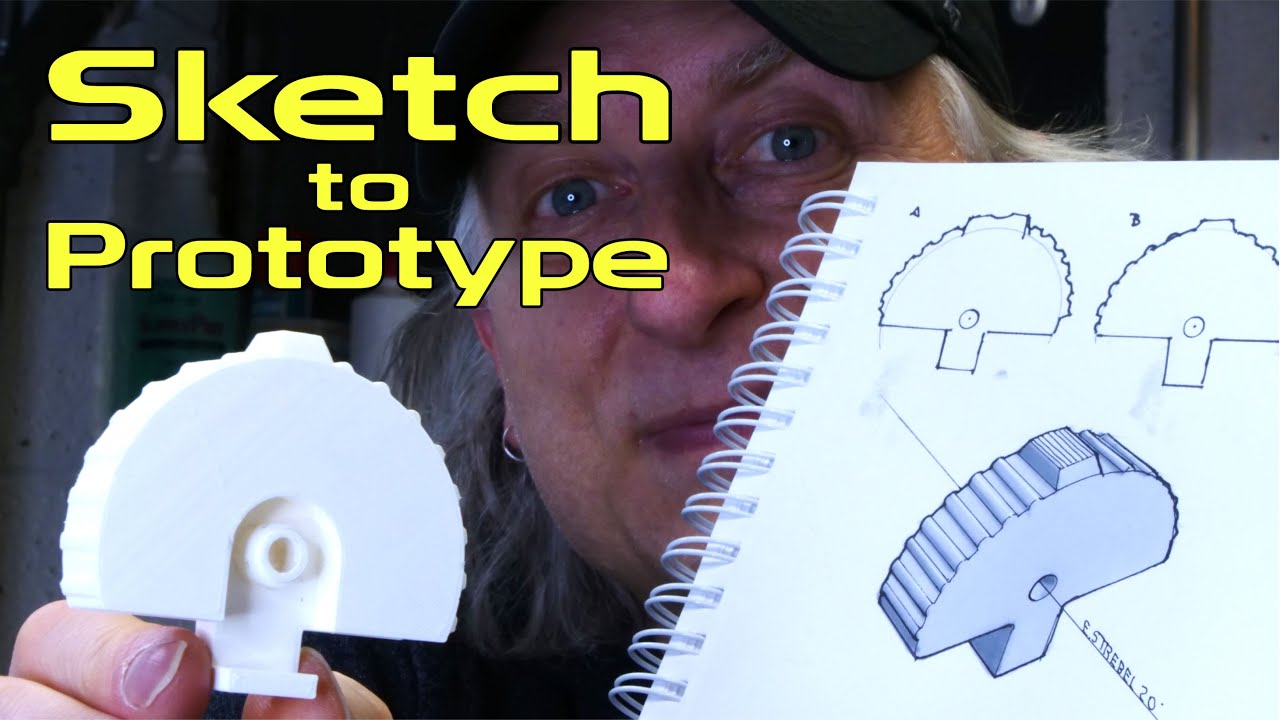
- Follow the complete industrial design process from sketch to physical prototype.
- Explore 3D CAD modeling and 3D printing for tangible product development.
Your Next Steps
Bringing your designs to life is an iterative journey, starting with clear communication through sketching and evolving with powerful digital tools. By mastering effective sketching, leveraging AI for rapid iteration, utilizing design libraries, and embracing advanced prototyping techniques shown in these Figma prototyping YouTube tutorials, you can significantly enhance your ability to create compelling and functional user experiences.
Your Action Items
- ☐Pick one video from above and watch it on Querivo
- ☐Ask questions and check summaries while watching without breaking your flow
- ☐Use the AI chat to clarify confusing parts and deepen understanding
- ☐Come back for more curated videos on topics you want to master
Ready to elevate your designs? Start practicing these techniques today and transform your Figma prototypes from static screens to engaging interactions!
Turn Any YouTube Video into an Interactive Lesson
Paste any video link, get an instant AI summary, and ask questions in real-time.
Try Querivo Free →Related Videos You Might Enjoy
Looking for more perspectives on this topic? Here are some additional videos worth checking out:
Rapid Prototyping: Sketching | Google for Startups
This video introduces sketching and paper prototyping as fundamental, low-fidelity methods for rapidly iterating on product design ideas. It explains their benefits, various use cases throughout the design process, and how they can be leveraged to explore user interactions and Material Design principles.

From Sketch to Rapid Prototype: My Next Big Design
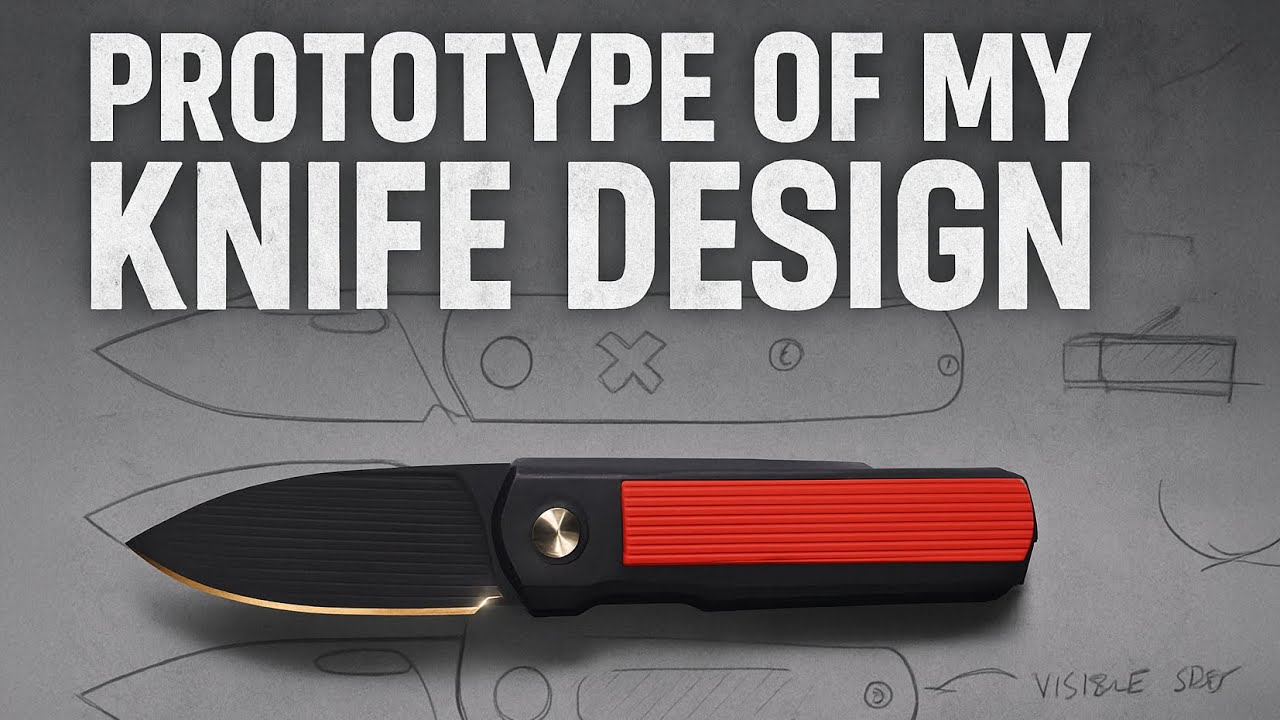
This video details the iterative design process for a slip joint knife, emphasizing the evolution of sketching techniques from pen to pencil and the integration of new CAD software (Fusion 360) and 3D printing for rapid prototyping. The creator shares how adapting his tools and workflow led to significant design improvements and a more refined final product.
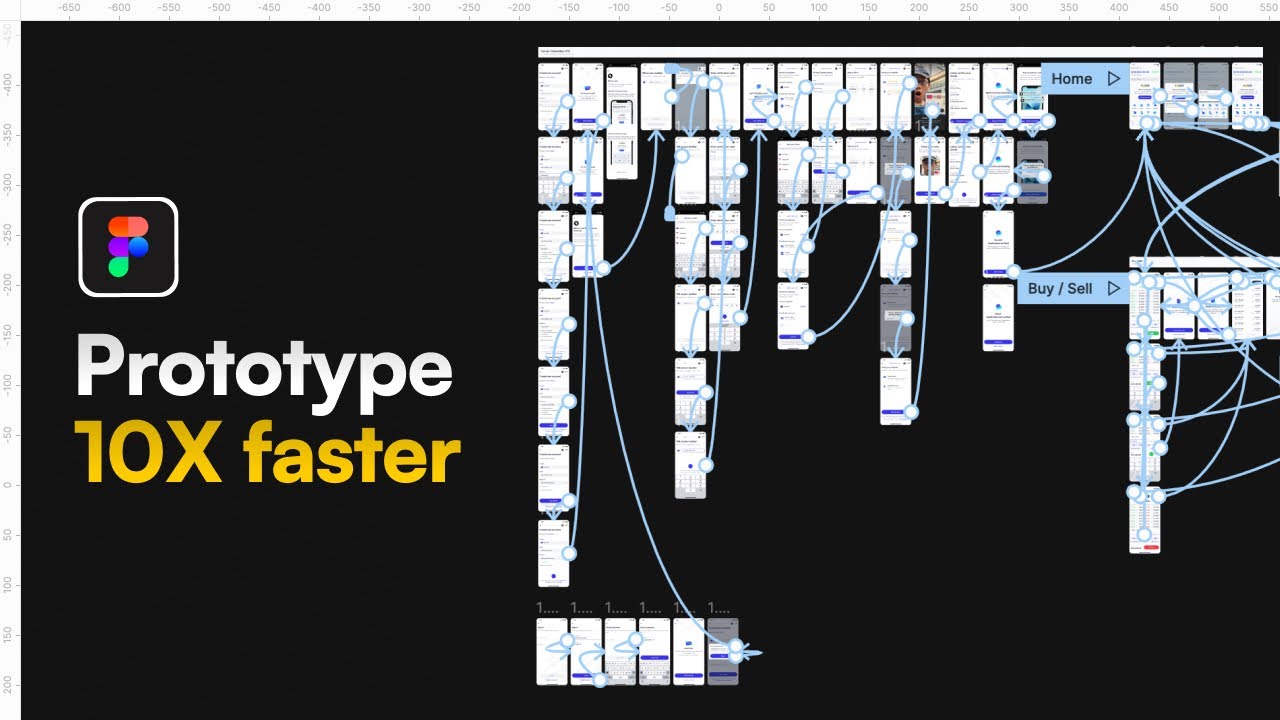
The CORRECT (and lazy) way to prototype | Figma Tutorial
Quick Tutorial on How to Prototype in the New Sketch 49
This video tutorial demonstrates the new native prototyping features introduced in Sketch version 49. It covers how to create interactive prototypes by linking artboards and objects, and setting up transitions, directly within Sketch without needing external plugins.
