Are you a Roblox creator looking to transform your game from static to dynamic? Mastering Roblox scripting is the key to unlocking truly immersive and interactive player experiences.
Key Takeaways
- 1Learn Lua scripting for advanced Roblox game features.
- 2Discover AI tools that assist game development.
- 3Implement custom character animations and interactions.
- 4Build more engaging and dynamic gameplay loops.
- 5Elevate your custom game development skills.
Who this is for
- If you're a Roblox developer aiming to add unique mechanics
- If you're looking to understand the core of interactive game design
- If you're a beginner eager to dive into Roblox scripting with expert guidance
Start Learning with AI-Powered Video Summaries
Get instant summaries, ask questions, and turn any video into an interactive study session.
Try Querivo Free →Bring Your Characters to Life with Custom Animations
Want your Roblox characters to move with personality and purpose? This video is a fantastic starting point for anyone looking to go beyond default movements. It breaks down the essential steps to get your characters animating, making your game world feel much more alive. You'll learn how to use the tools within Roblox Studio to rig your characters and then how to actually create those fluid animations that players will notice.
The process can seem daunting at first, but the creator guides you through it logically. Key takeaways include understanding the Animation Editor, which is your primary tool here, and how to set up characters for animation. Plus, it covers the crucial step of publishing your animations so they can actually be used in your game via scripts. This is fundamental for any game where character movement is important, whether it's an action game or even a social hangout.
- Learn to use Roblox Studio's Animation Editor for custom character movements.
- Practice rigging characters and keyframing animations for fluid action.
Accelerate Your Scripting with AI Assistance
The world of game development is constantly evolving, and that includes how we write code. This video explores a really interesting angle: how AI can actually help you with your Roblox scripting. It's not about replacing the developer, but about augmenting your abilities. You'll get a sense of what tools are out there, like ChatGPT, Claude, and Grok, and how they might be used to speed up certain tasks or help you overcome coding hurdles.
It's pretty insightful to see the practical application of these AI models for something as specific as Lua scripting in Roblox. The creator dives into the pros and cons, which is super helpful for anyone considering integrating AI into their workflow. You might find that AI can be a real game-changer for brainstorming ideas, debugging code, or even generating basic script snippets. Understanding this can definitely boost your productivity as a Roblox developer.

- Explore how AI tools can assist in writing Roblox Lua scripts.
- Evaluate the strengths and weaknesses of different AI models for coding tasks.
Study This Video Deeper
Get an AI summary and ask questions about confusing parts in real-time.
Open in Querivo →Mastering Core Lua for Robust Game Systems
To truly build custom experiences on Roblox, you've got to get a handle on Lua, the scripting language behind it all. This video is an excellent deep dive into the fundamentals of Lua that are absolutely essential for creating complex game systems. Without a solid grasp of these core concepts, your scripting efforts will likely hit a wall pretty quickly. We're talking about understanding data types, control flow, and how to structure your code effectively.
You'll learn about things like numbers, strings, and booleans, which are the building blocks of any script. But it goes further, explaining how to use conditional statements (like if and else) and loops to make your game react and make decisions. Plus, functions are covered, which is super important for writing clean, reusable code. Mastering this content is pretty much a non-negotiable step for anyone serious about Roblox custom game development.
- Grasp fundamental Lua data types and control flow statements for logic.
- Understand functions for writing modular and reusable code in your games.
Creating Dynamic Player Interactions with Event Handling
What makes a game truly engaging? Often, it's how well it responds to the player. This video gets right into the heart of that by teaching you about event handling in Roblox. It's all about making your game react to what players do and what happens within the game world. You'll discover how to tap into Roblox's event-driven architecture, which is pretty neat once you get the hang of it.
Think about things like detecting when a player clicks a button, touches a part, or even joins the game. This video shows you how to write scripts that can pick up on all those signals and trigger specific actions in your game. This is where your game truly comes alive, moving beyond just visuals to actual interactivity. Implementing these event-driven mechanics is a critical skill for any aspiring Roblox scripter looking to build dynamic gameplay.
- Learn to implement player input detection and respond to game events.
- Write scripts to trigger specific game actions based on player interactions.
Your Next Steps
By combining visual tools with powerful Lua scripting, and even leveraging AI for assistance, you can significantly enhance your Roblox game development capabilities. From animating characters to implementing complex game logic, the journey to custom game creation is definitely within reach. These videos offer a solid foundation for your learning path.
Your Action Items
- ☐Pick one video from above and watch it on Querivo
- ☐Ask questions and check summaries while watching without breaking your flow
- ☐Use the AI chat to clarify confusing parts and deepen understanding
- ☐Come back for more curated videos on topics you want to master
Ready to elevate your Roblox games? Dive into these essential YouTube tutorials and start experimenting with Lua scripting in Roblox Studio today!
Turn Any YouTube Video into an Interactive Lesson
Paste any video link, get an instant AI summary, and ask questions in real-time.
Try Querivo Free →Related Videos You Might Enjoy
Looking for more perspectives on this topic? Here are some additional videos worth checking out:
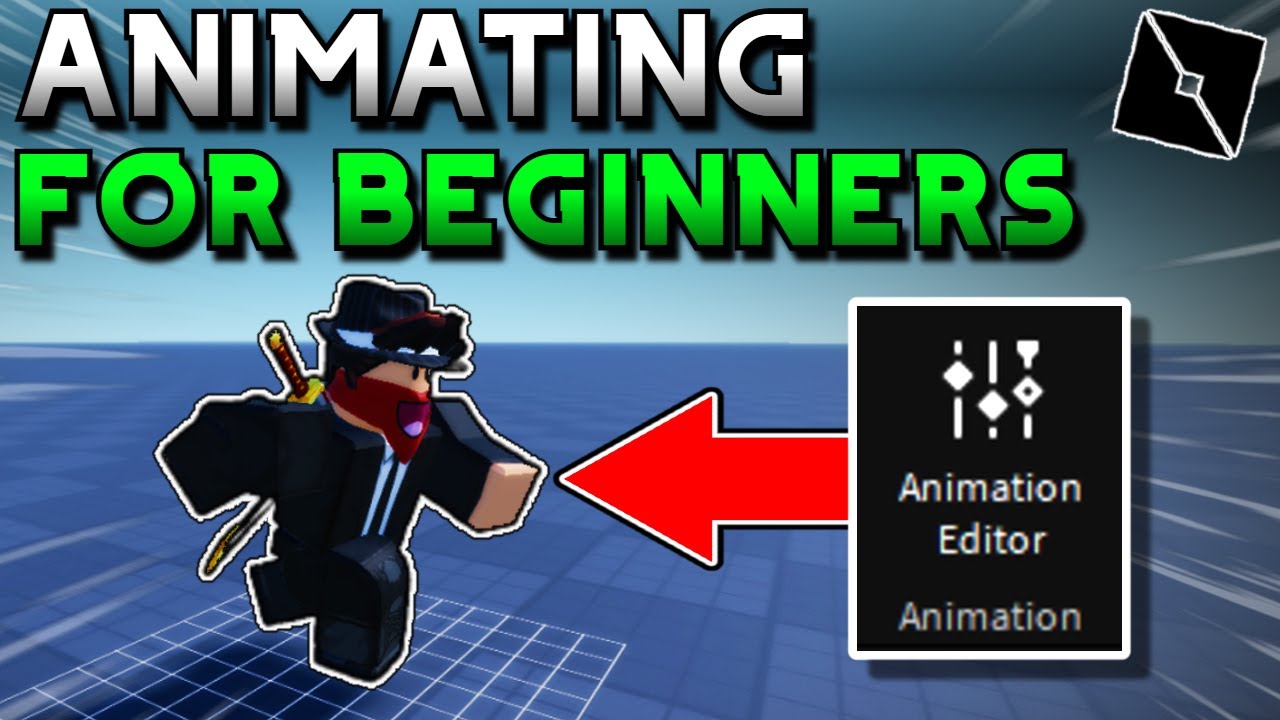
How to Animate in ROBLOX Studio! (2025)
This video tutorial demonstrates how to create custom animations in Roblox Studio, covering the process from setting up a baseplate and inserting a rig to animating movement using the animation editor. It also explains how to publish the animation and implement it in-game using Lua scripting.
What Is The BEST AI For Making Roblox Games?
This video tests the capabilities of three AI models (ChatGPT, Claude, and Grok) in creating Roblox game scripts through a series of increasingly difficult challenges. While ChatGPT won the direct competition, the video highlights that the 'best' AI depends on individual needs, considering factors like cost, speed, and specific strengths.