Dreaming of building your own games in Roblox? You've got the ideas, but the code feels like a locked door. Fear not, aspiring creators!
Key Takeaways
- 1Unlock Roblox game dev with this curated YouTube path.
- 2Learn Lua scripting for essential game mechanics.
- 3Master Roblox Studio and coding fundamentals.
- 4Build interactive features and dynamic worlds.
- 5Go from beginner to confident creator.
Who this is for
- If you're a young creator eager to bring game ideas to life
- If you're aspiring to develop unique Roblox experiences
- If you're a beginner looking for clear, actionable Roblox scripting tutorials
Start Learning with AI-Powered Video Summaries
Get instant summaries, ask questions, and turn any video into an interactive study session.
Try Querivo Free →Avoid Beginner Burnout: Master the Right Learning Approach
Getting started with Roblox scripting can feel daunting, right? Many beginners jump straight into complex projects, only to get frustrated and quit. This video,
, highlights a crucial pitfall: focusing too much on watching and not enough on doing. It really emphasizes that active learning, actually typing code and experimenting in Roblox Studio, is the name of the game.
The creator stresses that you've got to get comfortable with the Roblox Studio interface before you try to build that epic RPG. Trying to tackle advanced tutorials too early? That's a recipe for burnout. Instead, this video guides you to prioritize understanding the basics and finding what motivates you to keep going. It's about building momentum, not just collecting video links.
Seriously, if you're just starting out with Roblox scripting for beginners YouTube, this is where you need to begin. It sets the stage for a more effective and less frustrating learning journey, helping you understand how to learn, not just what to learn.
- Prioritize hands-on practice in Roblox Studio.
- Get comfortable with the interface before advanced scripts.
- Focus on personal project motivation.
Your First Steps in Roblox Studio: A Practical Introduction
Alright, so you've got the right mindset. Now, let's get your hands dirty within Roblox Studio itself. This video,
, is a super practical walkthrough that's perfect for absolute beginners. It cuts through the noise and shows you the essential parts of the development environment you'll be spending most of your time in.
You'll discover the Explorer window, where all your game objects live, and the Properties pane, which lets you tweak them. Plus, you'll learn how to actually set up your very first script and see it run – that feeling is pretty awesome! The creator also introduces you to basic Lua concepts like variables and simple data types, which are the building blocks of any script. And don't worry about making mistakes; the video touches on debugging common beginner errors, which is, you know, inevitable and totally okay.
It’s a great way to get acquainted with the practical side of things, making the transition from idea to actual code much smoother. You'll leave this video feeling a lot more confident about navigating Roblox Studio and writing your first lines of Lua.
- Understand the Explorer, Properties, and Output windows.
- Set up and execute your first script.
- Learn about variables and basic data types.
Study This Video Deeper
Get an AI summary and ask questions about confusing parts in real-time.
Open in Querivo →Building Core Game Mechanics: Essential Lua Fundamentals
Now that you're familiar with the studio, it's time to dive into the heart of scripting: Lua! This video,
, is absolutely essential for understanding the fundamental Lua scripting concepts needed to build actual game mechanics. It's not just about writing code; it's about learning how that code makes things happen in your game.
We'll be looking at how functions work – essentially, little blocks of code you can call upon whenever you need them. You'll also get a solid introduction to events, which are how your game responds to player actions. Think clicks, movement, or interactions. Implementing basic player movement and simple interactions? That's covered here too. Plus, you'll get a peek at loops, which are super handy for when you need to do something over and over again.
This video is a fantastic resource for anyone looking to learn Lua Roblox and start implementing those interactive elements that make games fun. It breaks down complex ideas into digestible chunks, making it perfect for a beginner’s learning path.
- Learn how to use and call functions.
- Understand how events trigger game responses.
- Implement basic player movement and interaction scripts.
Making Your Game Interactive: User Input and Game Logic
Ready to make your game truly feel alive? This next video,
, focuses on taking your scripting skills to the next level by teaching you how to handle user input and implement core game logic. It's where your game starts to feel less like a static environment and more like an actual playable experience.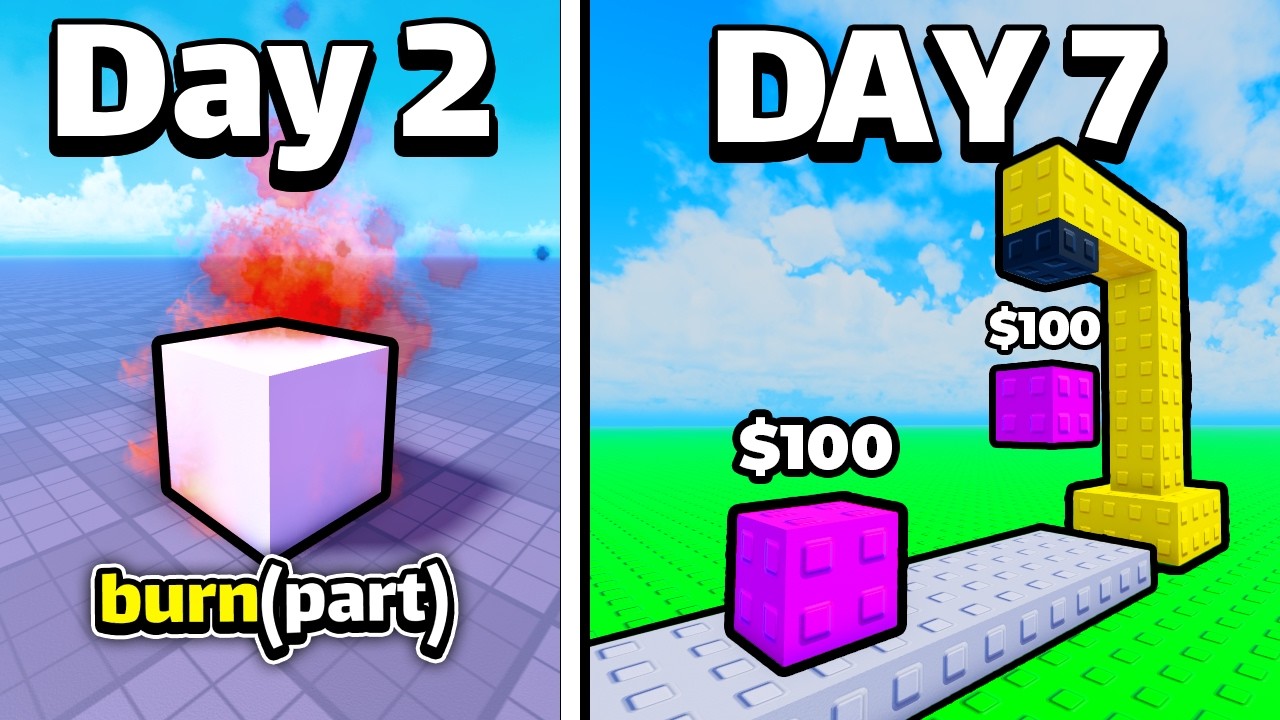
You'll learn how to detect when a player clicks something with their mouse, presses a key on their keyboard, and how to script responses to those inputs. We're talking about creating simple game states – like a start screen, playing, and game over – and making smooth transitions between them. Plus, you'll get introduced to scripting basic UI elements, like buttons or health bars, and learn how to build simple obstacles or collectible items that players can interact with.
This is crucial for anyone wanting to learn basic Roblox scripting and move beyond just visual changes. By the end of this tutorial, you'll have a much clearer idea of how to build engaging game loops and create interactive elements that keep players hooked. It's really about turning passive observation into active participation within your game world.
- Detect and script responses to player input.
- Create simple game states and transitions.
- Build interactive obstacles and collectibles.
Your Next Steps
You've now got a solid foundation in how to approach learning Roblox scripting effectively, navigate Roblox Studio, and understand the essential Lua concepts needed to build your first game mechanics. Remember, the key to mastering any skill, especially coding, is consistent practice and a willingness to build. Don't be afraid to experiment!
Your Action Items
- ☐Pick one video from above and watch it on Querivo
- ☐Ask questions and check summaries while watching without breaking your flow
- ☐Use the AI chat to clarify confusing parts and deepen understanding
- ☐Come back for more curated videos on topics you want to master
This curated learning path provides you with the essential starting points for your Roblox scripting journey. Keep building, keep learning, and most importantly, have fun creating!
Turn Any YouTube Video into an Interactive Lesson
Paste any video link, get an instant AI summary, and ask questions in real-time.
Try Querivo Free →Related Videos You Might Enjoy
Looking for more perspectives on this topic? Here are some additional videos worth checking out:
How To Master Roblox Scripting (Even If You're Lost!)
I Learned How to CODE in 7 Days | Roblox
Roblox Studio Basics - Roblox Beginners Scripting Tutorial #1 (2025)
The #1 MISTAKE Beginner Scripters Are Making...
The video reveals the primary mistake beginner Roblox scripters make: focusing on watching complex tutorials or admiring others' work (like anime or advanced game mechanics) instead of actively engaging with Roblox Studio and learning foundational scripting concepts. This passive approach leads to significant delays and demotivation.