

Ever dreamed of building your own digital worlds, from sprawling fantasy landscapes to bustling virtual cities? YouTube is your launchpad into the exciting realm of Roblox game development!
Key Takeaways
- 1Learn Roblox game dev from top YouTube tutorials
- 2Master Roblox Studio's tools and interface
- 3Sculpt and texture immersive game environments
- 4Import assets and understand game file structure
- 5Create your own games on Roblox
Who this is for
- If you're a young gamer eager to build your own experiences
- If you're looking for fun, creative projects that teach valuable skills
- If you're a beginner ready to dive into Roblox Studio with clear guidance
Start Learning with AI-Powered Video Summaries
Get instant summaries, ask questions, and turn any video into an interactive study session.
Try Querivo Free →Craft Your Game's Narrative: Building Compelling Lore
Before you even touch Roblox Studio, thinking about your game's story is a massive step. Why? Because a well-crafted lore makes your game world feel alive and gives players a reason to explore. This video breaks down how to build that foundation, drawing inspiration from how amazing Minecraft lore came to be. It’s about making your world memorable.
You'll discover how defining your game's genre and tone early on shapes everything that follows. Plus, the creator stresses the importance of making sure your lore actually works within the game's mechanics – no good having a dragon if you can't actually implement one! We found this approach surprisingly practical for any kind of game you might dream up.
This isn't just about writing; it's about building a believable universe. Whether you're planning a solo adventure or a massive multiplayer experience, laying down the story groundwork here will save you headaches later and make your game so much richer. It’s a fantastic starting point for anyone serious about creating unique Roblox game development projects.
- Great lore makes your game world feel real and engaging.
- Plan your story to fit within the technical limits of Roblox Studio.
Unlock Your Creative Potential: Navigating Roblox Studio
Ready to jump into the action? Roblox Studio is where the magic happens, and this video is your essential guide to getting comfortable. Think of it as your first orientation session in the ultimate game development playground. You'll learn to move around, find what you need, and start actually building.
This tutorial from TED-Ed (which we found unexpectedly helpful for grasping core concepts) focuses on the absolute basics. We're talking about getting started with build mode, how to zoom and rotate your view, and managing all those different windows and panels. It’s crucial stuff for building any kind of game on Roblox.
Switching between building and testing is key, and this video shows you how to do that seamlessly. Understanding the basic system settings also helps optimize your workflow. For anyone new to Roblox game development YouTube tutorials, this is your absolute must-watch to avoid feeling overwhelmed by the interface.
- Get familiar with Roblox Studio's core interface and navigation.
- Learn to switch between building and testing your game effectively.
Study This Video Deeper
Get an AI summary and ask questions about confusing parts in real-time.
Open in Querivo →Shape Your Worlds: Sculpting and Texturing Terrain
Now for the fun part: actually building your game world! This video dives into creating visually stunning environments that players will love exploring. Sculpting terrain is more than just digging holes; it's about shaping landscapes that tell a story and guide the player. You’ll be amazed at what you can create.
We'll walk you through using terrain sculpting tools to mold mountains, valleys, and custom shapes. Plus, applying different textures brings your world to life, from lush forests to barren deserts. It's surprisingly easy to make your environments look unique and engaging. This is where your creativity really starts to shine in Roblox game development.
Adding natural elements like water and custom brushes makes a huge difference. Iteratively testing your map in-game is also super important – you’ll want to see how it feels to move through. This video offers a really solid foundation for anyone wanting to learn roblox studio and create beautiful, immersive spaces for their games.
- Master the tools to sculpt detailed landscapes in your game world.
- Apply various textures to create diverse and visually appealing environments.
Enhance Your Creations: Importing Assets and Understanding Structure
Once your basic terrain is looking good, it's time to add more detail and complexity. This next video focuses on bringing in external assets and understanding the underlying structure of your game files. It’s how you move from simple shapes to a truly rich and detailed game experience. This is definitely a step up in your Roblox game development journey.
You'll learn about creating basic primitive shapes – the building blocks of many game objects – and then how to import pre-made models to really populate your world. Think trees, furniture, characters, or anything else you can imagine! Understanding file formats, like SDF, is also super helpful for knowing how your world is defined.
This section really helps you understand how to manipulate objects within your scene for more dynamic gameplay. It’s about adding that professional polish and making your game feel complete. If you're looking to create games on Roblox that stand out, mastering asset importation is a game-changer.
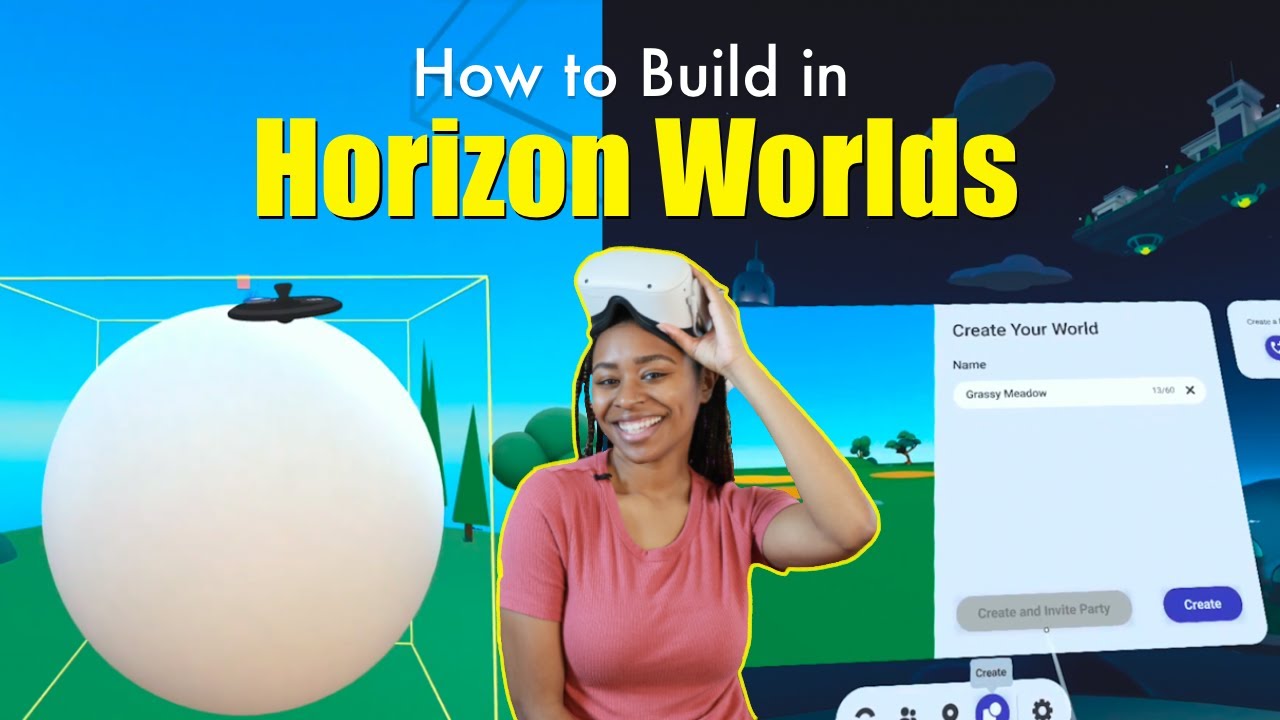
- Learn to create and import 3D models to enhance your game world.
- Grasp the fundamental file structures that define your game's environment.
Your Next Steps
You've now got a roadmap to begin your Roblox game development journey! From crafting captivating lore to mastering the tools of Roblox Studio and building stunning environments, the power to create is in your hands.
Your Action Items
- ☐Pick one video from above and watch it on Querivo
- ☐Ask questions and check summaries while watching without breaking your flow
- ☐Use the AI chat to clarify confusing parts and deepen understanding
- ☐Come back for more curated videos on topics you want to master
Ready to build? Dive into Roblox Studio today and start bringing your unique game ideas to life! There's a whole universe of possibilities waiting for you.
Turn Any YouTube Video into an Interactive Lesson
Paste any video link, get an instant AI summary, and ask questions in real-time.
Try Querivo Free →Related Videos You Might Enjoy
Looking for more perspectives on this topic? Here are some additional videos worth checking out:
How to Craft Your Own Lore with a Strong Foundation | Minecraft Lorecraft: How to Lore
This video provides foundational tips for creating compelling Minecraft lore, emphasizing the importance of planning and building upon existing game mechanics. It guides viewers through defining their story's genre, tone, and feasibility within the game's limitations, whether playing solo or with friends.

How to make custom Gazebo worlds for your robot
This video demonstrates how to create custom simulation worlds in Gazebo Harmonic by adding basic primitives, importing models from the Gazebo Fuel website, and understanding the underlying SDF file format. It covers manipulating objects in the scene and provides insights into the structure of world files.
World Painter TUTORIAL - How To Create Custom Minecraft Maps!
This tutorial demonstrates how to create custom Minecraft maps using World Painter, covering essential tools like the height and spray paint tools. It emphasizes iterative design by exporting to Minecraft frequently to check progress and refine the landscape.
