

Dust off your old game cartridges and prepare to dive into a treasure trove of gaming nostalgia! In an era where physical media is dwindling and official retro collections can be pricey, retro gaming emulation offers a powerful and accessible way to preserve and play the classic titles that defined our childhoods. This article guides you through the essentials, showcasing top YouTube creators who demystify the process. We've analyzed the best YouTube videos to help you build your own retro gaming setup, understand the importance of emulation, and tackle specific console challenges, all while keeping your budget in mind.
Key Takeaways
- 1Your guide to building a budget retro console.
- 2Understand why emulation is vital for gaming history.
- 3Learn to troubleshoot specific console emulation issues.
- 4Get practical steps for setting up emulators and ROMs.
- 5Unlock a world of classic gaming on a budget.
Who this is for
- If you're itching to replay beloved classics but are intimidated by setup
- If you're interested in preserving gaming history for future generations
- If you're a retro gamer looking for cost-effective ways to expand your library
Start Learning with AI-Powered Video Summaries
Get instant summaries, ask questions, and turn any video into an interactive study session.
Try Querivo Free →Build Your Ultimate Retro Console on a Budget
Dreaming of a dedicated machine for all your favorite retro games without breaking the bank? This video is your roadmap. We dive into how you can repurpose affordable, used office PCs – seriously, those old Dell Optiplex machines – into powerful emulation powerhouses. It's surprising just how much bang you can get for your buck when you look at the used market. You'll learn precisely how to get Batocera up and running, a fantastic, user-friendly emulation operating system that makes managing your library a breeze.
The creator breaks down hardware recommendations, giving you a clear picture of what you'll need to smoothly emulate consoles right up through the sixth generation (think PlayStation 2, Xbox, and GameCube era). It’s a really solid guide for anyone who wants a dedicated retro gaming rig but doesn't want to spend a fortune. This approach makes classic gaming incredibly accessible, proving that nostalgia doesn't have to come with a premium price tag. Plus, repurposing hardware is a win for the wallet and the planet.
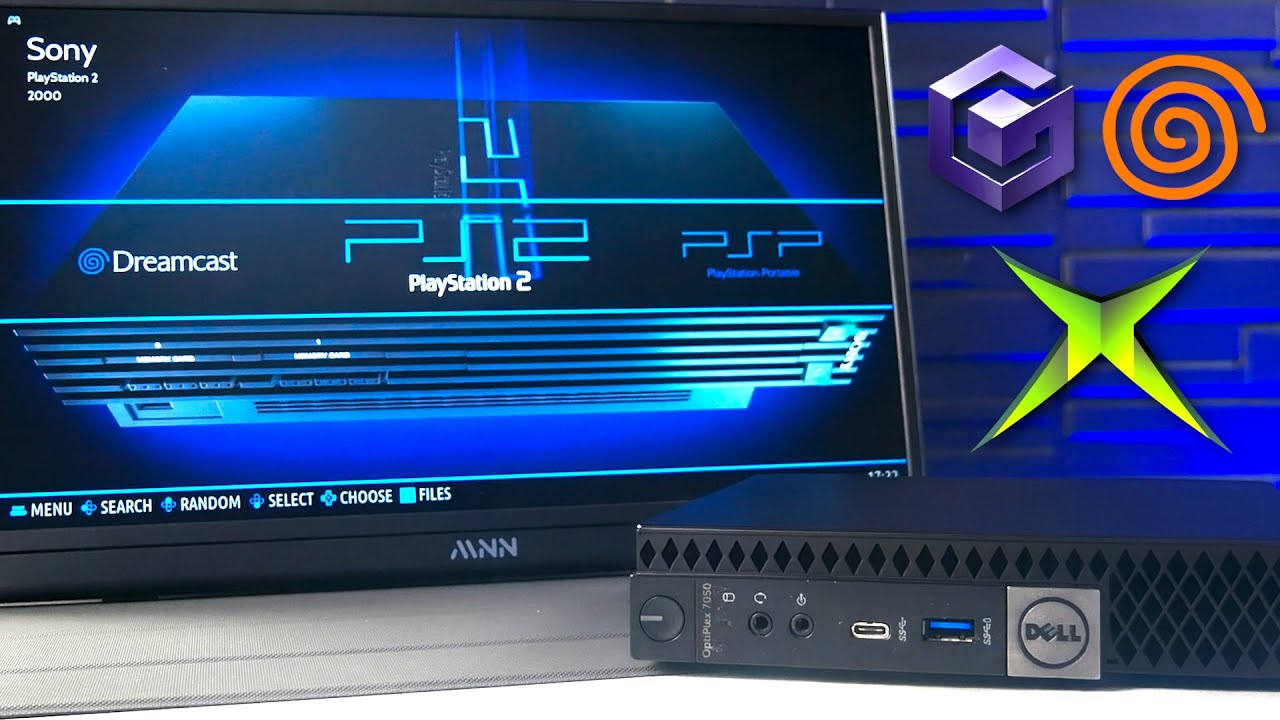
- Repurpose cheap office PCs for a powerful emulation console.
- Install and configure Batocera for a seamless experience.
Study This Video Deeper
Get an AI summary and ask questions about confusing parts in real-time.
Open in Querivo →Why Emulation is Crucial for Gaming's Future
You might think of emulation as just a way to play old games, but it's so much more than that. This video makes a really strong case for why emulation is absolutely vital for preserving video game history. It points out that official re-releases often fall short, and relying solely on them for access to past titles is a risky game. Digital ownership, as we know it, can be surprisingly fragile, and companies don't always prioritize long-term access to their back catalogs.
What's particularly compelling here is the emphasis on community-driven emulation efforts. These passionate groups are doing the heavy lifting to ensure that our gaming heritage isn't lost. It’s a powerful argument against the industry's often profit-driven approach, which can leave classic games inaccessible or poorly presented. Watching this will give you a new appreciation for the emulator scene and its role in safeguarding decades of interactive entertainment for generations to come. It really highlights the proactive role gamers can play.
- Emulation is key to preserving video game history.
- Community efforts are vital for game accessibility.
Mastering Nintendo 64 Emulation: Tackling the Challenges
Ah, the Nintendo 64. A beloved console, but one that notoriously gives emulators a run for their money. If you've ever dabbled in N64 emulation, you've probably run into some… interesting quirks. This video really digs into why it's so tricky. It explains the console's unique, almost stubborn architecture, which was pretty advanced for its time and doesn't always play nice with modern emulation techniques. You'll get a fascinating look at the evolution of N64 emulation, including the reliance on complex plugins and their inherent limitations.
It's not just about software; the programmable nature of the N64's graphics processor meant developers had a lot of control, but it also created a moving target for emulator creators. The video sheds light on how custom microcode, essentially tailor-made code for specific tasks, significantly impacts both the accuracy and performance you’ll see. If you’re serious about getting the best possible N64 experience, understanding these technical hurdles is surprisingly helpful. It definitely clarifies why some games still behave strangely, even on powerful hardware.
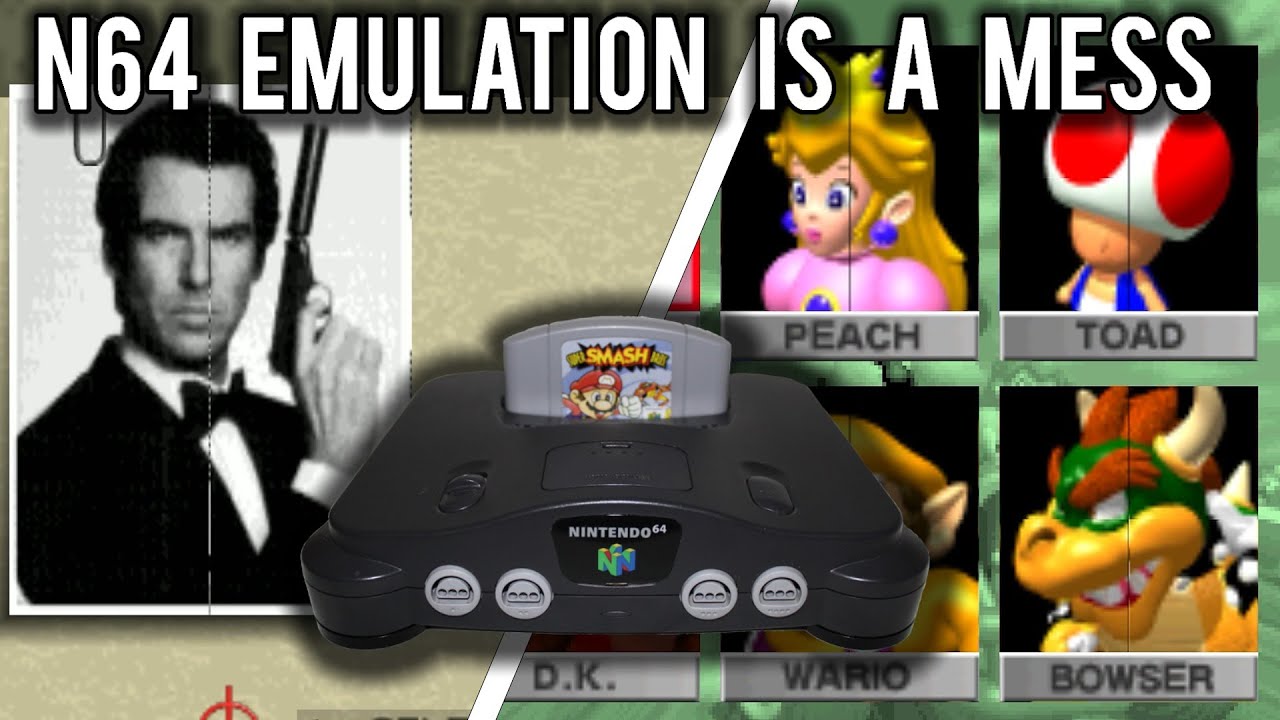
- N64 emulation is complex due to its unique architecture.
- Understand how plugins and microcode affect accuracy and performance.
Setting Up Your Emulator and ROMs: A Step-by-Step Guide
Okay, you've got the hardware ideas, you understand the preservation angle, and you've even tackled the N64 beast. Now, let's get down to the practical steps of actually setting up your emulation environment. This video provides a super clear, actionable guide that’s perfect for getting your retro gaming setup running smoothly. It walks you through installing and configuring popular emulators – the software that actually runs your games – in a way that’s easy to follow, even if you're new to this.
You'll also get a solid grasp of the basics of ROM installation and management. This is where you'll learn how to organize your game files so your emulator can find them. It's all about making the process as painless as possible so you can spend more time playing and less time fiddling. The practical tips offered here are worth their weight in gold for anyone starting out. Think of this as your essential toolkit for building that dream retro gaming library.
- Learn to install and configure popular emulators.
- Get practical tips for managing ROMs and setting up your system.
Your Next Steps
With the right knowledge and resources, setting up a retro gaming emulation system is more achievable and rewarding than ever. From budget-friendly builds to understanding the nuances of console emulation, you're equipped to relive your favorite classic games.
Your Action Items
- ☐Pick one video from above and watch it on Querivo
- ☐Ask questions and check summaries while watching without breaking your flow
- ☐Use the AI chat to clarify confusing parts and deepen understanding
- ☐Come back for more curated videos on topics you want to master
Turn any YouTube video into an interactive lesson. Ready to jump into the world of retro gaming emulation? Dive into these videos, and you'll be setting up your own classic console experience in no time.
Turn Any YouTube Video into an Interactive Lesson
Paste any video link, get an instant AI summary, and ask questions in real-time.
Try Querivo Free →