Are your presentations falling flat, failing to capture attention or drive action? In today's fast-paced world, captivating visuals and compelling delivery are no longer optional – they're essential for cutting through the noise and making your message stick.
Key Takeaways
- 1Elevate your presentations with expert design and storytelling.
- 2Learn to craft impactful slides in PowerPoint and Google Slides.
- 3Master visual hierarchy and interactive elements.
- 4Transform static bullet points into dynamic reveals.
- 5Create presentations that leave a lasting impression.
Who this is for
- If you're a business professional struggling to make your pitches memorable
- If you're a student or educator needing to convey complex information clearly
- If you're anyone looking to move beyond basic bullet points and static visuals
Start Learning with AI-Powered Video Summaries
Get instant summaries, ask questions, and turn any video into an interactive study session.
Try Querivo Free →Elevate Your Ideas: Master Slide Design as Business Packaging
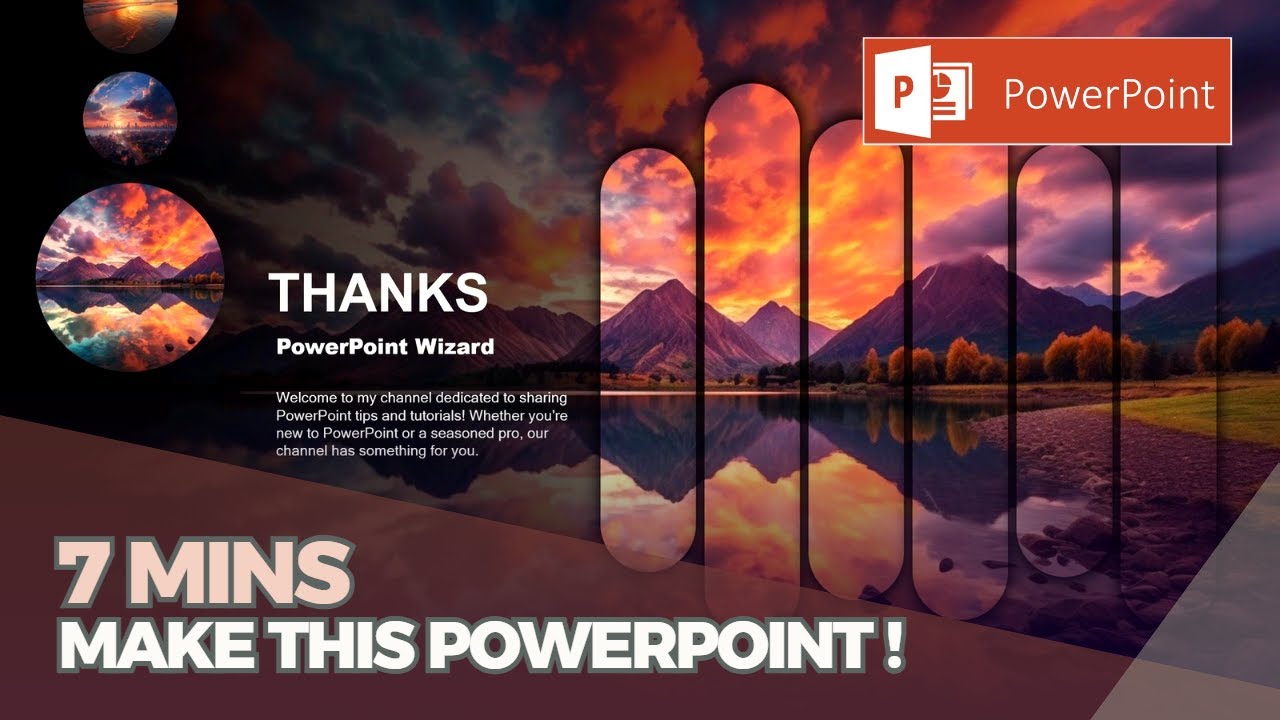
Think of your presentation slides not just as a backdrop, but as the crucial packaging for your brilliant ideas. This video underscores that how you present your content directly influences how it's received, especially in business contexts. It's a comprehensive guide to mastering PowerPoint's foundational design tools, ensuring your message is not only understood but also respected. You'll learn how to creatively extract and combine design elements from standard themes, ensuring unique and fresh-looking presentations that go beyond basic theme application. This approach helps you build a consistent visual identity for all your presentations, leveraging slide masters and design themes to create a cohesive, professional look that truly elevates your content. Plus, you'll get a handle on impactful font choices and smart color enhancements that make your slides pop.
PowerPoint Slide Design Mastery by Presentation Process
- Your slides are the packaging for your ideas; design them intentionally.
- Use Slide Masters and Themes for consistent, professional branding.
- Learn to creatively combine design elements for unique slides.
Unlock Visual Hierarchy: Design Engaging Layouts in Minutes
Ever feel like your audience is lost in your slides? That's often a layout problem. This tutorial breaks down the core principles that make presentations easy to follow and visually appealing, even if you're new to design. We're talking about grids, emphasis, balance, and the strategic use of white space – all tools to guide your audience's attention intuitively. You'll discover how to create effective visual pathways, avoiding common pitfalls that lead to clutter and confusion. This valuable content teaches you how to make a good PowerPoint slide by focusing on foundational design elements. Plus, you'll even get a glimpse into advanced techniques like overlapping elements and developing a smart color flow, making your slides much more engaging and easier to digest.
How to make a good PowerPoint slide - Easy Tutorial by SlideSkills
- Master essential layout principles like grids, balance, and white space.
- Create intuitive visual pathways to guide your audience's attention.
- Learn practical tips for making visually appealing slides.
Dynamic Visuals: Transform Static Bullet Points into Interactive Experiences
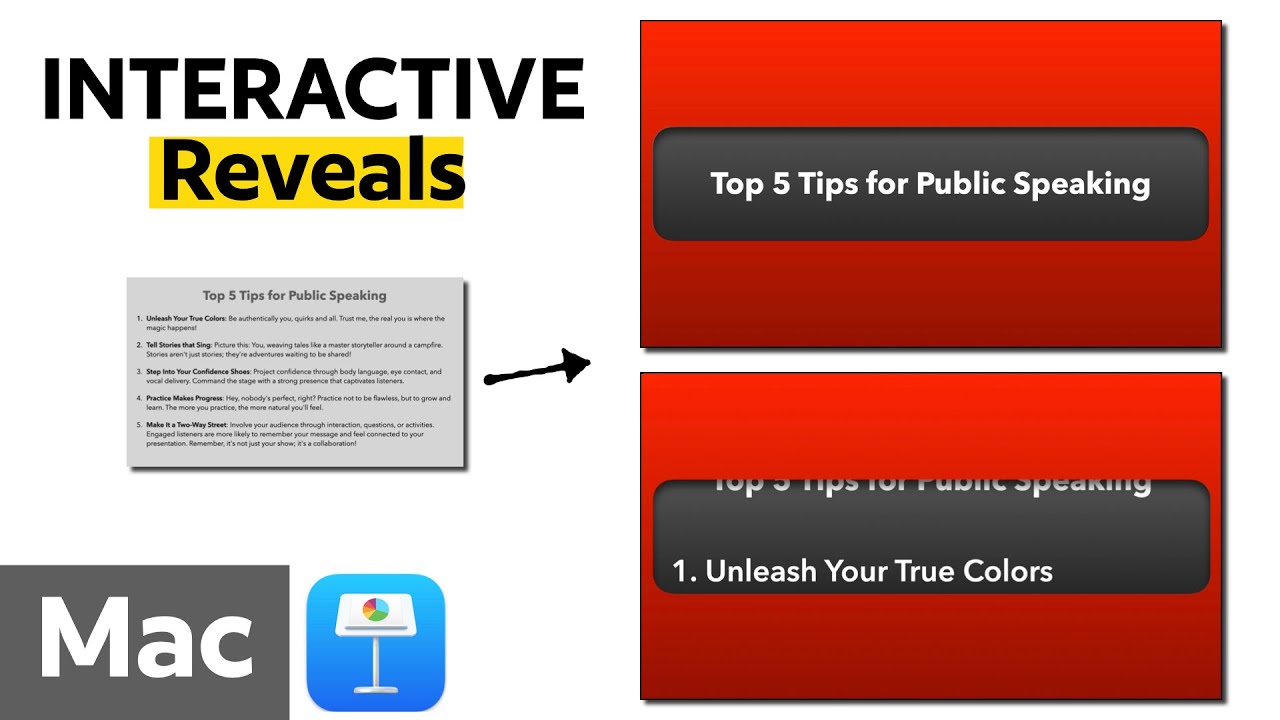
Let's face it, plain bullet points can be a snooze-fest. This video shows you how to inject life and interactivity into those common presentation elements, turning them into dynamic experiences. You'll learn how to create sophisticated backgrounds using custom master slides and manipulate shapes to build unique visual effects. The real magic? Implementing interactive bullet point reveals that build anticipation and guide audience focus precisely where you want it, moving beyond typical animation effects to create a novel and captivating presentation style. Plus, you’ll see how to effectively integrate presenter notes to declutter your main slides while keeping crucial information readily accessible. It's about making your content interactive, not just informative, by using a unique, child-inspired "viewing window" animation for bullet points.
Slide Design Mastery: Elevate Bullet Points with Interactive Reveals by Presentation Help with Mike Sheley
- Make bullet points engaging with custom backgrounds and interactive reveals.
- Use shape manipulation for unique visual effects and cleaner slides.
- Create captivating presentation styles beyond standard animations.
Fast-Track Your Design Skills: Master Essential Tools in Minutes
For those needing to create visually appealing content quickly, this video offers a powerful solution. It promises to teach users 'master Canva in 15 minutes,' offering a highly condensed yet comprehensive introduction to fundamental design features. This makes it ideal for users seeking rapid learning and efficient skill acquisition, especially if they're beginners. You'll quickly grasp the core functionalities needed to design professional-looking graphics and presentations without an extensive time investment. This resource is invaluable for anyone who needs to produce engaging visuals on the fly.
MASTER CANVA IN 15 MINUTES! Canva Tutorial For Beginners by Aurelius Tjin
- Learn essential Canva features for quick, professional designs.
- Ideal for beginners needing a rapid introduction to design tools.
- Create engaging visuals efficiently.
Your Next Steps
Mastering presentation design is a journey that combines strong visual principles with dynamic delivery. By applying the insights from these YouTube tutorials, you can transform your slides from mere information dumps into powerful tools for persuasion, education, and connection. These resources provide practical, actionable advice that can be implemented immediately, whether you're working in PowerPoint, Google Slides, or exploring other design tools like Canva.
Your Action Items
- ☐Pick one video from above and watch it on Querivo
- ☐Ask questions and check summaries while watching without breaking your flow
- ☐Use the AI chat to clarify confusing parts and deepen understanding
- ☐Come back for more curated videos on topics you want to master
Ready to create presentations that captivate? Start implementing these design and animation techniques today! Explore the full videos linked in this article to dive deeper into each topic. Practice the techniques, experiment with different approaches, and begin building your confidence as a presentation powerhouse.
Turn Any YouTube Video into an Interactive Lesson
Paste any video link, get an instant AI summary, and ask questions in real-time.
Try Querivo Free →Related Videos You Might Enjoy
Looking for more perspectives on this topic? Here are some additional videos worth checking out:
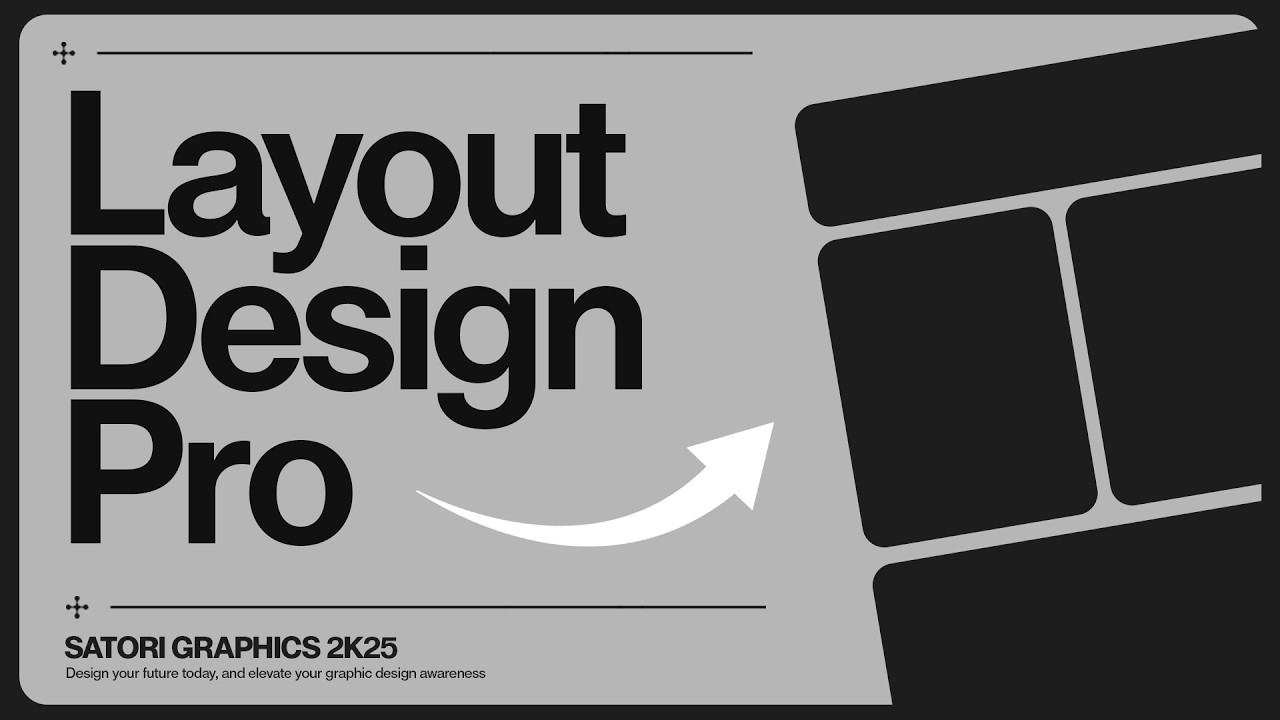
Master Layout Design In 8 Minutes! (IMPORTANT)
This video distills nearly two decades of layout design experience into an 8-minute guide, covering core principles like grids, emphasis, balance, and white space, alongside advanced techniques such as element overlapping and color flow. It aims to equip viewers with the knowledge to create more professional, engaging, and visually hierarchical designs.
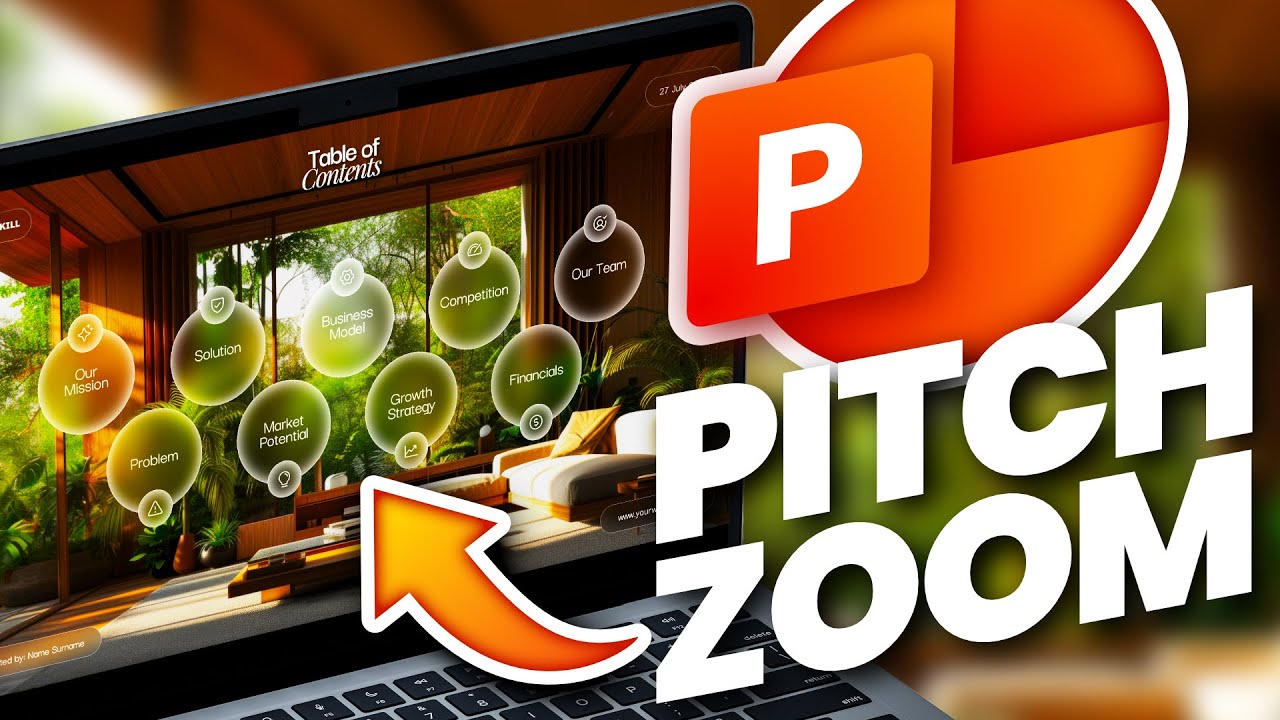
Make Your PowerPoint Pop with Cool Section Zooms!
The ULTIMATE Guide To Typography For Beginners
This video provides a beginner's guide to typography, explaining its importance in design and covering fundamental concepts like font types (serif, sans-serif, display, script, monospace), their characteristics, and appropriate uses. It also delves into typographic measurements and units like points, pixels, em, and rem for effective digital design.