Tired of presentations that bore your audience to sleep? Unlock the power of captivating visual storytelling and master the art of impactful presentations with essential YouTube tutorials.
Key Takeaways
- 1Curated YouTube videos for presentation mastery.
- 2Learn efficient design with smart templates and branding.
- 3Integrate modern visuals and interactive transitions.
- 4Craft compelling narratives for any audience.
- 5Deliver your message with newfound confidence.
Who this is for
- If you're struggling to keep your audience engaged during presentations
- If you're looking to elevate your business pitches or academic reports
- If you're a beginner wanting to learn professional PowerPoint design techniques
Start Learning with AI-Powered Video Summaries
Get instant summaries, ask questions, and turn any video into an interactive study session.
Try Querivo Free →Build Stunning Presentations Fast with Smart Templates and Branding
Creating a professional-looking presentation often feels like a daunting task. But what if you could build something impactful in a fraction of the time? This first video dives into the core of efficient presentation design, showing us how to leverage smart templates and consistent branding to get a polished result without reinventing the wheel. It’s about working smarter, not harder, especially when you're up against a deadline.
We'll explore how to kickstart your project using pre-designed templates, ensuring a solid visual foundation. The tutorial emphasizes structuring your content logically, which is absolutely crucial for your audience to follow along. Plus, maintaining a consistent brand identity—think colors, fonts, and logos—makes your presentation look cohesive and professional, building trust and recognition.
The creator also touches upon some really neat AI-powered features that can accelerate the customization process. This means you can go from a blank slide to a compelling narrative much faster. It's a game-changer for anyone who needs to present ideas regularly, whether for business proposals, project updates, or even academic endeavors. This video is definitely worth watching if you want to speed up your workflow and improve your initial design impact.
- Leverage templates and AI for rapid presentation building.
- Apply consistent branding for a polished, professional look.
Elevate Your Slides with Modern Visuals and Interactive Transitions
Moving beyond basic slides, the real magic often happens with how you present your information visually. This next tutorial takes us into the realm of graphic design for presentations, showing how to make your slides pop. We're talking about integrating eye-catching elements that grab and hold your audience's attention.
You'll discover how to incorporate 3D models, which adds a fantastic sense of depth and modernity to your visuals. It's a really effective way to make complex concepts easier to understand and more memorable. Plus, the video highlights the Zoom transition feature, a surprisingly versatile tool that can create dynamic, non-linear navigation for your presentation, making it feel more interactive and less like a linear slideshow.
But that's not all. We also get into creative techniques like video masking to craft unique slide layouts that stand out. And for showcasing sequential information or timelines, the Push transition is demonstrated as a smooth, effective method. These aren't just flashy tricks; they're design choices that can significantly enhance how your message is received and understood. This video is pretty solid for anyone looking to inject some advanced visual flair into their PowerPoint presentations.
- Integrate 3D models and advanced transitions for visual appeal.
- Learn creative masking and layout techniques to enhance slides.
Make Your Content Pop with Advanced Canva Design Tricks
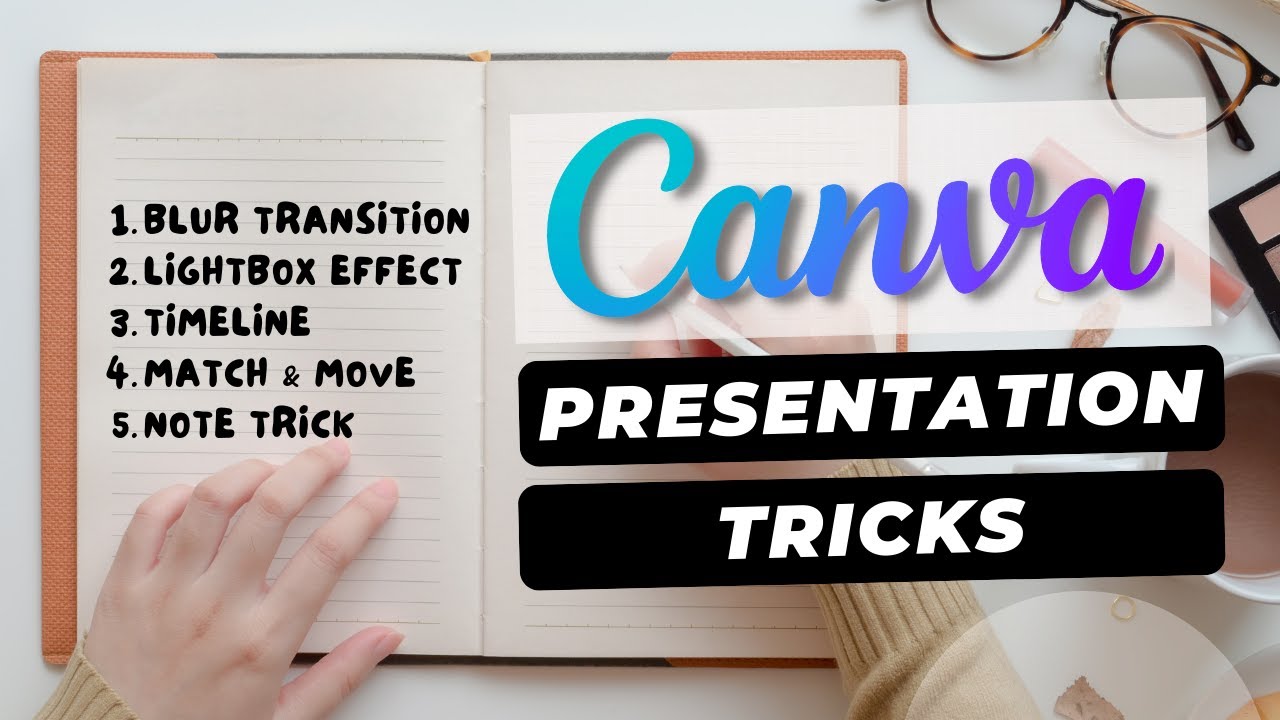
While we're focusing on PowerPoint, understanding broader design principles is always beneficial, and this video offers some fantastic insights you can adapt. It delves into specific, creative techniques within Canva to boost visual impact and keep your audience hooked. Sometimes, a few well-placed design tricks can make all the difference in how your content is perceived.
One of the cool techniques highlighted is the blur transition, which can add a subtle layer of sophistication and visual interest without being distracting. It’s a great example of using effects thoughtfully. You'll also learn how to implement a lightbox effect, an excellent way to draw immediate attention to crucial visuals or text, ensuring your key points aren't missed.
Designing compelling timelines that visually guide your audience through a narrative is another key takeaway here. This makes complex information digestible and engaging. The creator shares genuinely creative methods to make your content stand out from the crowd, keeping viewers not just watching, but actively engaged. Even if you primarily use PowerPoint, the conceptual approach to visual storytelling and engagement in this video is incredibly valuable. It’s worth checking out for those creative sparks.

- Apply creative effects like blur and lightbox for visual emphasis.
- Design engaging timelines and standout content elements.
Craft a Powerful Narrative: From Structure to Seamless Delivery
A truly impactful presentation is more than just pretty slides; it's about a well-crafted message delivered effectively. This tutorial provides a holistic view, guiding you through the entire process from structuring your content to the final delivery. It bridges the gap between design and communication, which is really what makes a presentation memorable.
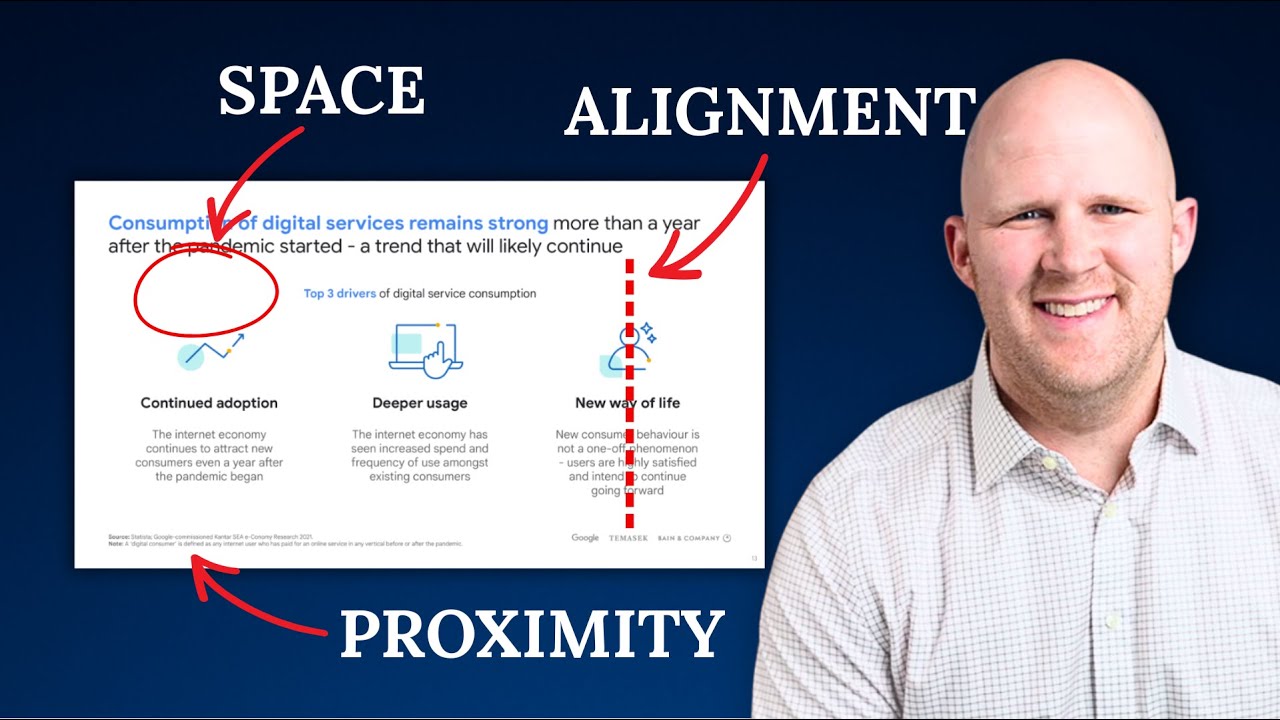
You’ll learn how to structure your content for optimal flow and understanding. This means ensuring your narrative makes sense, builds logically, and leads your audience to the desired conclusion. The video also walks you through refining your slides using alignment tools, ensuring everything looks sharp, professional, and easy to read. Sloppy alignment is a quick way to lose credibility, so this is a vital step.
Engagement is key, and this section explores the strategic use of animations and transitions to enhance it, rather than distract from it. It’s about using these tools to support your story, not just for the sake of adding movement. Finally, you’ll gain insights into best practices for sharing your finished presentation, making sure your hard work reaches its intended audience effectively. This video is a fantastic way to tie all the design elements together with strong communication skills, which is the ultimate goal.
- Structure content for clarity and effective storytelling.
- Refine slides with alignment and strategic animations/transitions.
Your Next Steps
By mastering these essential techniques and leveraging the power of YouTube tutorials, you can transform your presentations from mundane to magnificent. Focus on clear structure, engaging visuals, and consistent branding to ensure your message resonates with your audience. These curated videos offer practical, actionable advice to elevate your presentation skills dramatically.
Your Action Items
- ☐Pick one video from above and watch it on Querivo
- ☐Ask questions and check summaries while watching without breaking your flow
- ☐Use the AI chat to clarify confusing parts and deepen understanding
- ☐Come back for more curated videos on topics you want to master
Ready to create presentations that captivate? Start applying these proven strategies today and see your ideas come to life!
Turn Any YouTube Video into an Interactive Lesson
Paste any video link, get an instant AI summary, and ask questions in real-time.
Try Querivo Free →Related Videos You Might Enjoy
Looking for more perspectives on this topic? Here are some additional videos worth checking out:
PowerPoint Storytelling: How McKinsey, Bain and BCG create compelling presentations
How To Give The Perfect Presentation ( Academic Conferences & Keynotes)
5 ways to make BETTER PowerPoint PRESENTATIONS in 2025 💯
This video by Luis Urrutia offers five actionable techniques to enhance PowerPoint presentations, focusing on modern visual elements and dynamic transitions. It guides viewers through using 3D models, integrating custom graphics from Canva, leveraging the Zoom transition for interactive overviews, masking videos for creative layouts, and employing the Push transition for seamless timelines.
5 Tricks to Make Your Canva Presentation POP!
This video teaches five tricks to significantly improve Canva presentations. It focuses on creating visually impactful slides by using techniques like blur transitions, the lightbox effect, and effective timeline design to make content pop and keep audiences engaged.