Tired of slides that bore your audience to tears? In the fast-paced world of 2025, presentations need to be more than just text dumps – they need to be engaging visual experiences. Mastering PowerPoint design is no longer a nice-to-have; it's a necessity for communicating effectively and ensuring your message lands with impact. We've curated some of the top YouTube videos to help you elevate your presentation game, transforming your slides from mundane to magnificent.
Key Takeaways
- 1Master PowerPoint design for impactful presentations.
- 2Learn to organize content and build compelling narratives.
- 3Discover how to create visually stunning and audience-centric slides.
- 4Unlock advanced features for dynamic and interactive presentations.
- 5Elevate your slides from mundane to magnificent.
Who this is for
- If you're struggling to make your presentations visually appealing.
- If you're a student or professional needing to deliver impactful messages.
- If you're looking for practical, actionable PowerPoint tips and tricks.
Start Learning with AI-Powered Video Summaries
Get instant summaries, ask questions, and turn any video into an interactive study session.
Try Querivo Free →Build a Strong Foundation: Organize Your Content for Maximum Impact
Crafting compelling PowerPoint presentations is a crucial skill for students and professionals alike. Effective slide design can make the difference between a message that resonates and one that's quickly forgotten. This video by Leila Gharani dives deep into the fundamentals of structuring your presentation, making sure your core message doesn't get lost in the noise. It’s all about setting up a solid base for your visual storytelling, focusing on key elements that immediately enhance your slides.
The creator walks us through the absolute essentials for organizing your thoughts before you even touch a slide. Think "one idea per slide" – it's a simple rule that really hammers home focus for your audience. You'll learn how to break down complex information into digestible chunks, ensuring each slide serves a distinct purpose. Plus, you'll discover how to establish a consistent look and feel with typography and color palettes that just work. This video is a game-changer for anyone who feels their presentations are a bit chaotic, providing practical, easy-to-implement strategies that you can use right away to improve your design's clarity and professionalism.
- Prioritize a clear "one idea per slide" structure.
- Establish a consistent visual foundation with typography and color.
Master Storytelling: Structure Your Narrative for Audience Connection
Now that we've got a handle on organization, let's talk about the heart of any great presentation: the story. This video from Analyst Academy really emphasizes that presentations aren't just about delivering facts; they're about connecting with your audience on a deeper level. Developing a strong narrative is key, and this tutorial breaks down how to do just that, helping you move beyond a simple data dump to a truly engaging experience.
You'll discover how to create a compelling outline, really digging into who you're speaking to so you can tailor your message perfectly. It’s surprisingly effective how much audience analysis can influence your design and delivery. Plus, the way they discuss integrating data visualization is pretty solid – making complex information not just digestible, but also credible and visually appealing. This is essential viewing for mastering effective presentation slides that not only inform but also persuade and resonate with your intended audience.
- Develop a strong narrative structure with compelling opening and closing.
- Tailor your message through thorough audience analysis.
Study This Video Deeper
Get an AI summary and ask questions about confusing parts in real-time.
Open in Querivo →Present with Confidence: Prioritize Simplicity and Audience-Centric Design
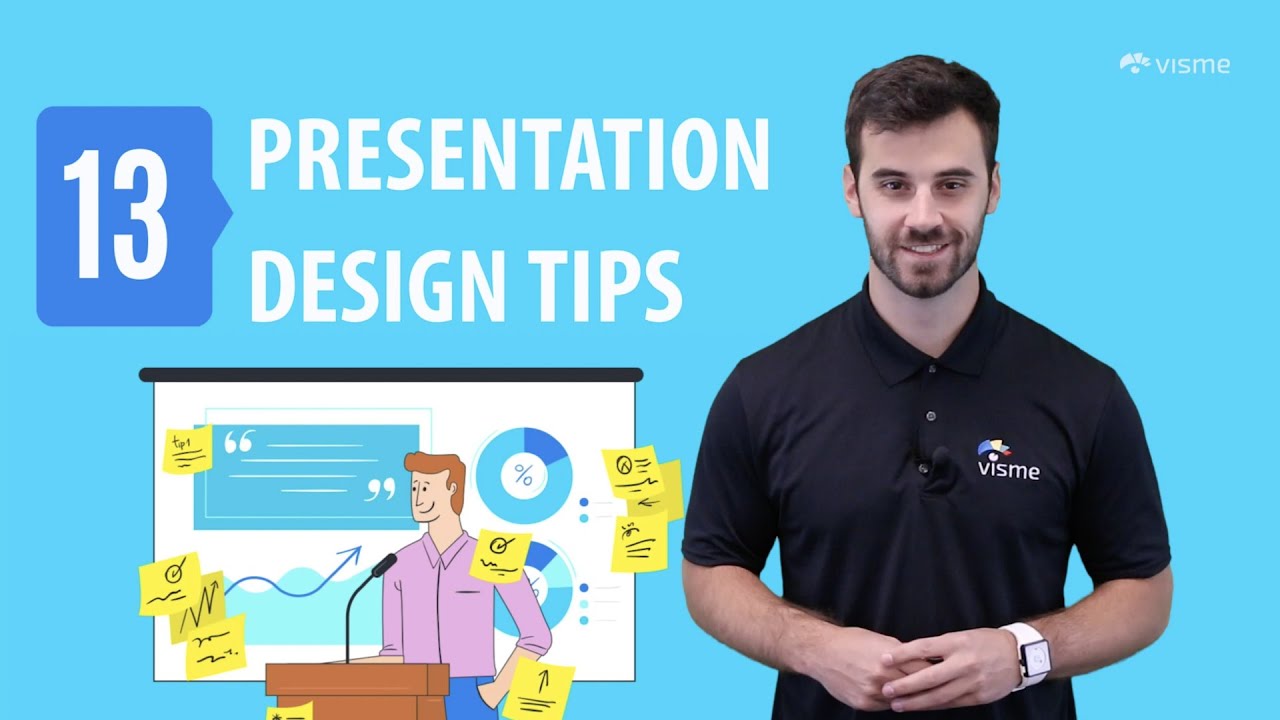
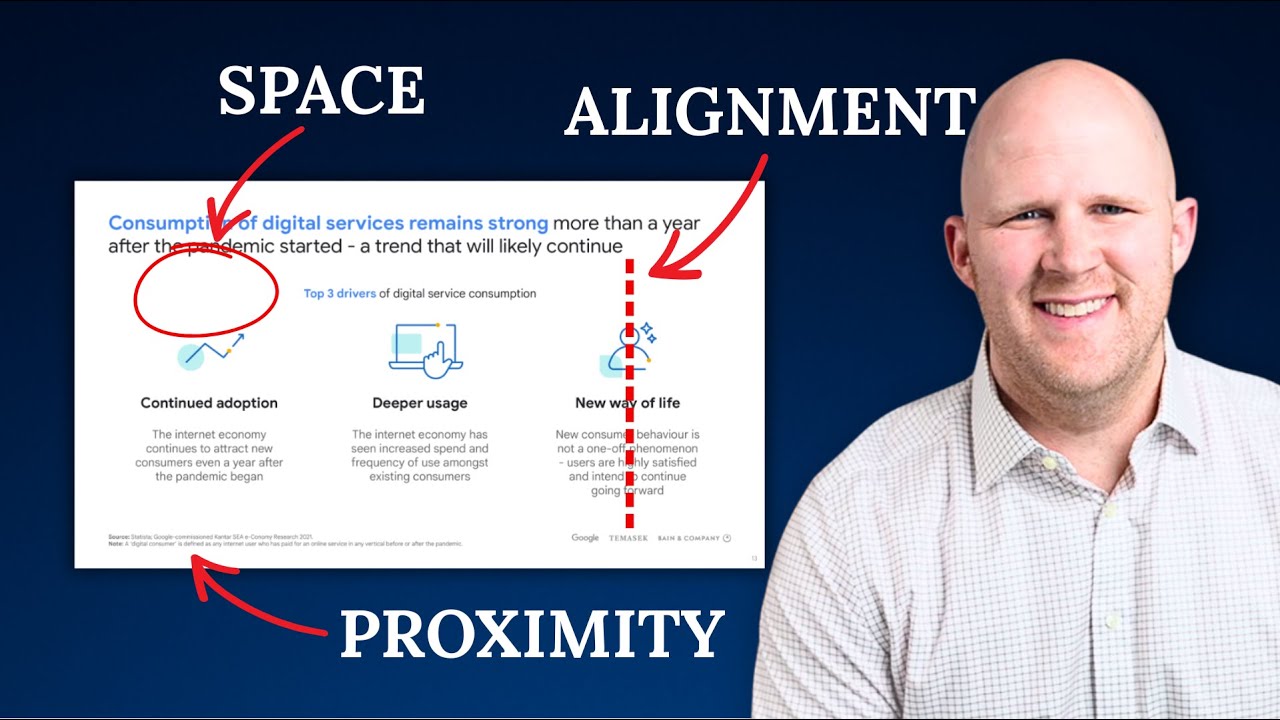
Sometimes, the biggest mistake we make with presentations is trying to cram too much onto each slide. This video by Visme tackles that head-on, advocating for a philosophy where your slides actually support you, the presenter, rather than overwhelming your audience. It’s a refreshing take on audience-centric design that you’ll definitely want to adopt, focusing on how to make your visuals work for you.
The creator highlights how crucial simplicity is, offering a comprehensive list of 13 actionable tips with clear visual examples. Instead of dense text, think visual aids that quickly communicate your point. You’ll also get insights into strategic branding – how to incorporate elements like logos without them becoming distracting eyesores. This tutorial is fantastic for anyone who wants their slides to enhance their message, not detract from it. It’s a really practical guide to avoiding common presentation pitfalls and ensuring your audience is focused on you, not just the screen, making your delivery more impactful.
- Design slides as visual aids to complement your speaking.
- Emphasize simplicity and avoid overwhelming the audience.
Unlock Dynamic Slides: Harness PowerPoint's Advanced Features
Ready to take your presentations from good to great? This video by Kevin Stratvert is where we get hands-on with some of PowerPoint's more advanced, yet surprisingly accessible, features. It’s packed with practical, step-by-step techniques that can make your slides truly dynamic and interactive, moving beyond basic templates. You'll be amazed at what you can create with a little guidance.
We’re talking about stunning transitions like Morph and Enhanced Morph, which can make your visuals flow seamlessly and add a professional polish. Plus, you’ll learn how to craft precise shapes and lines for a clean, modern aesthetic. Ever thought about adding interactive elements, like a countdown timer or custom navigation? This video shows you how! It even covers useful tools like screen recording directly within PowerPoint, which is a total game-changer for demonstrations and tutorials. The inclusion of time stamps in the description is also a valuable feature, allowing you to jump directly to the tips most relevant to you. This is a goldmine for anyone looking for serious PowerPoint tips and tricks to make their presentations truly stand out.
- Utilize advanced transitions like Morph for seamless visuals.
- Incorporate interactive elements for enhanced audience engagement.
Your Next Steps
By applying the principles of content organization, narrative structuring, audience-centric design, and leveraging advanced PowerPoint features, you can transform your presentations from mundane to magnificent. These curated YouTube tutorials offer actionable strategies to make your slides engaging, informative, and impactful.
Your Action Items
- ☐Pick one video from above and watch it on Querivo
- ☐Ask questions and check summaries while watching without breaking your flow
- ☐Use the AI chat to clarify confusing parts and deepen understanding
- ☐Come back for more curated videos on topics you want to master
Ready to elevate your presentation game? Start implementing these powerful PowerPoint design tips today!
Turn Any YouTube Video into an Interactive Lesson
Paste any video link, get an instant AI summary, and ask questions in real-time.
Try Querivo Free →Related Videos You Might Enjoy
Looking for more perspectives on this topic? Here are some additional videos worth checking out: