Unlock the full potential of your photographs and turn ordinary images into extraordinary visuals with the power of Photoshop photo editing. In today's visually driven world, stunning imagery is crucial for photographers, designers, and artists alike. While professional software like Photoshop can seem intimidating, a wealth of expert knowledge is available through YouTube tutorials, offering accessible pathways to mastering image manipulation. This article curates the top YouTube videos to guide you through essential Photoshop photo editing techniques. From fundamental adjustments to advanced retouching, you'll discover how to elevate your photos with expert-led demonstrations and practical tips.
Key Takeaways
- 1Master Photoshop photo editing YouTube guides for stunning results.
- 2Learn basic adjustments and creative compositing techniques.
- 3Elevate your portraits with advanced retouching skills.
- 4Transform static images into dynamic visual content.
- 5Achieve professional-grade photo transformations.
Who this is for
- If you're looking to improve your photography with Photoshop,
- If you're a graphic designer needing to blend images seamlessly,
- If you're an aspiring artist eager to learn advanced retouching,
Start Learning with AI-Powered Video Summaries
Get instant summaries, ask questions, and turn any video into an interactive study session.
Try Querivo Free →Master the Fundamentals: Your First Steps in Photoshop Editing
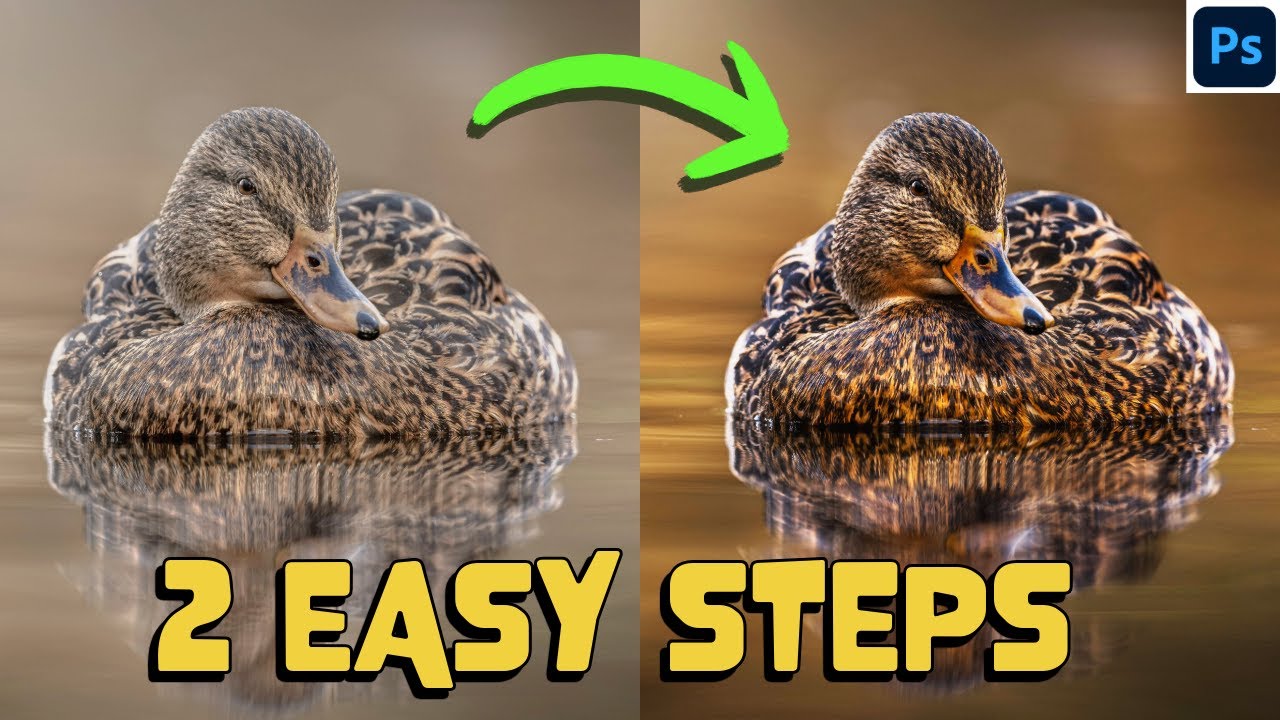
This video, "HOW to TRANSFORM your images in 2 EASY STEPS - Photoshop like a PRO" by Matt Shannon, is your essential starting point for diving into Photoshop photo editing. It breaks down the core adjustments that can dramatically improve any image. You'll learn how to tweak brightness, contrast, and saturation – the building blocks of good image correction. Understanding these fundamentals is key to creating visually appealing photos. Beyond basic color and light adjustments, the creator also covers the crucial steps of cropping and using aspect ratio tools to improve composition, making your photos more impactful. For those new to the software, mastering these basics is absolutely key before moving on to more complex techniques. This video emphasizes efficiency, showing how to achieve significant transformations with just a couple of straightforward steps, empowering you to begin editing with confidence.
- Grasp essential photo adjustments like brightness and contrast.
- Practice cropping and aspect ratio for better composition.
- Learn efficient two-step transformations for quick improvements.
Study This Video Deeper
Get an AI summary and ask questions about confusing parts in real-time.
Open in Querivo →Breathe Life into Still Photos: Cinematic Motion Graphics
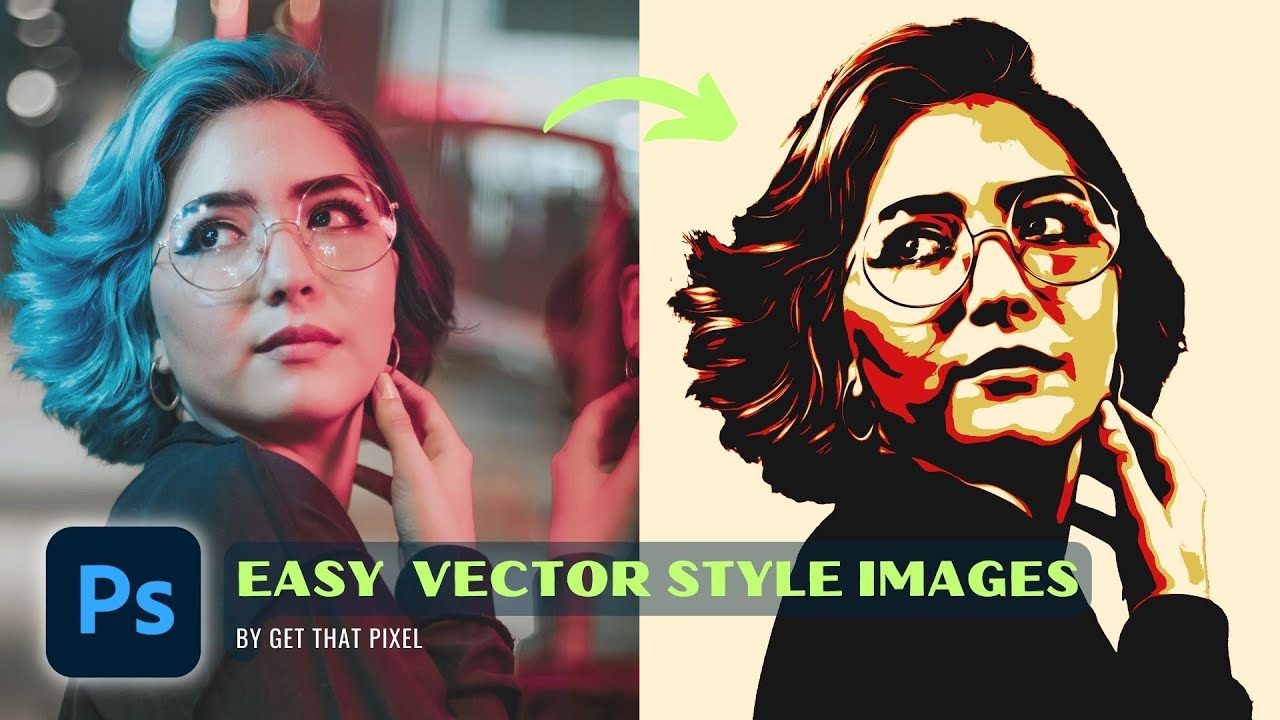
Ever wondered how to make a static photo feel alive? This video, "From Ordinary to Extraordinary: Transform Your Photos into Vector Style in Photoshop" by Get That Pixel, showcases a fascinating technique to reimagine your images. While the description implies a vector style transformation, the value lies in the creative manipulation of photos to achieve a unique artistic look. You'll learn how to add dynamic visual elements and blend them seamlessly, which can breathe new life into your content. The techniques demonstrated here, especially those involving careful selection and transformation of image elements, are super valuable for anyone wanting to create more engaging and artistic visuals. Refining how different elements interact to achieve a stylized outcome is definitely a game-changer for transforming ordinary photos into something extraordinary.
- Learn to add dynamic visual effects to static images.
- Master layering and blending for depth and realism.
- Transform photos into a unique artistic style.
Advanced Retouching: Achieving Flawless Portraits in Photoshop
Portrait photographers, this one's for you. This video, "Transform Your Photos with Epic Lightroom Curves Trick!!" by Mark McGee Photos, dives into advanced techniques that will elevate your portraits to a professional level. While it specifically mentions Lightroom and Curves, the underlying principles of light and color manipulation are directly applicable and transferable to Photoshop for portrait retouching. You'll learn how to sculpt light and create depth, which really makes a subject pop. Mastering these adjustments can significantly enhance facial features and overall image impact. The creator's focus on achieving an "epic" look implies attention to detail in color correction and grading for those consistent, appealing tones that define a polished look. It’s definitely a must-watch if you’re aiming for natural-looking enhancements that make your portraits stand out.
- Master lighting and color adjustments for impactful portraits.
- Learn techniques to make subjects pop with enhanced depth.
- Achieve professional-grade finishing for portraiture.
Creative Compositing: Seamlessly Blending Images in Photoshop
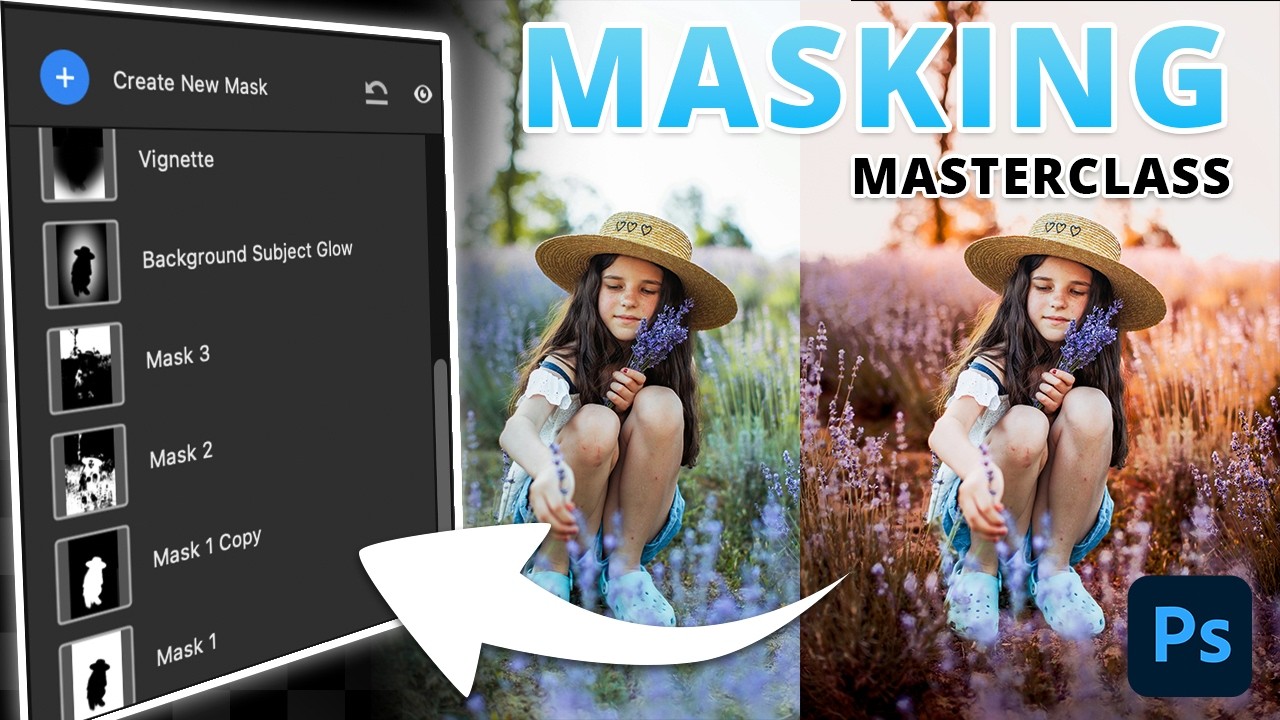
This video, "TRANSFORM Your Photos Using These MASKS In Photoshop" by Brendan Williams, is all about the magic of compositing – taking elements from different photos and weaving them into a single, cohesive new scene. It’s a skill that’s incredibly useful for graphic designers and artists who want to create something entirely from imagination. You'll explore precise selection and masking techniques, which are really the backbone of good compositing. Brendan Williams demonstrates how to use masks effectively to isolate and combine different image parts with precision. Matching lighting and color between your source images is also crucial for realism, and this video shows you how to achieve that. Plus, it covers using adjustment layers for non-destructive editing and how to add realistic shadows and highlights to truly integrate your elements. It’s surprisingly accessible with the right guidance, allowing you to build complex scenes from simpler components.
- Develop precise selection and masking skills for image blending.
- Learn to match lighting and color for realistic compositing.
- Create believable scenes by integrating multiple image elements.
Your Next Steps
By exploring these curated YouTube videos, you've gained insights into transforming your images, from fundamental adjustments and creative compositing to advanced retouching and artistic stylization. Photoshop photo editing is an accessible skill with the right guidance. These resources offer practical, step-by-step instructions and expert tips that you can immediately apply to your own projects. Whether you're aiming for subtle improvements or dramatic overhauls, these videos provide the knowledge to elevate your visual content.
Your Action Items
- ☐Pick one video from above and watch it on Querivo
- ☐Ask questions and check summaries while watching without breaking your flow
- ☐Use the AI chat to clarify confusing parts and deepen understanding
- ☐Come back for more curated videos on topics you want to master
Start transforming your images today by practicing the techniques learned from these top YouTube tutorials! Dive deeper into specific techniques that caught your eye, experiment with different editing styles, and continue your learning journey with more advanced Photoshop tutorials.
Turn Any YouTube Video into an Interactive Lesson
Paste any video link, get an instant AI summary, and ask questions in real-time.
Try Querivo Free →Related Videos You Might Enjoy
Looking for more perspectives on this topic? Here are some additional videos worth checking out:
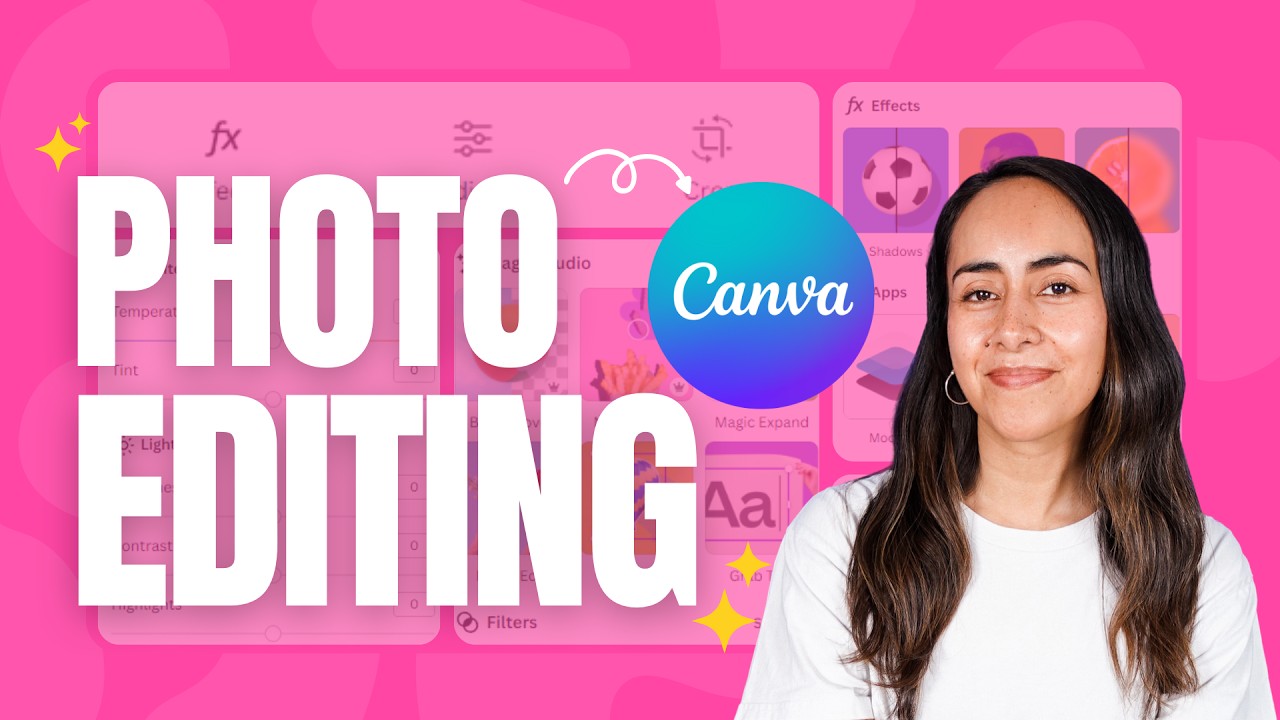
How to Edit & Transform your Photos in Canva ✨ | Beginner's Guide
This video provides a beginner's guide to editing photos within Canva, demonstrating how to upload and transform images using various tools. It covers essential editing features like cropping, adjustments, effects, and AI-powered magic tools, applicable both directly from the homepage and within existing designs.
How to Transform Still Images into Cinematic Motion Graphics in CapCut | Master it in 10 Minutes
This video tutorial demonstrates how to transform a static image into a cinematic motion graphic using CapCut by adding dynamic elements like fire and sky effects. It provides a step-by-step guide on layering clips, applying blend modes, using masks, and adjusting color and light to create a realistic and engaging animation.