Ready to transform your photos from ordinary to extraordinary? Dive into the world of photo editing with Photoshop, and unlock your creative potential!
Key Takeaways
- 1Master Photoshop's core tools for stunning photo edits.
- 2Learn essential adjustments for brighter, more vibrant images.
- 3Discover techniques for polished portrait color grading.
- 4Build confidence with beginner-friendly video guides.
- 5Start your photo editing journey effectively.
Who this is for
- If you're just starting out with photo editing and feel overwhelmed by Photoshop.
- If you're a budding photographer or designer looking to elevate your images.
- If you're eager to learn foundational Photoshop skills through clear, visual tutorials.
Start Learning with AI-Powered Video Summaries
Get instant summaries, ask questions, and turn any video into an interactive study session.
Try Querivo Free →Achieve Those Dreamy Bright, Airy, and Vibrant Portraits
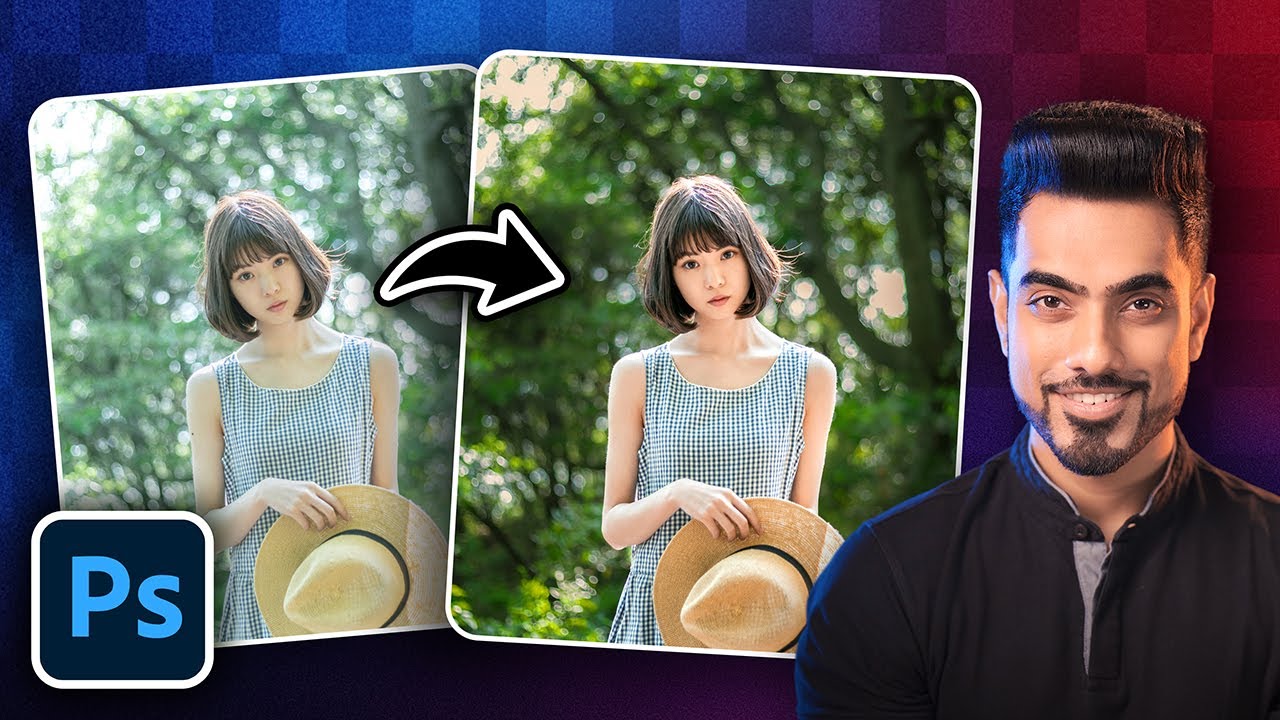
Ever scrolled through Instagram and wondered how photographers get those gorgeous, luminous portraits? It's often down to skillful color grading, and this video is a fantastic starting point for beginners wanting to achieve that sought-after bright, airy, and vibrant look. It tackles a common problem: how to get that light and airy feel without blowing out highlights or washing out colors, which is a tricky balance to strike. You'll learn how to enhance your image's vibrance while keeping essential details intact. Plus, it dives into using Curves for precise brightness and contrast control, and the ever-useful Camera Raw Filter for those crucial initial adjustments. And importantly, it shows you how to maintain natural-looking skin tones throughout the entire process. This tutorial offers a "best of both worlds" approach, providing a nuanced way to achieve a popular aesthetic while maintaining image quality.
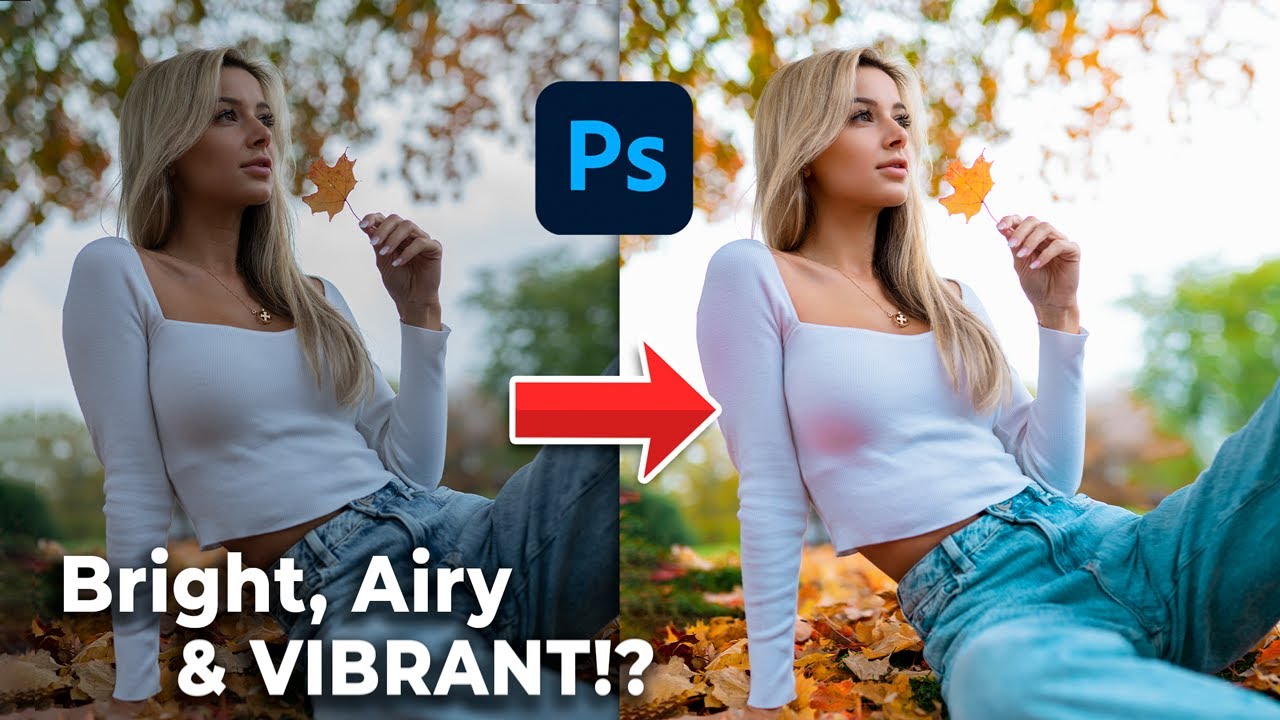
- Master the "best of both worlds" technique for bright, airy edits.
- Try the Camera Raw Filter first for foundational adjustments.
Study This Video Deeper
Get an AI summary and ask questions about confusing parts in real-time.
Open in Querivo →Unlock the Core Photoshop Tools Every Beginner Needs
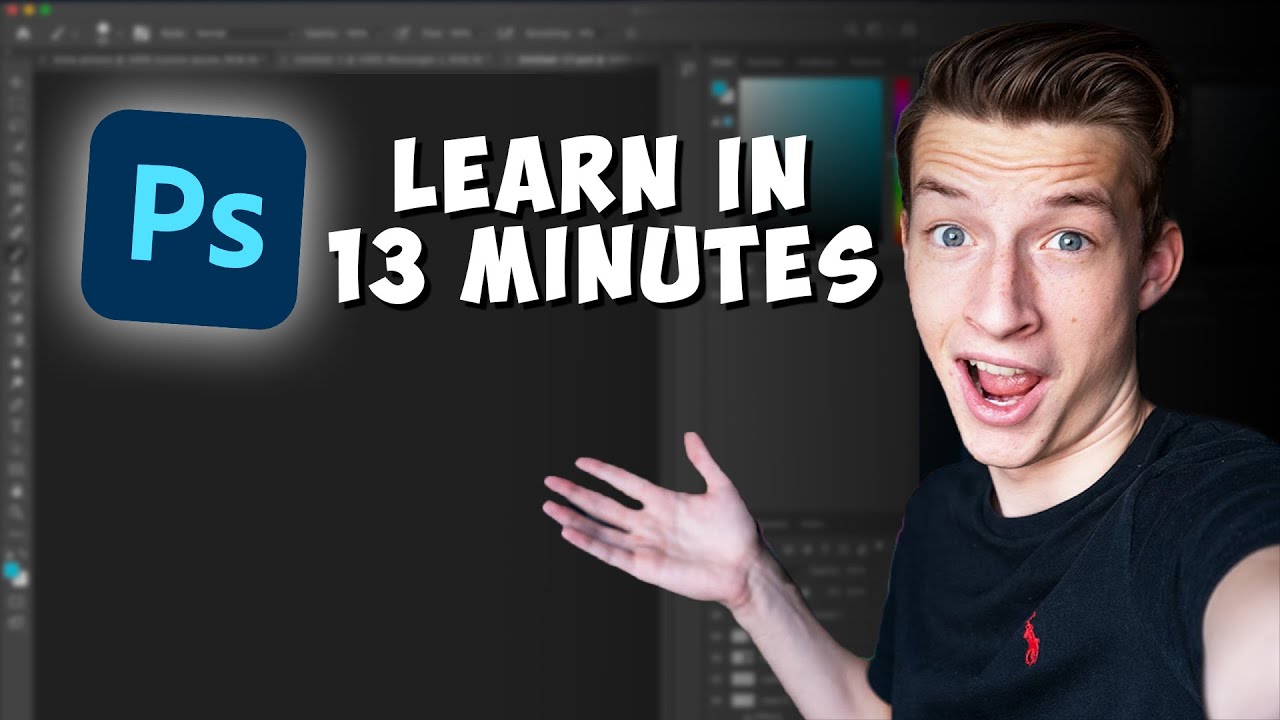
Getting started with any powerful software can feel daunting, right? This video dives straight into the heart of Photoshop, demystifying its interface and introducing the fundamental tools that every beginner absolutely needs to know. You'll get a solid grasp of the essential panels, making navigation much less confusing. Plus, it covers the building blocks of editing: understanding and using basic selection tools like the Marquee and Lasso. And for truly non-destructive editing – a game-changer for your workflow – it introduces basic layer manipulation and adjustment layers. You'll also get a peek at common retouching tools, so you can start cleaning up your images effectively. Mastering these core tools is foundational to unlocking Photoshop's full potential and will set you up for more complex edits down the line.
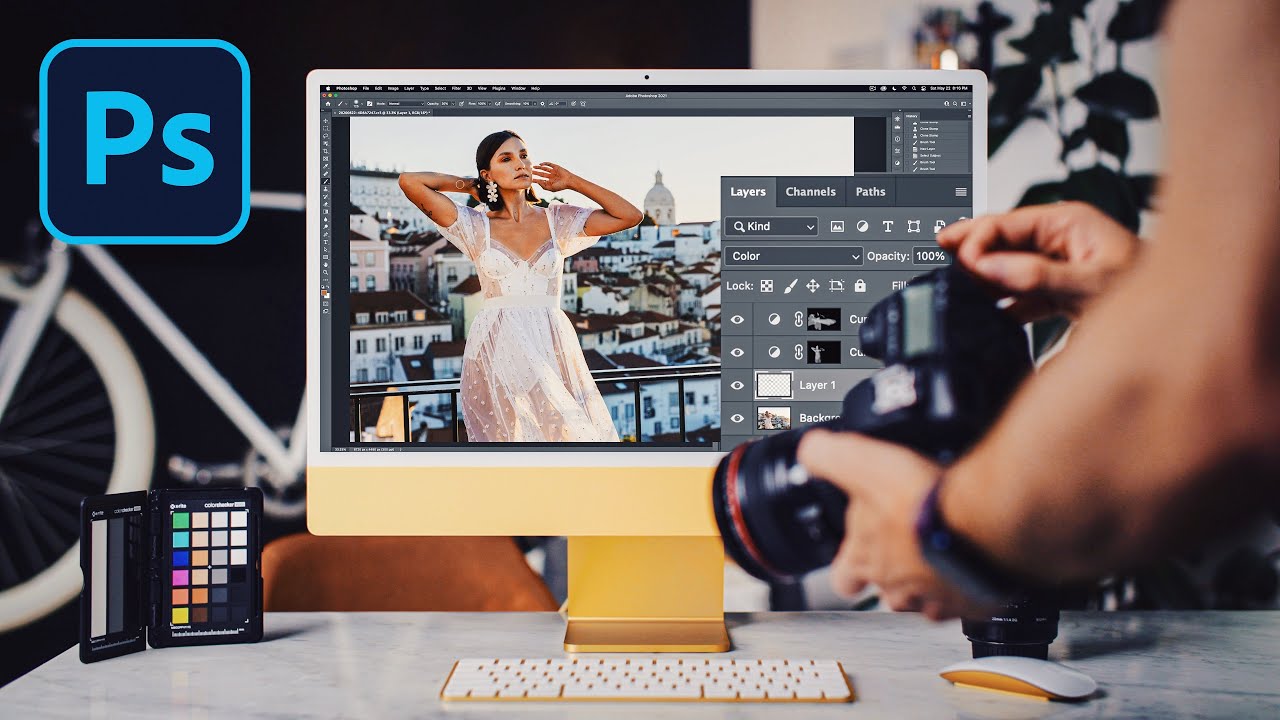
- Get comfortable with the Photoshop workspace and essential panels.
- Learn the basics of layer manipulation for non-destructive edits.
Transform Your Photos with Essential Basic Adjustments
Once you've got a handle on the interface and some core tools, the next step is improving the overall look and feel of your images. This tutorial breaks down exactly how to do that with fundamental adjustments. It’s all about making your photos look their best, and this video shows you how to correct common issues like exposure and white balance effectively. You'll also learn simple ways to improve contrast and clarity, making your images pop. And when it comes to color, it guides you through using Hue/Saturation and Vibrance tools for just the right enhancement. Plus, you'll pick up basic sharpening techniques and understand why non-destructive editing with adjustment layers is so crucial for a smooth workflow. These adjustments are the building blocks for any great edit and will immediately elevate your photography.
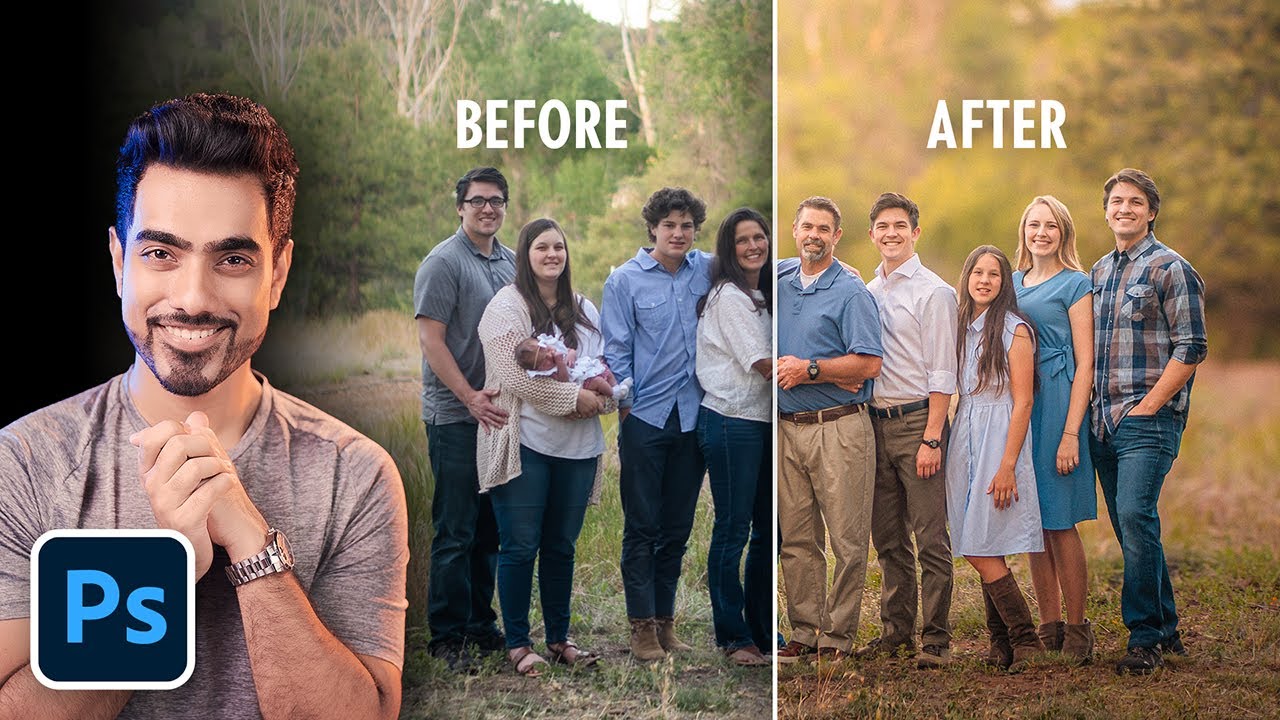
Create Soft Dreamy Portraits: 5-Step Formula in Photoshop!
Watch with Querivo →- Master basic exposure and white balance corrections.
- Understand how to enhance colors using Hue/Saturation and Vibrance.
Your Comprehensive First Steps into Photoshop Editing
For absolute beginners, the sheer volume of features in Photoshop can be a bit much. That’s where this video shines. It provides a clear, step-by-step roadmap to get you started with confidence. You’ll learn how to set up your Photoshop workspace for optimal workflow, which actually makes a huge difference in how quickly you can learn and edit. Crucially, it explains the purpose and functionality of layers – honestly, understanding layers is probably the most important concept you'll grasp, as it's the bedrock of non-destructive editing. The tutorial also covers basic image resizing and cropping, essential for preparing your photos for different uses. And to top it off, you get practical tips for overcoming common beginner challenges. It’s a really solid guide to building your foundational skills, ensuring you don't get lost in the complexity.

- Learn to set up your Photoshop workspace efficiently.
- Understand the critical concept of layers.
Your Next Steps
By diving into these beginner-friendly YouTube tutorials, you've gained valuable insights into essential Photoshop techniques, from advanced color grading to fundamental adjustments and interface navigation. You're now equipped to start refining your own images with confidence, making your creative visions a reality. These resources are invaluable because they break down complex processes into digestible steps, perfect for anyone starting out. Remember, consistent practice is key. Try applying these techniques to your own photos and don't be afraid to experiment.
Your Action Items
- ☐Pick one video from above and watch it on Querivo
- ☐Ask questions and check summaries while watching without breaking your flow
- ☐Use the AI chat to clarify confusing parts and deepen understanding
- ☐Come back for more curated videos on topics you want to master
Ready to put your new skills to the test? Open up Photoshop and start experimenting with these techniques today! For more in-depth learning, consider exploring related videos that offer additional perspectives and techniques. Regular practice is key to solidifying your understanding and developing your unique editing style.
Turn Any YouTube Video into an Interactive Lesson
Paste any video link, get an instant AI summary, and ask questions in real-time.
Try Querivo Free →Related Videos You Might Enjoy
Looking for more perspectives on this topic? Here are some additional videos worth checking out: