Tired of conventional editing? Ready to sculpt reality with pixels and imagination?
Key Takeaways
- 1Master advanced digital art techniques from top YouTube tutorials.
- 2Learn precise tracing for clean line art.
- 3Transform photos into vibrant digital paintings.
- 4Create sophisticated designs in Canva.
- 5Elevate your Procreate skills for unique creations.
Who this is for
- If you're an experienced digital artist feeling creatively stagnant,
- If you're looking to push beyond basic editing into true manipulation,
- If you're ready to invest time in specific, high-impact video learning,
Forge Precision Lines: Mastering Tracing in Procreate
Sometimes, the most impactful digital art starts with understanding the fundamentals, executed with precision. This tutorial from Digital Art Unleashed provides a comprehensive guide to the tracing process in Procreate, showing you how to use reference images not just as a guide, but as a foundation for building solid line art. It’s a surprisingly effective way to develop your eye for composition and improve your drawing accuracy, even if you consider yourself an experienced artist.
We'll explore how to properly import and prepare your reference images, ensuring they’re set up for optimal tracing. A key tip from the creator is using "private inserts" which likely refers to setting up guides or underlays discreetly. Layer management is crucial here; you’ll learn to separate your sketch and ink layers by adjusting layer opacity for optimal tracing, so you can refine your linework without affecting the underlying structure. This video is really about building a robust workflow that makes creating clean, intentional lines feel almost effortless.
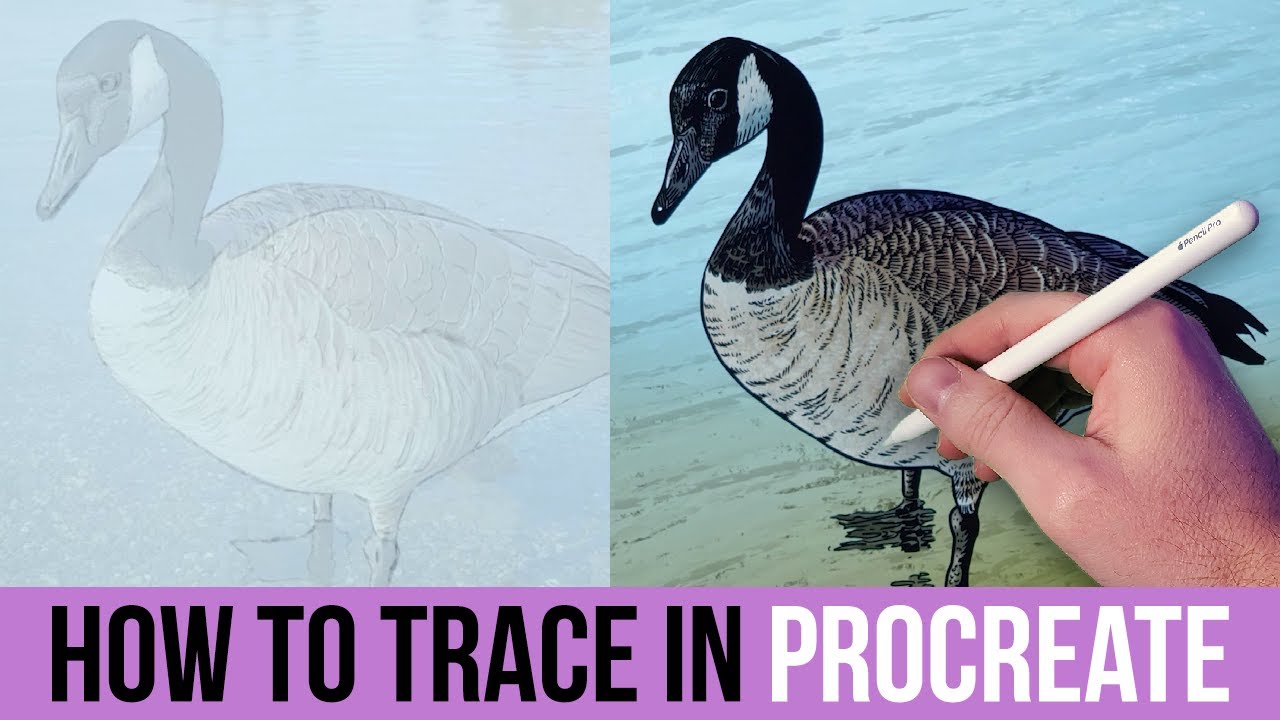
- Learn to import and prepare reference images for accurate tracing in Procreate.
- Master layer opacity and private inserts for optimal tracing workflow.
- Practice developing strong composition through deliberate tracing techniques.
Translate Vision to Canvas: Digital Painting from Photos with iArtBook
Transforming a photograph into a vibrant digital painting is a skill that opens up a whole new realm of artistic possibility. This video from Tolefairy showcases how to use the iArtBook app on an iPad to bring photographic subjects to life with rich color and dynamic brushwork. It’s a fantastic example of how accessible powerful digital painting can be, even when starting from a real-world reference, and demonstrates its core features in action.
You'll discover how to leverage your chosen photos for inspiration and accuracy, making sure your digital creation stays true to the essence of the original subject. The creator provides a clear demonstration of iArtBook's intuitive brush engine and color sampling tools, showing you how to achieve vivid results and add tactile depth. This tutorial emphasizes that compelling art is within reach, even for those who don’t consider themselves inherently artistic.
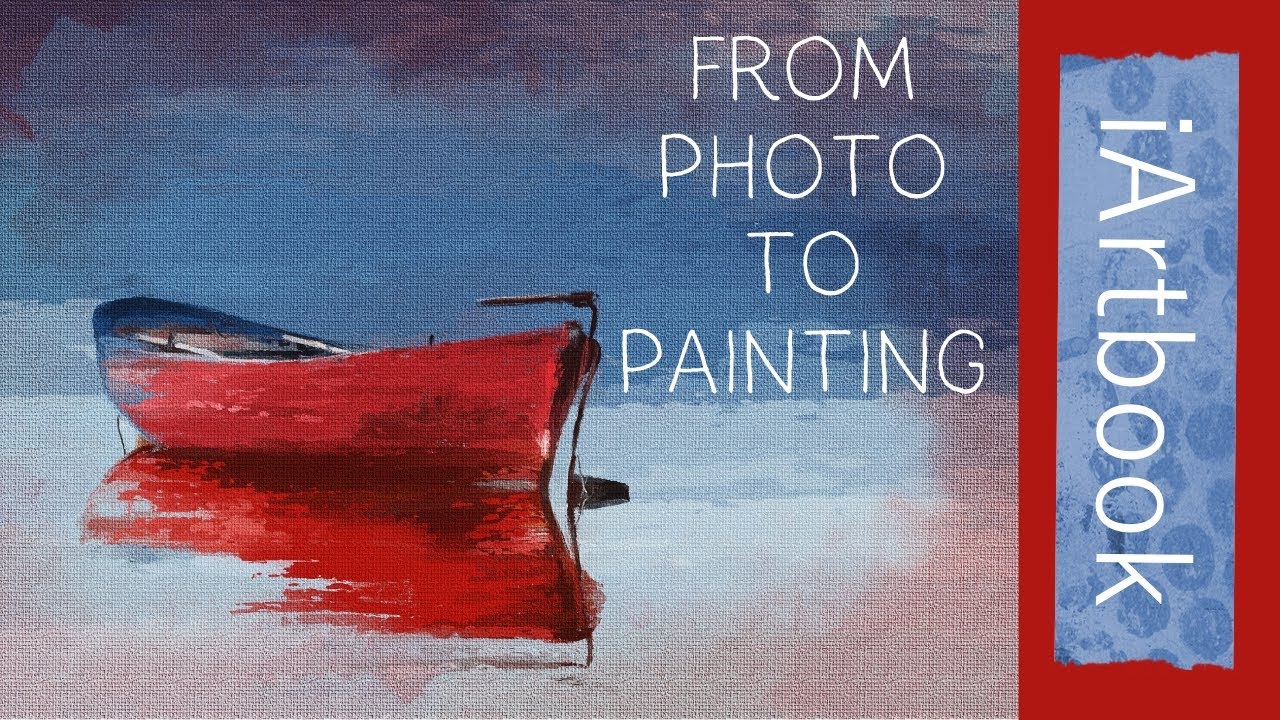
- Master digital painting techniques using reference photos in the iArtBook app.
- Explore iArtBook's brush engine and color sampling for vivid results.
- Understand how to create compelling digital art with the app's accessible features.
Unleash Dynamic Designs: Advanced Manipulation in Canva
Canva is often seen as a beginner's tool, but this video from Maria Tutorial Channel shows you how to absolutely push its boundaries. Forget just using templates; this tutorial delves into advanced image editing, strategic layering, and sophisticated color manipulation to craft truly unique and sophisticated digital art pieces, with a specific focus on a broken heart theme. If you thought Canva was limiting, think again.
You’ll learn to perform seamless image integrations by utilizing external tools like remove.bg for background removal, a practical skill that adds another layer of capability. Discover how strategic element selection and layering within Canva can build complex, eye-catching compositions. The instructor also shares creative color adjustments and effects to achieve distinct artistic styles, showing you how to customize templates for your own bespoke digital art projects. It's a game-changer for anyone looking to create more polished, artistic graphics.
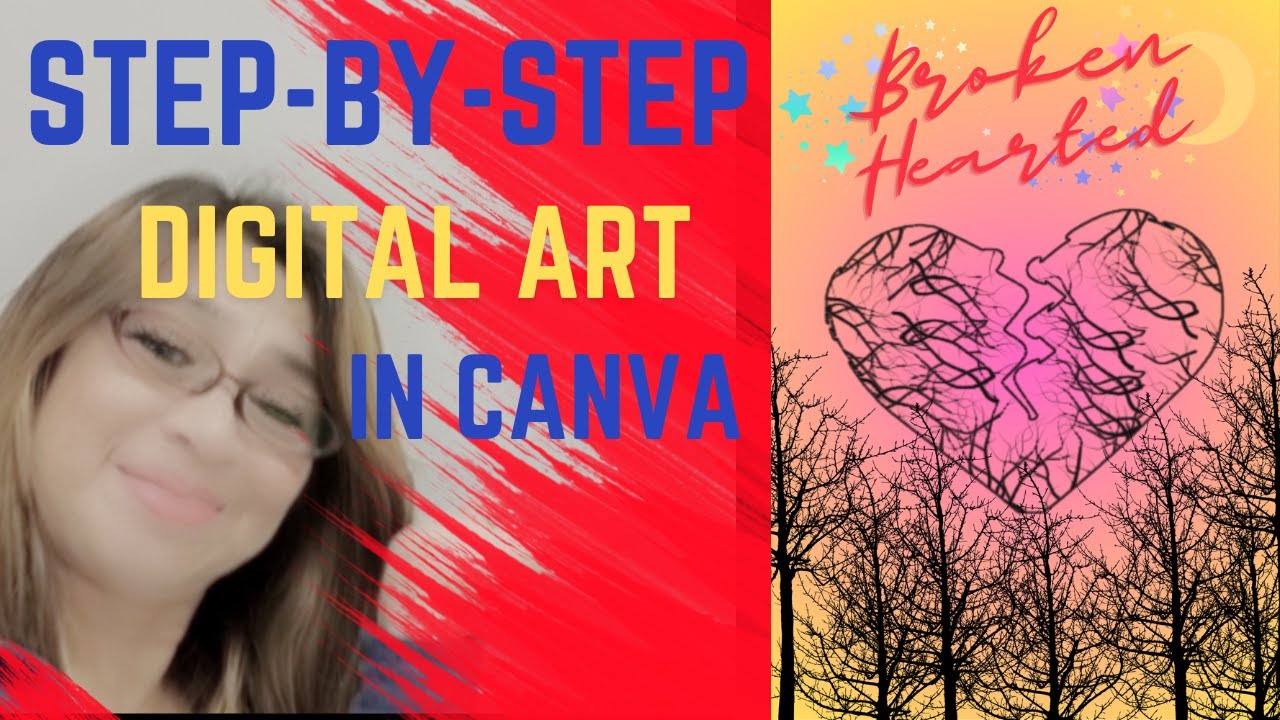
- Discover advanced image editing and layering techniques within Canva.
- Learn to perform background removal with external tools for seamless integrations.
- Customize templates for unique, sophisticated digital art projects.
Procreate Powerhouse: Maximizing Your Digital Artistry
Procreate, for many digital artists, is the go-to tool for creativity on the iPad. This video from AppWorX acts as an in-depth review, really unpacking the app's comprehensive features and showing you how to harness its full potential. Whether you're a seasoned Procreate user or just getting started, you'll likely find new ways to enhance your workflow and creative output, making it a valuable resource for a wide range of users.
The tutorial navigates the app's intuitive interface, exploring its vast array of brushes, colors, and drawing tools. Plus, it dives into advanced layer management and editing capabilities, which are absolutely crucial for tackling complex artwork. We also see how its animation and time-lapse video creation features can add an extra dynamic dimension to your creative projects. It’s a seriously good look at what makes Procreate such a powerhouse for digital artistry.
- Explore Procreate's extensive drawing tools, brushes, and color options.
- Learn advanced layer management for complex artwork creation.
- Understand the value of Procreate's animation and time-lapse features.
Your Next Steps
By integrating precise tracing, intuitive digital painting, and advanced manipulation techniques within powerful platforms like Procreate and Canva, you can truly unleash your digital artistry and create work that stands out. These videos offer practical, step-by-step guidance that empowers you to move beyond basic edits and into the realm of genuine digital manipulation.
Your Action Items
- ☐Pick one video from above and watch it on Querivo
- ☐Ask questions and check summaries while watching without breaking your flow
- ☐Use the AI chat to clarify confusing parts and deepen understanding
- ☐Come back for more curated videos on topics you want to master
Ready to transform your creative workflow? Dive into these tutorials and start experimenting with advanced photo manipulation techniques today! It’s time to elevate your digital art to the next level.
Turn Any YouTube Video into an Interactive Lesson
Paste any video link, get an instant AI summary, and ask questions in real-time.
Try Querivo Free →Related Videos You Might Enjoy
Looking for more perspectives on this topic? Here are some additional videos worth checking out:
Unleashing AI: Transforming Digital Art and Media
This video explores how Artificial Intelligence is revolutionizing digital content creation, democratizing tools and empowering individuals to produce high-quality media. It highlights AI's ability to streamline processes, enhance creativity, and make sophisticated tools accessible to everyone.
Unleashing Digital Dominance: Mastering the Art of Modern Marketing
This video provides a beginner's guide to digital marketing, explaining its core concepts and various channels. It offers practical tips for businesses to get started, focusing on goal setting, audience identification, and continuous learning.

Unleash Your Creativity: Digital Art In Canva Tutorial | Create your Own Art design in Canva 2024
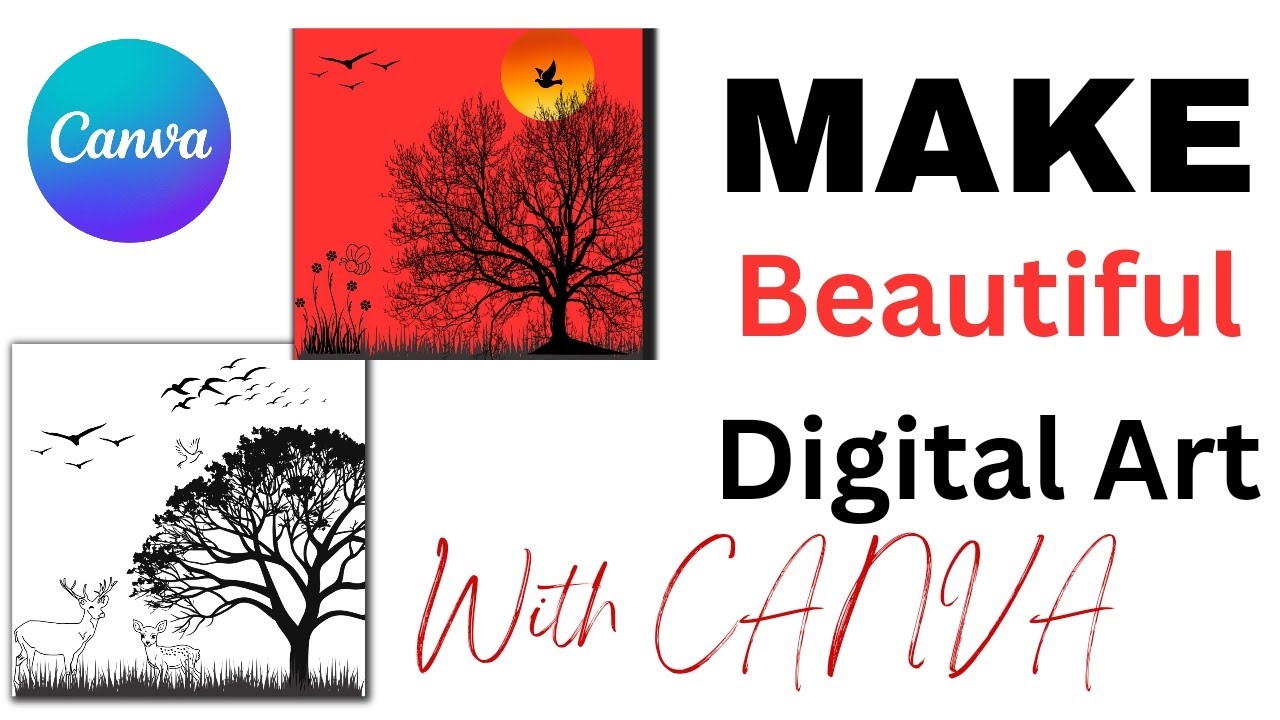
This video tutorial demonstrates how to create digital art designs in Canva using various graphical elements. It focuses on building a scene with elements like grass, trees, birds, and animals, while emphasizing the use of a single color palette for a cohesive look.
The Surprising Secrets of NFTs: Unleashing Digital Art's Creative Power & NFT Crypto News
This video explains non-fungible tokens (NFTs) as a revolutionary application of blockchain technology that enables artists to tokenize and monetize digital creations. It explores how NFTs establish ownership, create verifiable scarcity, and empower creators with new avenues for sales and royalties, while also discussing implications for digital art copyright and protection.