

In today's visual-first world, your social media photos need to do more than just show your life – they need to tell a story and capture attention.
Key Takeaways
- 1Curated YouTube videos for standout social media visuals
- 2Master signature aesthetics and cohesive feed building
- 3Discover free and affordable editing tools
- 4Quick mobile editing for instant impact
- 5Elevate your online presence with stunning photos
Who this is for
- If you're struggling to make your Instagram feed shine
- If you're a small business owner needing to make visuals stand out
- If you're looking for effective photo editing techniques without breaking the bank
Start Learning with AI-Powered Video Summaries
Get instant summaries, ask questions, and turn any video into an interactive study session.
Try Querivo Free →Craft Your Signature Aesthetic: Building a Cohesive Instagram Feed
Establishing a unique visual style is absolutely crucial for making your social media presence pop. This video breaks down exactly how to define your personal aesthetic, making your Instagram feed feel more professional and engaging. You'll learn how to use powerful editing apps to maintain consistent color grading and a cohesive mood, ensuring every post contributes to a compelling overall look.
It’s not just about editing, though. The creator stresses the importance of good lighting to get high-quality source photos in the first place. Plus, strategically planning your Reel covers becomes a simple yet effective way to keep your entire feed harmonized. This isn't about having the most expensive gear; it's about smart techniques that anyone can learn.
This is a really helpful guide if you’re looking to create a more put-together Instagram feed, no matter your follower count. It’s packed with actionable advice for beginners.
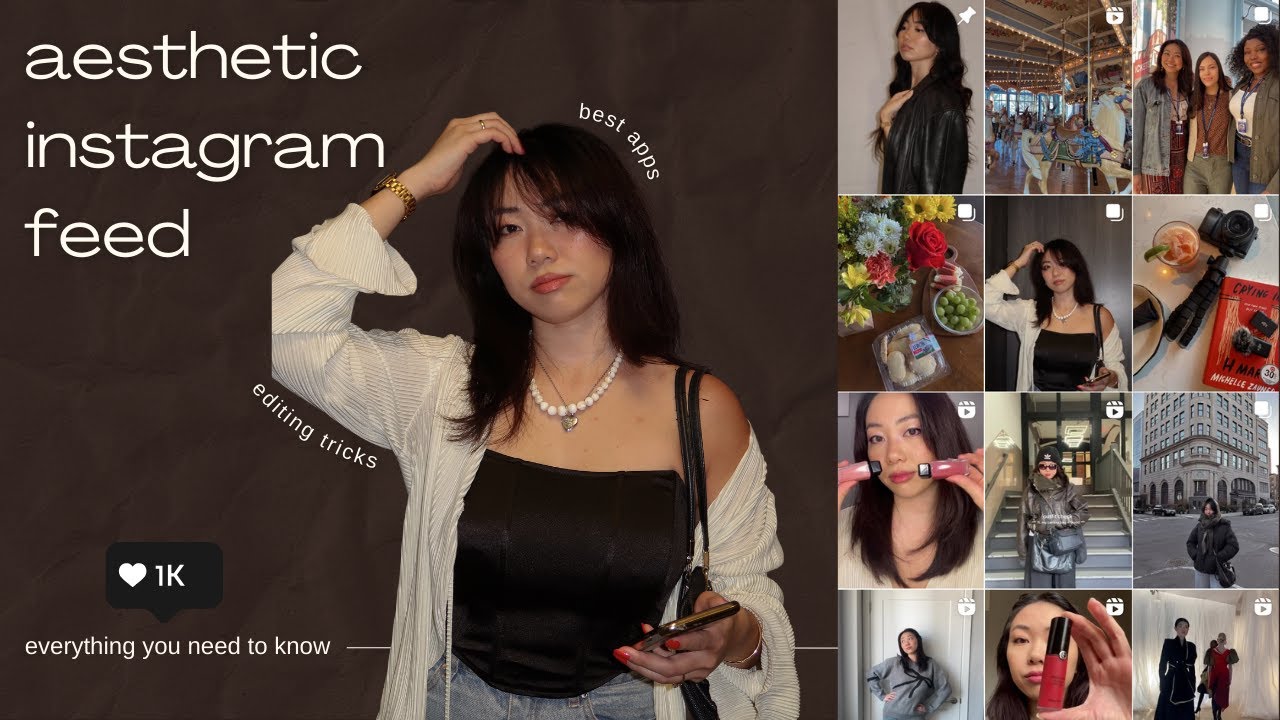
- Define your unique visual style for a consistent feed.
- Master apps like Tezza and Unfold for cohesive color grading.
Your All-in-One Mobile Toolkit: Free Apps for Stunning Social Media
Struggling to find the right tools without a huge budget? This video is your go-to for a curated list of free mobile and desktop applications that actually get the job done for content creation. You'll discover some genuinely powerful video editing options, like CapCut, which is surprisingly capable for creating engaging social clips.
But it's not just video. For photo enhancement, you’ll get solid recommendations for apps like Lightroom, VSCO, and Color Story that offer a lot of bang for your buck (or lack thereof, since they're free!). Plus, there are tools for taking better photos, like Lens Buddy, and even utilities to clean up your images by removing unwanted elements with apps like Retouch. It really covers your whole content pipeline.
This is definitely worth checking out if you're an influencer, content creator, or a small business owner who needs to make their social media look sharp but wants to keep costs down. It's a comprehensive look at essential free tools.
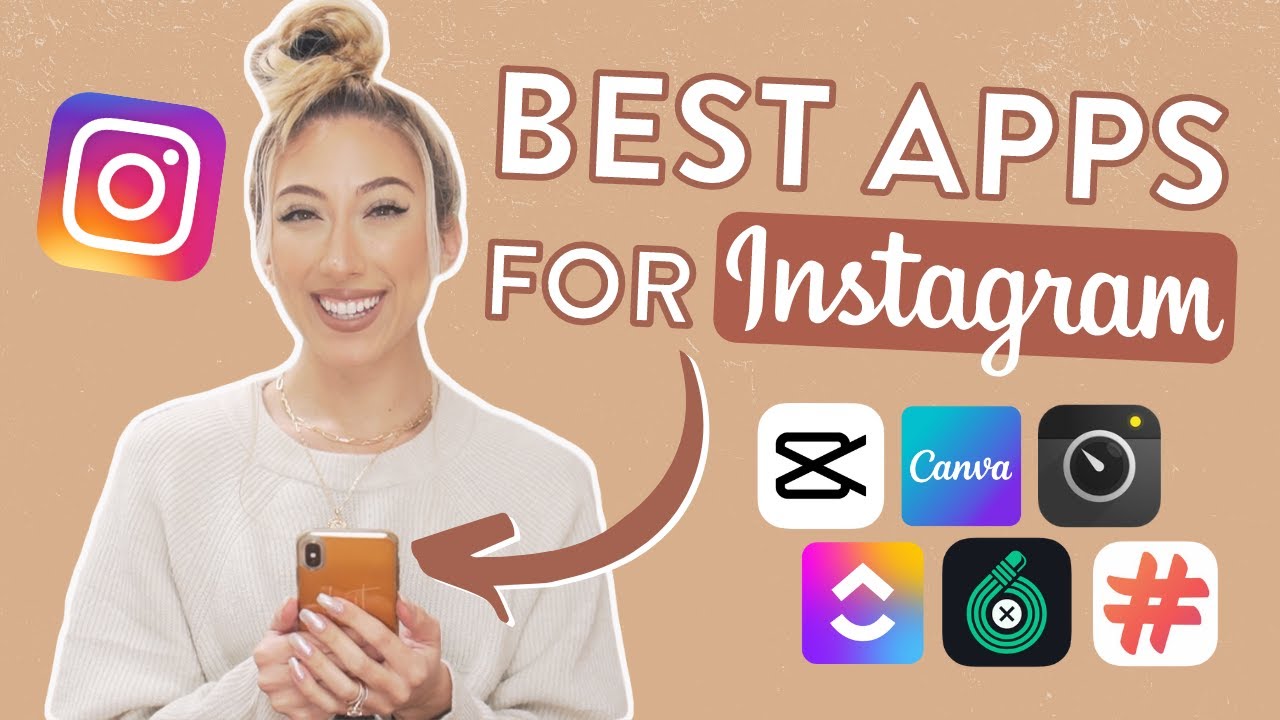
- Explore powerful free video editing with CapCut.
- Enhance photos using Lightroom, VSCO, and Color Story for free.
Break Free from Subscriptions: Affordable & Powerful Adobe Alternatives
Are you tired of those hefty Adobe subscription fees eating into your creative budget? We get it. This video offers practical solutions, diving into cost-effective and even one-time purchase alternatives that can seriously rival Photoshop, Illustrator, and Premiere Pro. It’s all about maintaining your creative flexibility without the recurring costs that can add up so fast.
You'll find out about accessible tools that can handle image manipulation and graphic design needs just as well as their Adobe counterparts, but without the monthly drain. Plus, the software options for video editing are genuinely compelling alternatives. This isn't about settling for less; it’s about smart choices for creators who want powerful tools without being locked into an expensive ecosystem.
If you're a content creator, graphic designer, or anyone working with visuals, this video is essential viewing for finding those budget-friendly, powerful replacements.
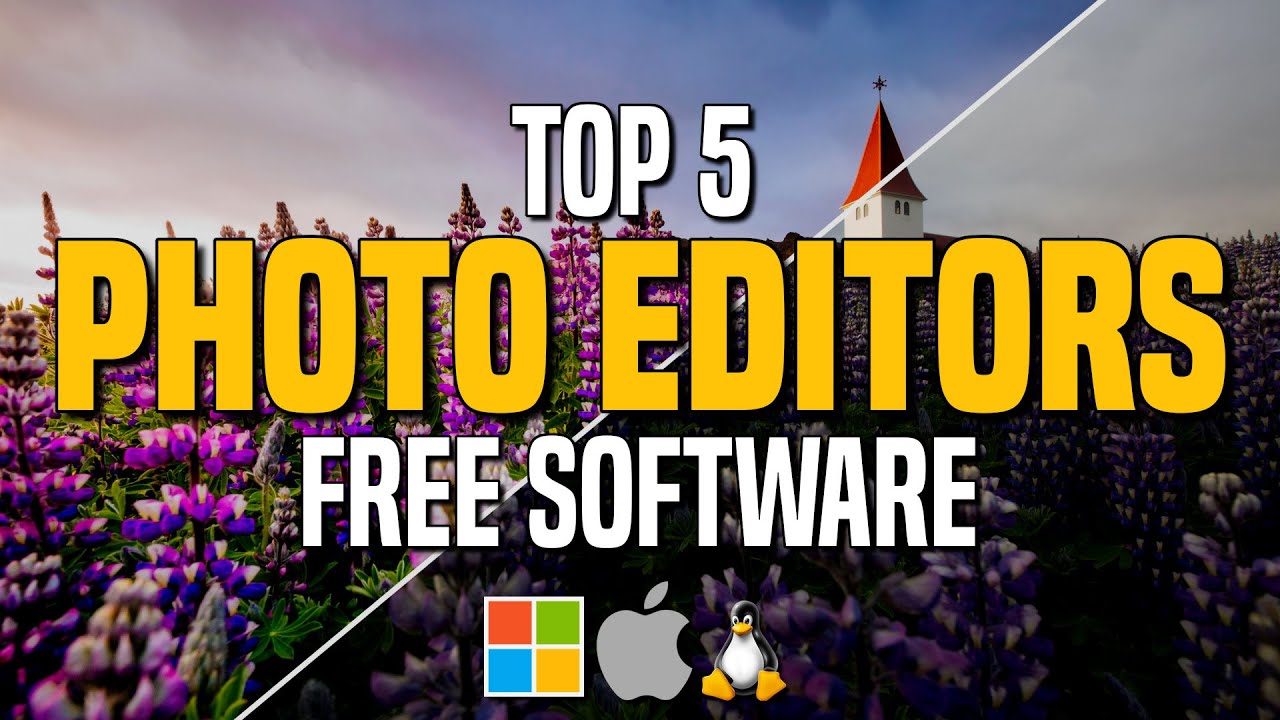
- Discover free alternatives to Photoshop for image editing.
- Find cost-effective replacements for Adobe's creative suite.
Mastering Mobile Editing: Quick Techniques for Instant Impact
Getting your photos ready for social media doesn't have to be a complicated, time-consuming process. This video dives into specific techniques and app features designed to quickly transform your mobile photos, making them share-ready with professional-looking results. You'll learn how to achieve that coveted consistent look across your Instagram feed, which is really key for visual branding.
The creator walks you through understanding why a personal editing style matters and highlights essential editing apps, focusing on their core functionalities. You'll get practical tips for improving lighting and overall photo quality, often with just a few taps on your phone. It also touches on how to strategically manage visual elements like Reel covers to ensure your feed maintains that all-important continuity.
This is perfect for anyone who wants to elevate their mobile photography game without a steep learning curve. It's all about making an instant impact.
![I Replaced ALL my ADOBE APPS with these [free or cheaper] Alternatives!](https://img.youtube.com/vi/5EfqHg49kMk/maxresdefault.jpg)
- Learn quick mobile editing techniques for instant social media impact.
- Strategize Reel covers for consistent feed continuity and visual appeal.
Your Next Steps
Elevate your social media visuals by adopting consistent editing styles, leveraging powerful free and affordable tools, and mastering quick, impactful techniques. Your stunning photos are just a few taps away! Start experimenting with these recommended apps and techniques today to make your social media content truly unforgettable.
Your Action Items
- ☐Pick one video from above and watch it on Querivo
- ☐Ask questions and check summaries while watching without breaking your flow
- ☐Use the AI chat to clarify confusing parts and deepen understanding
- ☐Come back for more curated videos on topics you want to master
Turn Any YouTube Video into an Interactive Lesson
Paste any video link, get an instant AI summary, and ask questions in real-time.
Try Querivo Free →