Dreaming of crafting stunning user interfaces that users love? Figma is your gateway to the world of modern UI/UX design, and the best way to master it is through hands-on learning. But with a sea of content online, where do you even start your journey into Figma UI design for beginners?
This curated video guide will unlock essential Figma skills, help you learn the UX process before diving into UI design, master practical Figma interface and tool usage, bring your designs to life with interactive prototyping, and collaborate effectively with your team in Figma.
Key Takeaways
- 1Unlock essential Figma skills with this curated video guide.
- 2Learn the UX process before diving into UI design.
- 3Master practical Figma interface and tool usage.
- 4Bring your designs to life with interactive prototyping.
- 5Collaborate effectively with your team in Figma.
Who this is for
- If you're looking to get started with Figma UI design for beginners
- If you're a web developer wanting to understand UI/UX design basics
- If you're an aspiring product manager needing to grasp web design tools
Start Learning with AI-Powered Video Summaries
Get instant summaries, ask questions, and turn any video into an interactive study session.
Try Querivo Free →Master the Foundation: Understanding the UX Design Process for Effective UI
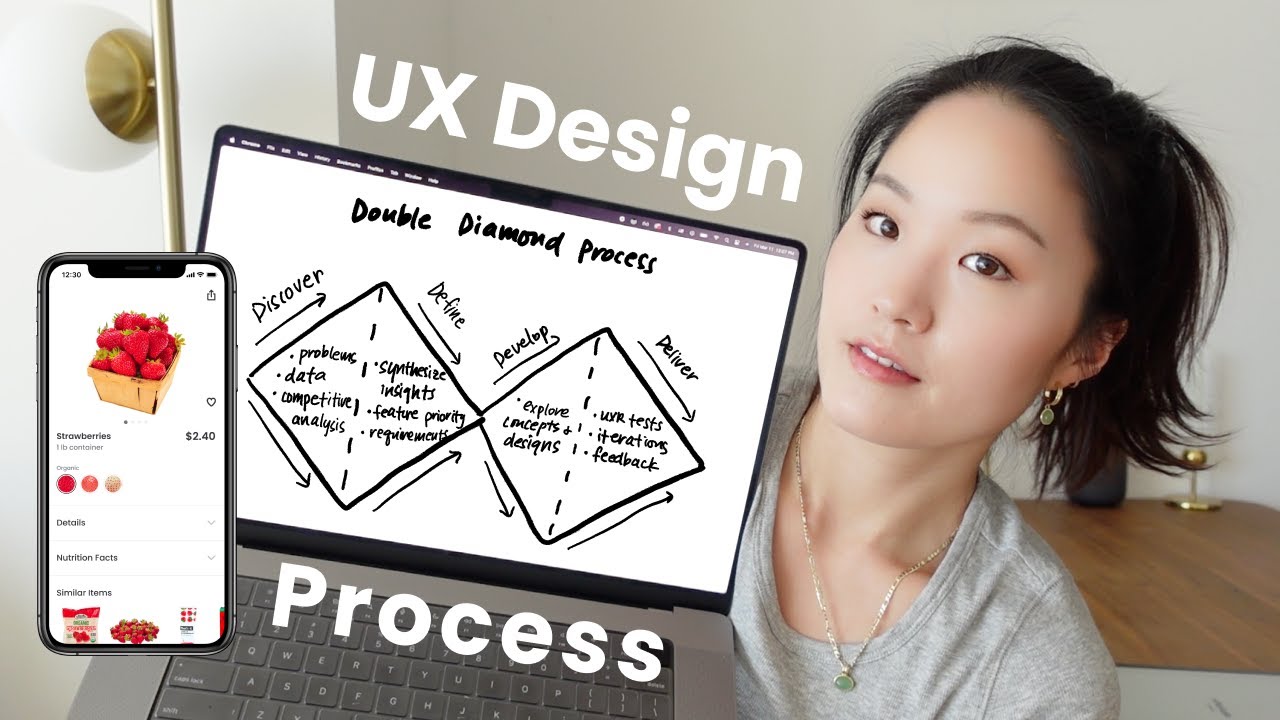
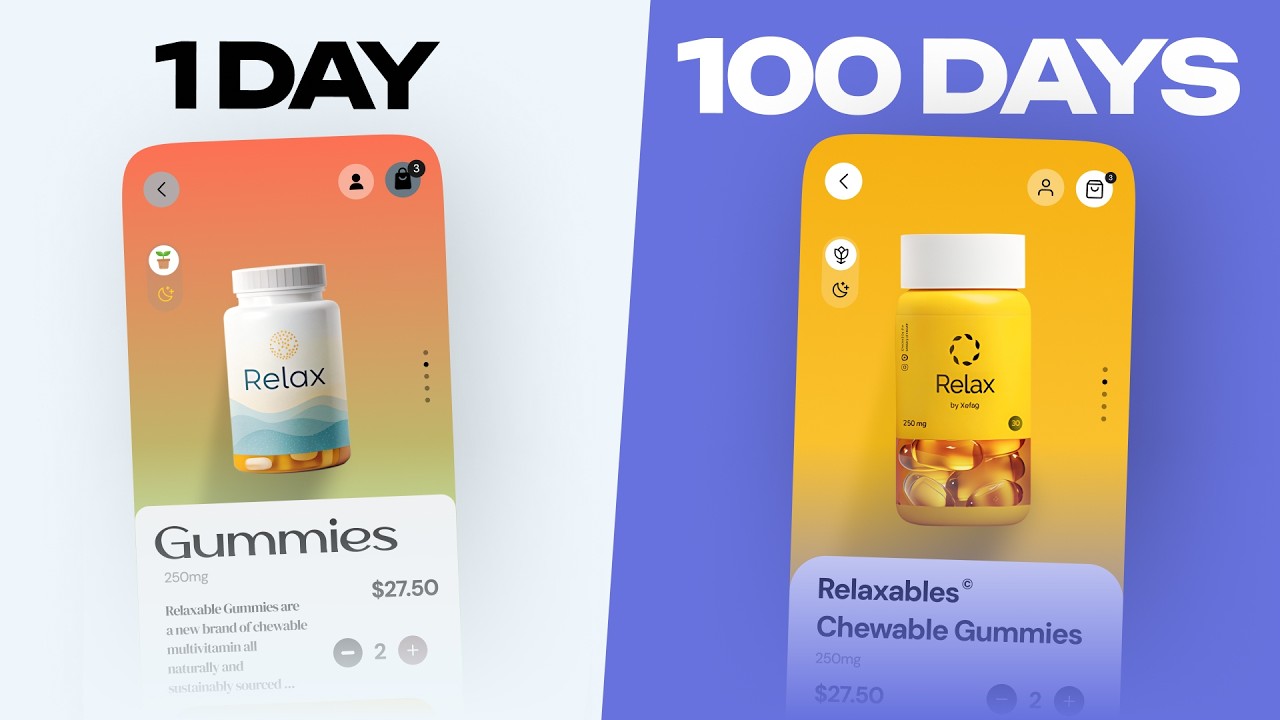
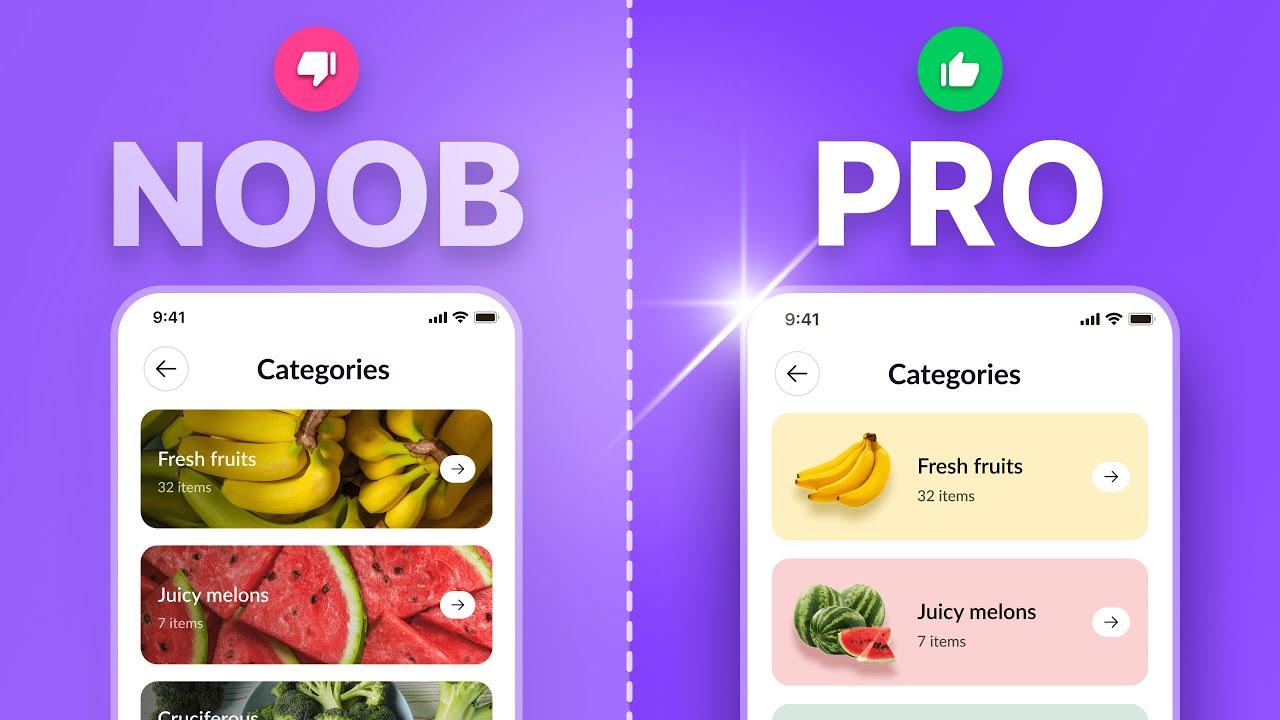
Before you even touch Figma, it's crucial to grasp the "why" behind the design. The video "7 UI/UX mistakes that SCREAM you’re a beginner" by Kole Jain delves into the fundamental UX design process, framing it within the widely recognized Double Diamond model. This valuable content helps you understand how designers tackle problems from broad exploration to focused solutions. You'll see how a real-world mobile app redesign project applies these stages, emphasizing that solid problem definition and user research should always precede jumping straight into UI elements. It’s a pretty smart approach, honestly, ensuring you build the right thing before you build it beautifully. This understanding is critical; avoiding common beginner mistakes will set you up for more successful and impactful designs.
- The Double Diamond model provides a framework for structured problem-solving.
- Prioritize user research and problem definition before UI design.
- Avoid common UI/UX mistakes by understanding foundational principles.
Build Your First Figma Interface: A Comprehensive Beginner's Guide
Now that you've got the foundational UX thinking, it's time to get hands-on with Figma! The video "Figma Tutorial for Beginners (13-min crash course!)" by Flux Academy is your perfect starting point for navigating the interface. This valuable content helps you learn your way around the key panels and tools, which can feel a bit overwhelming at first, but this guide breaks it down simply. It covers fundamental design concepts like working with shapes, text, and colors, and even shows you how to create basic UI components like buttons and input fields. Understanding frames is also key here, as they’re the building blocks for your layouts. You’ll be creating your first actual UI elements before you know it, building a solid practical understanding of Figma's core functionalities.
- Familiarize yourself with Figma's interface and core tools.
- Learn to create basic UI components and structure layouts using frames.
- Gain practical skills to build your first Figma interface.
Bring Designs to Life: Essential Figma Prototyping Techniques
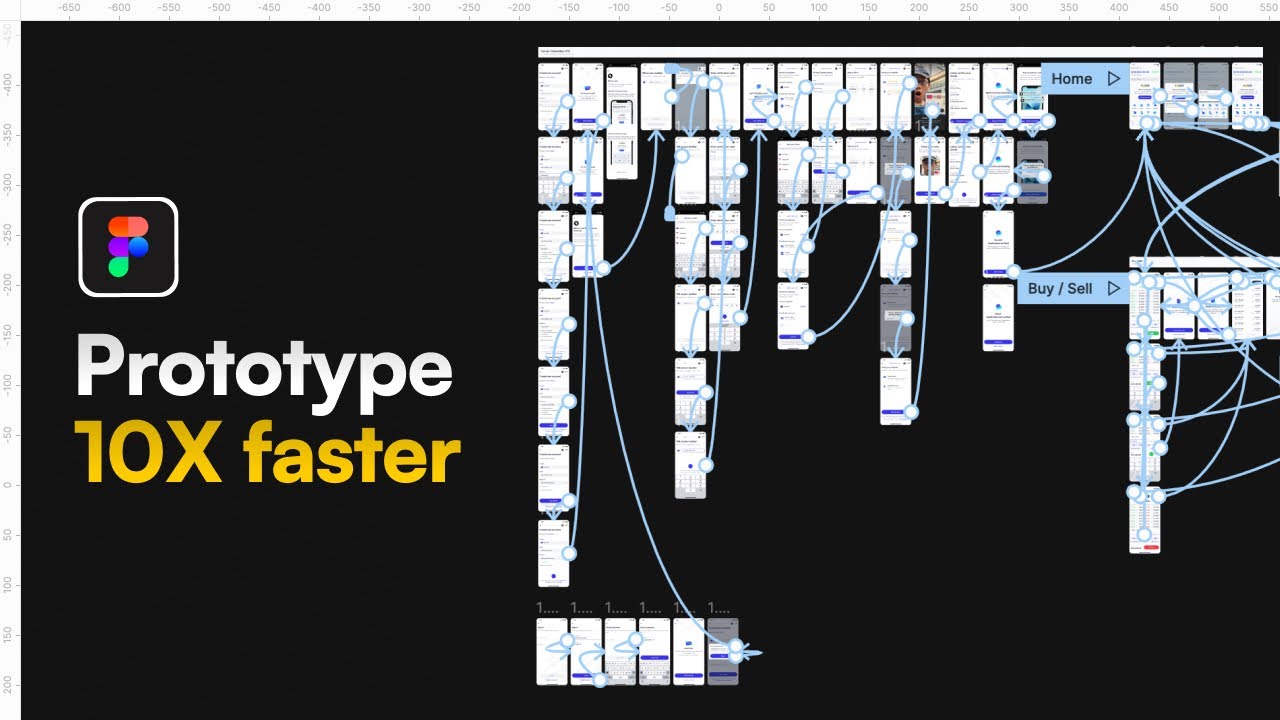
Static designs are good, but interactive prototypes? That's where the magic happens. The video "world's shortest Figma course" by Juxtopposed explores how to transform your flat Figma layouts into something users can actually click and interact with. This valuable content highlights that prototyping is super important for testing user flows and showing stakeholders exactly how your app or website will feel and function. You'll learn how to link frames together, explore different interaction types, and even add some basic animations. By the end, you’ll be able to build a simple user flow, which is a fantastic next step after mastering the basics of Figma UI design for beginners. Mastering this skill allows you to effectively communicate your design vision and gather meaningful feedback.
- Transform static designs into interactive prototypes.
- Learn to link frames and add basic animations for user flows.
- Understand the importance of prototyping for testing and communication.
Collaborate Seamlessly: Mastering Teamwork in Figma
Design rarely happens in a vacuum. Figma's real strength lies in its collaborative features, and the video "Top 5 Advanced UX/UI Design Tips and Tricks Every Designer Needs to Know About – Part 3" by uxpeak highlights exactly why that's so important. Whether you're working with other designers, developers, or clients, understanding how to use Figma's teamwork capabilities is a game-changer. You'll discover how to share designs effectively, gather feedback efficiently through comments, and manage different versions of your work. Plus, there's a look at how Figma streamlines the handoff process to developers, making everyone's life a whole lot easier. Seriously, this is a must-watch for anyone planning to work on a team, as it provides advanced insights that will elevate your collaborative design process.
- Leverage Figma's real-time collaboration features effectively.
- Streamline design feedback and developer handoff processes.
- Gain advanced tips for seamless teamwork in Figma.
Your Next Steps
You've now got a roadmap to mastering Figma UI design for beginners, armed with insights from foundational UX principles to practical prototyping and collaborative workflows. These YouTube videos provide the essential knowledge and skills to kickstart your design journey. By actively engaging with these resources, you'll build a strong foundation and gain the confidence to tackle real-world design projects.
Your Action Items
- ☐Pick one video from above and watch it on Querivo
- ☐Ask questions and check summaries while watching without breaking your flow
- ☐Use the AI chat to clarify confusing parts and deepen understanding
- ☐Come back for more curated videos on topics you want to master
Start your Figma learning adventure today! Click on the links provided to dive into each video and begin building your first designs. Practice what you learn by creating a small personal project. Explore more advanced Figma features, join online design communities, and continue to seek out valuable content to hone your UI/UX design skills. The key to mastery is consistent practice and continuous learning.
Turn Any YouTube Video into an Interactive Lesson
Paste any video link, get an instant AI summary, and ask questions in real-time.
Try Querivo Free →Related Videos You Might Enjoy
Looking for more perspectives on this topic? Here are some additional videos worth checking out:
world's shortest UI/UX design course
Learn Figma Fast (2025)

The CORRECT (and lazy) way to prototype | Figma Tutorial
The ULTIMATE Guide To Typography For Beginners

The UX Design Process explained step by step with a mobile app project
This video breaks down the UX design process step-by-step using the Double Diamond model, illustrated with a mobile e-commerce app redesign project. It covers understanding user and business problems, defining solutions, developing ideas, and delivering finalized designs through iterative testing and collaboration.