Tired of presentations that put your audience to sleep? Imagine crafting slides so visually compelling, they become memorable masterpieces.
Key Takeaways
- 1Curated top YouTube tutorials for awesome PowerPoint designs.
- 2Learn to build dynamic, interactive, and visually rich slides.
- 3Master modern layouts and color palettes for professional appeal.
- 4Transform your presentations from drab to dazzling.
- 5Elevate your design skills with expert visual guides.
Who this is for
- If you're a student struggling to make your projects stand out
- If you're a professional aiming to impress clients or colleagues
- If you're an educator looking for engaging ways to present material
Start Learning with AI-Powered Video Summaries
Get instant summaries, ask questions, and turn any video into an interactive study session.
Try Querivo Free →Master Dynamic Interactivity with Analyst Academy
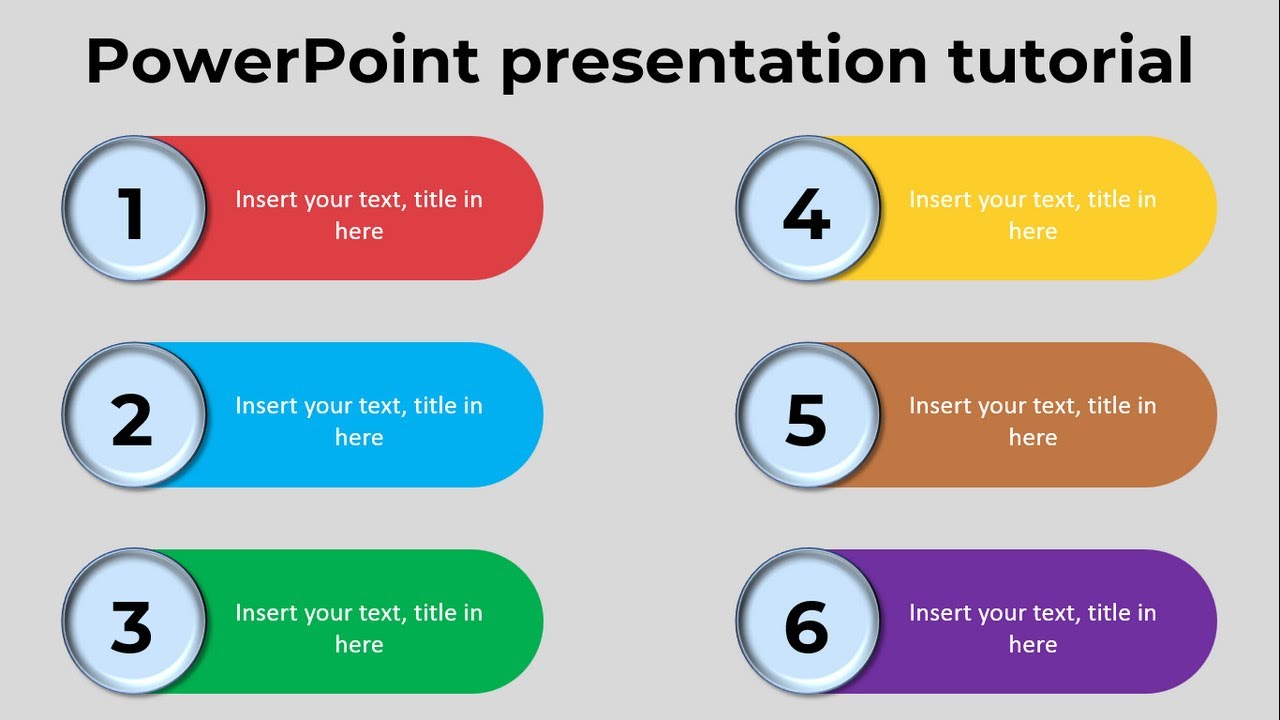
Are your presentations feeling a bit static? This video from Analyst Academy dives deep into making your slides truly come alive. It's surprisingly accessible, even if you’re not a seasoned designer. You'll discover how to implement fundamental interactive elements that grab attention and keep your audience engaged, right from your device. It’s a pretty solid way to elevate basic slides into something much more dynamic.
The tutorial breaks down adding and formatting essential shapes – think circles and rounded rectangles – which form the backbone of structured visual design. But it doesn't stop there. You'll explore animations like 'line' and 'wipe' to create smooth, engaging transitions. What's really helpful is learning how to fine-tune animation timing and effects for that perfect, polished feel. Plus, the guide highlights the often-overlooked power of the Selection Pane, a total game-changer for organizing complex slide elements, especially when you've got a lot going on.
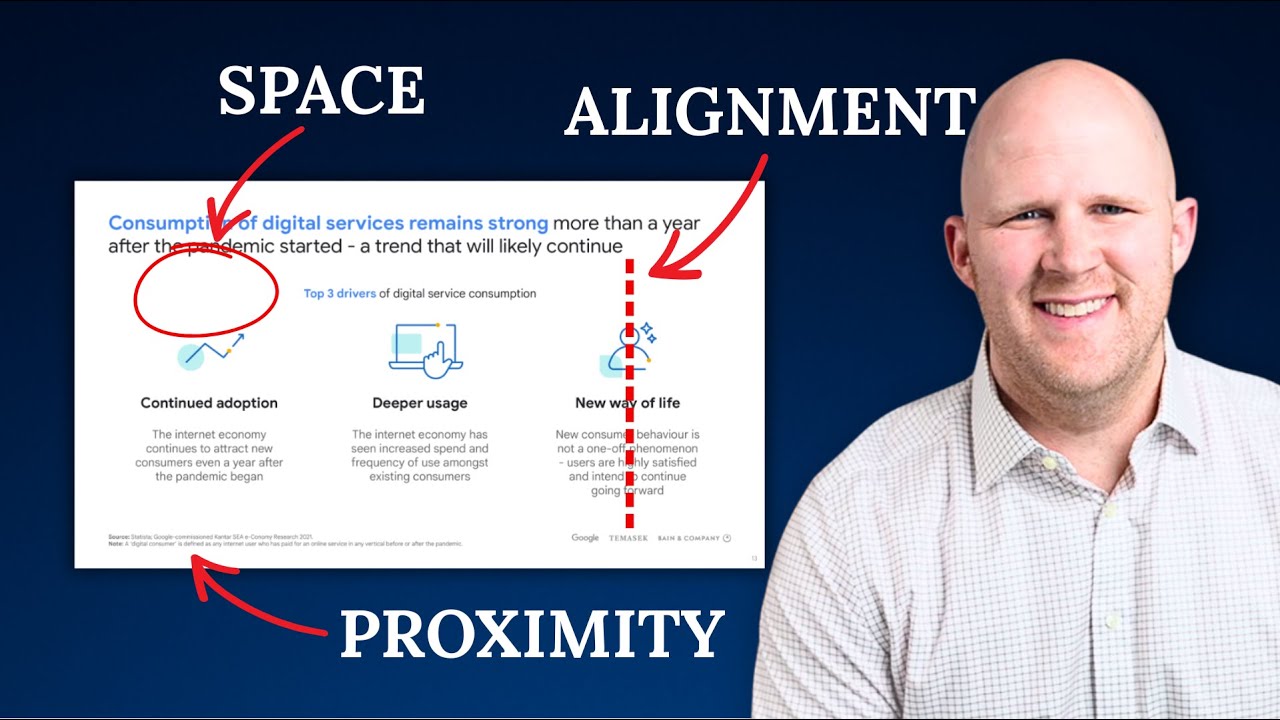
- Learn to create dynamic slide transitions and structure.
- Get organized with the Selection Pane for complex designs.
Unlock Visual Storytelling with Icons and SmartArt
Sometimes, the best way to explain an idea is visually. This next video focuses on using PowerPoint’s built-in tools to transform text into compelling graphics. You'll see how SmartArt can take your bullet points and turn them into engaging visual narratives, making complex information much easier to digest. It's a fantastic approach for anyone who wants their presentations to be more impactful and less text-heavy.
The creator of this video shows you effective strategies for choosing and using icons to represent concepts. And if you’re feeling ambitious, you’ll even get tips on custom icon creation and manipulation right within PowerPoint. This means you can achieve professional-looking graphics without needing any fancy external software. Honestly, it’s a bit surprising how much you can do with just what’s already there. This tutorial is definitely worth watching to create more visually appealing and informative slides.
- Convert text into engaging visual stories using SmartArt.
- Master icon usage and basic custom creation in PowerPoint.
Elevate Your Design with Modern Layouts and Color Palettes
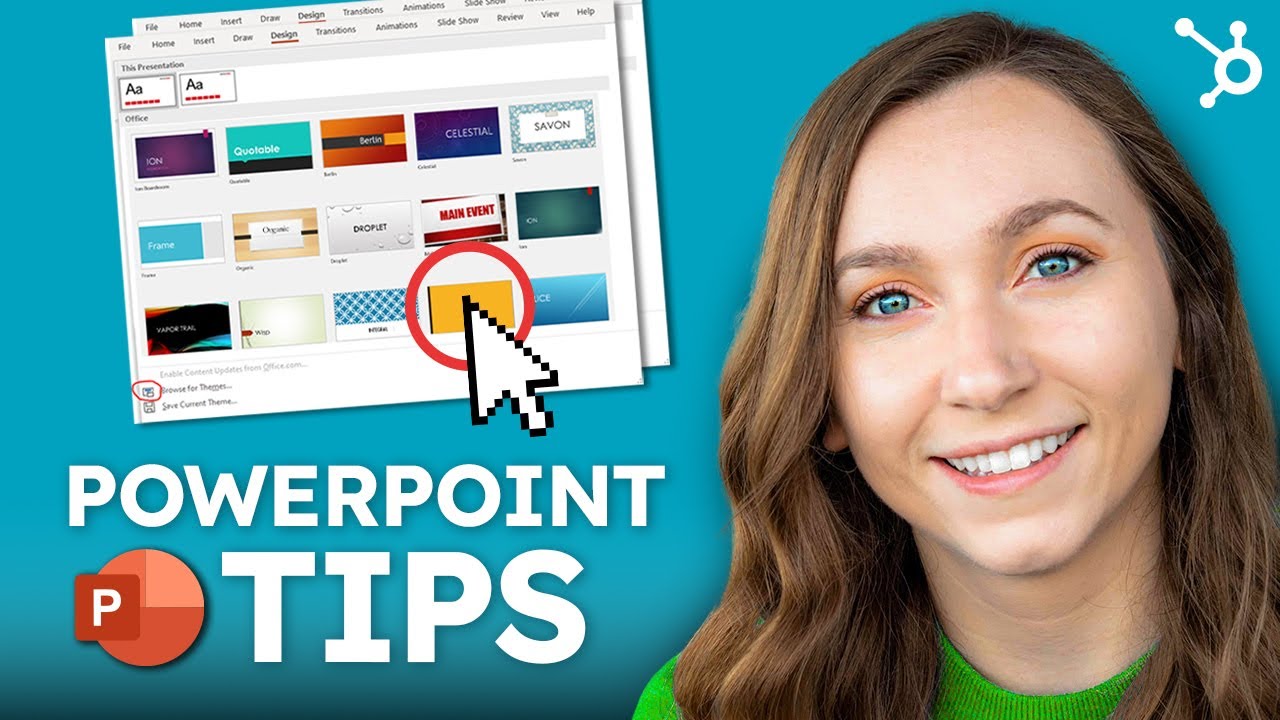
Ever feel like your slides look a little… dated? This tutorial is all about bringing your PowerPoint designs into the modern era. It guides you through implementing clean, contemporary slide layouts that are not only aesthetically pleasing but also significantly improve readability. You’ll start to understand the principles behind effective color palettes and their psychological impact – which is actually pretty fascinating!
Applying color correctly can make a huge difference in highlighting key information and maintaining visual harmony throughout your presentation. This video shows you how to do just that, helping you create a cohesive and professional visual theme. Imagine your entire presentation flowing together seamlessly, looking polished and intentional. If you want to make your slides look less like a hastily thrown-together document and more like a carefully crafted piece of visual communication, this is the video you need. It’s a great way to nail those presentation design tips PowerPoint often overlooks.
- Implement modern layouts for improved readability and style.
- Understand and apply color theory for visual impact.
From Blank Canvas to Breathtaking: A Complete Design Workflow
Ready to tackle a full PowerPoint design project from start to finish? This comprehensive tutorial offers a holistic approach, covering the entire process from the initial concept to those final, polished slides. It’s a fantastic guide for anyone who wants to see the complete workflow in action and understand how all the pieces fit together to create truly stunning slides.
The video walks you through establishing a clear presentation objective and really considering your target audience – crucial first steps often missed. You’ll learn about structuring your content logically so your message hits home effectively. Plus, it's packed with practical tips and tricks for applying design principles to achieve visual hierarchy and clarity. The goal here is a polished, professional final presentation, and this video definitely shows you how to get there. It’s a complete visual guide to making your next PowerPoint presentation a resounding success.
- Follow a complete design workflow from concept to final polish.
- Learn to structure content logically for maximum impact.
Your Next Steps
By integrating the techniques from these essential PowerPoint Design YouTube tutorials, you can move beyond basic slides and create visually stunning, engaging presentations that truly resonate with your audience. Don't just present information; make it memorable.
Your Action Items
- ☐Pick one video from above and watch it on Querivo
- ☐Ask questions and check summaries while watching without breaking your flow
- ☐Use the AI chat to clarify confusing parts and deepen understanding
- ☐Come back for more curated videos on topics you want to master
Start transforming your presentations today! Click the links provided and begin your journey to becoming a PowerPoint design pro. Practice the techniques you've learned, experiment with different design elements, and don't be afraid to revisit these tutorials for refreshers. Share your redesigned presentations and inspire others!
Turn Any YouTube Video into an Interactive Lesson
Paste any video link, get an instant AI summary, and ask questions in real-time.
Try Querivo Free →Related Videos You Might Enjoy
Looking for more perspectives on this topic? Here are some additional videos worth checking out:
PRO Animated PowerPoint Presentation - Easy Tutorial

Best PowerPoint Presentation Design Tutorial - PowerPoint Presentation Examples
Canva Tutorial for Beginners 2025 | Everything you NEED to KNOW!
How to make an interactive PowerPoint presentation - PowerPoint basic training
This tutorial demonstrates how to create an interactive PowerPoint presentation on an Android device or iPad. It guides viewers through adding shapes, animations, text, and customizing their appearance to build a dynamic slide.