Transform your static designs into captivating visual stories with the magic of motion graphics! Are you ready to make your projects pop and engage your audience like never before?
Key Takeaways
- 1Master After Effects for dynamic design animations.
- 2Learn essential motion graphics techniques for beginners.
- 3Animate shapes, text, and lines with expert guidance.
- 4Create professional-looking visuals that captivate.
- 5Elevate your designs with engaging motion.
Who this is for
- If you're struggling to make your designs stand out in a crowded digital space
- If you're new to motion graphics and After Effects feels overwhelming
- If you're a beginner graphic designer or video editor looking to add animation skills
Start Learning with AI-Powered Video Summaries
Get instant summaries, ask questions, and turn any video into an interactive study session.
Try Querivo Free →Animate Your First Shapes & Text: The Absolute Beginner's Blueprint
Ready to dive into the exciting world of motion graphics but don't know where to start? This video is your perfect entry point. It breaks down how to bring simple shapes and text to life within Adobe After Effects, laying a crucial foundation for anyone new to the software. You'll discover how to create eye-catching backgrounds and dynamic titles that will immediately elevate your projects.
This tutorial focuses on the absolute essentials for beginners. You'll learn to craft engaging backgrounds using animated shapes and develop compelling text animations for everything from titles to calls to action. Plus, there are tips for adding decorative animated elements, like lines and water drops, and crucial keyboard shortcuts that'll speed up your workflow significantly. It's a surprisingly straightforward path to making your first animated designs.
This video is ideal if you're just starting with After Effects or motion design in general. It assumes very little prior knowledge, focusing instead on practical, hands-on techniques. The creator walks you through applying fundamental effects, like a simple Vignette, to give your work a polished feel right from the start. Honestly, it's a really solid way to build confidence.
- Learn to animate basic shapes and text for engaging motion graphics.
- Apply fundamental effects and discover essential keyboard shortcuts.
Study This Video Deeper
Get an AI summary and ask questions about confusing parts in real-time.
Open in Querivo →Master the Basics: Quick Start to After Effects Animation
Feeling a bit lost in the vastness of After Effects? This video is your express ticket to understanding the core of animation within the program. It’s designed as a rapid, no-nonsense introduction, making it super accessible for absolute beginners who want to get animating fast. You'll be navigating the interface like a seasoned pro in no time, well, almost!
The creator dives straight into what matters: setting up your animation compositions, understanding keyframes for position and opacity, and, crucially, learning about Easing. That last bit is a game-changer for making your animations look smooth and professional, rather than stiff and robotic. You'll also get a handle on working with text layers and applying some basic, yet impactful, effects. It’s a pretty solid overview.
If you have limited time or attention to spare for learning new software, this 10-minute gem is definitely worth your attention. It covers the absolute bedrock of After Effects animation. You won't be a master after 10 minutes, naturally, but you'll have a clear, functional understanding of the essential tools and concepts needed to kick off your first animated projects. It's surprisingly comprehensive for its length.

- Quickly grasp the After Effects interface and core animation principles.
- Start animating with keyframes and smooth easing techniques.
Build Stunning Visuals: Key Techniques for Professional Motion Graphics
Once you've got the hang of the basics, it's time to explore some more advanced, yet still accessible, techniques. This video really shines by showing you practical ways to create professional-looking motion graphics. It’s not just about theory; you’ll see how to combine simple elements and apply effects to achieve results that look incredibly polished and dynamic.
You’ll learn to master the creation and manipulation of basic shapes, turning simple circles and polygons into complex animated elements. The tutorial dives deep into animating these shapes using features like Trim Paths and various transform properties. Plus, it demonstrates how duplicating and layering simple shapes can quickly build intricate graphics. It’s a smart approach that saves time and boosts creativity.
What really stands out here is the exploration of effects like Glow, which adds that extra visual oomph, and the introduction to expressions like loopOut. Using expressions can unlock continuous and dynamic animations that would be tedious to animate manually. This video is an excellent next step for those who want to move beyond basic animations and start building more sophisticated motion graphics.
- Learn practical techniques for animating shapes with Trim Paths.
- Explore effects like Glow and expressions for dynamic visuals.
Animate Lines Like a Pro: Creating Dynamic Text and Patterns
Lines might sound simple, but when animated, they can create incredibly sophisticated and engaging visuals. This particular tutorial focuses on a hugely popular motion graphics technique: animating lines to create dynamic text effects and intricate patterns. It's all about leveraging the built-in tools within After Effects, meaning you don't need any fancy plugins to achieve professional results.
The creator guides you through setting up your After Effects composition specifically for line animation. You'll get hands-on with the Pen Tool to draw custom lines and shapes, then learn how to use Trim Paths for controlled animation, revealing your lines in exactly the way you want. It's a versatile technique that can be applied to countless design scenarios, from kinetic typography to abstract visualizers.
Duplicating and manipulating layers becomes a powerful tool here for building complex visual elements from simple lines. You'll see how to animate the appearance and movement of these lines to create truly engaging sequences. If you've ever admired those clean, animated line graphics in professional videos or commercials, this video will show you exactly how they're done. It's a must-watch for anyone wanting to add this specific skill to their repertoire.
- Master line animation using the Pen Tool and Trim Paths.
- Create complex patterns and dynamic text effects without plugins.
Your Next Steps
You've now explored some of the essential techniques for bringing your designs to life with motion graphics in After Effects. From animating basic shapes and text to creating dynamic line animations, you've got the foundational knowledge to start creating truly engaging visual content that captures attention. It's an exciting journey into a visually rich field.
Your Action Items
- ☐Pick one video from above and watch it on Querivo
- ☐Ask questions and check summaries while watching without breaking your flow
- ☐Use the AI chat to clarify confusing parts and deepen understanding
- ☐Come back for more curated videos on topics you want to master
Ready to put your newfound skills to the test? Dive into Adobe After Effects and start animating your first project today! Experiment with the techniques covered in this guide, explore related videos for more advanced tips, and most importantly, keep practicing. Don't be afraid to get creative; that's where the magic really happens.
Turn Any YouTube Video into an Interactive Lesson
Paste any video link, get an instant AI summary, and ask questions in real-time.
Try Querivo Free →Related Videos You Might Enjoy
Looking for more perspectives on this topic? Here are some additional videos worth checking out:
Beginner Motion Graphics in After Effects Tutorials
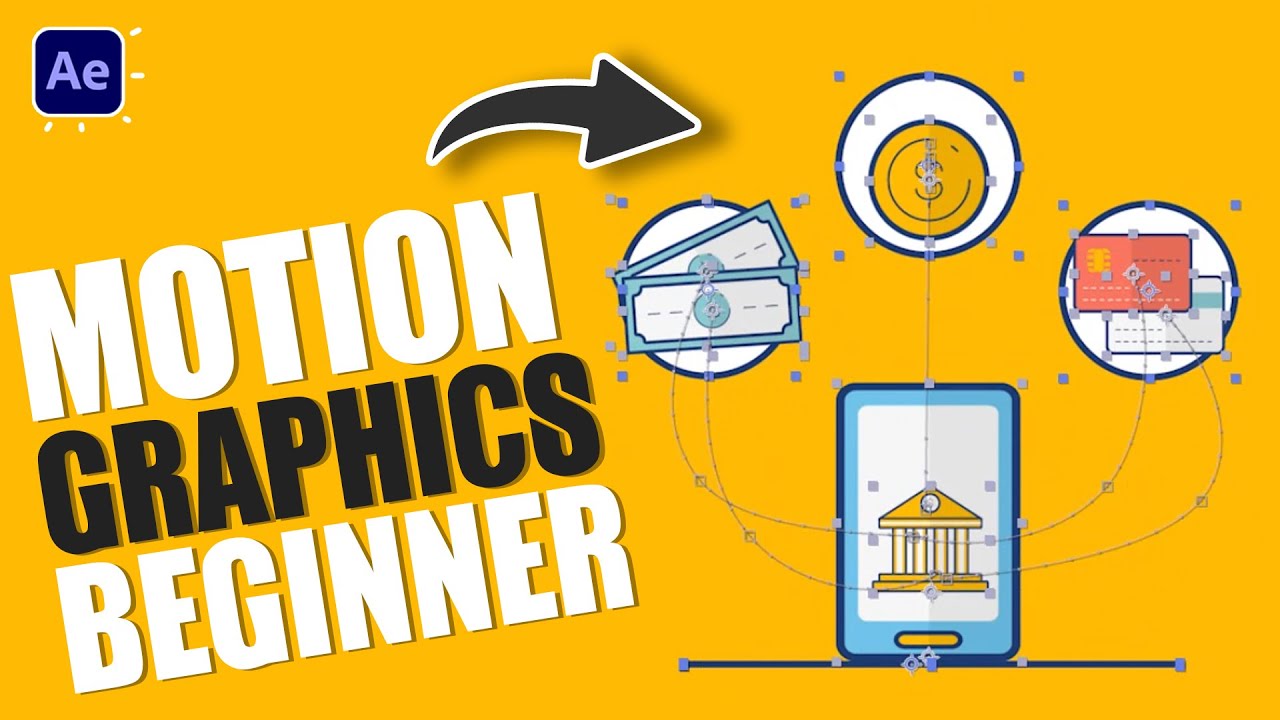
This video tutorial demonstrates how to create engaging motion graphics in Adobe After Effects, focusing on animating various elements like circles, phones, coins, and cards with detailed keyframe animation techniques. It covers essential tools and principles for building dynamic visual sequences.
Minimalist Motion Graphics in After Effects Tutorial
This After Effects tutorial demonstrates how to create minimalist motion graphics, specifically focusing on animating lines and text elements. The instructor guides viewers through setting up a composition, drawing shapes, using controllers for animation, and applying transformations like position and rotation.
Master Motion Graphics to Make You a Pro in After Effects
This video teaches how to create and animate professional motion graphics in Adobe After Effects using basic shape layers. It demonstrates techniques for building complex graphics from simple shapes like circles and polygons, animating them with Trim Paths and position keyframes, and adding effects like glow for enhanced visual appeal.
Animate After Effects Camera Like A Pro | Only Video You Need |
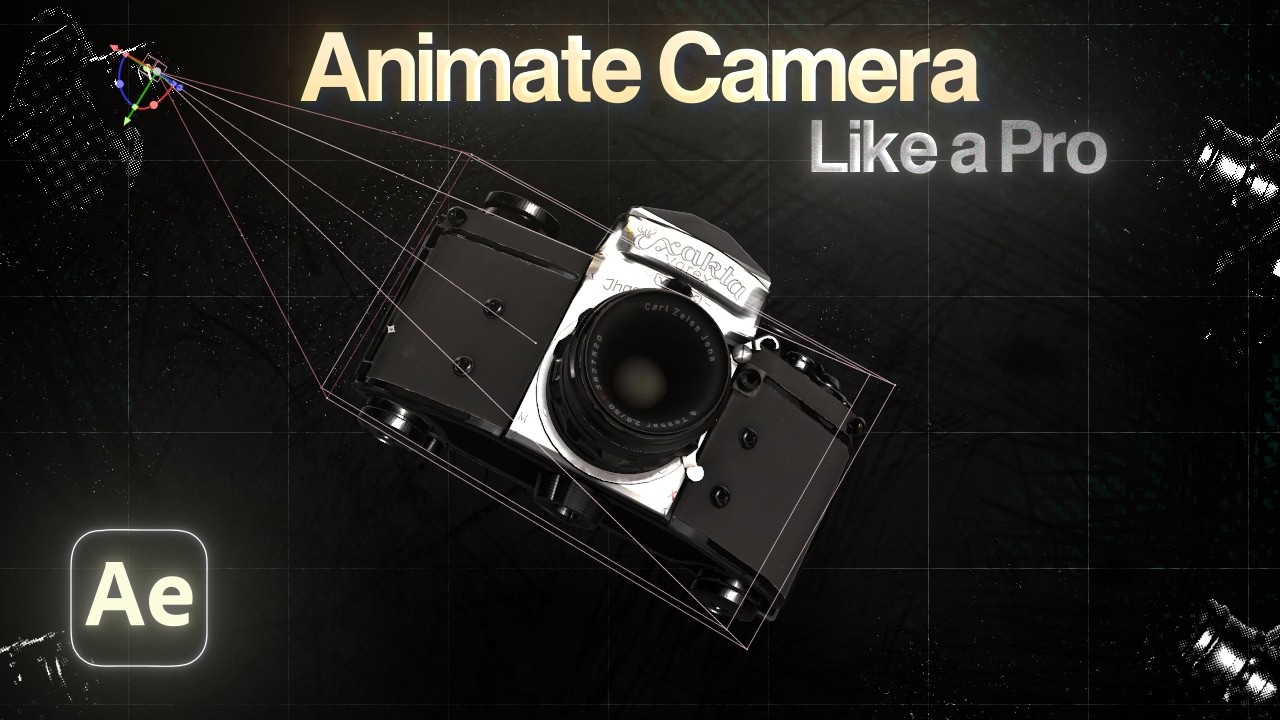
This video tutorial demystifies After Effects cameras, explaining the difference between one-node and two-node cameras, the impact of focal length and presets on field of view, and practical techniques for navigating and animating in 3D space. It aims to empower editors to move beyond 2D limitations and create cinematic depth in their projects.
Learn After Effects 2026 in 10 minutes - Beginner Tutorial
This tutorial provides a rapid, 10-minute introduction to Adobe After Effects for beginners. It covers essential steps like importing assets, organizing them in folders, creating compositions, animating elements using keyframes, and adding text.
Learn After Effects 2026 in 10 minutes - Beginner Tutorial
Watch with Querivo →Minimal Circle Motion Graphics Text Animation in After Effects - After Effects Tutorial
This After Effects tutorial demonstrates how to create a minimal circle motion graphics text animation entirely using built-in tools. Viewers will learn to animate circles, duplicate them, control their movement along paths, and add rotational effects without relying on any plugins.