Dreaming of building your own AAA video game? Unreal Engine is the powerhouse behind some of the most visually stunning and immersive gaming experiences, and mastering it is your ticket to professional game development.
Key Takeaways
- 1Your curated guide to mastering Unreal Engine for game development.
- 2Learn a structured method for effective Unreal Engine learning.
- 3Implement advanced character movement and animation techniques.
- 4Optimize your PC hardware for smooth UE5 development.
- 5Enhance your C++ coding with Enums and Structs for better projects.
Who this is for
- If you're struggling to find a clear learning path for Unreal Engine
- If you're looking to build professional-grade game mechanics
- If you're an aspiring game developer aiming for AAA quality
Start Learning with AI-Powered Video Summaries
Get instant summaries, ask questions, and turn any video into an interactive study session.
Try Querivo Free →Build a Solid Foundation: Your Structured Path to Unreal Engine Mastery
Feeling overwhelmed by the sheer volume of Unreal Engine tutorials out there? It's easy to jump from one shiny new feature to another without building a truly solid understanding. This video cuts through the confusion, presenting a clear, four-step methodology designed to make your learning process effective and sustainable. It’s not just about watching videos; it's about building a consistent practice that leads to real results.
The creator emphasizes that true mastery comes from a deliberate approach. We're talking about four key pillars: nailing the Fundamentals, engaging in Timed Challenges, setting clear Goals, and committing to Daily Practice. This isn't just a suggestion; it's a roadmap for anyone serious about becoming proficient in Unreal Engine game development. Seriously, who wouldn't want a proven method to learn faster?

- Embrace a four-step learning method: Fundamentals, Timed Challenges, Goal Setting, and Daily Practice.
- Implement this structured approach to build confidence and accelerate your learning.
Study This Video Deeper
Get an AI summary and ask questions about confusing parts in real-time.
Open in Querivo →Master Complex Character Movement and Animation in UE5
Getting character movement just right can be a real game-changer, can't it? Simple state machine movement is one thing, but if you're aiming for that polished, AAA feel, you'll likely need to explore more advanced systems. This video dives deep into the options available in Unreal Engine 5, directly comparing popular frameworks like ALS and GASP. It's essential viewing if you want your characters to move with fluidity and realism.
You'll gain a clear understanding of the trade-offs involved, from the animation requirements to how well these systems handle replication in multiplayer games. Plus, the discussion on Inverse Kinematics (IK) and animation blending is surprisingly insightful for achieving that believable character motion. For those who want to cut to the chase, the mention of marketplace assets that combine the strengths of these systems is definitely worth noting. This tutorial offers a fantastic overview for anyone looking to elevate their character controller.

- Compare state machine movement with advanced frameworks like ALS and GASP.
- Explore marketplace assets that combine the strengths of popular movement frameworks for your projects.
Optimize Your Rig: Essential PC Hardware for Unreal Engine 5 Development
Let's be honest, trying to develop in Unreal Engine 5 on underpowered hardware is a recipe for frustration. Slow compile times, constant stuttering – it really kills your workflow. This video tackles the crucial question of what PC hardware you actually need to run Unreal Engine 5 efficiently. Whether you're on a tight budget or aiming for peak performance, this guide offers concrete recommendations.
You'll learn precisely why the CPU and GPU are so critical for UE5, and the creator provides specific component suggestions for different build tiers. Don't overlook RAM and storage, either; these can be significant bottlenecks if not chosen wisely. And for those on the other side of the fence, there's a brief but useful look at Mac compatibility. This is super helpful information for anyone setting up their development environment.
- Identify crucial CPU and GPU roles for Unreal Engine 5 performance.
- Gain clarity on specific component recommendations for both budget and high-performance PC builds.
Unleash Your Vision: Mastering Unreal Engine C++ Fundamentals for Solo Devs
Coding in Unreal Engine can seem daunting, especially for solo developers who need to wear multiple hats. But fear not! This video demystifies C++ by focusing on two fundamental concepts that can dramatically improve your code organization and power: Enums and Structs. Mastering these isn't just about writing code; it's about writing smarter code that's easier to read, manage, and expand upon.
You'll learn practical ways to use C++ Enums for managing game states and character actions, making your logic much cleaner. Plus, understanding Structs allows you to group related variables, creating custom data types that are incredibly useful for things like inventory items or complex character attributes. The best part? The creator shows you how to expose these to the Unreal Engine editor, bridging the gap between C++ and visual scripting. If you're looking to bring more structure and robustness to your solo projects, this is definitely worth your time.
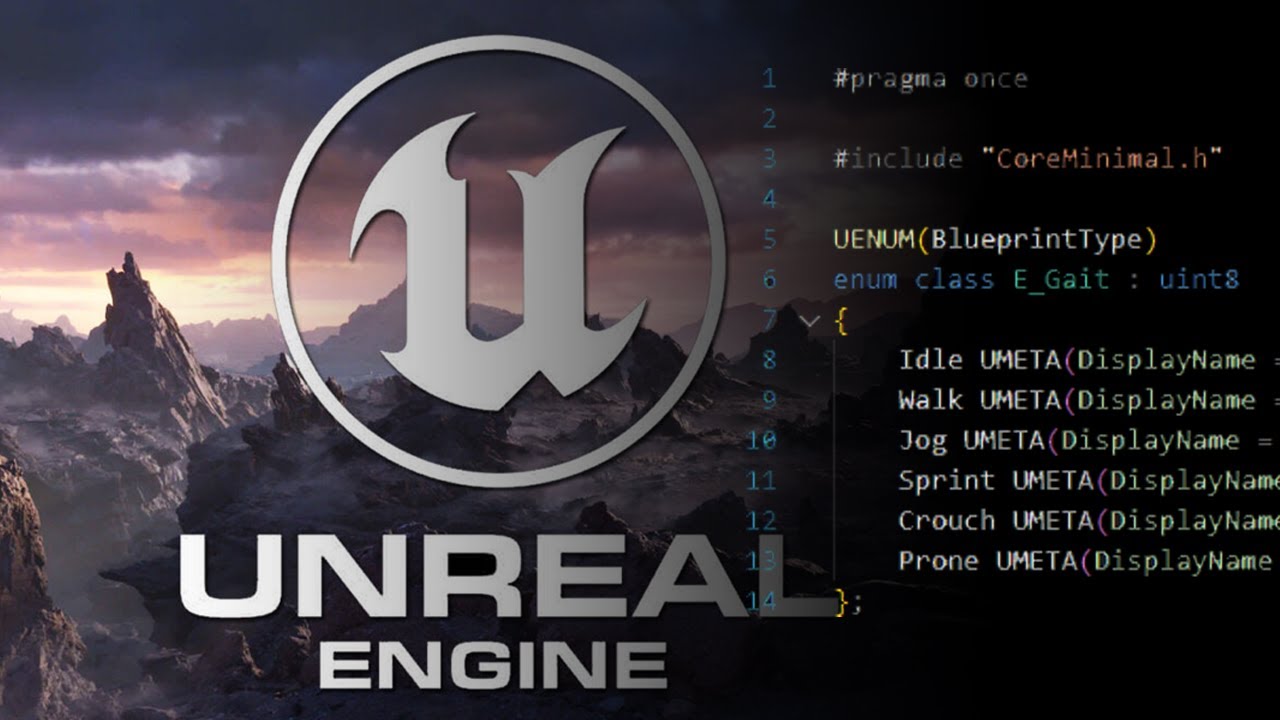
- Learn to create and utilize C++ Enums and Structs for better code organization.
- Apply these fundamental C++ concepts to enhance the structure and maintainability of your Unreal Engine projects.
Your Next Steps
By diving into these curated videos, you're setting yourself up for success in the complex but rewarding world of Unreal Engine game development. You've explored a structured learning path, tackled advanced character movement, understood critical hardware needs, and even touched upon essential C++ fundamentals. This collection provides a solid launchpad for building professional-quality games.
Your Action Items
- ☐Pick one video from above and watch it on Querivo
- ☐Ask questions and check summaries while watching without breaking your flow
- ☐Use the AI chat to clarify confusing parts and deepen understanding
- ☐Come back for more curated videos on topics you want to master
Turn Any YouTube Video into an Interactive Lesson
Paste any video link, get an instant AI summary, and ask questions in real-time.
Try Querivo Free →Related Videos You Might Enjoy
Looking for more perspectives on this topic? Here are some additional videos worth checking out:
Which Game Engine Is Best In 2025? UNITY vs. UNREAL?
This video features a discussion between Thomas Brush and Sterling Rank, co-creator of Ready or Not, comparing Unity and Unreal Engine for game development, particularly for FPS games. They share personal experiences, highlighting Unreal's strengths in graphics and ease of use for 3D and FPS development, while acknowledging Unity's issues with optimization and lighting for such genres.

Why Solo Developers Should Use Unreal
This video discusses why solo developers, specifically "Choo Choo Charles" creator Gavin, chose Unreal Engine for their projects. It highlights the power of Unreal's Blueprint system for complex tasks and debunks the myth that C++ is always necessary for advanced game development.
How Unreal Engine 5 Is Literally Killing Games
This video argues that while Unreal Engine 5 offers visual fidelity and ease of development, its widespread adoption is leading to a homogenization of game aesthetics and potential issues like poor optimization and censorship due to Epic Games' influence. The speaker questions whether the compromises made by consumers for these visually impressive but often problematic games are worth it.
Why Unreal Engine 5.7 is a BIG Deal
Unreal Engine 5.7 introduces significant advancements, primarily the Nanite Foliage system which revolutionizes vegetation rendering with Nanite Voxels for distant objects and a new Procedural Vegetation Editor. Additionally, the update fully adopts the Substrate material system and integrates an experimental AI developer assistant.