

Tired of staring blankly at your notes, wondering where the information went? It's a common frustration, and frankly, it's a sign that your current note-taking strategy just isn't cutting it. In today's fast-paced learning environment, effective note-taking isn't just about scribbling down words; it's a powerful tool for active learning and, more importantly, improved information retention. Whether you're a student facing a mountain of textbooks, a researcher diving deep into data, or a professional needing to recall critical details from meetings, mastering your note-taking approach is absolutely crucial for success.
We've scoured YouTube to bring you the best VIDEOS that will absolutely transform your note-taking habits. We're focusing on proven methods that actually work, like the structured Cornell note system, the visual power of mind mapping, and leveraging the incredible capabilities of digital tools like Apple Notes and Microsoft OneNote. Get ready to unlock a deeper understanding of your subjects and build longer-lasting recall. This curated list is your roadmap to better learning.
Key Takeaways
- 1Boost retention with proven note-taking methods.
- 2Master digital tools for smarter learning.
- 3Organize your study materials effectively.
- 4Learn techniques from expert creators.
- 5Elevate your academic and professional performance.
Who this is for
- If you're a student struggling to retain lecture information
- If you're a professional looking to organize project details efficiently
- If you're someone who wants to make their study time more productive
Start Learning with AI-Powered Video Summaries
Get instant summaries, ask questions, and turn any video into an interactive study session.
Try Querivo Free →Turn Your Apple Notes into a Powerful Learning Hub
Struggling to keep your notes organized and useful across your Apple devices? This video dives deep into Apple Notes, showing you just how much power is hidden beneath its simple interface. It's surprisingly good at more than just jotting down quick thoughts. We'll explore how to integrate web links, images, and documents seamlessly, making your notes dynamic and rich with information. Plus, the instructor demonstrates fantastic features like handwriting and drawing, which can really help solidify complex ideas. And if you're an Apple power user, you'll definitely want to see how the organizational tools like tags and folders, along with Apple Intelligence, can seriously level up your note-taking game. This isn't just about storing notes; it's about making them work for you.
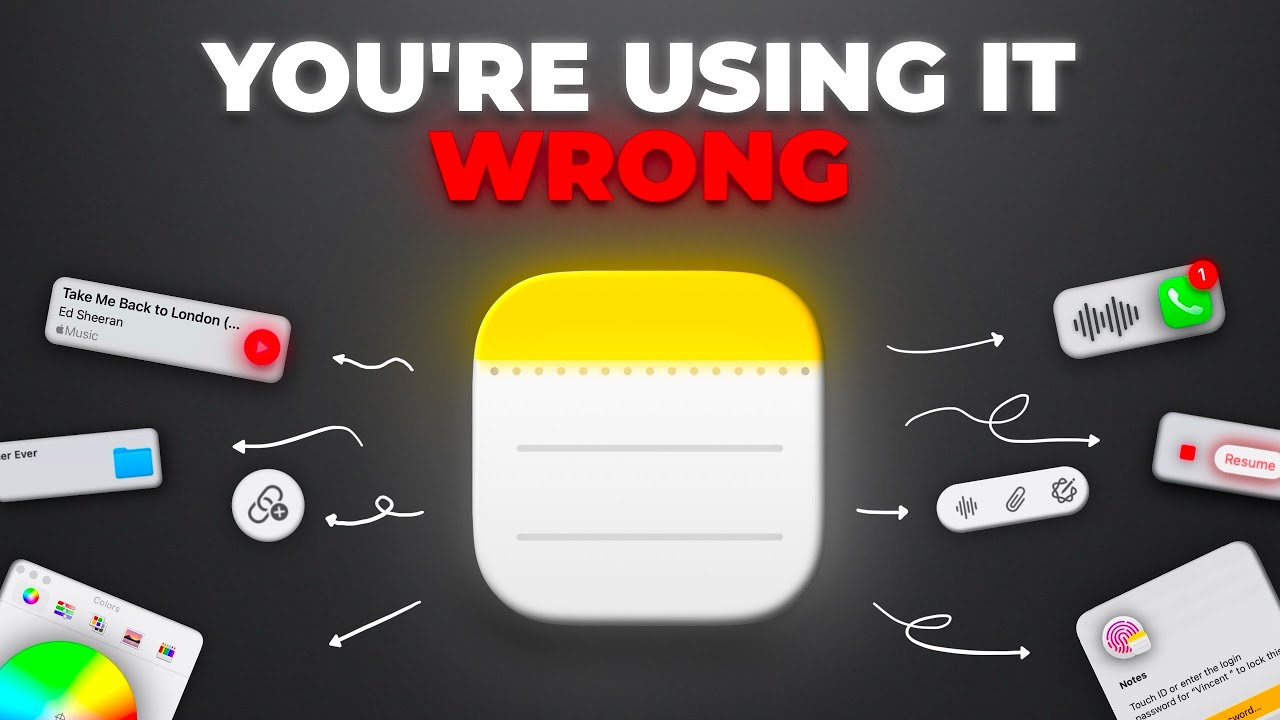
- Integrate web content, media, and even drawings for richer notes.
- Explore Apple Intelligence for enhanced writing and summarization.
Study This Video Deeper
Get an AI summary and ask questions about confusing parts in real-time.
Open in Querivo →Master Efficient Note-Taking from Lecture to Revision
Ever feel like your lecture notes are a jumbled mess? This video offers a really solid, step-by-step guide that takes you through the entire note-taking process. It’s not just about what you do during a lecture, but also what you do before and after. You'll learn how to skim material and identify keywords ahead of time, which is a total game-changer for focusing during class. Then, the instructor shares practical in-lecture techniques, even suggesting tools like grid paper and erasable pens for ultimate neatness and efficiency. And the post-lecture revision methods? Absolutely brilliant. Drawing diagrams, summarizing key points – it all helps embed the information deeper. Honestly, the tips on using color, abbreviations, and visual cues are incredibly helpful for memory recall. This is the kind of comprehensive approach we need for genuinely effective learning.
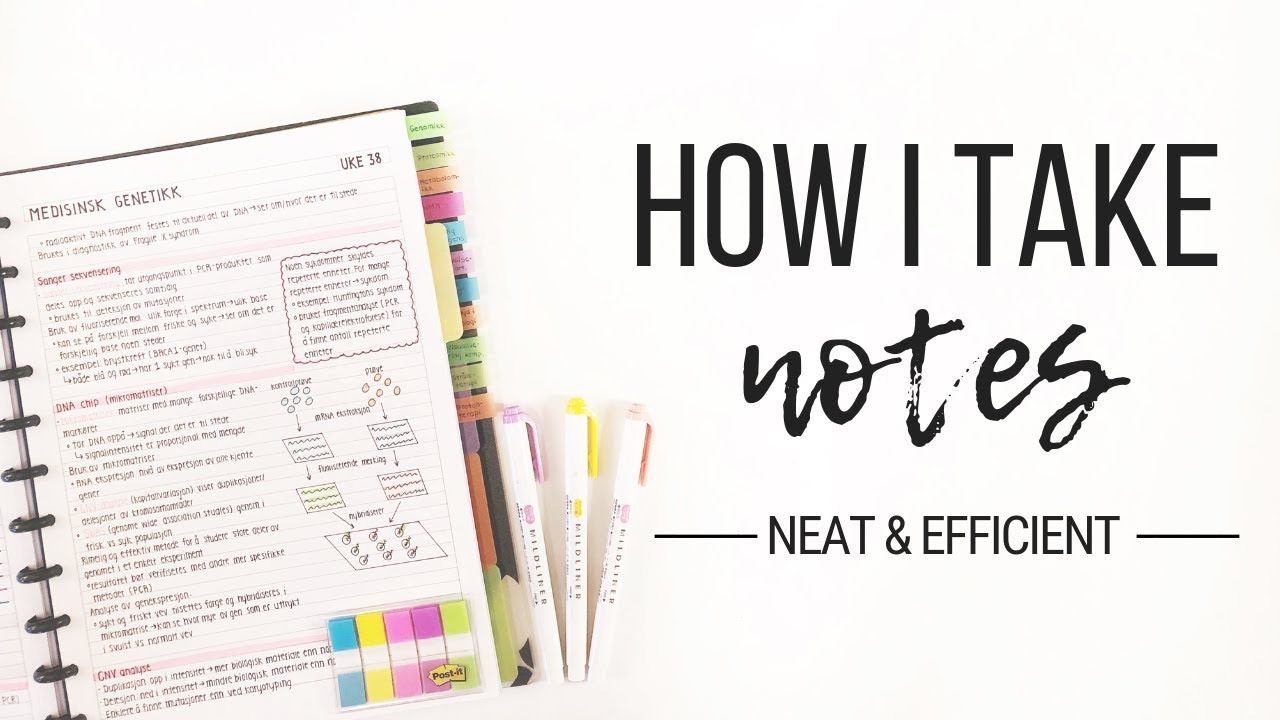
- Prepare before lectures, engage actively during, and revise thoroughly after.
- Utilize color, abbreviations, and visuals for enhanced memory recall.
Unlock the Full Potential of Microsoft OneNote for Organization
Microsoft OneNote can feel a bit overwhelming at first, can't it? But this video really breaks it down, showing you just how powerful it is for organizing everything. We're talking about a comprehensive guide that walks you through the interface, from creating notebooks and sections to structuring pages effectively. It demonstrates not just typing, but also handwriting and embedding all sorts of files and links – pretty neat, right? What's surprisingly helpful are the tips on tagging and searching, making information retrieval super quick. Plus, for anyone working on group projects or shared learning, the collaboration and real-time syncing features are a massive advantage. If you’re looking for a robust digital workspace, this video makes a strong case for OneNote.
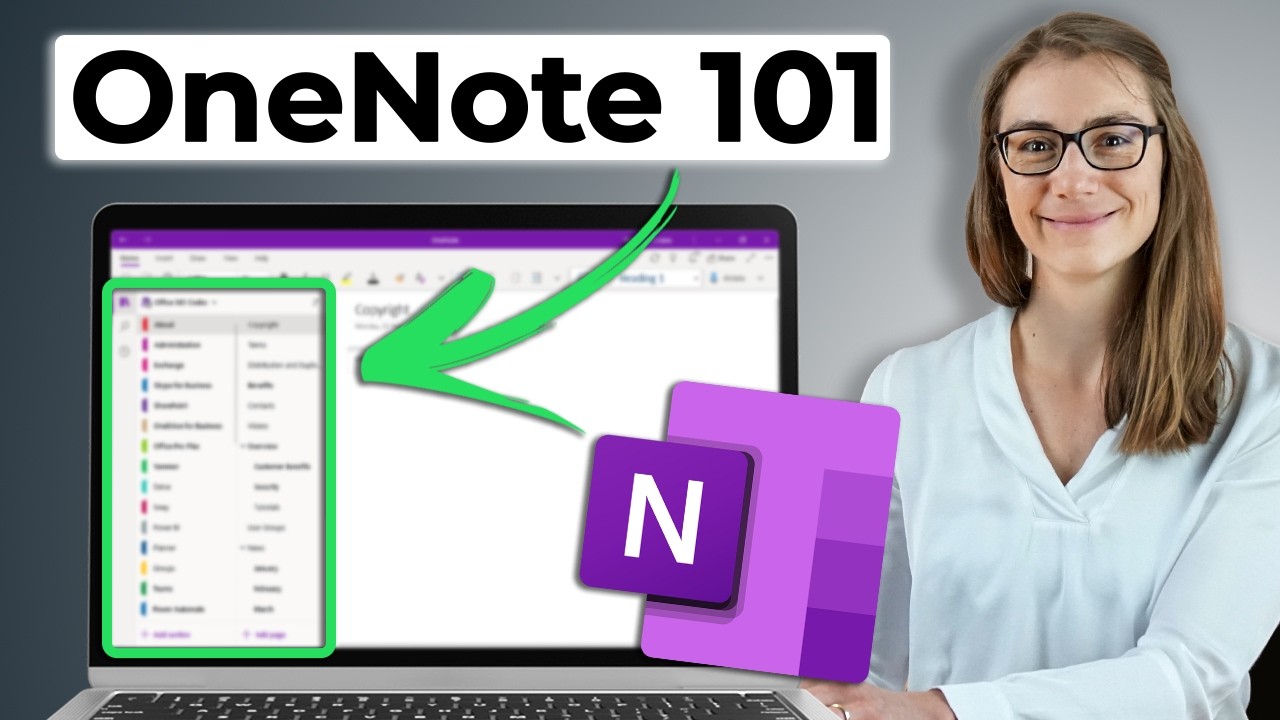
- Navigate OneNote's structure and master various note-taking methods.
- Leverage tagging, searching, and collaboration for efficient workflows.
Study This Video Deeper
Get an AI summary and ask questions about confusing parts in real-time.
Open in Querivo →Embrace Digital Note-Taking for Smarter Learning
Are you still clinging to traditional pen and paper, or are you ready to embrace the digital revolution in note-taking? This video explores the significant advantages that digital tools offer over older methods, and it’s definitely worth a watch. You’ll discover how to organize and link your digital notes in ways that create a truly connected learning experience – almost like building your own personal knowledge base. The instructor also touches on how these digital tools can actively facilitate recall and revision, which is a huge plus. It’s not about forcing you into a specific app, but rather giving you the insights to choose and utilize the digital note-taking apps that genuinely suit your workflow. For anyone serious about making their learning smarter and more efficient, this is a must-see.
- Understand the benefits and practical applications of digital note-taking.
- Discover strategies for organizing and linking notes for better retention.
Your Next Steps
By incorporating the strategies from these top YouTube videos, you can absolutely elevate your note-taking from a passive recording activity to an active learning process that significantly boosts information retention and academic performance. It's about working smarter, not just harder.
Your Action Items
- ☐Pick one video from above and watch it on Querivo
- ☐Ask questions and check summaries while watching without breaking your flow
- ☐Use the AI chat to clarify confusing parts and deepen understanding
- ☐Come back for more curated videos on topics you want to master
Start experimenting with these techniques today and discover the note-taking method that best suits your learning style!
Turn Any YouTube Video into an Interactive Lesson
Paste any video link, get an instant AI summary, and ask questions in real-time.
Try Querivo Free →