

In the fast-paced world of software development, efficiency is paramount. Yet, many developers find themselves battling inefficient workflows or relying too heavily on GUIs, missing out on a powerful tool that can supercharge their productivity: the Linux command line.
Key Takeaways
- 1Master the Linux command line for dev efficiency.
- 2Learn essential navigation and file management.
- 3Rapidly expand your terminal command set.
- 4Discover powerful documentation for deep learning.
- 5Unlock unparalleled control and speed in your workflow.
Who this is for
- If you're struggling with slow development workflows and GUI limitations
- If you're looking to deploy applications and manage servers with confidence
- If you're a beginner to intermediate developer eager to level up your skills
Start Learning with AI-Powered Video Summaries
Get instant summaries, ask questions, and turn any video into an interactive study session.
Try Querivo Free →Mastering the Linux command line is no longer just a niche skill for system administrators; it's an essential competency for modern developers. From deploying applications and managing servers to automating tasks and debugging complex systems, the terminal is your gateway to unparalleled control and speed. This article curates a selection of top-tier YouTube tutorials to help you go from beginner to proficient, unlocking a new level of developer empowerment. Dive into this curated guide featuring the best YouTube tutorials that break down the Linux command line into digestible lessons. We'll explore fundamental navigation, essential file management, quick command overviews, and even introduce you to powerful, often overlooked, learning resources to ensure you truly master this critical skill. This collection is designed to be your go-to resource for the linux command line for developers youtube.
Build a Solid Foundation: Essential Commands for Everyday Development
Are you new to the Linux terminal and feeling a bit overwhelmed? This video is your perfect starting point. It cuts through the jargon to teach you the absolute must-know commands for everyday tasks. You'll quickly get a handle on how to move around your file system, create and manage directories, and even do some basic text file editing right from the terminal. It's all about building that practical, hands-on foundation that makes the command line feel accessible, not intimidating.
This tutorial is a game-changer for absolute beginners. It demonstrates commands like pwd and cd for navigation, and ls, mkdir, touch, cp, mv, and rm for managing files and folders. Plus, you'll learn how to work with text files using echo, nano, cat, and less, and even get a primer on basic file permissions with chmod and chown. It’s genuinely helpful for anyone looking to learn linux basics and understand terminal commands tutorial.

- Learn core commands for navigating and managing files.
- Practice basic text file operations and permissions.
Study This Video Deeper
Get an AI summary and ask questions about confusing parts in real-time.
Open in Querivo →Rapid Fire Command Mastery: Broaden Your Terminal Toolkit
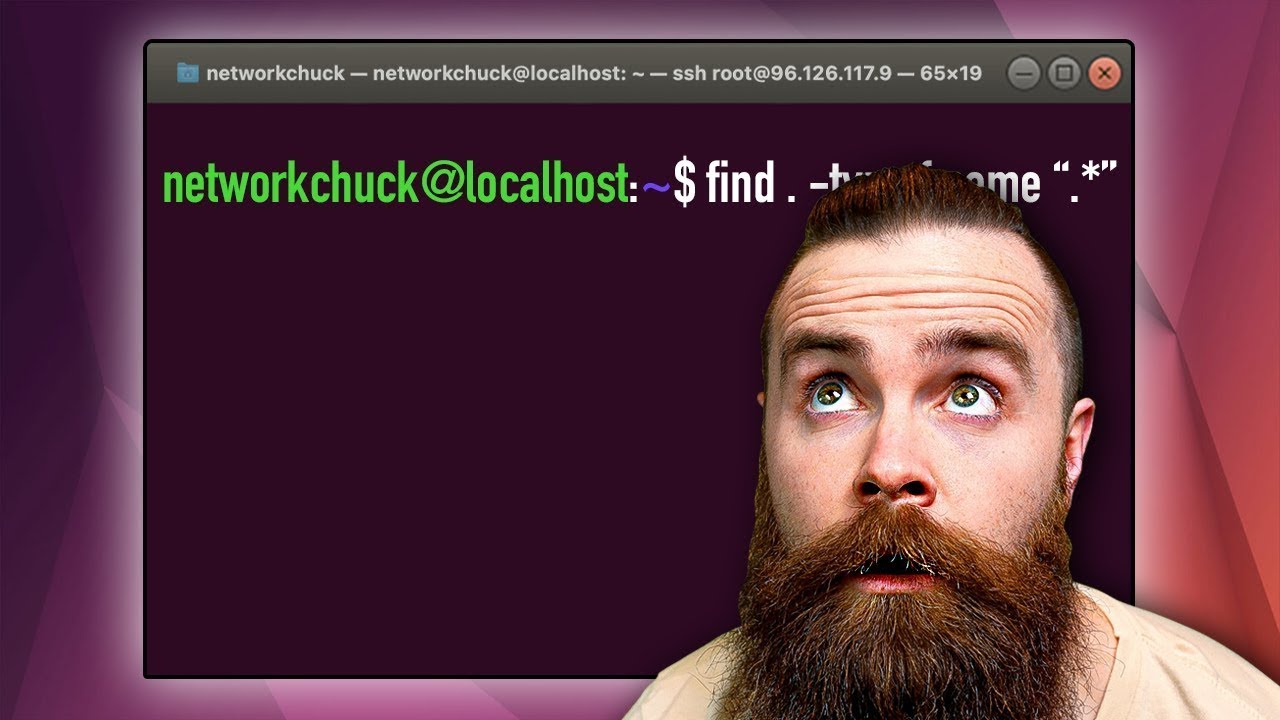
Once you've got the basics down, it's time to really accelerate your command-line skills. This next video is designed for speed. It throws a whole lot of essential Linux commands at you in a really concise format, perfect for when you want to quickly boost your knowledge base. We're talking about commands that cover file management, user operations, system insights, and even some fundamental networking stuff that's super relevant for developers.
You'll probably notice how this fast-paced approach helps you recognize and recall commands much faster. It’s a fantastic way to expand your command-line repertoire without spending hours on each individual command. Think of it as a cheat sheet brought to life, showing you the breadth of what you can do with the terminal. This is definitely worth checking out if you want to quickly get a wider grasp of the commands used in daily development workflows.
- Discover 60 vital commands in a rapid overview.
- Cover file system, user management, and networking basics.
Beyond the Basics: Understanding Linux's Power and Potential
Ready to dive a little deeper into what makes Linux tick? This video offers a broader perspective, covering not just a huge number of terminal commands (over 100!) but also the fundamental concepts behind the Linux kernel and GNU utilities. It's not just about memorizing commands; it’s about understanding the ecosystem and how it powers modern development and server administration. You'll even get a glimpse into shell scripting, which is a total game-changer for automating tasks.
This resource is pretty solid for anyone who wants to go beyond just basic usage. Understanding these core principles can really help you troubleshoot issues more effectively and optimize your development environments. It’s a comprehensive introduction that helps bridge the gap between knowing commands and truly understanding the Linux operating system's potential. For those interested in shell scripting for beginners, this offers a great jumping-off point.
- Grasp core Linux concepts and over 100 essential commands.
- Explore the foundations of shell scripting for automation.
Unlock Deeper Learning: Leveraging Documentation for True Mastery
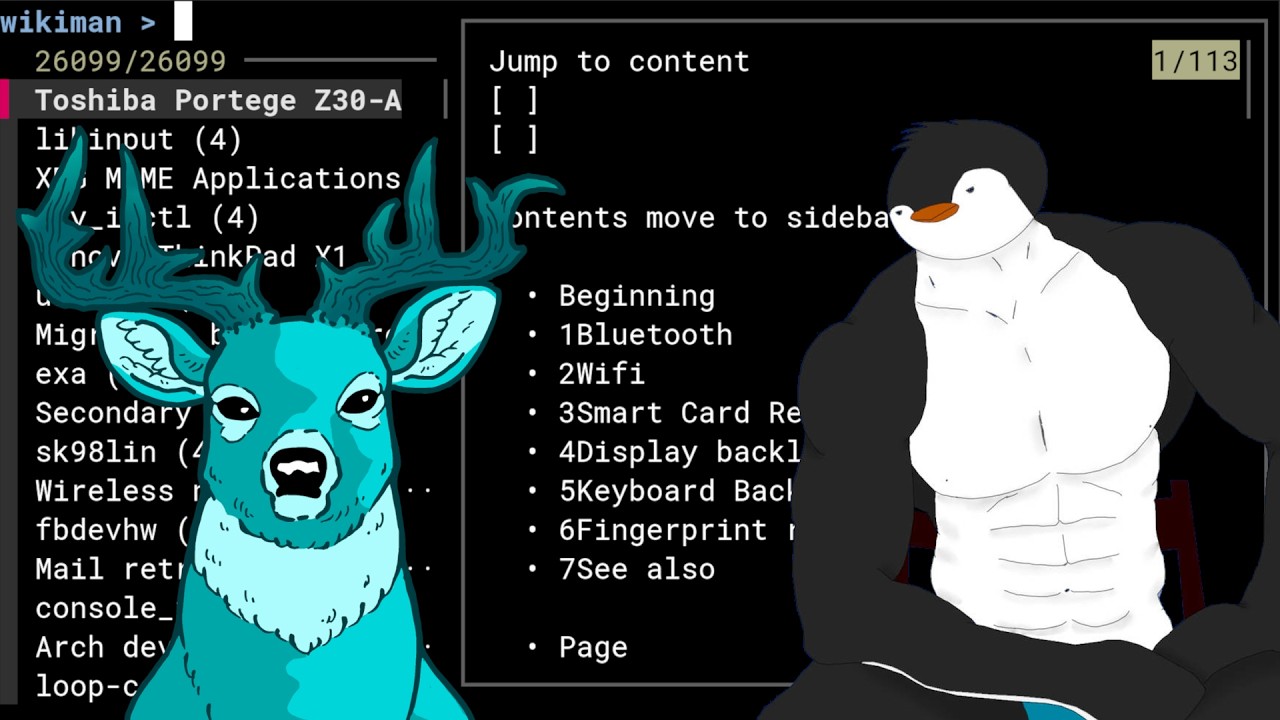
While YouTube tutorials are fantastic for getting started, sometimes you need the nitty-gritty details. This video makes a compelling case for the most authoritative resources available: the Arch Wiki and Man pages. It’s surprisingly effective advice, especially for learning Linux commands and system configuration in depth. You'll discover how to use these resources to get accurate, detailed explanations for virtually any command, even when you're offline.
The creator highlights tools like tldr for quick command summaries and wikiman for offline Arch Wiki access, which are incredibly helpful. It’s a refreshing perspective that encourages self-sufficiency and deep understanding, rather than just passive watching. This approach definitely enhances your command-line learning experience and is a valuable method for any serious developer looking to truly master the linux command line for developers youtube.
- Utilize Arch Wiki and Man pages as definitive learning resources.
- Learn about `tldr` and `wikiman` for efficient offline documentation.
Your Next Steps
Mastering the Linux command line is a transformative step for any developer. By leveraging the foundational knowledge from quick-start guides, expanding your command set with rapid overviews, understanding the Linux ecosystem, and embracing robust documentation, you can significantly enhance your productivity, efficiency, and problem-solving capabilities.
Your Action Items
- ☐Pick one video from above and watch it on Querivo
- ☐Ask questions and check summaries while watching without breaking your flow
- ☐Use the AI chat to clarify confusing parts and deepen understanding
- ☐Come back for more curated videos on topics you want to master
Ready to supercharge your development workflow? Start by picking one of these essential tutorials and opening your terminal. The journey to command-line mastery begins with a single command. Commit to practicing the commands you learn daily. Explore the man pages for commands that pique your interest. Consider setting up a Linux environment (or WSL on Windows) if you haven't already, and begin integrating these skills into your current development projects.
Turn Any YouTube Video into an Interactive Lesson
Paste any video link, get an instant AI summary, and ask questions in real-time.
Try Querivo Free →