Tired of wrestling with spreadsheets and drowning in manual data tasks at work? Mastering Google Sheets formulas is no longer a luxury – it's a necessity for boosting your productivity and streamlining your workflow.
Key Takeaways
- 1Top YouTube tutorials for mastering Google Sheets formulas.
- 2Learn VLOOKUP, QUERY, and essential data management functions.
- 3Discover time-saving tips and advanced spreadsheet techniques.
- 4Transform your data analysis and reporting for work.
- 5Boost efficiency and accuracy with expert guidance.
Who this is for
- If you're a business professional struggling with complex spreadsheets
- If you're a remote worker needing to manage data efficiently
- If you're a student looking to impress with data skills
Start Learning with AI-Powered Video Summaries
Get instant summaries, ask questions, and turn any video into an interactive study session.
Try Querivo Free →Unlock Your Data's Potential with Essential Workhorse Formulas
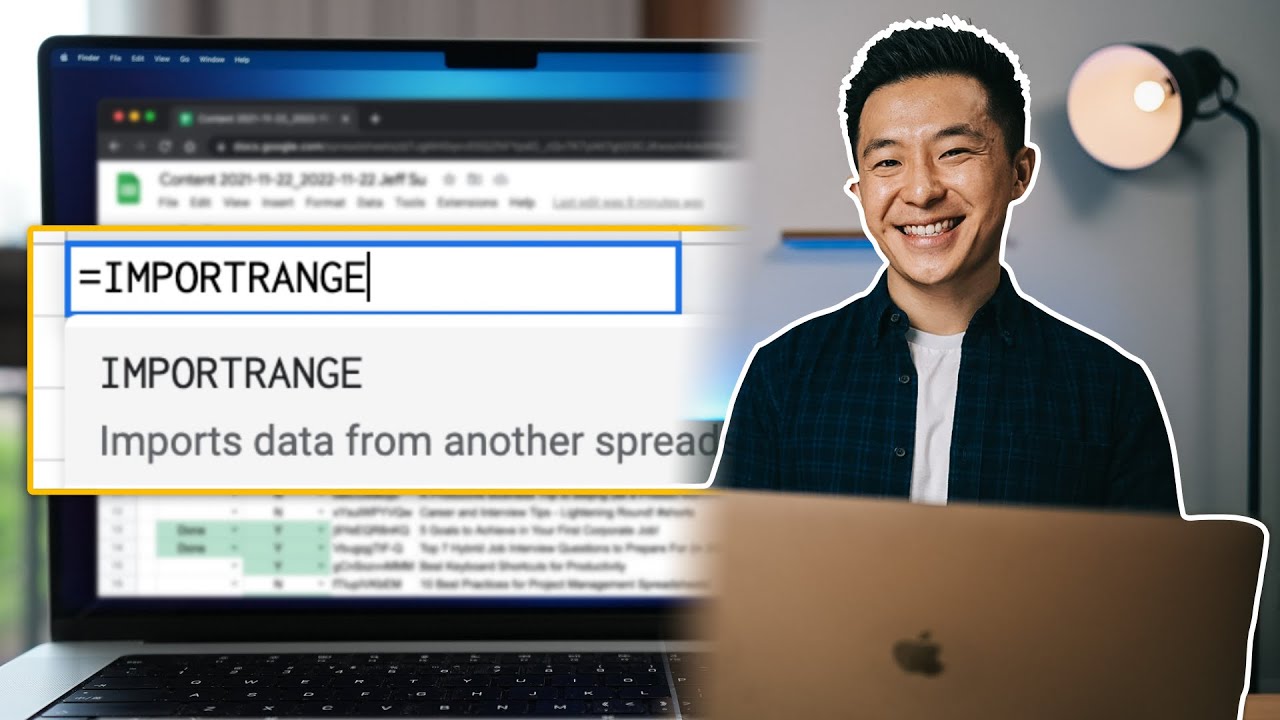
In today's fast-paced professional environment, efficient data management is paramount. Google Sheets offers a powerful, accessible platform for analysis and organization, but its true potential is unlocked through understanding its core formulas. This video, "15 Spreadsheet Formulas Working Professionals Should Know!", dives straight into the functions you'll actually use day-to-day. We found its focus on practical, real-world applications incredibly helpful. You'll learn how to retrieve data with VLOOKUP, keep reports current using the TODAY formula, and get quick counts with COUNTIF and COUNTA. It’s a seriously solid way to kickstart your journey into mastering Google Sheets formulas YouTube content.
This tutorial breaks down complex ideas into digestible steps, perfect for anyone looking to move beyond basic spreadsheet use. The creator, Jeff Su, shares insights from years of professional experience, which really adds a layer of trustworthiness. You’ll also discover how to wrangle text data with SPLIT and SUBSTITUTE, and even ensure data integrity with ISEMAIL and ISURL checks. This is definitely worth watching if you want to improve accuracy and efficiency at work.
- Master VLOOKUP, TODAY, COUNTIF, and essential text functions.
- Apply these formulas immediately to your daily work tasks.
Study This Video Deeper
Get an AI summary and ask questions about confusing parts in real-time.
Open in Querivo →Harness the Power of QUERY for Advanced Data Selection and Analysis
Ready to take your Google Sheets skills up a notch? The QUERY function is a game-changer, allowing you to manipulate and analyze your data with incredible precision, all within a single function. This video, "10 Google Sheets Tips You DON'T Want to Miss," features a fantastic deep dive into QUERY that we found particularly insightful. It demonstrates how to select specific columns, filter your data based on multiple criteria using the WHERE clause, and even aggregate and sort your results. Pretty incredible stuff for anyone working with larger datasets.
Learning the syntax and clause order might seem daunting at first, but the creator, Leila Gharani, walks you through it step-by-step. You’ll discover how to use SELECT to pinpoint exactly what you need and ORDER BY to arrange your data logically. This is exactly the kind of advanced technique that can save hours of manual effort and unlock deeper insights. If you're serious about becoming a Google Sheets power user, this is a must-watch. It really shows you how to get the most out of your spreadsheets for business.

- Learn the flexible QUERY function for data selection and aggregation.
- Practice filtering and sorting your datasets with precision.
Boost Your Efficiency with Beginner-Friendly Google Sheets Tips & Tricks
Sometimes, the biggest productivity gains come from mastering the fundamentals. This video, "10 INCREDIBLE things Google Sheets can do Right Now!", highlights a range of useful techniques that can make your everyday spreadsheet tasks much faster and more intuitive. For beginners, it’s surprisingly effective at showing you how to quickly clean and format data, resize columns, and handle capitalization issues without breaking a sweat. We thought the emphasis on navigation shortcuts was particularly brilliant; you'll learn how to move around your sheets like a pro.
You’ll also find tips on how to insert, delete, and manipulate rows and columns with ease – simple things that add up to big time savings. The creator does a great job of demonstrating cell referencing, which is crucial for building dynamic calculations. Plus, you can even view instant calculations like sum, average, and count without needing to write a single formula. This video is a fantastic starting point for anyone new to Google Sheets or looking to brush up on essential time-saving habits. It’s a solid introduction to the world of Google Sheets formulas YouTube has to offer.

- Master essential formatting, navigation, and data manipulation shortcuts.
- Gain instant calculation previews without writing formulas.
Streamline Workflows with Interactive Tables and Smart Data Entry
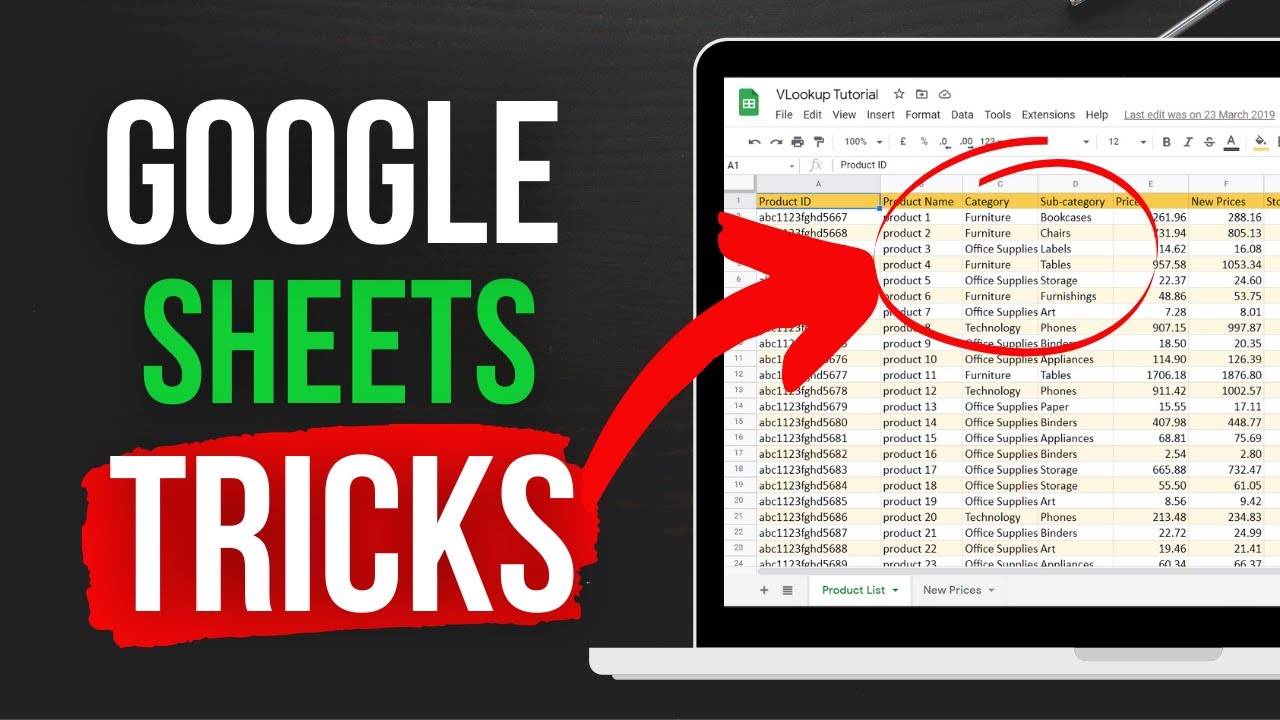
Transforming raw data into dynamic, interactive reports can seem like a complex undertaking, but this video, "15 POWERFUL GOOGLE SHEETS TIPS & TRICKS (Insanely Useful Productivity Tips For Beginners)", shows you how to do it more easily than you might think. It dives into creating interactive scrolling tables and auto-aggregating charts that make your data come alive. Plus, you'll learn how to publish your Google Sheets to the web or embed them, making sharing and collaboration a breeze. This is invaluable for business professionals who need to present findings clearly and efficiently.
The tutorial also touches on powerful data analysis tools like Column Stats and Pivot Tables, offering quick ways to understand your data's story. For data entry, it showcases practical methods like calendar pickers and checkboxes, which streamline the process and reduce errors. The emphasis on flexible cell referencing makes your formulas more adaptable, a really smart approach. If you're looking for ways to make your spreadsheets more interactive and your data entry more efficient, this video is definitely worth checking out. It’s a great resource for learning Google Sheets for business.
- Build interactive reports with scrolling tables and dynamic charts.
- Simplify data entry with calendars and checkboxes.
Your Next Steps
By incorporating the essential formulas and practical tips from these YouTube tutorials, you can significantly enhance your Google Sheets proficiency, automate repetitive tasks, and gain deeper insights from your data. From fundamental lookups to advanced querying, these resources provide a clear path to becoming a Google Sheets power user.
Your Action Items
- ☐Pick one video from above and watch it on Querivo
- ☐Ask questions and check summaries while watching without breaking your flow
- ☐Use the AI chat to clarify confusing parts and deepen understanding
- ☐Come back for more curated videos on topics you want to master
Start applying these formulas and techniques to your work today to unlock immediate productivity gains!
Turn Any YouTube Video into an Interactive Lesson
Paste any video link, get an instant AI summary, and ask questions in real-time.
Try Querivo Free →Related Videos You Might Enjoy
Looking for more perspectives on this topic? Here are some additional videos worth checking out:
Google Sheets Query Function Explained
This video explains the powerful Google Sheets QUERY function, emphasizing the importance of understanding its basic syntax and clause order before tackling complex use cases. It demonstrates how to select specific data, aggregate columns, filter results with the WHERE clause, and rearrange data with PIVOT and ORDER BY.

ARRAYFORMULA in Google Sheets - 4 useful hacks included 🎁
This video tutorial demonstrates how to effectively use the ARRAYFORMULA in Google Sheets to automate calculations across entire columns, eliminating the need for manual copying of formulas. It covers practical applications like calculating total income and conditional ordering, along with useful hacks for handling blank cells and combining text.