Ready to transform your product development with sleek, intuitive user interfaces? Figma is the undisputed champion in the UI design world, but unlocking its true power can feel like a journey.
Key Takeaways
- 1Master Figma UI design with curated YouTube video series.
- 2Learn essential wireframing, prototyping, and component creation.
- 3Build dynamic designs using Figma's powerful variables.
- 4Develop scalable design systems for consistent product development.
- 5Elevate your product's user experience through expert guidance.
Who this is for
- If you're a product developer aiming to improve your UI design skills.
- If you're a UI/UX designer looking for efficient Figma workflows.
- If you're new to Figma and need a structured learning path.
Start Learning with AI-Powered Video Summaries
Get instant summaries, ask questions, and turn any video into an interactive study session.
Try Querivo Free →Unlock Dynamic Designs with Figma Variables
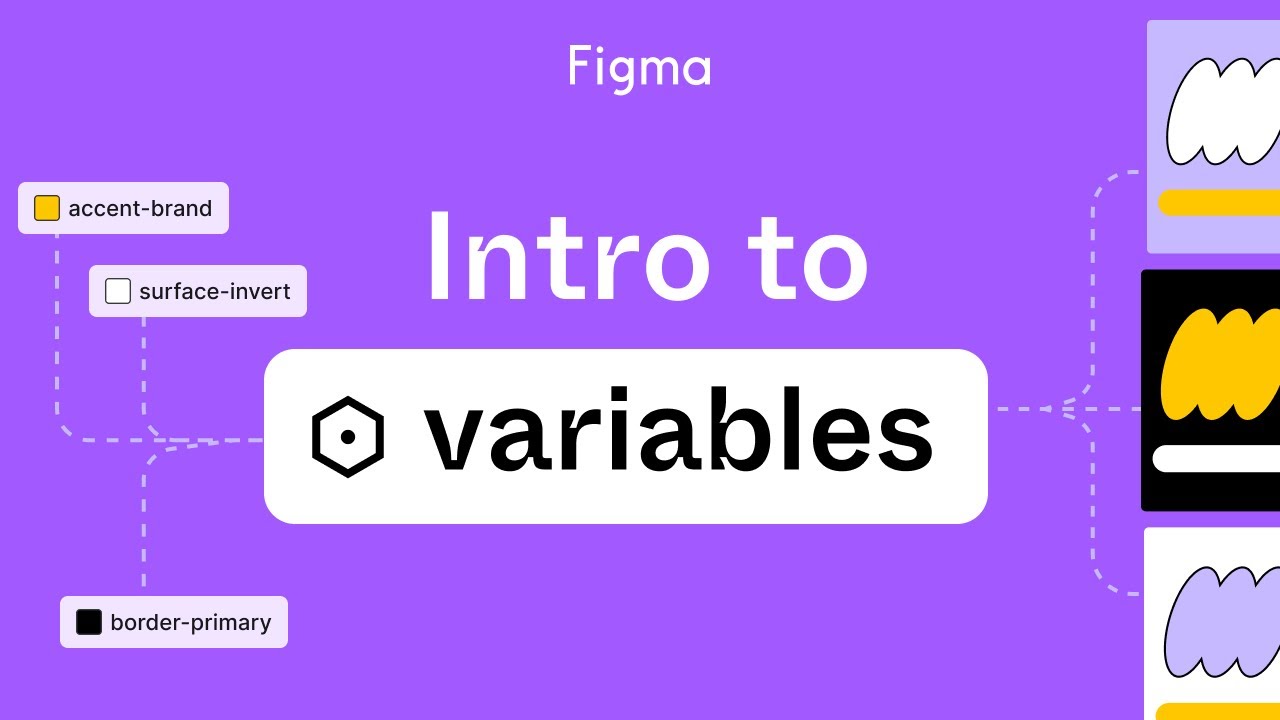
Struggling to keep your designs consistent across light and dark modes, or different localization needs? Figma's variable feature is a total game-changer, and this video is your gateway to understanding it. You'll dive deep into how variables allow you to create dynamic values for colors, numbers, strings, and booleans, making your designs truly adaptable.
This isn't just about a cool new feature; it's about building a more efficient and scalable design process. Learning to create, group, and apply these variables is crucial for anyone serious about design systems. The creator explains clearly how variables differ from traditional styles and why they're so powerful for managing design modes, which is a massive plus. Plus, you'll get insights into implementing semantic naming and tokenization for a truly robust system.
If you're looking to future-proof your design work and make updates a breeze, this video is definitely worth your time. It shows you the 'why' behind variables and the practical 'how-to' to get them implemented effectively. Honestly, mastering this can significantly speed up your workflow.

- Understand and implement Figma variables for dynamic design values.
- Streamline design consistency across different modes and themes.
Build Your App's Foundation with Figma Wireframing
Before you even think about colors or typography, you need a solid structure. This video tackles the absolute essentials of wireframing in Figma, guiding you through the process of laying down the blueprint for your user interfaces. It's all about structure and user flow here, which, let's be honest, is way more important than pretty pixels at this stage.
You'll get hands-on with core Figma tools like Frames, shapes, and text to build those basic UI elements. And for those custom icons or just wanting to refine shapes, the Pen tool gets a good workout in this tutorial. What we really liked is the focus on wireframing best practices – prioritizing functionality and how users will actually navigate your app, not just how it looks.
This is a fantastic starting point for anyone new to UI design or Figma. It breaks down a fundamental concept into digestible steps, ensuring you build a strong foundation before you get lost in the visual details. You'll come away with a clear understanding of how to plan out your designs effectively.

- Master the fundamentals of wireframing for clear UI structure.
- Utilize essential Figma tools for creating basic UI elements.
Master Prototyping for Interactive User Experiences
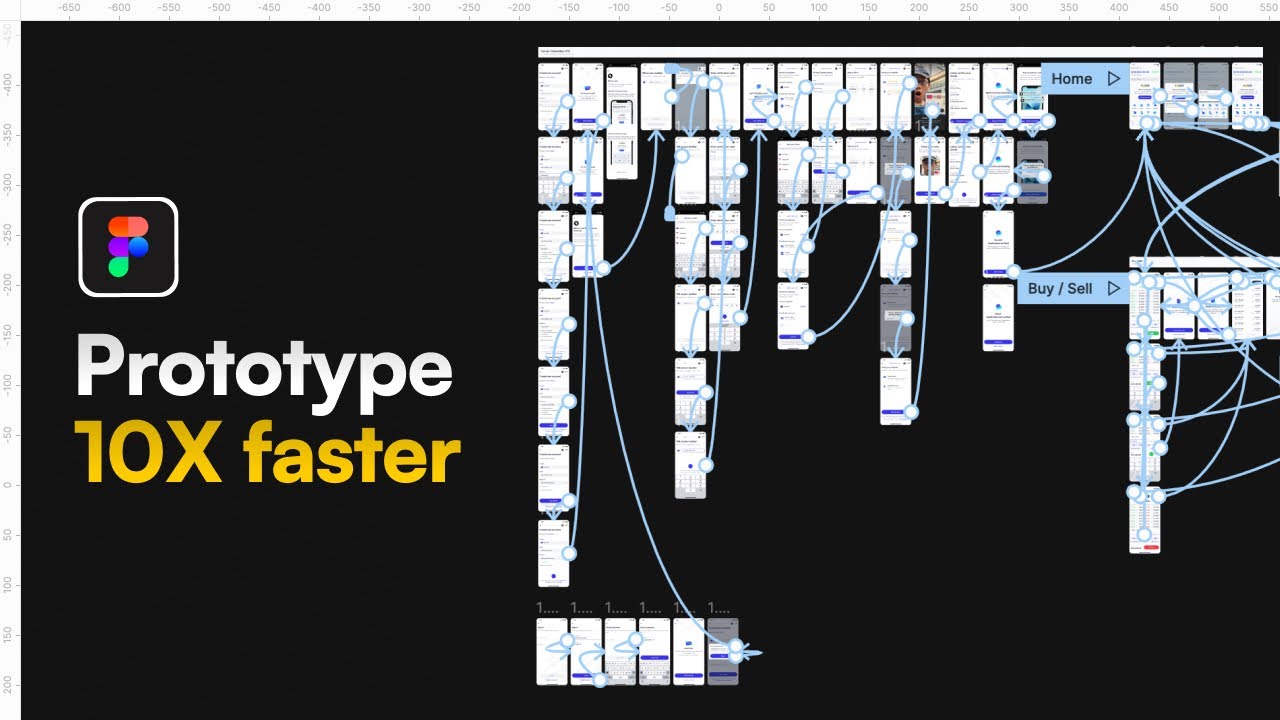
Static designs are nice, but interactive prototypes? That's where the magic happens. This video plunges into Figma's prototyping capabilities, showing you how to turn flat mockups into engaging, clickable experiences. It's the best way to test your user flows and really showcase how your app or website will feel in the real world.
You'll learn the nitty-gritty of linking frames together, simulating navigation, and creating those crucial user flows. Plus, there's a good look at the various animation options and transitions available, which honestly makes a huge difference in how realistic your prototypes feel. Being able to demonstrate these interactions smoothly is a huge win for stakeholder presentations or user testing.
The creator also covers how to effectively test and share your prototypes, which is a vital part of the design process. This is seriously helpful for getting feedback early and iterating quickly. If you want your designs to come alive and be truly testable, you've got to watch this.
- Learn to create interactive prototypes to simulate user journeys.
- Explore animation options for realistic and engaging user experiences.
Develop Scalable Design Systems with Figma
Building a consistent and efficient product experience across an entire application or suite of products? That's where a well-structured design system comes in, and this video is your guide to building one right within Figma. It’s about more than just creating reusable components; it's about establishing a single source of truth for your design language.
The principles covered here are essential for ensuring consistency and boosting efficiency in product development teams. You’ll get a solid understanding of how to leverage Figma’s powerful features like components, variants, and instances to create truly reusable UI elements. Plus, there's a crucial dive into implementing a design token strategy, which makes theming and updating your entire system a cinch.
This video also touches on strategies for organizing and maintaining your design system, which is super important for team collaboration. If you’re aiming for a polished, professional product that scales gracefully, this is a must-watch. Seriously, a good design system is a project's best friend.
- Master the creation and management of scalable design systems in Figma.
- Utilize components, variants, and design tokens for consistency and efficiency.
Your Next Steps
By integrating the knowledge from these top Figma YouTube series, you'll be equipped to design intuitive interfaces, build dynamic systems with variables, create interactive prototypes, and lay a strong foundation with effective wireframing. This curated list cuts through the clutter to bring you the most impactful learning resources for mastering Figma.
Your Action Items
- ☐Pick one video from above and watch it on Querivo
- ☐Ask questions and check summaries while watching without breaking your flow
- ☐Use the AI chat to clarify confusing parts and deepen understanding
- ☐Come back for more curated videos on topics you want to master
Start your journey to Figma mastery today! Dive into these videos and begin implementing these powerful techniques in your next product development project.
Turn Any YouTube Video into an Interactive Lesson
Paste any video link, get an instant AI summary, and ask questions in real-time.
Try Querivo Free →Related Videos You Might Enjoy
Looking for more perspectives on this topic? Here are some additional videos worth checking out:
MASTER Figma Components in 10 Minutes (Everything You Need To Know)
The CORRECT (and lazy) way to prototype | Figma Tutorial
world's shortest UI/UX design course
Figma tutorial: Intro to variables
This Figma tutorial introduces variables as a powerful tool for creating dynamic and reusable design values like colors, numbers, and text. It demonstrates how to create, group, and apply variables, differentiating them from styles and showcasing their ability to manage multiple design modes (e.g., light/dark themes) and contexts.
Figma Auto Layout Tutorial for Beginners
7 UI/UX mistakes that SCREAM you’re a beginner
Figma UX tutorial for beginners - Wireframe
This video is a beginner-friendly Figma tutorial focused on creating wireframes. It teaches viewers how to use basic shapes, text tools, and the pen tool to represent the structure and content of an app interface, using Instagram as a practical example.