Tired of static mockups that fail to convey the true potential of your designs? Imagine presenting clients with dynamic, interactive prototypes that perfectly mimic real user journeys. In today's fast-paced digital world, crafting an intuitive user experience isn't just a nice-to-have; it's a necessity. And you need the right tools to make it happen.
Key Takeaways
- 1Master Figma prototyping for interactive UX.
- 2Create dynamic content and conditional logic.
- 3Build engaging animations and complex user flows.
- 4Transform static designs into interactive masterpieces.
- 5Enhance your design workflow with powerful tools.
Who this is for
- If you're a UI/UX designer struggling to make your prototypes feel "real."
- If you're a product manager who needs to clearly communicate user journeys to stakeholders.
- If you're a design student eager to build a portfolio with standout interactive projects.
Start Learning with AI-Powered Video Summaries
Get instant summaries, ask questions, and turn any video into an interactive study session.
Try Querivo Free →Unlock Dynamic Interactions with Conditional Prototyping
Static prototypes can only take you so far. To truly impress and validate your design decisions, you need to implement dynamic interactions. This means showing how your design behaves based on user input or different states. This is where conditional prototyping comes in, and it’s a seriously powerful feature within Figma that can elevate your work from a simple click-through to a sophisticated simulation.
This video dives into the nuances of creating responsive prototypes that feel genuinely alive. You'll discover how to leverage Figma's built-in tools, like local variables, to control not just navigation, but also the content and visibility of elements on your screen. Think about showing different product states, form validation messages, or personalized content – all within your prototype. It’s a game-changer for demonstrating complex user flows.
Learning to implement conditional logic means your prototypes will reflect real-world application behavior much more accurately. You can build out decision trees and different user paths, making it easier for stakeholders to grasp the full scope of the user experience you're aiming for. This is definitely a key skill for any designer looking to push beyond basic click-throughs.
- Implement conditional prototyping for dynamic responses.
- Use local variables to control content and visibility.
Study This Video Deeper
Get an AI summary and ask questions about confusing parts in real-time.
Open in Querivo →Animate Your Prototypes for Enhanced User Engagement
Animations and micro-interactions aren't just about making things look pretty; they play a crucial role in guiding user attention and providing feedback. When done right, they make a digital product feel polished, intuitive, and delightful to use. Static screens can feel jarring, but smooth transitions and subtle animations can create a sense of flow and continuity that really enhances the overall user experience.
This tutorial is a fantastic starting point for understanding how to inject life into your Figma prototypes through animation. You'll learn the foundational techniques for creating transitions between screens and for adding subtle micro-interactions that provide visual cues. Think about how a button changes state when hovered over, or how a menu smoothly slides into view. These small details make a huge difference.
By incorporating these animation principles, you're not just making your prototypes more visually appealing; you're actively improving their usability. Users will naturally understand what to do next, where to look, and how their actions are being processed. It’s a way to communicate intent and interaction much more effectively than static visuals alone can manage. This video is worth watching if you want to make your designs feel more responsive and engaging.
- Learn essential Figma animation techniques for prototypes.
- Create smooth transitions and micro-interactions.
Mastering Complex User Flows for Realistic Simulations
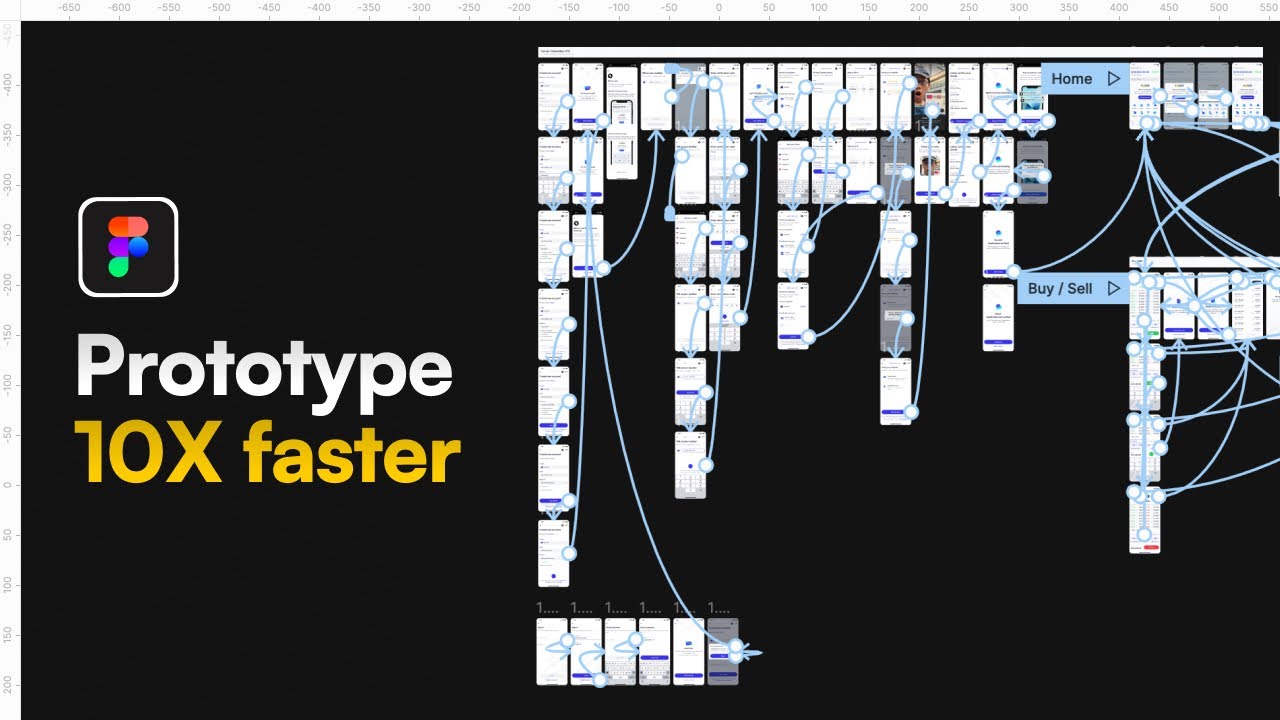
Designing a user journey often involves more than just a few screens. Real-world applications have multiple paths, decision points, and conditional outcomes. Building prototypes that accurately reflect these intricate user flows is absolutely essential for thorough testing and clear communication. A well-constructed flow can highlight potential usability issues early on and ensure everyone is on the same page regarding the intended user experience.
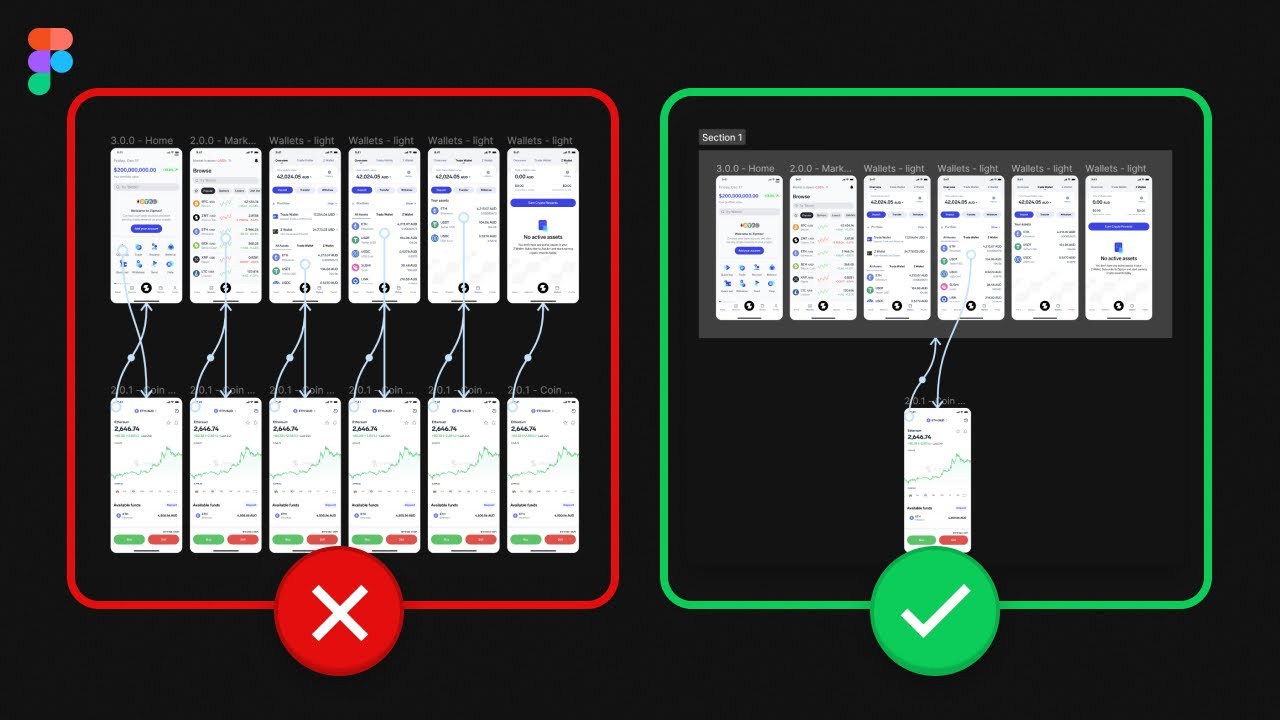
This video gets into the nitty-gritty of constructing comprehensive user flows within Figma. You’ll discover strategies for connecting numerous screens and interactions in a logical, intuitive manner. It’s about going beyond a simple linear path and mapping out the various ways a user might navigate through your product, including error states, alternative actions, and different user scenarios.
What's particularly valuable here is understanding how to ensure the navigation feels natural and predictable for the end-user. This means carefully planning out every link, every button, and every possible interaction. It’s a detailed process, but absolutely critical for creating a prototype that truly simulates the real user experience and helps you identify any roadblocks in your design. If you're looking to build more robust, real-world simulations, this is a must-watch.
- Design and build comprehensive user flows with multiple steps.
- Connect screens and interactions to simulate realistic paths.
Advanced Prototyping Techniques for Polished UX
Once you've got the basics down – conditional logic, animations, and complex flows – it's time to really refine your prototypes. Advanced techniques allow you to create highly polished experiences that feel incredibly close to a live product. This often involves leveraging more sophisticated interaction patterns, component states, and smart animations to deliver a seamless and intuitive feel.
This tutorial delves into these more advanced strategies, pushing the boundaries of what you can achieve with Figma prototyping. You'll likely explore how to integrate interactive components more deeply, create responsive elements that adapt to different contexts, and use animations not just for transitions but for conveying information or providing delightful feedback. It’s about adding that extra layer of polish that makes a prototype truly stand out.
The goal here is to deliver a top-tier user experience, even within a prototype. By mastering these advanced techniques, you can ensure your designs are not only functional but also enjoyable and easy to use. It’s a significant step towards creating digital products that users will love. Definitely worth exploring if you’re aiming for that professional, high-fidelity feel in your prototypes and want to impress stakeholders with the detail and realism.
- Discover advanced prototyping strategies for sophisticated interactions.
- Integrate interactive components and smart animations for a seamless feel.
Your Next Steps
By diving into these curated Figma prototyping videos, you're well on your way to creating interactive experiences that truly resonate with users and stakeholders. From mastering conditional logic and dynamic content to building engaging animations and complex user flows, these resources provide the foundational knowledge and advanced techniques to elevate your design work significantly.
Your Action Items
- ☐Pick one video from above and watch it on Querivo
- ☐Ask questions and check summaries while watching without breaking your flow
- ☐Use the AI chat to clarify confusing parts and deepen understanding
- ☐Come back for more curated videos on topics you want to master
These tutorials offer a fantastic pathway to transforming your static designs into dynamic, interactive masterpieces. Now’s the time to put that knowledge into practice and bring your visions to life.
Turn Any YouTube Video into an Interactive Lesson
Paste any video link, get an instant AI summary, and ask questions in real-time.
Try Querivo Free →Related Videos You Might Enjoy
Looking for more perspectives on this topic? Here are some additional videos worth checking out:
MASTER Figma Components in 10 Minutes (Everything You Need To Know)
How to Master Figma and Design 10X FASTER!
Figma Tutorial for Beginners (13-min crash course!)
Mastering Conditional Prototyping: A Step-by-Step Tutorial
This tutorial demonstrates how to implement conditional prototyping in Figma using local variables. It covers creating and utilizing boolean and string variables to control navigation flow, show/hide elements, and dynamically update content based on user selections.