Mastering Figma Prototyping: Essential YouTube Videos for UI/UX Designers
Tired of static mockups? Ready to breathe life into your UI/UX designs with dynamic, interactive prototypes? Figma's powerful prototyping features can transform your workflow, allowing you to test user flows, gather feedback, and present polished designs that truly feel alive. But where do you start? We've curated a selection of essential YouTube videos that will guide you through the intricacies of Figma prototyping, from foundational concepts to advanced efficiency techniques.
Key Takeaways
- 1Curated Figma prototyping videos to elevate your design skills.
- 2Learn smart component workflows for massive time savings.
- 3Master interactive elements like scrolling, modals, and overlays.
- 4Build robust, maintainable design systems efficiently.
- 5Design faster and impress stakeholders with dynamic prototypes.
Who this is for
- If you're a UI/UX designer struggling with static mockups and want to create interactive experiences
- If you're a product designer looking to streamline your workflow and impress clients with dynamic Figma prototypes
- If you're a beginner to intermediate Figma user eager to learn essential prototyping techniques and advanced efficiency tips
Start Learning with AI-Powered Video Summaries
Get instant summaries, ask questions, and turn any video into an interactive study session.
Try Querivo Free →Unlock Prototyping Efficiency with Smart Component Workflows
Let's be honest, manually linking every single interaction in Figma can feel like a monumental chore, especially on larger projects. This is where the "lazy but correct" approach shines, and this video demonstrates precisely that. It teaches you a surprisingly effective strategy for building prototypes by intelligently applying prototyping links to master components. The real magic? Instances of these components automatically inherit those links, meaning you save a ton of time and drastically reduce repetitive work. For example, if you have a button component used across multiple screens, linking the hover state or click action to the master component means all instances will behave identically without you having to relink each one individually. This tangible solution significantly cuts down on manual labor and makes design updates much easier, as changes cascade through your entire prototype. It’s a game-changer for anyone looking to streamline their design tasks and simplify future revisions.
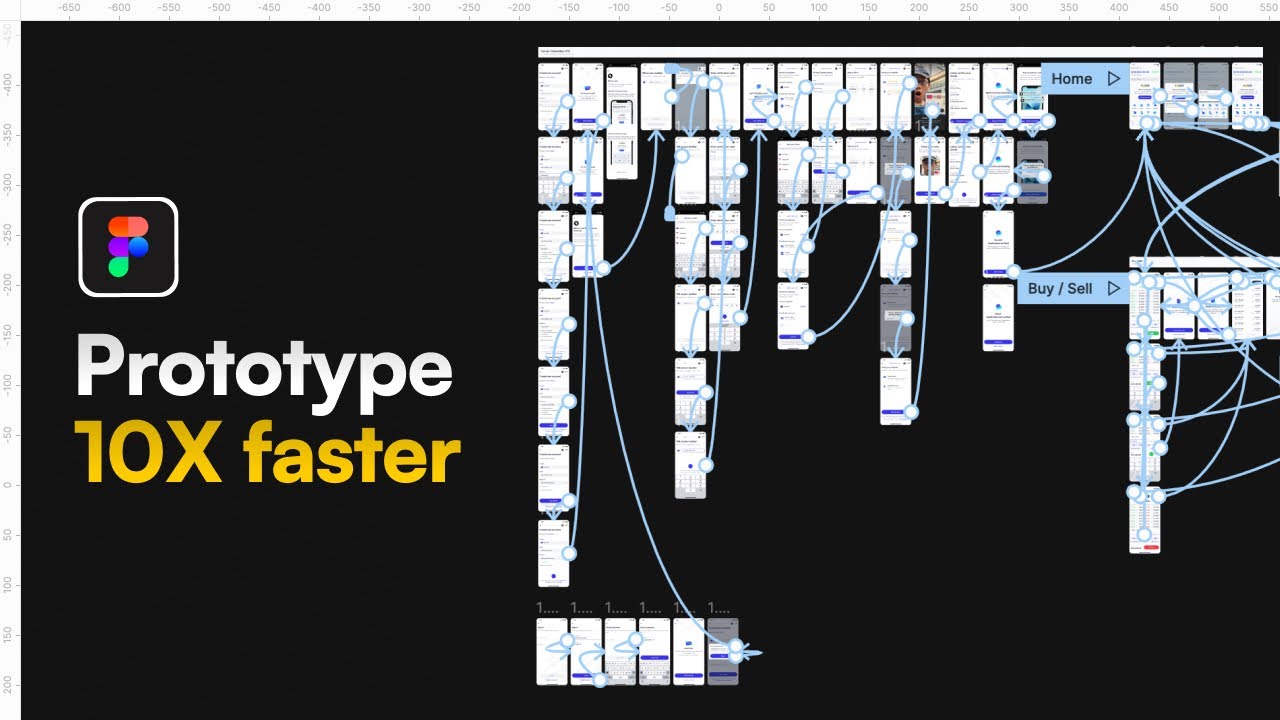
- Apply prototyping links to master components for automatic inheritance.
- Save significant time by automating repetitive linking tasks.
Mastering Prototyping Fundamentals for Beginners
Jumping into Figma prototyping can seem daunting, but this video is designed to make it accessible for absolute beginners. You'll get a clear, step-by-step introduction to the core techniques that bring your designs to life. Ever wondered how to create those smooth scrolling experiences, or how to link different pages together seamlessly? This tutorial breaks down core prototyping interactions into simple, understandable concepts. It provides two methods for adding interactions and offers practical tips on crucial aspects like sharing your interactive prototypes and effectively testing them, especially on mobile devices – vital steps in the design process that often get overlooked by newcomers. Furthermore, this resource addresses common beginner mistakes, particularly regarding prototype scope, ensuring you build a solid foundation for more complex interactions.
- Learn essential techniques like scrolling, cross-page navigation, and modals.
- Gain insights into sharing and effectively testing your interactive prototypes.
Study This Video Deeper
Get an AI summary and ask questions about confusing parts in real-time.
Open in Querivo →Build Robust Design Systems with Components and Variants
Building a truly effective design system is all about consistency and efficiency, and Figma's components and variants are your best friends in this endeavor. This video dives deep into these powerful features, explaining how they function as reusable templates that form the backbone of any maintainable design. You'll learn the ins and outs of managing different states and styles within a single component – think button hover states or input field variations – all thanks to variants. What's particularly neat is how component properties help create dynamic controls, cutting down on the sheer number of variants you might otherwise need and making your system far less complex to manage. The creator demonstrates how properties can significantly reduce the number of variants needed, offering a clear, structured approach to understanding and applying these fundamental design system elements. It’s a fantastic foundational video for anyone serious about scaling their design work and ensuring consistency across all their projects.
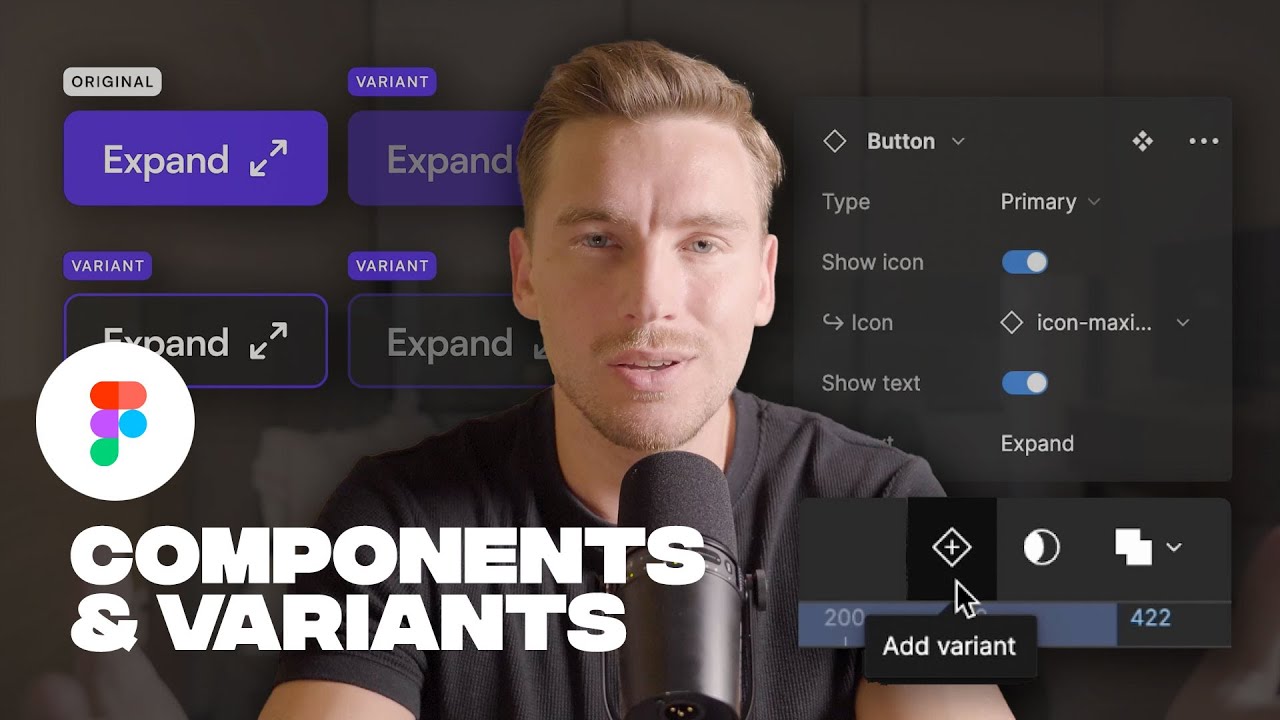
- Understand how components act as reusable templates for efficiency.
- Master variants for managing different states and styles within components.
Design 10X Faster: Advanced Figma Techniques for Peak Efficiency
Ready to seriously accelerate your design workflow? This video is packed with advanced tips and tricks designed to help you design significantly faster, aiming to boost your efficiency by a remarkable margin. It emphasizes the power of leveraging a well-structured design system to maintain consistency across projects, which is absolutely key. You'll get a masterclass in Auto Layout, learning how to create responsive and adaptable designs with incredible ease – no more fiddling with individual elements for different screen sizes. Plus, it revisits components with variants and properties, and shows how to integrate grids and guides effectively for an ultra-optimized workflow. The creator breaks down complex Figma features like Auto Layout and Variants into digestible, actionable steps, emphasizing practical application for immediate speed gains. It also highlights lesser-known features like bulk image upload and a useful plugin (GuideGuide), further enhancing your ability to design faster and more effectively. This is the kind of content that separates good designers from great ones, turning everyday tasks into streamlined processes.
- Master Auto Layout for creating responsive and adaptable designs effortlessly.
- Leverage design systems, components, variants, and properties for peak efficiency.
Your Next Steps
By integrating these expert-taught techniques, you can move beyond basic static designs to create compelling, interactive Figma prototypes that effectively communicate your vision. Mastering components, Auto Layout, and efficient linking is key to saving time and elevating your UI/UX design capabilities. The insights provided in these videos will empower you to build more sophisticated prototypes, streamline your design system management, and ultimately, design faster and more impactful user experiences.
Your Action Items
- ☐Pick one video from above and watch it on Querivo
- ☐Ask questions and check summaries while watching without breaking your flow
- ☐Use the AI chat to clarify confusing parts and deepen understanding
- ☐Come back for more curated videos on topics you want to master
Ready to transform your designs? Start implementing these Figma prototyping strategies today!
Turn Any YouTube Video into an Interactive Lesson
Paste any video link, get an instant AI summary, and ask questions in real-time.
Try Querivo Free →Related Videos You Might Enjoy
Looking for more perspectives on this topic? Here are some additional videos worth checking out:
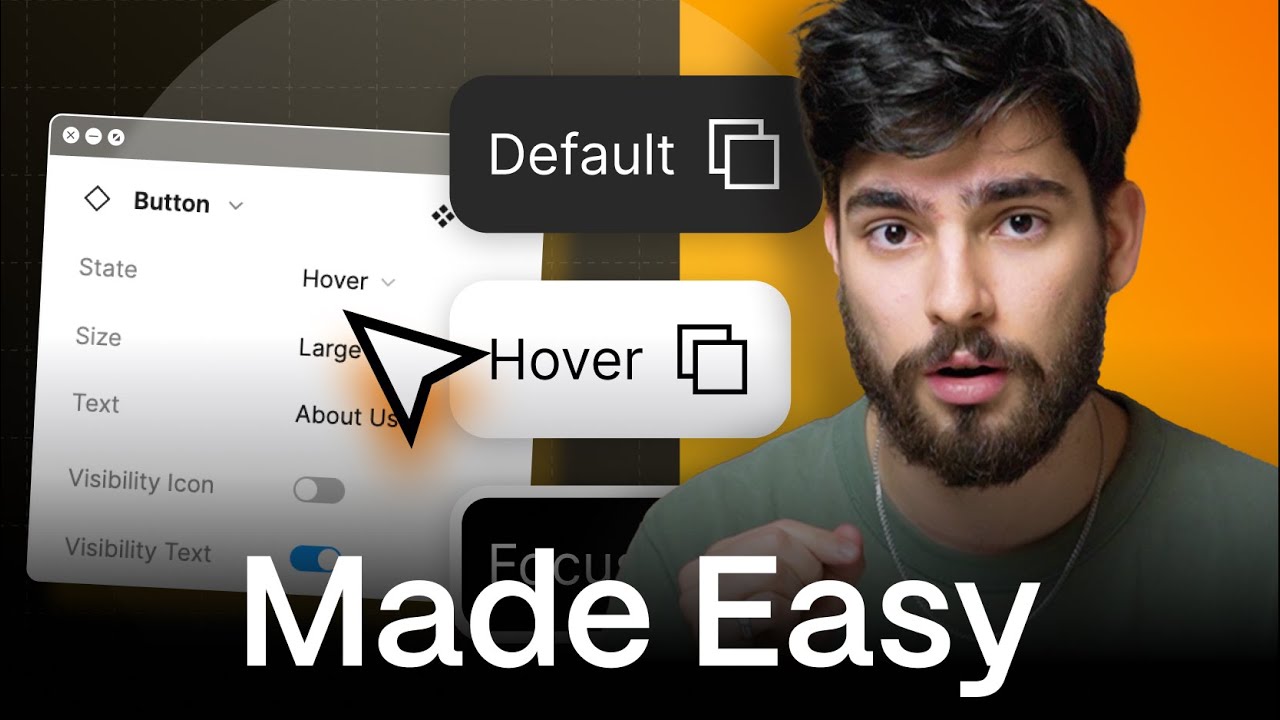
MASTER Figma Components in 10 Minutes (Everything You Need To Know)
This video explains the fundamental concepts of Figma components, emphasizing their role in creating efficient and consistent designs. It demonstrates how to build a versatile button component with variants for different states (default, hover, focus), text content, and optional icons.
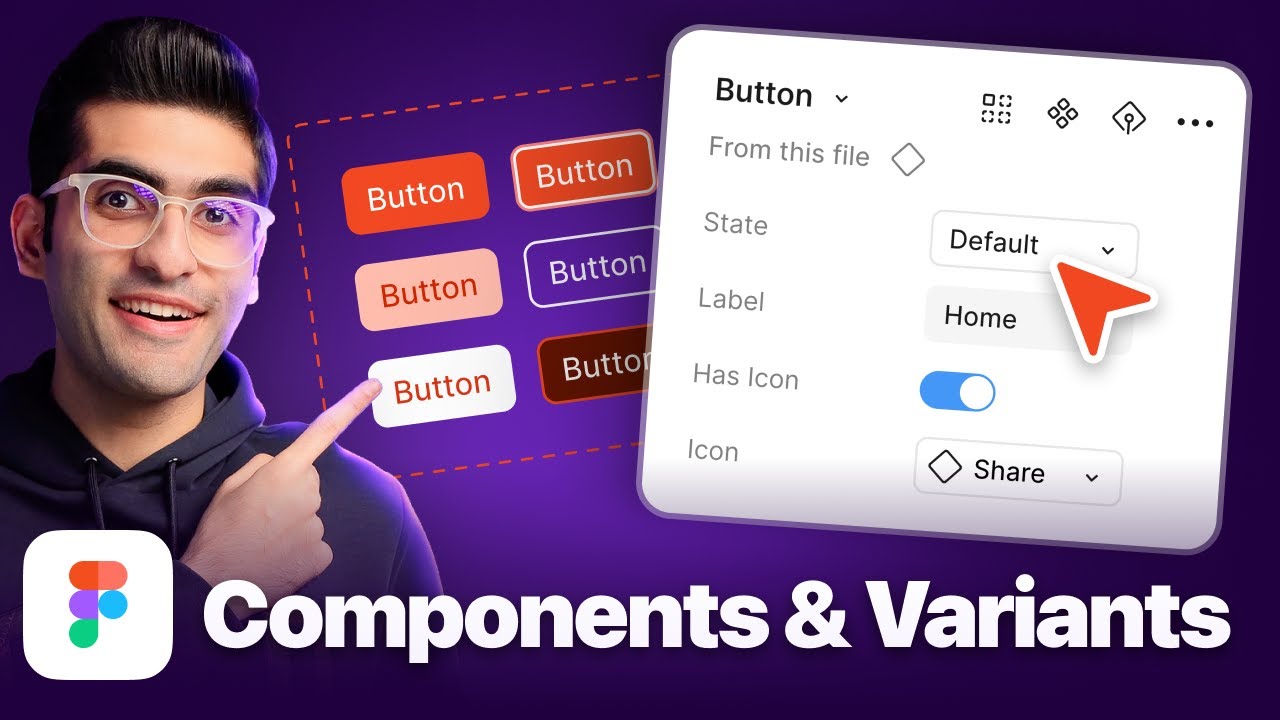
Figma Tutorial: Master Figma Components and Variants in 20 Minutes (Beginner Guide)
This Figma tutorial provides a beginner-friendly guide to mastering components and variants. It explains how to create reusable design elements, manage them as master components, and leverage instances for efficient and consistent design across projects, saving time and effort.
Figma Tutorial for Beginners (13-min crash course!)
This 13-minute Figma tutorial for beginners provides a fast-paced crash course on the core functionalities of the design tool. It covers essential elements like frames, shapes, text manipulation, color and styling, masking, and the powerful Auto Layout feature, enabling viewers to start designing digital graphics quickly.

Master Figma UI Design in 15 Minutes | This Tutorial Is For You!
This tutorial introduces Figma, a free and collaborative UI/UX design tool, and demonstrates how to create website and app designs. Viewers will learn to design from scratch, utilize templates, and edit existing designs for various projects.