Tired of wrestling with spreadsheets, wishing you could just make Excel do your bidding faster? Imagine slashing your task time, zipping through data analysis like a pro, all thanks to the magic of powerful, productivity-boosting formulas.
Key Takeaways
- 1Your ultimate guide to essential Excel formulas and videos.
- 2Learn core functions to analyze data efficiently.
- 3Master new, modern formulas to stand out at work.
- 4Discover cutting-edge features for ultimate productivity.
- 5Transform your Excel workflow and impress with skills.
Who this is for
- If you're spending too much time on manual data tasks
- If you're looking to upgrade your Excel skills beyond the basics
- If you're a regular Excel user eager to unlock its full potential
Start Learning with AI-Powered Video Summaries
Get instant summaries, ask questions, and turn any video into an interactive study session.
Try Querivo Free →Build a Strong Foundation: Master Excel's Core Formulas for Efficient Data Analysis
Excel is, let's be honest, pretty indispensable. But if you're just scratching the surface with basic data entry, you're missing out on a world of efficiency. This video is your starting point, offering a clear, step-by-step look at the foundational Excel formulas and functions that form the backbone of any effective spreadsheet. You'll finally grasp the subtle, yet crucial, differences between a "formula" and a "function," which can trip up so many newcomers.
Learning these core building blocks means you can start performing common spreadsheet tasks with confidence. We're talking about the absolute essentials: performing basic mathematical operations, understanding how cell referencing makes your calculations dynamic (so they update automatically when your data changes – a total game-changer!), and mastering functions like SUM, AVERAGE, MAX, MIN, COUNT, and that super-versatile IF statement. Plus, you'll get tips on how to spot and steer clear of common mistakes that can lead to frustrating errors. It's really about building that solid groundwork so you can move on to more advanced stuff without any confusion.

- Understand the difference between Excel formulas and functions.
- Practice essential functions like SUM, AVERAGE, and IF for basic analysis.
Study This Video Deeper
Get an AI summary and ask questions about confusing parts in real-time.
Open in Querivo →Elevate Your Skills: Unlock 10 Powerful Excel Formulas to Stand Out at Work
Ready to move beyond the basics and really impress? This video dives headfirst into 10 modern, impactful Excel functions that are designed to simplify complex data tasks and help you become that go-to Excel whiz everyone relies on. Forget tedious manual work; these are the tools that get the job done quickly and smartly. It's about working smarter, not harder, and these functions are definitely key to that.
You'll discover how to effortlessly extract unique items from a list, banishing duplicates with the handy UNIQUE function. Organizing and sorting your data? The SORT function makes it a breeze. Need to combine text from different cells? TEXTJOIN handles it with customizable separators, making your reports cleaner. And for filtering data based on specific criteria, the FILTER function is surprisingly powerful. Plus, the VSTACK function is a lifesaver for consolidating data from multiple tables into one, making your analyses much more straightforward.

- Learn UNIQUE and SORT for better data organization.
- Master TEXTJOIN and FILTER for efficient text and data manipulation.
Leverage the Latest Excel Innovations: 8 New Formulas for Ultimate Productivity
Excel is constantly evolving, and if you're not keeping up, you might be missing out on some serious productivity gains. This section explores 8 cutting-edge formulas and features that are especially relevant if you're working with dynamic arrays and need to integrate data from various sources. It highlights newer functionalities that streamline everything from text manipulation to stacking data and even pulling information directly from images – seriously cool stuff!
Imagine seamlessly combining data from different places using VSTACK and HSTACK, or precisely splitting text into columns with TEXTSPLIT. Need to grab text before or after a specific word? TEXTBEFORE and TEXTAFTER have you covered. And the "Get Data from Picture" feature? It's an absolute game-changer for converting scanned documents or screenshots into editable tables. Plus, TOCOL and TOROW let you reshape data arrays with incredible ease. These are the kinds of features that really set you apart.

- Explore VSTACK, HSTACK, TEXTSPLIT, TEXTBEFORE, TEXTAFTER for data integration.
- Discover image-to-table conversion and data reshaping with TOCOL/TOROW.
Embrace the Future: Harness New Excel Features for Enhanced Efficiency in 2025
Looking ahead to how Excel will power your work in the coming year? This video zeroes in on the essential new features that will help you stand out, especially in the modern workplace. It’s not just about formulas anymore; it’s about interactive elements, AI capabilities, and dynamic calculations that make your spreadsheets truly come alive. You'll see how these updates can drastically change your workflow.
You'll learn to use interactive Excel Checkboxes for super streamlined data entry and tracking – think simple toggles that update your data instantly. Then there's Copilot, which is poised to revolutionize how you approach data transformation and manipulation with simple English prompts. Calculating running totals or cumulative values dynamically becomes effortless with the SCAN function. And for visual appeal, Enhanced Conditional Formatting Data Bars can make your numbers speak volumes. Understanding the benefits of Trim Range for precise data handling is also crucial. It's all about working smarter and faster.

- Explore interactive elements like Checkboxes and AI-powered Copilot.
- Learn dynamic functions like SCAN and advanced data visualization techniques.
Your Next Steps
By diving into these curated YouTube videos, you've gained a roadmap to tackling even the most complex Excel tasks with newfound ease and efficiency. You've seen how to build a solid foundation with core formulas, elevate your skills with modern functions, and embrace cutting-edge features and AI assistance. Now, you're truly equipped to significantly boost your daily spreadsheet productivity and make your data work for you.
Your Action Items
- ☐Pick one video from above and watch it on Querivo
- ☐Ask questions and check summaries while watching without breaking your flow
- ☐Use the AI chat to clarify confusing parts and deepen understanding
- ☐Come back for more curated videos on topics you want to master
Turn Any YouTube Video into an Interactive Lesson
Paste any video link, get an instant AI summary, and ask questions in real-time.
Try Querivo Free →Related Videos You Might Enjoy
Looking for more perspectives on this topic? Here are some additional videos worth checking out:
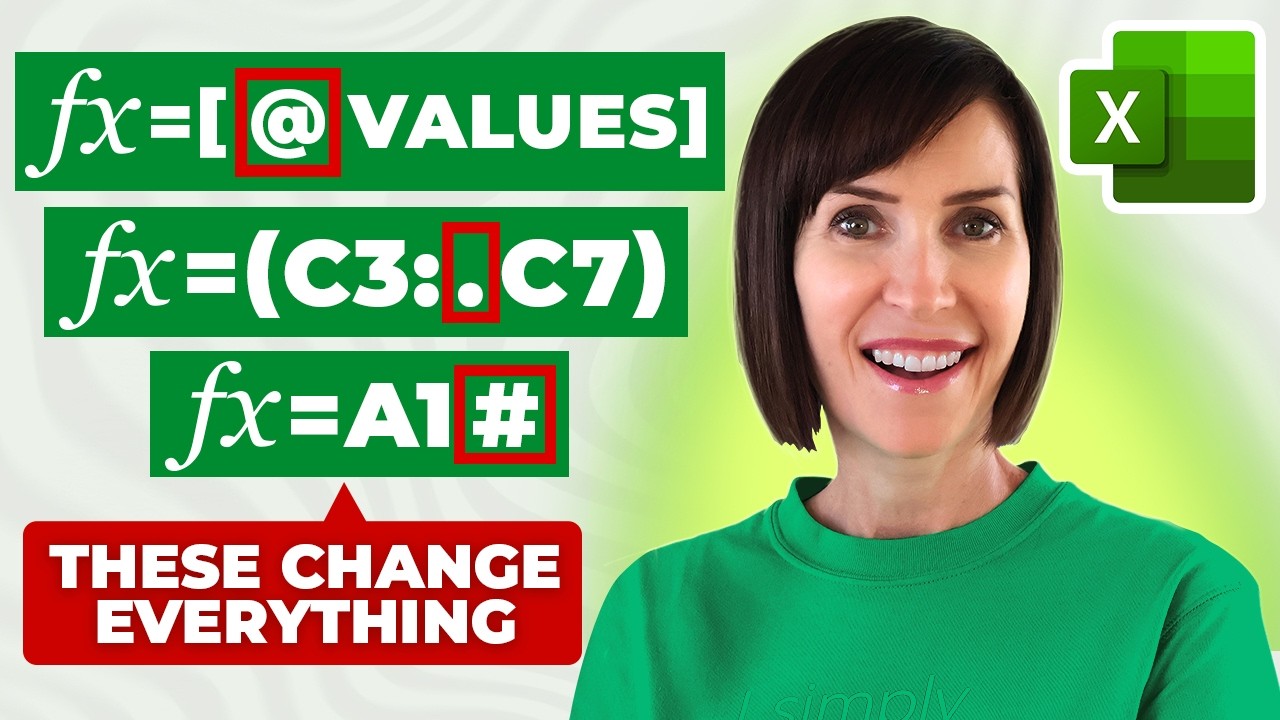
10 Excel Formula Symbols You Wish You Knew Years Ago
This video demystifies 10 essential Excel formula symbols, explaining their functions and demonstrating practical applications. It covers wildcard characters for flexible text searching, array enclosures for multiple values, and range trimming for dynamic data handling, empowering users to write more efficient and accurate formulas.
8 Awesome New Excel Formulas for 2026 | Do you know them?
This video introduces 8 powerful new Excel formulas and features designed to significantly boost productivity. It covers functions for data stacking, text manipulation, image insertion, and data extraction from images, among others, offering practical applications for various Excel tasks.

Excel Features That Will Set You Apart in 2025
This video showcases essential new Excel features for 2025, focusing on how to stand out at work. It covers updated checkboxes with practical applications, advanced Copilot capabilities for data manipulation, and the powerful SCAN function for dynamic calculations like running totals, along with an introduction to Trim Range.

Dot Operator will CHANGE how you Write Formulas in Excel | TRIMRANGE Function
This video introduces the TRIMRANGE function and the dot operator in Excel as powerful tools for writing dynamic and efficient formulas. It demonstrates how these features eliminate the need for manual fill-handle dragging and prevent errors by ensuring formulas only use the relevant data range.