Dreaming of crafting compelling narratives and polished visuals that truly capture your audience's attention? Adobe Premiere Pro is your gateway to professional video editing, but with its vast features, knowing where to start can feel overwhelming.
Key Takeaways
- 1Master Premiere Pro with our top video picks.
- 2Learn foundational editing to advanced animation.
- 3Elevate your audio and streamline complex workflows.
- 4Produce more engaging, professional video content.
- 5Unlock your creative potential with expert tutorials.
Who this is for
- If you're a complete beginner struggling to import your first clip
- If you're looking to add dynamic movement and visual flair to your edits
- If you're aiming to significantly improve your video's sound quality
Start Learning with AI-Powered Video Summaries
Get instant summaries, ask questions, and turn any video into an interactive study session.
Try Querivo Free →Build Your Foundation: Mastering Premiere Pro Essentials in 10 Minutes
So, you've just opened Adobe Premiere Pro for the very first time and feel a bit lost in the sea of panels and tools? That's totally normal. This video is designed to get you up and running, fast. It cuts through the complexity to give you the absolute essentials you need to start editing right away.
We'll walk through setting up your very first project, a crucial step that impacts everything that follows. You'll learn how to import your footage, organize it efficiently into bins, and then dive into the core interface elements like sequences and timelines. Think of this as your quick-start guide to the Premiere Pro universe.
Plus, you'll get hands-on with basic editing tools – think selecting clips, making cuts with the razor tool, and even adding simple text overlays. Even better, you'll discover how to apply basic transitions to smooth out your cuts. It’s a packed 10 minutes, but it’s surprisingly effective for building that initial confidence.
- Get Premiere Pro essentials for beginners in just 10 minutes.
- Set up projects, import media, and use basic editing tools immediately.
Study This Video Deeper
Get an AI summary and ask questions about confusing parts in real-time.
Open in Querivo →Bring Your Edits to Life with Dynamic Keyframe and Velocity Animation
Once you've got the basics down, it's time to inject some life and movement into your videos. Static shots are fine, but dynamic animations can really elevate your storytelling and keep viewers engaged. This tutorial dives deep into the power of keyframes and velocity, two fundamental concepts that unlock a world of creative possibilities.
You'll learn how to precisely control the movement, scale, and rotation of your elements over time. It’s not just about making things move; it's about making them move smoothly and impactfully. Understanding velocity curves, for instance, allows you to create animations that feel organic and responsive, rather than robotic.
This video specifically shows you how to craft engaging punch-in effects – perfect for adding emphasis or focusing attention – and create seamless transitions that flow beautifully between your clips. And for social media creators? Animating subtitles and graphics with these techniques makes your content look seriously professional and polished. It’s a game-changer for adding that extra sparkle to your adobe premiere pro video editing youtube projects.
- Master keyframes and velocity for dynamic video motion.
- Create punch-ins, smooth transitions, and animated text.
Elevate Your Storytelling with Professional Audio Mastering Techniques
Let's be honest, great visuals can be completely undermined by poor audio. Muffled dialogue, inconsistent volume levels, or jarring background noise can seriously detract from even the most stunning footage. This tutorial is an absolute must-watch for anyone looking to polish their Premiere Pro projects, focusing specifically on making your sound shine.
You'll discover practical techniques for achieving balanced audio right from the start, like using Auto Match to ensure consistent levels across all your clips. Think about how much time this could save! Plus, it delves into essential equalization (EQ) principles to enhance vocal clarity and presence, making sure your message cuts through clearly.
The video doesn't shy away from important technical aspects either. You'll learn how to understand and control clipping, a common issue that leads to audio distortion. For those wanting finer control, it also walks through more advanced EQ techniques within Premiere Pro's dedicated Audio workspace. Seriously, this is the kind of professional video editing knowledge you wish you’d learned years ago.
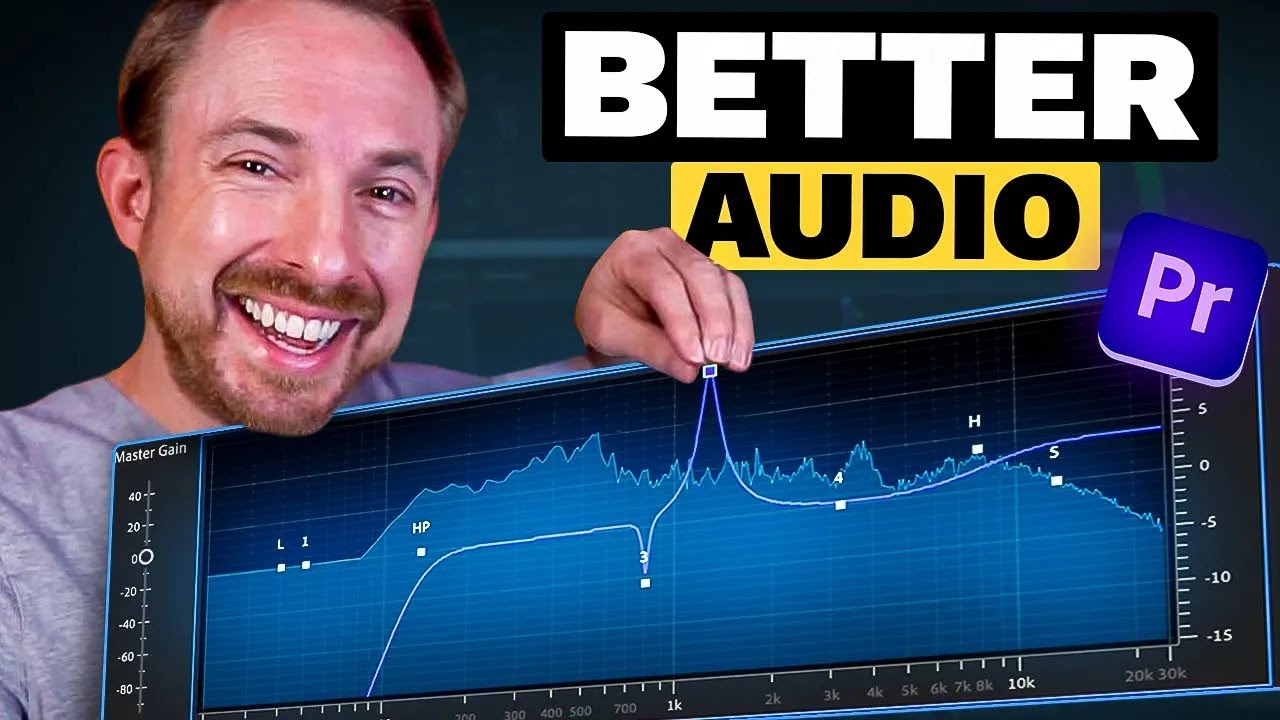
- Achieve balanced audio levels and clear dialogue.
- Master EQ techniques to enhance vocal presence and avoid distortion.
Streamline Your Workflow: Mastering Multi-Camera Editing with Ease
Working with footage from multiple cameras can feel like a jigsaw puzzle, especially when you're first starting out. But imagine being able to fluidly cut between angles, creating a dynamic and engaging final product with surprising efficiency. This video makes that a reality, guiding you through the process of mastering multi-camera editing in Premiere Pro.
You'll learn how to set up your multi-camera source sequences, and crucially, how to synchronize all your different camera angles. Using audio cues is a surprisingly effective method here, and the tutorial breaks it down clearly. Once synchronized, the multi-camera view becomes your best friend, allowing for real-time, dynamic cutting between perspectives.
But it doesn't stop at the initial cut. You'll also discover how to refine your edits, adjust audio tracks post-recording for a perfectly polished soundscape, and even apply color grading directly within the multi-camera source sequence. This workflow trick alone can save you a ton of time and ensure visual consistency across all your shots, making your adobe premiere pro video editing youtube projects look incredibly professional.
- Effortlessly sync and edit footage from multiple cameras.
- Learn real-time cutting and post-production refinements.
Your Next Steps
You've now explored a curated path to mastering Adobe Premiere Pro, from fundamental project setup and basic editing to advanced animation, essential audio mastering, and efficient multi-camera workflows. By leveraging these expert-led YouTube tutorials, you're equipped to produce more professional and engaging video content.
Your Action Items
- ☐Pick one video from above and watch it on Querivo
- ☐Ask questions and check summaries while watching without breaking your flow
- ☐Use the AI chat to clarify confusing parts and deepen understanding
- ☐Come back for more curated videos on topics you want to master
Ready to put your new skills to the test? Open Adobe Premiere Pro and start practicing the techniques you've learned today!
Turn Any YouTube Video into an Interactive Lesson
Paste any video link, get an instant AI summary, and ask questions in real-time.
Try Querivo Free →Related Videos You Might Enjoy
Looking for more perspectives on this topic? Here are some additional videos worth checking out:
How I would Master Video Editing in 30 Days If I had to Start Over! (30 Day Roadmap)
This video provides a comprehensive 30-day roadmap for beginners to master video editing in Premiere Pro, transforming them into professional editors. The plan breaks down learning into four weekly stages: fundamentals, advanced concepts, short-form editing, and long-form editing.
Easy Audio Mastering in Adobe Premiere Pro!
This tutorial demonstrates how to easily master audio in Adobe Premiere Pro by utilizing the 'Mix' channel and its mastering effect. It guides viewers through applying individual clip adjustments before mastering the entire project for a consistent and polished sound.
Improve Your Sound Design in Five Minutes Using Premiere Pro | @filmriot x Adobe Video
This video demonstrates how to significantly enhance audio in Premiere Pro by leveraging sound effects, layering sounds, and using audio to drive narrative or create impact. It emphasizes that sound is a powerful, cost-effective tool for storytelling and audience engagement.
Adobe Premiere Pro Tutorial For Beginners: Master Video Editing in 2025
This Adobe Premiere Pro tutorial for beginners covers the essential steps to start editing videos, including project creation, media import, timeline navigation, and basic editing tools like the selection and razor tools. It also introduces concepts like nonlinear editing, ripple deletion, and using the source monitor for creating inserts.
Mastering Adobe Premiere Pro's Powerful AI Generative Extend Feature
This video tutorial explains how to use Adobe Premiere Pro's new Generative Extend feature to seamlessly extend video clips. It covers its practical applications, creative uses, and technical limitations, including its effectiveness with video and audio, generation time, and input requirements.