Dreaming of building your own interactive worlds on Roblox but don't know where to start? You're not alone! The journey into Roblox game development can seem daunting, but the good news is, the resources you need are readily available, and many of them are completely free.
Key Takeaways
- 1Your free guide to Roblox scripting on YouTube.
- 2Learn Lua basics for game development.
- 3Build core game mechanics from scratch.
- 4Design engaging user interfaces.
- 5Implement monetization strategies in your games.
Who this is for
- If you're a beginner wondering how to code your first Roblox game
- If you're a Roblox player eager to create unique experiences
- If you're looking for practical, free learning resources to get started
Start Learning with AI-Powered Video Summaries
Get instant summaries, ask questions, and turn any video into an interactive study session.
Try Querivo Free →Master Roblox Scripting Fundamentals: Your First Steps in Lua
Embarking on your Roblox scripting adventure? This video is your essential starting point, breaking down how to actually learn the ropes of coding in Roblox Studio. It's all about understanding the process, not just memorizing code. The creator outlines a clear, step-by-step approach, making what might seem complex feel surprisingly manageable for absolute beginners. You'll get insights into how to effectively grasp new concepts, which is a pretty solid foundation for any aspiring game developer.
This tutorial focuses on developing a learning strategy. Instead of just throwing code at you, it guides you on how to learn it. This includes understanding the structure of Roblox development and how to approach scripting from the ground up. It’s designed to prevent that overwhelming feeling you might get when first opening Roblox Studio and seeing all the tools. Definitely worth watching if you're starting from zero.
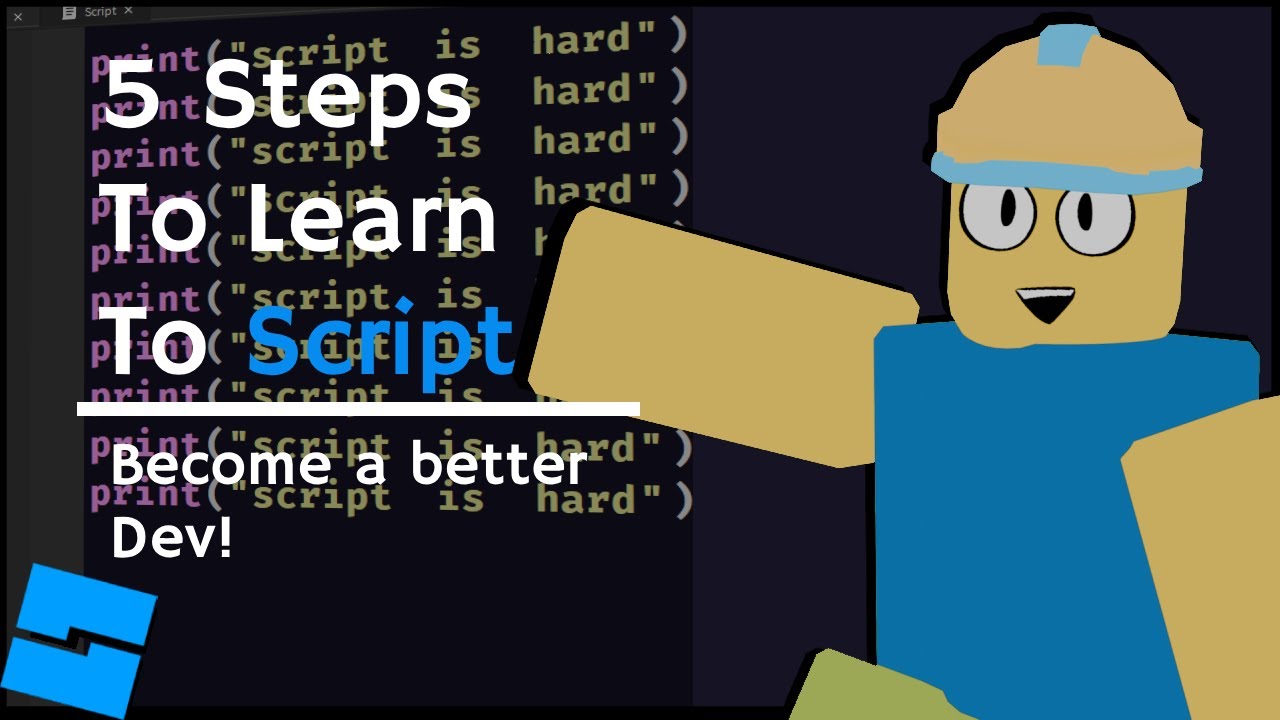
- Focus on a structured learning process, not just syntax.
- Develop a learning strategy to understand Roblox scripting effectively.
Study This Video Deeper
Get an AI summary and ask questions about confusing parts in real-time.
Open in Querivo →Build Core Game Mechanics: From Player Movement to Interactive Elements
Ready to move beyond the basics and make your Roblox games feel alive? This video dives into the practical application of scripting for creating those core elements that make a game fun. You'll learn how to implement custom player movement, which is surprisingly important for giving your game a unique feel. Plus, it covers how to script interactions between players and objects, meaning you can start building things like collectible items or triggers that do cool stuff.
What’s really helpful here is the focus on making things interactive. It touches on how to script simple physics, potentially for things like bouncy platforms or even ragdoll effects, adding another layer of engagement. Understanding these mechanics is key to transitioning from simple code snippets to building actual game systems. It’s a great next step after grasping the fundamentals of Lua.
- Implement custom player movement and object interactions.
- Explore simple physics scripting for more dynamic gameplay.
Crafting Engaging User Interfaces (UI) for Your Roblox Games
A great game isn't just about what happens on screen; it's also about how players interact with it. This tutorial really shines by focusing on the crucial aspect of User Interface (UI) design in Roblox. You’ll discover how to use Roblox Studio's built-in tools to create visually appealing menus, heads-up displays (HUDs), and other on-screen elements that guide the player. It’s not just about looks, though; you’ll learn how to script these elements to be functional.
Imagine creating buttons that actually do things, or pop-up notifications that inform players about game events. This video shows you how. It also covers displaying dynamic information, like health bars or scores, which are essential for many game types. Ensuring your UI is responsive and looks good on different devices is another key takeaway here, something that's surprisingly important for player experience.
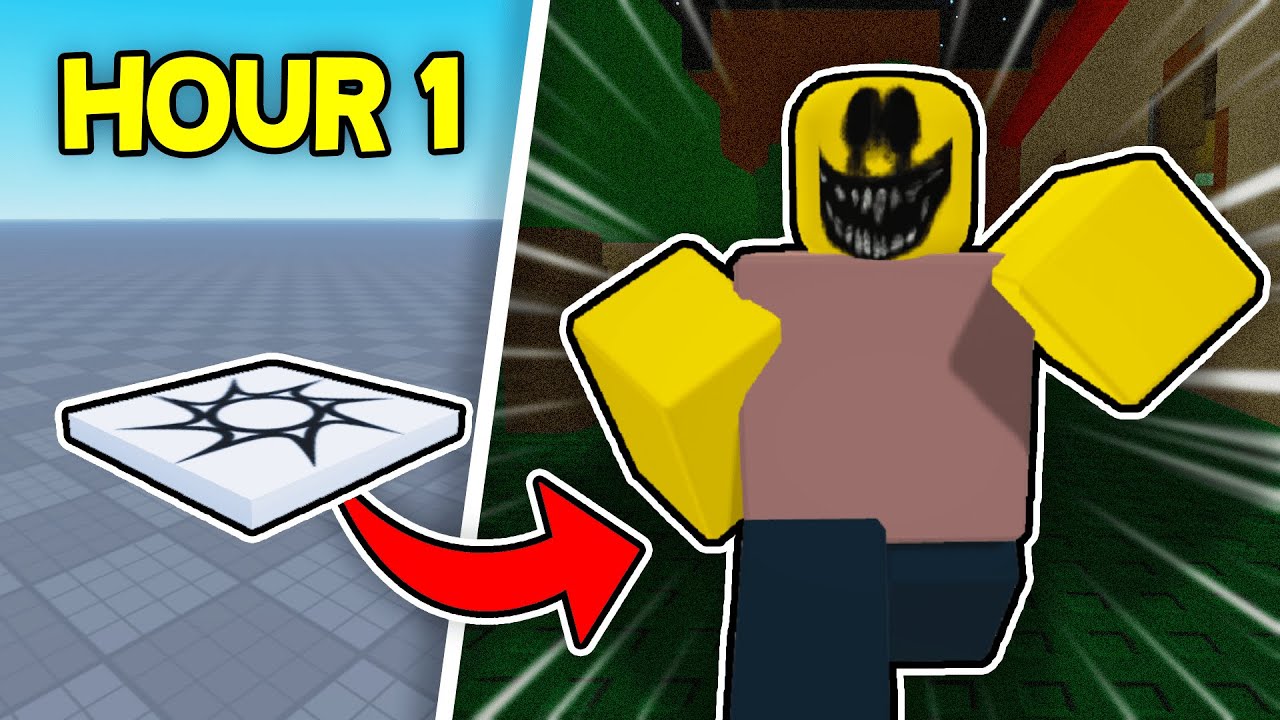
- Design and script functional UI elements like buttons and menus.
- Display dynamic information (health, score) for player feedback.
Implementing Monetization Strategies: Game Passes, Items, and Currency
Want to explore how to make your Roblox games sustainable or even profitable? This video offers a crucial look into implementing monetization features. It breaks down the scripting behind Game Passes and Developer Products, which are key ways to offer unique perks or items to your players. You'll get a solid understanding of how these systems work from a coding perspective, allowing you to integrate them into your own projects.
Beyond just the technical implementation, the tutorial also emphasizes best practices. It’s about finding that balance – creating revenue streams without alienating your player base. Learning how to script an in-game currency system and manage player balances is also covered, providing the building blocks for more complex economies within your games. This is a really practical look at a vital aspect of game development on the platform.
- Understand the scripting for Game Passes and Developer Products.
- Implement in-game currency systems and manage virtual item purchases.
Your Next Steps
Learning Roblox scripting through these free YouTube tutorials is an accessible and powerful way to bring your game ideas to life. By mastering Lua fundamentals, implementing core game mechanics, crafting effective UIs, and understanding monetization, you're well on your way to building engaging and successful games on the Roblox platform.
Your Action Items
- ☐Pick one video from above and watch it on Querivo
- ☐Ask questions and check summaries while watching without breaking your flow
- ☐Use the AI chat to clarify confusing parts and deepen understanding
- ☐Come back for more curated videos on topics you want to master
Start your coding adventure today! Open Roblox Studio and begin following along with these amazing free tutorials. Practice what you've learned by building small projects. Experiment with different mechanics, explore the Roblox Developer Hub for additional resources, and join online communities to share your progress and get feedback.
Turn Any YouTube Video into an Interactive Lesson
Paste any video link, get an instant AI summary, and ask questions in real-time.
Try Querivo Free →Related Videos You Might Enjoy
Looking for more perspectives on this topic? Here are some additional videos worth checking out: