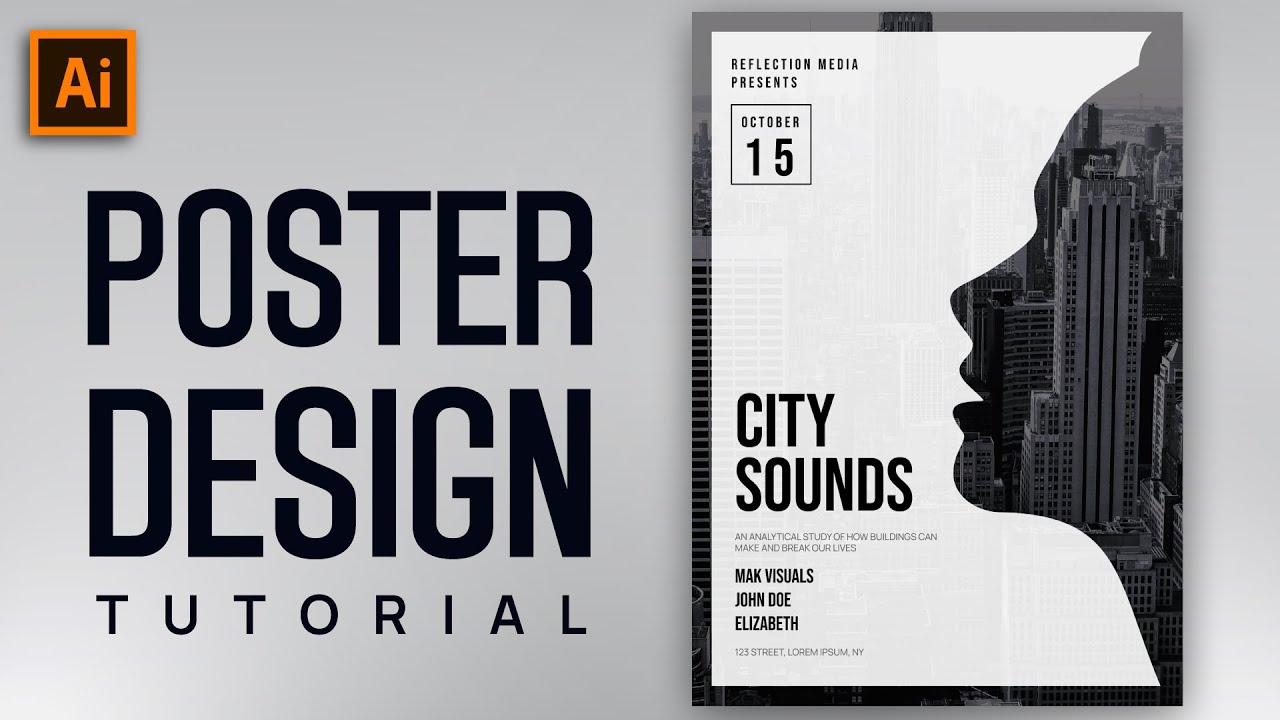
Unlock your creative potential without breaking the bank! Discover how to master Adobe Illustrator and build impressive vector graphics entirely for free using the power of YouTube.
Key Takeaways
- 1Master Illustrator and vector graphics without cost.
- 2Learn essential tools and design principles.
- 3Create stunning posters, logos, and advanced art.
- 4Unlock industry-standard design skills.
- 5Build a robust portfolio for free.
Who this is for
- If you're an aspiring graphic designer facing software costs
- If you're a beginner curious about vector art and illustration
- If you're looking for a comprehensive alternative to paid courses
Start Learning with AI-Powered Video Summaries
Get instant summaries, ask questions, and turn any video into an interactive study session.
Try Querivo Free →Build Your First Vector Poster: Mastering Illustrator Basics
Adobe Illustrator is the industry standard for vector design, but expensive software and course fees can be a barrier for aspiring designers. What if you could learn the fundamentals and create your first piece of vector art without spending a dime? This video makes that possible. It's a fantastic starting point for anyone new to Illustrator, focusing on a practical project: a minimal vector poster. You'll get hands-on with essential tools and understand the basic workflow needed to bring your ideas to life on the digital canvas.
This tutorial walks you through setting up your artboard, which is crucial for any design project. You'll also learn how to import and work with image backgrounds, a common technique for adding depth and context. The creator then guides you through using basic shape tools and the Pathfinder panel, showing you how to combine and subtract shapes for clean cutouts. It’s a pretty solid introduction to building more complex forms from simple elements. Plus, understanding layering and opacity is key to achieving a polished, professional look, and this video covers that ground well.
This video is best suited for absolute beginners who want to see a tangible result quickly. If you're just dipping your toes into vector graphics and want to learn Illustrator vector graphics free YouTube offers, this is your gateway. You'll walk away with a basic understanding of the software's interface and a completed project, which is incredibly motivating.
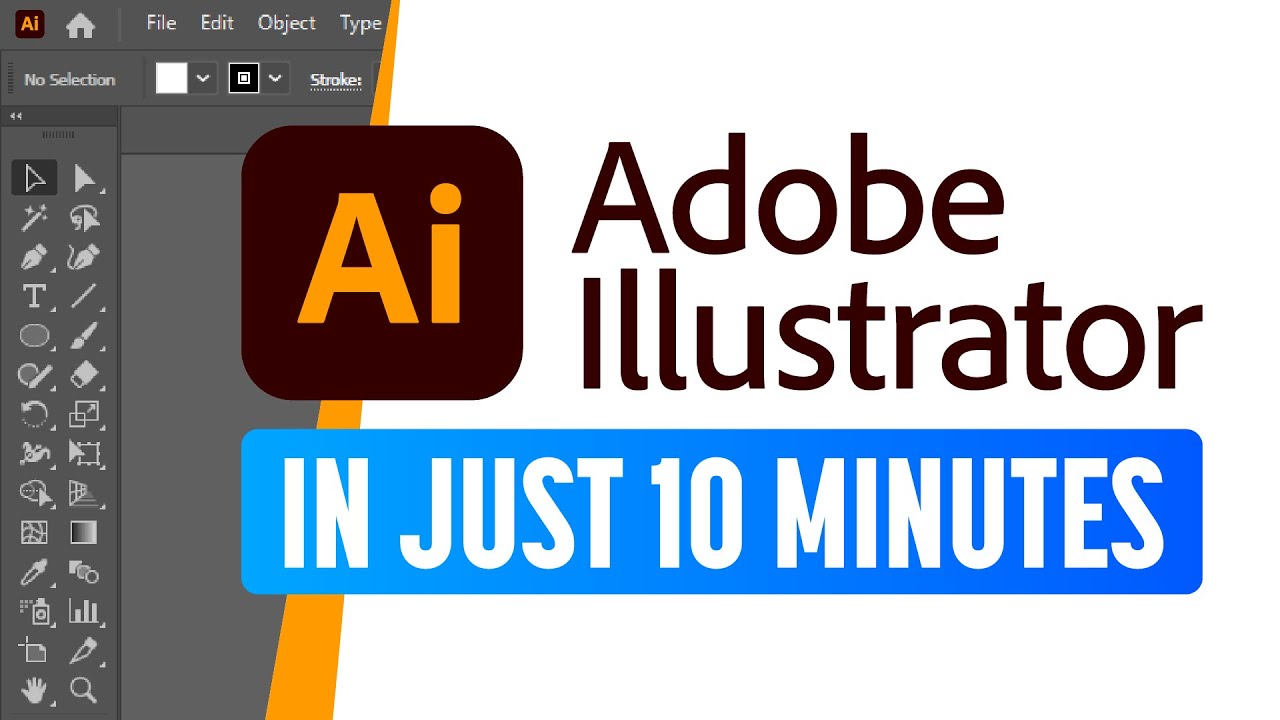
- Understand artboard setup and image importing basics.
- Practice using shape tools and Pathfinder for cutouts.
Study This Video Deeper
Get an AI summary and ask questions about confusing parts in real-time.
Open in Querivo →Mastering the Pen Tool: Your Gateway to Complex Vector Shapes
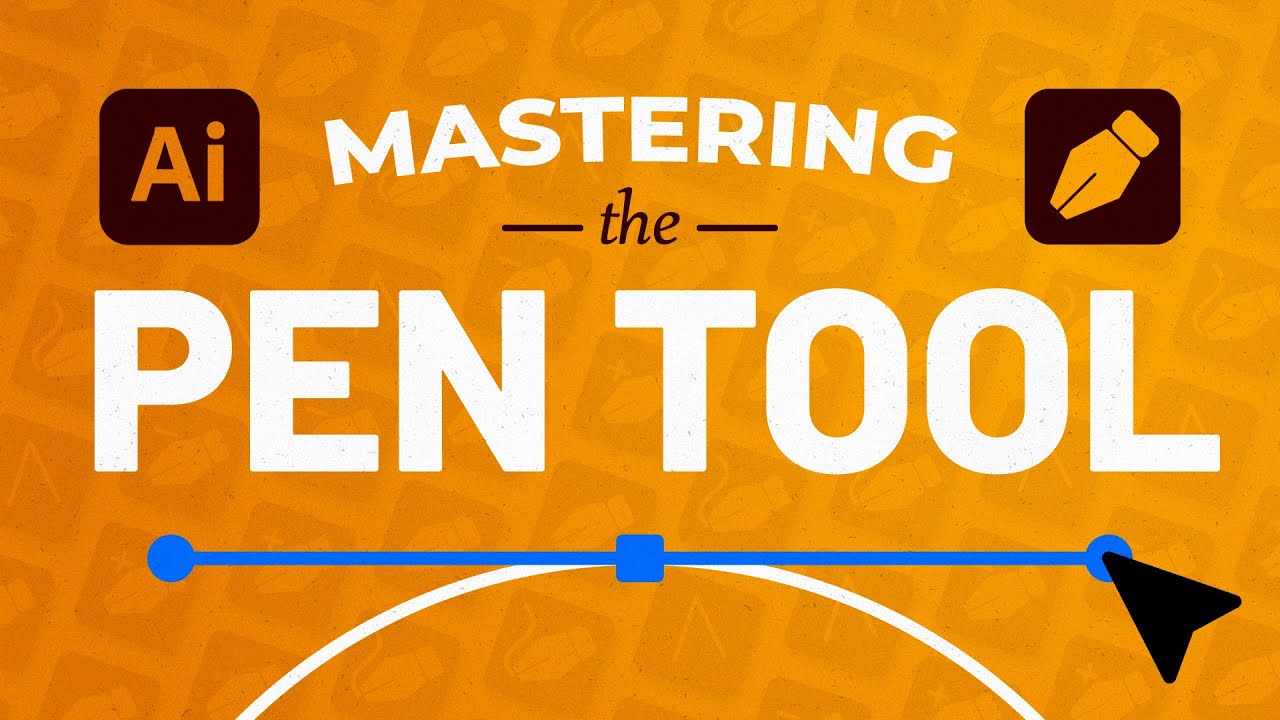
The Pen Tool is often seen as the Everest of learning Adobe Illustrator. It's the most powerful tool for creating precise vector paths, but it can be intimidating. However, mastering it unlocks the ability to create virtually any shape you can imagine, from intricate illustrations to crisp logos. This video dives deep into what makes the Pen Tool so essential and how you can conquer it. Seriously, once you get this down, a whole new world of vector design opens up.
You’ll learn about anchor points, path segments, and handles – the building blocks of vector shapes. The creator demonstrates techniques for crafting both smooth, flowing curves and sharp, defined corners, which is vital for clean design. Practicing with diverse examples is key here, and this video likely provides enough variety to build that much-needed muscle memory. Whether you're aiming to create unique illustrations or design logos from scratch, this video gives you the foundation. Learning this tool effectively is a significant step in your journey to learn Illustrator vector graphics free YouTube resources provide.
This tutorial is an absolute must-watch for anyone serious about vector art. If you've struggled with the Pen Tool before, or if you're bracing yourself for the challenge, this video breaks it down. It’s a deep dive that rewards your attention with immense capability.
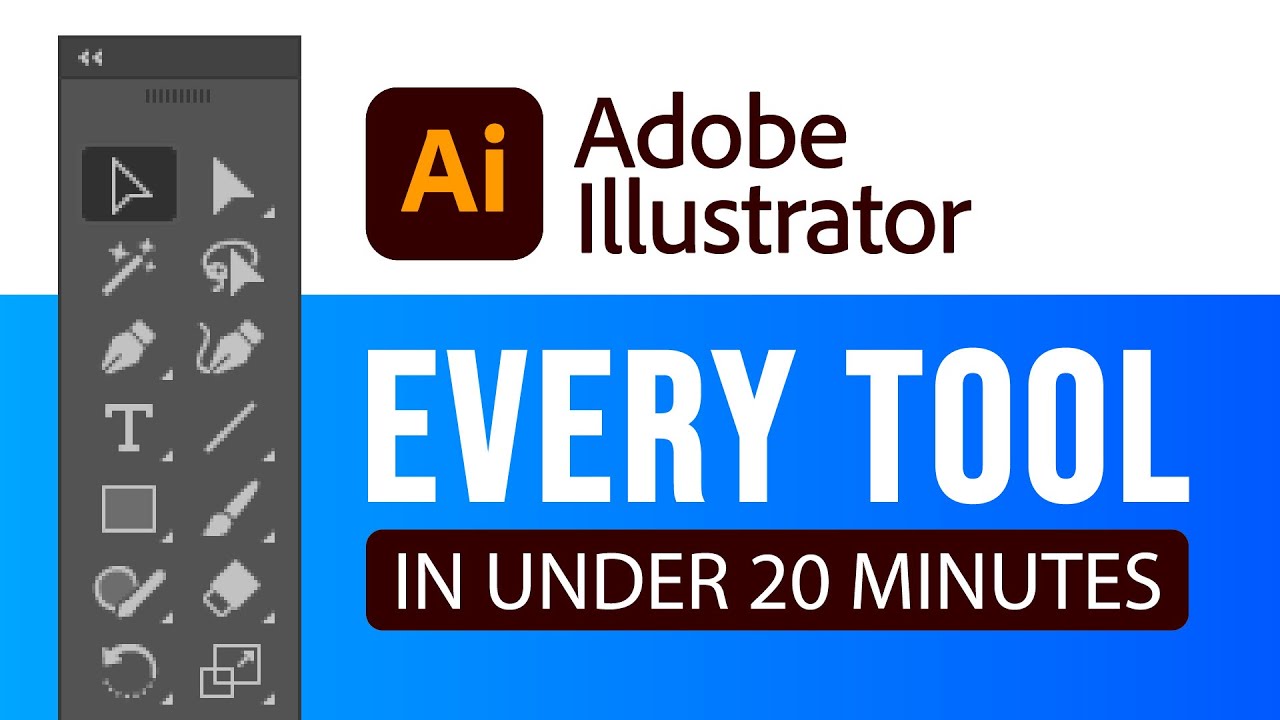
- Understand anchor points, path segments, and handles.
- Practice creating smooth curves and sharp corners.
Logo Design Fundamentals: Creating Professional Branding with Illustrator
A logo is often the first impression a brand makes. It needs to be memorable, versatile, and effectively communicate the brand's identity. Creating a strong logo in Adobe Illustrator involves more than just drawing shapes; it's about understanding design principles and how to translate a brand's message visually. This video tackles the core concepts of logo design, guiding you through the process of conceptualizing and building effective vector logos.
You'll gain insights into what makes a logo truly strong – think balance, simplicity, and memorability. The tutorial likely shows how to effectively use shapes and typography to convey the brand's message, ensuring the visual elements align with the brand's personality. Color theory and palette selection are also critical components, and you'll learn how to choose colors that resonate with your target audience. Finally, understanding how to export your logo for various applications, whether for web use or print, is a practical skill this video should cover, ensuring your designs are ready for real-world implementation. Learning these aspects will definitely enhance your ability to learn Illustrator vector graphics free YouTube offers.
This section is perfect for aspiring brand designers, freelancers, or anyone looking to understand the power of visual identity. If you're aiming to create professional branding assets, this video provides the foundational knowledge you need.
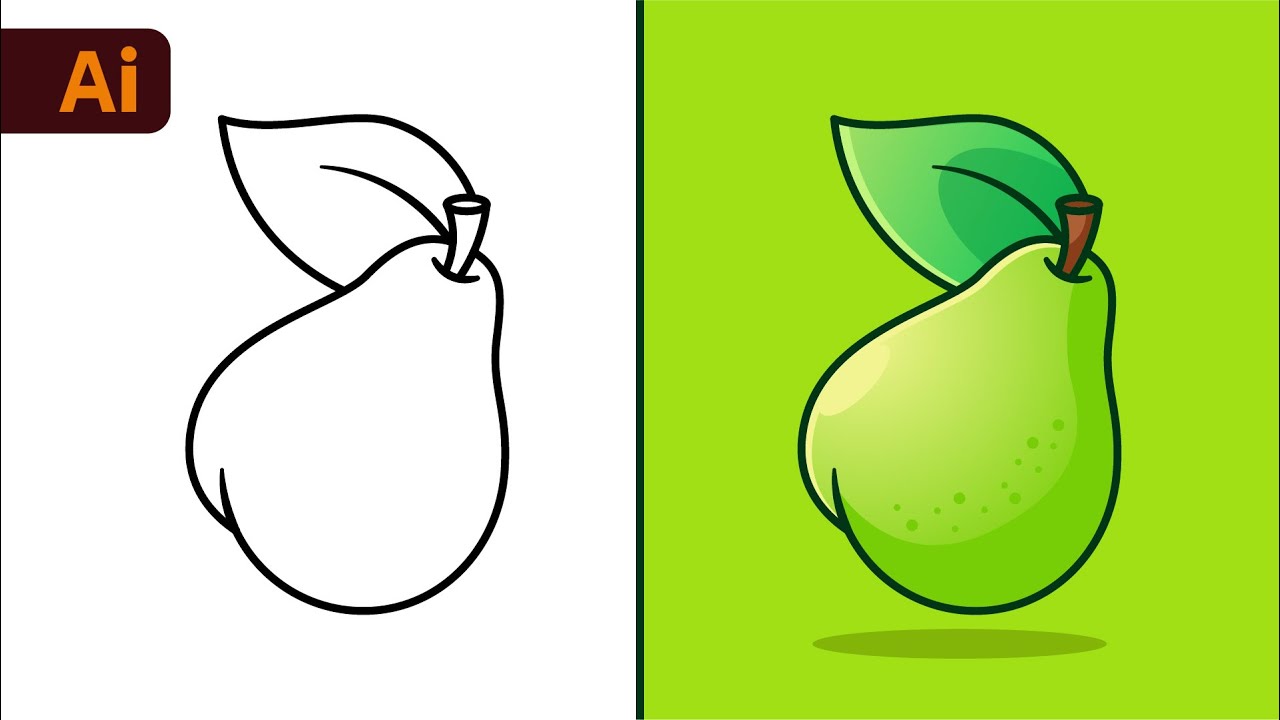
- Learn what constitutes a strong, memorable logo.
- Understand how to use shapes and typography for brand messaging.
Advanced Vector Techniques: Gradients, Blends, and Effects for Stunning Visuals
Once you've got the basics down and can create shapes and logos, it's time to add that extra layer of polish and visual flair. This video explores some of Illustrator's more advanced features, showing you how to use gradients, blend modes, and special effects to inject depth, dimension, and a professional sheen into your vector graphics. These techniques can really make your artwork pop and stand out from the crowd.
You'll discover how to create and apply complex gradient fills that add subtle shading or vibrant color transitions. The Blend Tool is a surprisingly powerful feature, and this video will likely demonstrate how it can be used for smooth transitions between objects, creating intricate patterns, or generating unique visual effects. Plus, exploring various effects like drop shadows, inner glows, or textured overlays can significantly enhance the visual appeal of your designs. Combining these advanced techniques allows for the creation of truly sophisticated and eye-catching vector artwork. This is where you really elevate your skills in mastering Illustrator vector graphics free YouTube tutorials like this help you achieve.
This tutorial is ideal for intermediate users or ambitious beginners who are ready to push their design capabilities. If you want to move beyond basic shapes and add professional polish to your vector creations, this video offers valuable insights and practical applications.

- Learn to create complex gradient fills for visual depth.
- Explore the power of the Blend Tool for transitions and patterns.
Your Next Steps
You now have a clear roadmap to learn Adobe Illustrator and master vector graphics for free. By following these curated YouTube tutorials, you can build a strong foundation and progress to creating professional-quality designs without the hefty price tag of traditional courses.
Your Action Items
- ☐Pick one video from above and watch it on Querivo
- ☐Ask questions and check summaries while watching without breaking your flow
- ☐Use the AI chat to clarify confusing parts and deepen understanding
- ☐Come back for more curated videos on topics you want to master
Start your free Illustrator journey today by clicking on the featured videos and begin creating your own stunning vector art! The path to becoming a proficient vector artist is accessible, and these resources are your first step.
Turn Any YouTube Video into an Interactive Lesson
Paste any video link, get an instant AI summary, and ask questions in real-time.
Try Querivo Free →Related Videos You Might Enjoy
Looking for more perspectives on this topic? Here are some additional videos worth checking out:
Adobe Illustrator for Beginners #1 | Free Course
Tips to Make Vector Art for Beginners | Adobe Illustrator
How to Use the Pen Tool in Adobe Illustrator
Illustrator Vector Poster Design Tutorial For Beginners
This Adobe Illustrator tutorial guides beginners through creating a minimal vector poster design. It covers setting up the artboard, adding a city image background, incorporating a silhouette cutout, and layering various text elements for a polished final design.