Tired of spending hours on repetitive Excel tasks? Imagine reclaiming that time and boosting your productivity with the power of automation, all for free! YouTube is a treasure trove of knowledge, and we've curated some of the best resources to help you master Excel VBA automation without spending a dime. Whether you're a business analyst drowning in manual data entry, a data professional looking to streamline workflows, or just an office worker eager to work smarter, these videos will guide you every step of the way.
Key Takeaways
- 1Master Excel VBA automation with curated YouTube videos.
- 2Build user-friendly data entry forms effortlessly.
- 3Automate repetitive tasks with your first Excel macros.
- 4Create dynamic charts for insightful, automated reporting.
- 5Unlock efficiency for business analysts and data professionals.
Who this is for
- If you're a business analyst drowning in manual data entry and reporting,
- If you're a data professional looking to streamline workflows and reduce errors,
- If you're an office worker eager to boost your productivity through Excel automation,
Start Learning with AI-Powered Video Summaries
Get instant summaries, ask questions, and turn any video into an interactive study session.
Try Querivo Free →Build User-Friendly Data Entry Forms Effortlessly
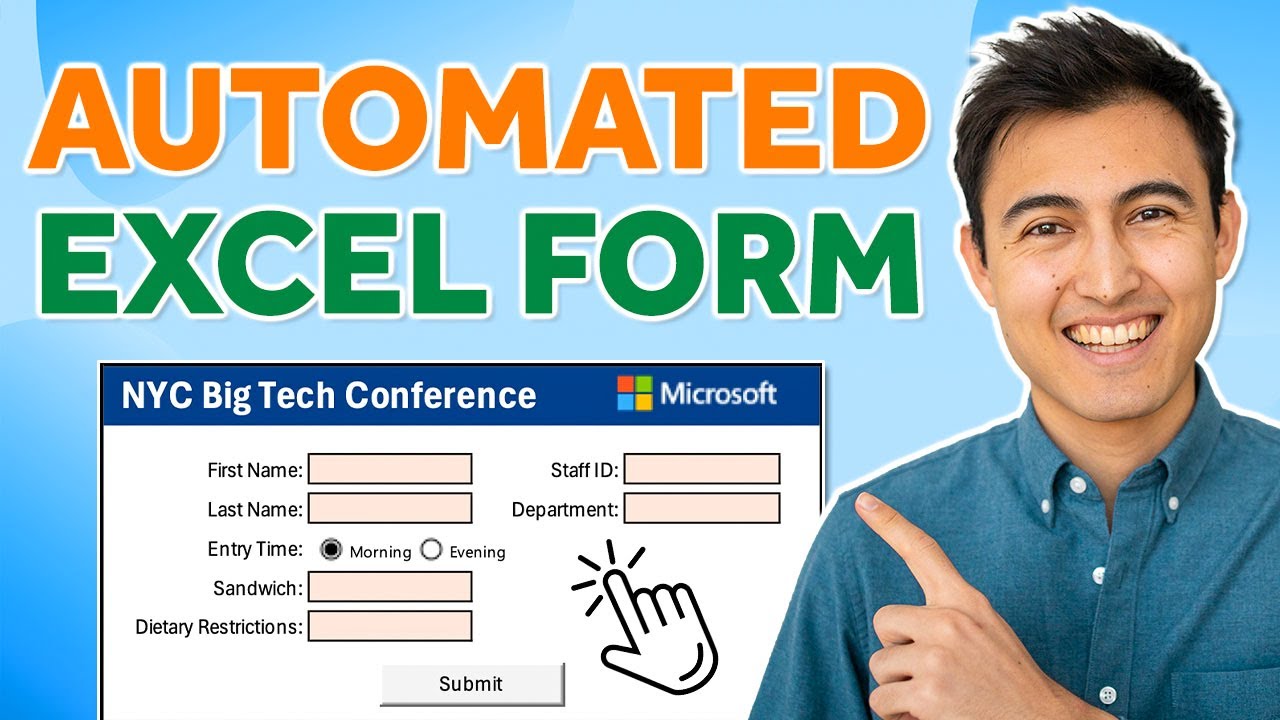
Manually entering data into spreadsheets can feel like a chore, right? This video kicks off our exploration by showing you how to ditch those clunky input methods and create polished, user-friendly data entry forms directly within Excel using VBA. You'll discover how to design interfaces that guide users, implement crucial validation to prevent errors (think dropdowns and option buttons!), and automate the entire submission process to a results sheet. Plus, it touches on securing your forms, which is pretty neat for ensuring data integrity. This is a fantastic starting point if you want to make data collection less of a headache. The creator provides valuable content to get you started with professional-looking forms.

- Design and automate intuitive data entry forms with VBA.
- Implement data validation to ensure accuracy and streamline submission.
Study This Video Deeper
Get an AI summary and ask questions about confusing parts in real-time.
Open in Querivo →Automate Repetitive Tasks with Your First Excel Macros
Okay, so you've got a task you do over and over in Excel. Instead of dreading it, what if you could just press a button? This video is your gateway to that magic. It dives into the fundamental skill of recording and utilizing Excel macros. You'll learn how to simply perform your actions, and Excel translates them into VBA code. It’s a surprisingly straightforward way to start automating common, repetitive tasks, which definitely helps cut down on manual effort and those pesky errors. Plus, you get a peek into how to run and manage these macros, and even how to start editing the basic VBA code for more dynamic automation. Seriously, this is where you'll see immediate time savings. The valuable content in this video makes it an essential watch for beginners.

- Record actions to automatically generate VBA code for task automation.
- Apply macros to streamline common processes and reduce manual effort.
Dynamic Chart Creation for Insightful Reporting
Reports often need to be updated as data changes, and manually adjusting charts for every new dataset is a pain. This video tackles that head-on. You'll discover how to leverage VBA and macros to create charts that actually adapt to shifting data. Imagine your reports automatically reflecting the latest figures without you lifting a finger to resize or reposition elements. The creator walks you through creating charts from variable datasets and understanding how dynamic range selection works, which is key for flexibility. They also touch on manually adjusting macro code for more robust solutions and even incorporate basic error handling. For anyone who needs to generate reports, this is pretty much a game-changer. This valuable content will transform your reporting.
- Create charts that dynamically update with changing data using VBA.
- Learn techniques for flexible data sourcing and robust automation.
Mastering VBA Basics for Enhanced Automation
Once you've got a handle on recording macros, you'll probably want to build more sophisticated automation solutions. That's where this video comes in. It really dives deeper into the core VBA concepts that go beyond simple recording. You’ll get a solid understanding of fundamental VBA syntax and structure, learn how to effectively use variables and different data types, and implement conditional logic like If statements for genuine decision-making within your code. Plus, you'll explore loop structures (For, While) which are essential for handling repetitive operations much more efficiently. This is definitely where you build the bedrock knowledge to tackle complex automation challenges and truly unlock Excel's potential. Learning Excel VBA YouTube tutorials like this one are invaluable, and this video provides truly valuable content.

- Grasp essential VBA syntax, variables, and conditional logic.
- Implement loop structures for efficient repetitive operations.
Understanding the Landscape: Python in Excel vs. VBA
As you dive deeper into Excel automation, you might wonder about the broader ecosystem. This video offers a crucial comparison between Excel VBA and Python in Excel, helping you understand which technology might be best suited for your needs in 2024. It delves into the strengths and weaknesses of each, providing context on their applications and learning curves. While VBA remains a powerful tool for in-built Excel automation, understanding how Python integrates offers a glimpse into more advanced data manipulation and analysis possibilities directly within your spreadsheets. This valuable content is essential for making informed decisions about your learning path.

- Compare the capabilities and learning curves of Excel VBA and Python in Excel.
- Understand the current relevance and future potential of each technology.
Your Next Steps
By leveraging these free resources on YouTube, you can absolutely master Excel VBA and unlock powerful automation capabilities. From crafting user-friendly forms to generating dynamic reports and handling complex logic, the journey to becoming an Excel automation expert is well within your reach. Don't just watch; start doing! Pick a video that resonates with your immediate needs and start building. Remember, consistent practice is key to solidifying your understanding.
Your Action Items
- ☐Pick one video from above and watch it on Querivo
- ☐Ask questions and check summaries while watching without breaking your flow
- ☐Use the AI chat to clarify confusing parts and deepen understanding
- ☐Come back for more curated videos on topics you want to master
Ready to transform your Excel workflow? Exploring these curated YouTube tutorials is your first step towards working smarter, not harder. The wealth of knowledge available for free on YouTube means there's no barrier to entry for anyone looking to boost their Excel skills and efficiency.
Turn Any YouTube Video into an Interactive Lesson
Paste any video link, get an instant AI summary, and ask questions in real-time.
Try Querivo Free →Related Videos You Might Enjoy
Looking for more perspectives on this topic? Here are some additional videos worth checking out:
Stop Learning Excel—Meet the AI Spreadsheet

The Automated Database in Excel You’ll Actually Use (Free Template)
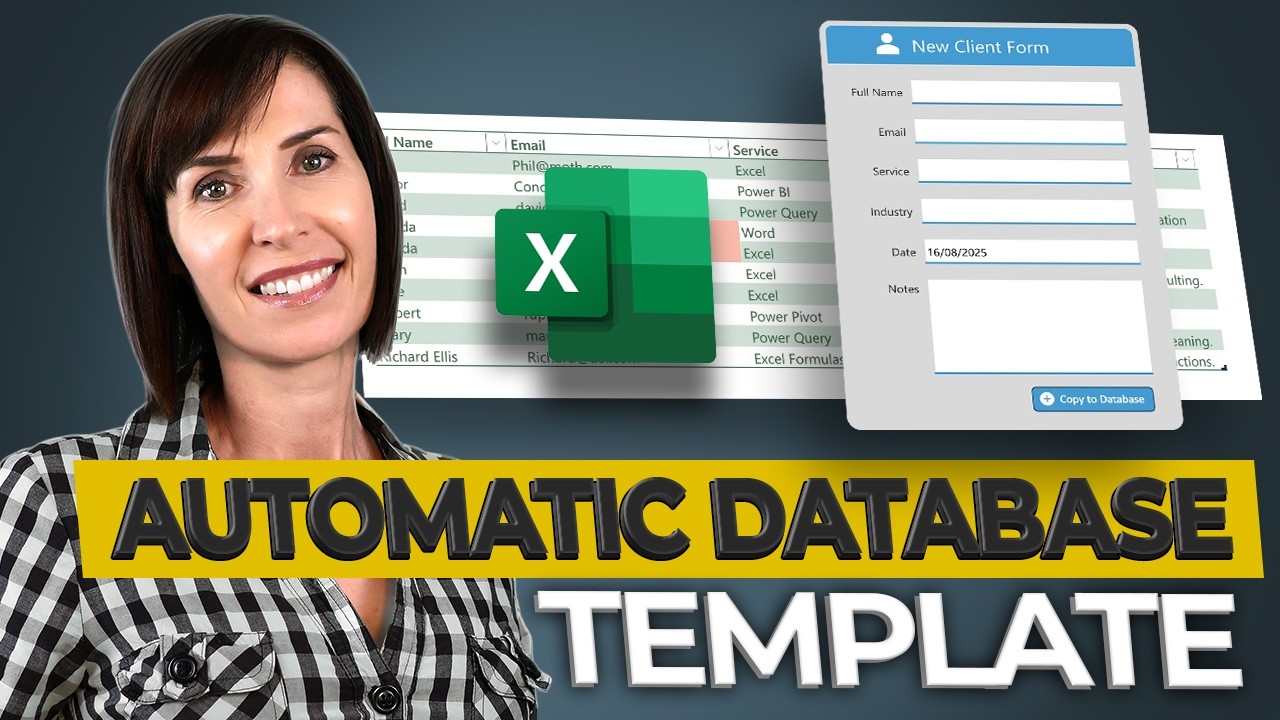
EASILY Make an Automated Data Entry Form in Excel
This video provides a step-by-step guide to creating an automated data entry form in Excel. It covers formatting the form, setting up a results sheet, automating the submission process, and protecting the form.
How to Create & Use Excel Macros (Real world example)
This video teaches viewers how to automate repetitive Excel tasks using macros. It demonstrates how to record, run, and even manually adjust macro code for dynamic and robust automation, focusing on creating charts from variable datasets.