Ready to transform your iPad into a portable art studio and create breathtaking digital paintings?
Key Takeaways
- 1Master Procreate with top YouTube tutorials curated for iPad artists.
- 2Learn planning, composition, and essential tools for digital art.
- 3Discover beginner-friendly coloring and oil painting techniques.
- 4Gain confidence and finish your digital art projects.
- 5Unlock your creative potential on your iPad.
Who this is for
- If you're an iPad user wanting to dive into digital painting but don't know where to start
- If you struggle with finishing your digital art pieces and want a better workflow
- If you're a beginner looking for clear, step-by-step Procreate tutorials
Start Learning with AI-Powered Video Summaries
Get instant summaries, ask questions, and turn any video into an interactive study session.
Try Querivo Free →Build a Solid Foundation: Plan Your Procreate Masterpiece
It's surprisingly easy to get lost in the exciting world of digital painting, especially when you're just starting out with Procreate. You might find yourself jumping straight into rendering details, only to realize you're not quite sure where the piece is heading. This video from SamDoesArts tackles that exact challenge head-on, emphasizing that a strong plan is your best friend before you even pick up a digital brush for the final rendering. Honestly, it's a game-changer for anyone who ends up with countless unfinished pieces.
This tutorial really drives home the idea that understanding your composition, character poses, and lighting scenarios before you paint is crucial for creating dynamic and impactful art. It's about working smarter, not just harder, and this approach can definitely save you a ton of time and frustration down the line. You'll discover practical tips for setting up your canvas and thinking through your artwork's structure, ensuring you have a clear roadmap to follow.
- Prioritize planning and composition before detailed rendering.
- Develop a structured workflow to ensure artwork completion.
Study This Video Deeper
Get an AI summary and ask questions about confusing parts in real-time.
Open in Querivo →Get Creative Instantly: Essential Procreate Tools for Beginners
Feeling a bit intimidated by Procreate's interface? We get it. The app is incredibly powerful, but for absolute beginners, it can feel like a lot to take in all at once. That's where this super-efficient video comes in. It's designed to give you the absolute essentials in about 10 minutes, cutting straight to what you need to know to start creating right away. It’s definitely one of the best resources for getting your feet wet.
You'll quickly learn how to navigate the Procreate gallery, set up new canvases, and, most importantly, get comfortable with the core tools like the Brush, Smudge, and Eraser. Plus, it covers the fundamentals of color selection and layer management – things that are super important for any digital art project. The quick gesture controls it mentions are actually pretty handy for speeding up your workflow, even in these early stages.
- Navigate Procreate essentials: gallery, canvas, and core tools.
- Grasp basic color and layer management for immediate creation.
Unlock Vibrant Art: Beginner-Friendly Coloring Techniques in Procreate
Coloring can be one of those areas where beginners often feel a bit stuck. How do you go from a sketch to something with depth and vibrancy? This video breaks down the process in a really accessible way, focusing on foundational techniques that make a big difference. It's not about mastering complex rendering immediately, but about building a solid understanding of how color and light work together.
The approach here is to start big and then refine, which is a smart way to handle digital painting. You’ll learn how to lay down base colors effectively and then how to apply simple shadows, all while keeping an eye on your light source. Using references and the color picker tool are highlighted as key strategies to help you achieve a more polished look, even if you're aiming for a semi-realistic style. It's pretty solid advice for anyone looking to add more life to their digital illustrations.
- Learn a 'big to small' coloring approach for digital art.
- Understand basic shadow application and light source identification.
Master the Oil Painting Look: Digital Techniques in Procreate
Ever admired those beautiful digital paintings that have a distinct oil-painted feel, and wondered how they achieve that textured, layered look? This video guides you through exactly that process, specifically within Procreate. It’s a fantastic resource if you're drawn to that aesthetic and want to replicate it on your iPad. Don't let the "oil painting" term fool you; the techniques are presented in a way that's definitely achievable for beginners.
You'll learn how to set up your workspace, including creating custom color palettes from reference photos, which is a really helpful step for consistency. The tutorial then walks you through underpainting and progressively building up your digital piece, layer by layer. It's this methodical approach to applying texture and color adjustments that really helps achieve that polished, rich finish. Seriously worth watching if you're looking to explore different digital painting styles.
- Achieve a digital oil painting effect with layered techniques.
- Learn canvas setup and custom palette creation for specific looks.
Your Next Steps
By diving into these curated YouTube videos, you're setting yourself up for success in digital painting with Procreate. You'll gain foundational skills, learn essential workflow strategies, and explore techniques for color and composition that will elevate your artwork. Remember, the key is consistent practice and understanding the building blocks.
Your Action Items
- ☐Pick one video from above and watch it on Querivo
- ☐Ask questions and check summaries while watching without breaking your flow
- ☐Use the AI chat to clarify confusing parts and deepen understanding
- ☐Come back for more curated videos on topics you want to master
These resources offer a clear path to becoming a more confident and capable iPad artist, ready to bring your digital art visions to life.
Turn Any YouTube Video into an Interactive Lesson
Paste any video link, get an instant AI summary, and ask questions in real-time.
Try Querivo Free →Related Videos You Might Enjoy
Looking for more perspectives on this topic? Here are some additional videos worth checking out:
Procreate Beginners Series: Part One | The Fundamentals
This video is the first part of a Procreate beginner's series, focusing on the fundamental tools and gestures necessary for digital art creation on an iPad. Viewers will learn about brushes, color selection, essential gestures for navigation and editing, and the crucial concept of layers.
Digital Oil Painting in Procreate: Beginner Tutorial
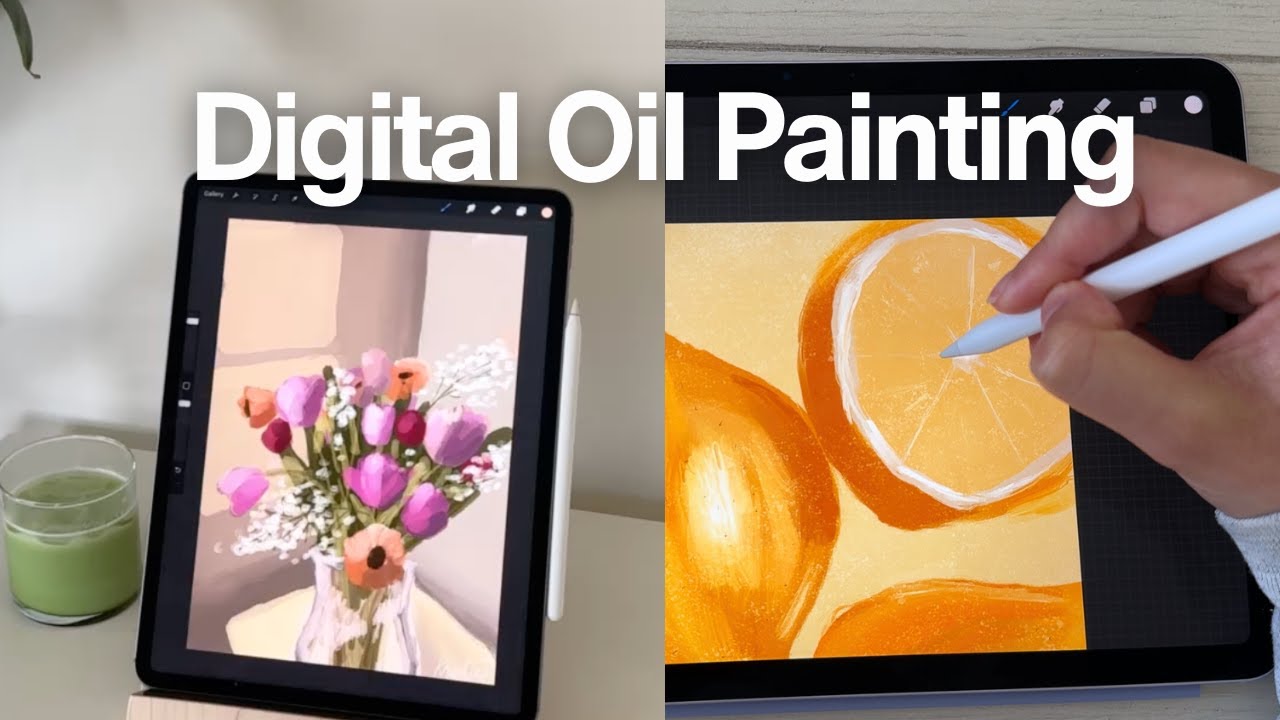
This tutorial guides beginners through creating a digital oil painting in Procreate using a single brush. It covers setting up your canvas, creating color palettes from reference photos, performing an underpainting, and progressively building up the painting with colors, highlights, and texture.
How to COLOUR Your Art (Beginner Friendly)
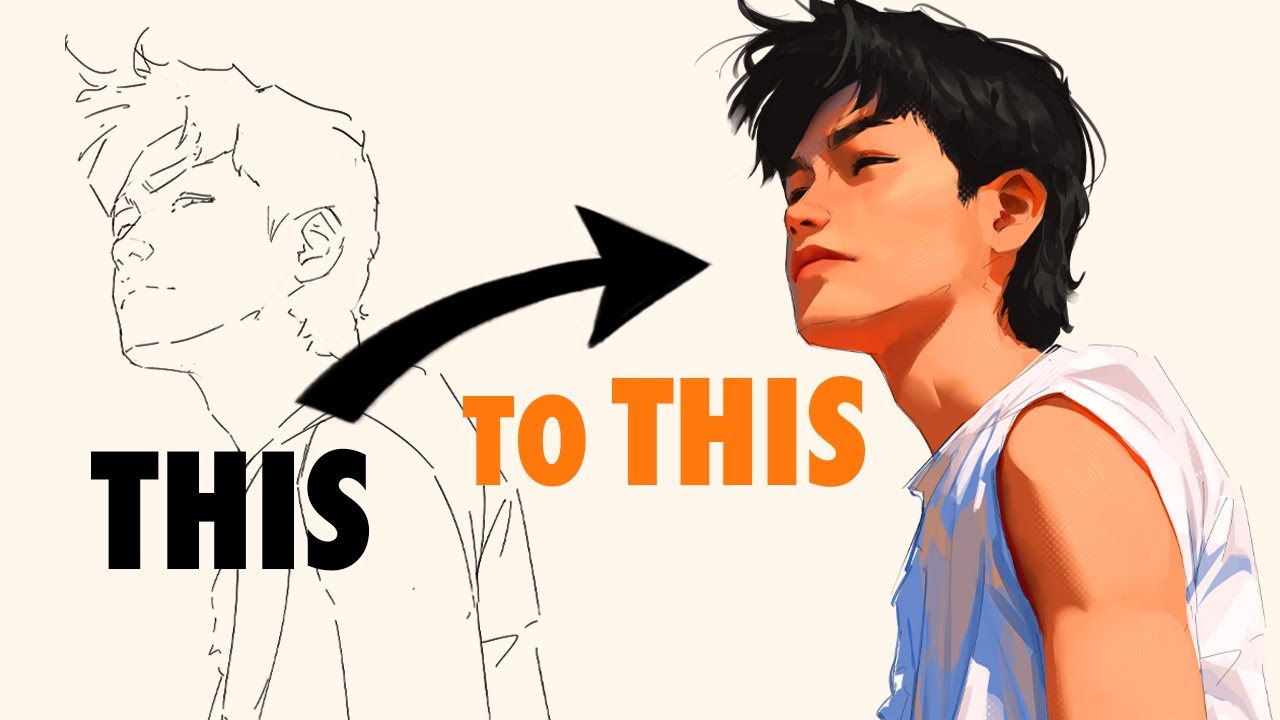
This tutorial breaks down the process of coloring art for beginners in a semi-realistic style, emphasizing a "big to small" approach. It guides viewers through identifying base colors, adding simple shadows, and understanding light sources without fear.
Color Theory for BEGINNERS + How to ACTUALLY use it in Digital Painting
This video teaches the foundational principles of color theory for digital painting, focusing on "subject color" and "magnets" to guide the viewer's eye. It emphasizes that understanding how to create visual tension and direct attention is the essential first step before exploring color harmonies.
The $10 drawing app I've used to make MILLIONS! I'll show you how I use Procreate to draw
This video demonstrates how to use the Procreate app on an iPad for artwork creation, highlighting its user-friendliness and affordability compared to professional graphic design software like Adobe Illustrator. The instructor shares practical tips, such as choosing canvas sizes for print and leveraging Procreate's features for efficient and textured digital art.
100 PROCREATE TIPS in 15 MIN
This video provides 100 quick Procreate tips and tricks designed to enhance efficiency and unlock new creative possibilities for digital artists. It covers a wide range of functionalities, from basic drawing aids and layer management to advanced adjustments and color tools.