Are you an advanced AI user drowning in a sea of specialized tools, yet still feeling like your productivity could be sharper? It's time to stop acquiring and start optimizing. For professionals and researchers who are already familiar with AI basics and are ready to move beyond generic applications, mastering a powerful tool like Claude AI can unlock significant gains. This curated selection of YouTube tutorials focuses on advanced Claude AI techniques, empowering you to build interconnected workflows, unlock deeper reasoning capabilities, and ultimately save valuable time each week.
Key Takeaways
- 1Elevate your AI game with curated Claude tutorials.
- 2Build interconnected AI workflows for powerful research.
- 3Unlock Claude's advanced reasoning and creative potential.
- 4Master Claude for strategic content and complex analysis.
- 5Save hours weekly by optimizing your AI integrations.
Who this is for
- If you're feeling overwhelmed by too many AI tools and want to focus on mastery.
- If you're a professional or researcher looking to integrate AI deeply into your workflow.
- If you're familiar with AI basics and ready to tackle advanced Claude AI techniques.
Start Learning with AI-Powered Video Summaries
Get instant summaries, ask questions, and turn any video into an interactive study session.
Try Querivo Free →Supercharge Your Research: Building Interconnected AI Workflows
The AI landscape is exploding, but true productivity gains come not from having more tools, but from mastering the ones you have and integrating them seamlessly. Claude AI, with its powerful context window and sophisticated reasoning abilities, is a prime candidate for advanced workflow integration. This video dives deep into moving beyond single-tool usage to create interconnected AI workflows. It shows you how to leverage Claude AI alongside other tools for robust research and analysis, and importantly, develops strategies for visualizing complex information and building lasting knowledge projects. This is essential viewing if you're looking to make your research not just faster, but fundamentally more robust and interconnected. By understanding how to link Claude's capabilities with other resources, you can build systems that continuously learn and adapt, forming the bedrock of a more efficient and insightful research process.

- Build interconnected AI workflows, not just isolated tasks.
- Learn to visualize complex information for lasting knowledge.
Study This Video Deeper
Get an AI summary and ask questions about confusing parts in real-time.
Open in Querivo →Unlock Claude's Advanced Capabilities: Beyond Basic Prompts
We've all gotten decent results from simple prompts, right? But what if Claude AI could do so much more? This tutorial is a real game-changer for anyone looking to harness Claude's advanced features, pushing you well beyond basic prompt engineering to unlock its full potential for complex tasks and nuanced output. You'll get a deep dive into Claude's advanced reasoning and conversational abilities, explore techniques for complex problem-solving, and learn how to generate truly nuanced content. Plus, the creator shares strategies for optimizing Claude's performance for demanding professional tasks. If you're ready to treat Claude less like a chatbot and more like a sophisticated analytical partner, this video is a must-watch. Understanding these advanced techniques means you can delegate more complex cognitive tasks to Claude, freeing up your mental bandwidth for higher-level strategic thinking.
- Master advanced reasoning for complex problem-solving.
- Optimize Claude for demanding professional tasks.
Mastering Claude for Strategic Content Creation and Analysis
So, you've got Claude AI, and you know it's powerful. But how do you actually apply that power to strategic content creation, analysis, and transformation? This video focuses precisely on that, highlighting practical applications for professionals who need tangible results. You'll learn how to transform raw data and nascent ideas into strategic content, leveraging Claude for advanced analysis of dense documents and research papers. Plus, you'll pick up practical tips for integrating Claude seamlessly into your creative and analytical workflows. It’s about getting beyond the theory and actually making Claude AI work harder for your specific projects. For anyone struggling to bridge the gap between AI potential and real-world output, this is your guide to moving from understanding Claude's capabilities to actively deploying them for measurable impact.

- Transform raw data into strategic, polished content.
- Leverage Claude for in-depth analysis of complex documents.
Advanced Claude AI Techniques for Streamlined Productivity
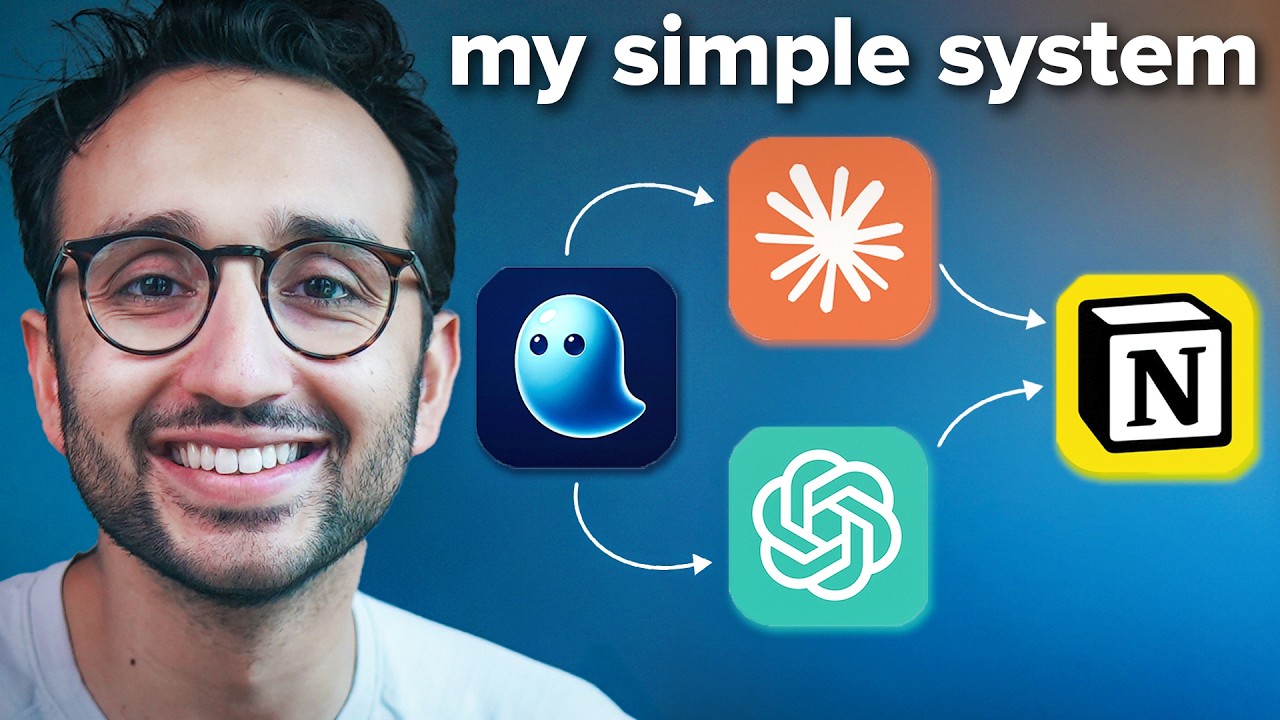
Are you constantly looking for ways to shave off hours from your week? This video delivers actionable tips and advanced techniques specifically for using Claude AI to significantly boost productivity across various professional domains. You'll discover advanced prompting strategies tailored precisely for Claude AI, making your interactions far more effective. The creator walks you through techniques for efficient information extraction and summarization, which are absolute time-savers. And the best part? You'll learn how to integrate Claude directly into your daily tasks, enhancing both efficiency and the quality of your output. This isn't about general AI advice; it's about concrete, Claude-specific strategies that deliver real-world time savings and improved work quality. Applying these methods can result in reclaiming significant chunks of your workday, allowing for deeper focus on critical tasks or much-needed breaks.
- Implement advanced prompting strategies for Claude AI.
- Integrate Claude into daily tasks for immediate efficiency gains.
Your Next Steps
By focusing on workflow optimization and mastering advanced techniques with Claude AI, you can dramatically enhance your productivity and achieve more with your existing AI tools. Stop chasing new solutions and start refining your approach. These tutorials provide a clear path for advanced users to leverage Claude AI more effectively, moving from basic interactions to sophisticated, time-saving applications.
Your Action Items
- ☐Pick one video from above and watch it on Querivo
- ☐Ask questions and check summaries while watching without breaking your flow
- ☐Use the AI chat to clarify confusing parts and deepen understanding
- ☐Come back for more curated videos on topics you want to master
Ready to transform your workflow? Start by watching these top tutorials and applying the advanced Claude AI techniques today.
Turn Any YouTube Video into an Interactive Lesson
Paste any video link, get an instant AI summary, and ask questions in real-time.
Try Querivo Free →Related Videos You Might Enjoy
Looking for more perspectives on this topic? Here are some additional videos worth checking out:
800+ hours of Learning Claude Code in 8 minutes (2026 tutorial / unknown tricks / newest model)

STOP Wasting Money on More AI Tools. Do THIS instead
This video argues that instead of acquiring more AI tools, individuals should focus on developing better system thinking and AI workflows. It demonstrates practical, interconnected workflows using popular AI tools like ChatGPT, Gemini, Claude, NotebookLM, and Perplexity for research, analysis, strategic visualization, and asset creation.