The web development landscape is evolving at breakneck speed. In 2025, static sites just won't cut it; dynamic, engaging user interfaces are the gold standard. But building these modern experiences with React? That hinges on a rock-solid understanding of core JavaScript. This guide is your roadmap, featuring essential YouTube tutorials that will sharpen your JavaScript skills and prime you for React mastery. We're diving deep into foundational concepts and practical applications, pulling insights from compelling video content to help you build truly next-level web interfaces.
Key Takeaways
- 1Master the essential JavaScript for React development in 2025.
- 2Discover cutting-edge design trends to inspire your apps.
- 3Learn to craft visually stunning websites with dynamic elements.
- 4Grasp UI/UX principles crucial for intuitive React interfaces.
- 5Build professional-grade dashboards with interactive components.
Who this is for
- If you're looking to learn React and need to solidify your JavaScript foundation.
- If you're a web developer aiming to build more dynamic and engaging user interfaces.
- If you're eager to understand the key JavaScript prerequisites for modern front-end frameworks like React.
Start Learning with AI-Powered Video Summaries
Get instant summaries, ask questions, and turn any video into an interactive study session.
Try Querivo Free →Embrace the Future: Design Trends to Inspire Your React Apps
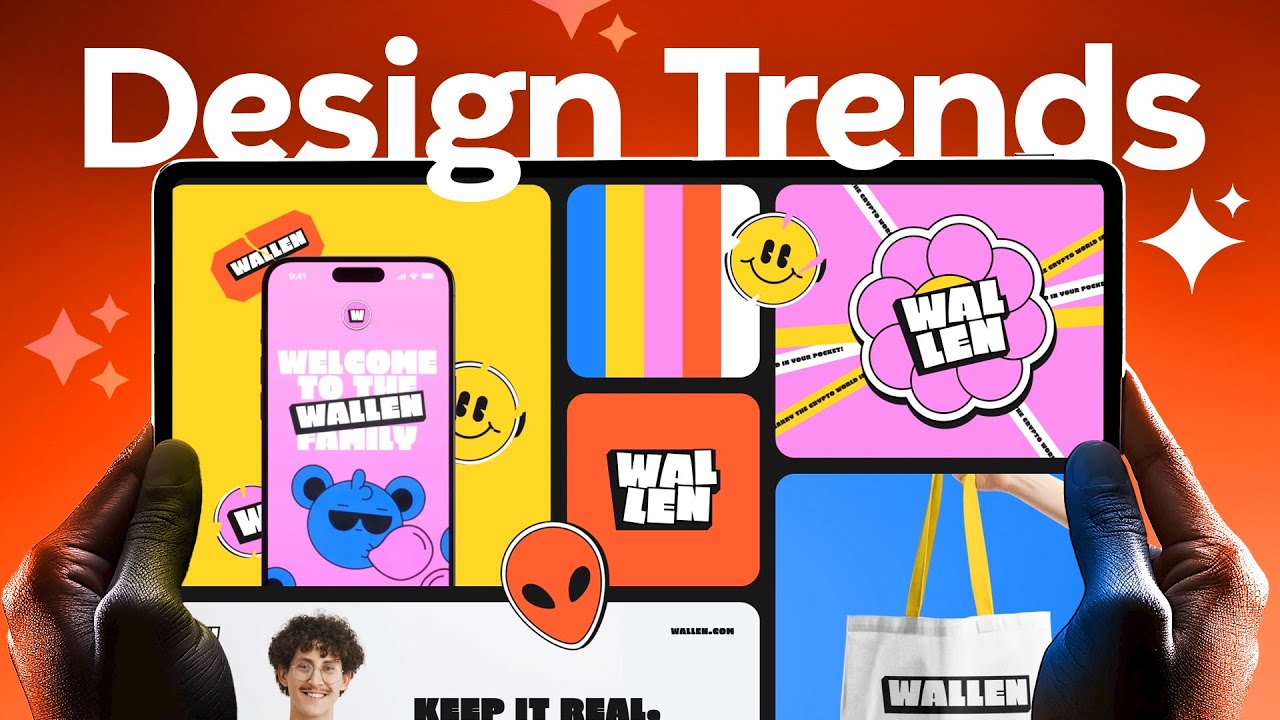
Staying ahead in web development means keeping an eye on what's next, and 2025 is bringing some seriously cool design trends. This video, "Top 2025 Web Design Trends" by Codex Community, provides a forward-looking overview of specific, actionable web design trends. You'll see how experimental navigation, immersive animations, and even AI integrations can be brought to life with dynamic JavaScript and React. The creator showcases how to leverage unique user journeys with experimental navigation patterns, integrate scrolling designs and macro animations for that extra engagement, and explore AI chatbots and smart video features to make your interfaces feel truly interactive. Plus, it highlights the power of cursor interactions and custom illustrations for that human-centric touch, distinguishing these trends from general design advice with visual demonstrations and contextual explanations.
- Explore experimental navigation and macro animations for engaging user experiences.
- Integrate AI chatbots and smart video features into your designs.
Crafting Visually Stunning Websites with Impactful Video Backgrounds
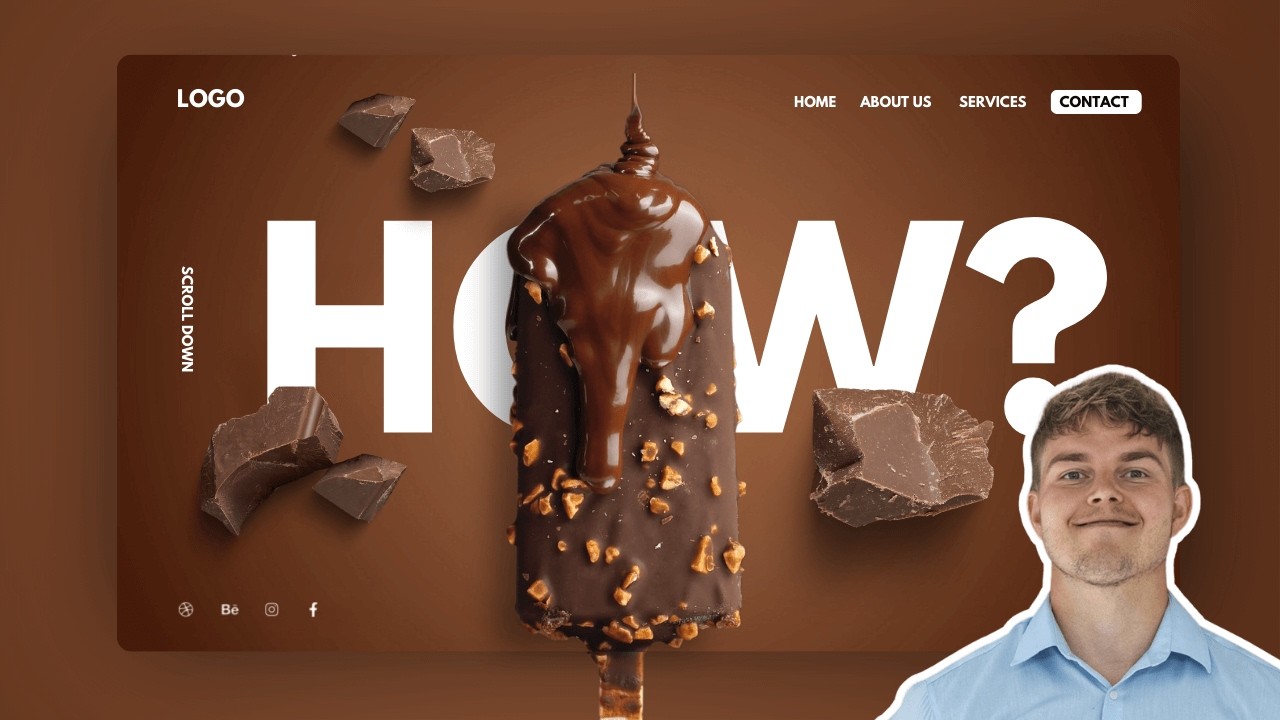
Want your React projects to truly pop? This video, "Why My Websites Always Look Next Level" by Nicolai Palmkvist, shows you how to elevate them with full-height video backgrounds – a powerful technique for storytelling and creating captivating interfaces. The creator provides a practical, live walkthrough of implementing this key design element that significantly elevates website quality. You'll get direct inspiration and a replicable process for finding and integrating high-quality stock footage, applying design principles to make those video backgrounds shine, and understanding content creation strategies that work in tandem with dynamic visuals. This video offers actionable advice on integrating these elements, often using common website builders, which can translate well to building dynamic components in React. It's a pretty solid way to add that "next level" feel to your work.
- Learn to integrate full-height video backgrounds for a dramatic visual impact.
- Discover strategies for aligning design and content with dynamic video elements.
Study This Video Deeper
Get an AI summary and ask questions about confusing parts in real-time.
Open in Querivo →The Concise Path to UI/UX Mastery for React Developers
Building intuitive and effective interfaces with React is as much about design as it is about code. This video, "world's shortest UI/UX design course" by Juxtopposed, distills the most crucial UI/UX design principles into a format that's incredibly easy to digest. It offers a distilled, 'shortest' version of a UI/UX course, focusing on the most crucial 20% of information to get beginners designing quickly, rather than overwhelming them with advanced details. You’ll grasp the fundamentals of user flow and wireframing, crucial for mapping out user journeys. It also covers design systems for keeping your UI consistent and applies core visual design principles to create interfaces that are not just functional, but appealing too. Learning the iterative design process is key for continuous improvement, and this resource provides that foundational knowledge without the fluff. It's a surprisingly efficient way to get up to speed on essential UX concepts.
- Grasp user flow, wireframing, and design systems for better UX/UI.
- Understand visual design principles and the iterative design process for effective interfaces.
Building Professional Dashboards: From Concept to Interactive Components
Dashboards are all about organizing complex information clearly and making it interactive. This video, "The Easiest Way to Build Websites" by Sajid, offers valuable content that can be applied to designing robust and user-friendly dashboard UIs, which is directly applicable when you're building them with React. While the title suggests a broader topic, the practical insights provided can help you master dashboard UI design principles focused on organization and usability. You can learn how to design effective sidebar navigation and main content layouts, and understand how to incorporate data visualization and charts – essential for any dashboard. The video also demonstrates how to implement interactive UI elements like modals and popovers, providing valuable foundational knowledge for creating sophisticated interfaces with React.
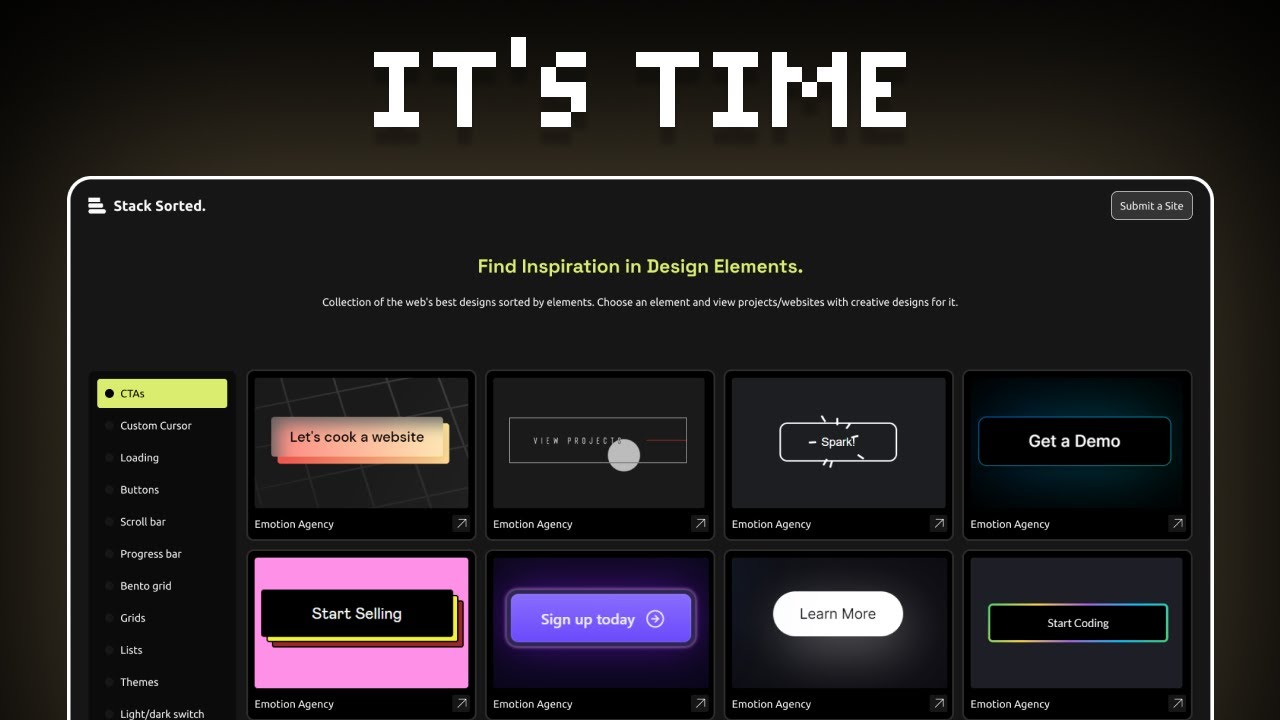
- Master dashboard UI design for organization and usability in React projects.
- Learn to implement navigation, data visualization, and interactive UI elements.
Your Next Steps
By diving into these essential JavaScript concepts and UI/UX principles through these curated YouTube tutorials, you'll be exceptionally well-equipped to build dynamic, engaging, and visually compelling web interfaces with React in 2025. Remember, the key is to actively engage with the material. Don't just passively watch; try to replicate the techniques shown, experiment with the design principles, and apply the UI/UX concepts to your own projects. This hands-on approach will solidify your understanding and accelerate your learning curve.
Your Action Items
- ☐Pick one video from above and watch it on Querivo
- ☐Ask questions and check summaries while watching without breaking your flow
- ☐Use the AI chat to clarify confusing parts and deepen understanding
- ☐Come back for more curated videos on topics you want to master
Start your journey to becoming a proficient React developer today by diving into these valuable JavaScript tutorials!
Turn Any YouTube Video into an Interactive Lesson
Paste any video link, get an instant AI summary, and ask questions in real-time.
Try Querivo Free →Related Videos You Might Enjoy
Looking for more perspectives on this topic? Here are some additional videos worth checking out:
The Easy Way to Design Top Tier Websites
This video teaches fundamental design principles and practical tips for creating top-tier websites. It emphasizes simplicity, effective use of visual cues like similarity and proximity, and the importance of a design system for consistency and efficiency. The core message is that good design focuses on essential features and clear hierarchy, making it easy for users to understand and navigate.

EVERYTHING you need to know to build a Dashboard UI in 8 minutes (beginner friendly)
This video provides a beginner-friendly guide to designing functional and aesthetic dashboard UIs from scratch, focusing on organization, usability, and key components like sidebars, main content areas, and interactive elements. It emphasizes principles for reducing cognitive load and creating effective data visualization.