Unlock your logo design potential and elevate your vector graphics skills with the most impactful Adobe Illustrator tutorials on YouTube. These carefully selected videos offer a blend of practical workflow hacks, fundamental design principles, and comprehensive process breakdowns, all designed to help you create professional, memorable, and scalable brand identities.
Key Takeaways
- 1Master Illustrator for professional logo design.
- 2Learn foundational logo creation principles.
- 3Turn sketches into polished vector art.
- 4Streamline your design workflow effectively.
- 5Create memorable and scalable brand identities.
Who this is for
- If you're struggling to translate ideas into professional vector logos
- If you're looking to speed up your Adobe Illustrator workflow for logo design
- If you're a beginner graphic designer aiming to master essential logo creation techniques
Start Learning with AI-Powered Video Summaries
Get instant summaries, ask questions, and turn any video into an interactive study session.
Try Querivo Free →Master Your Illustrator Workflow for Faster, Better Logos
Ever feel like you're wrestling with Adobe Illustrator instead of wielding it? This video is a real game-changer, showing you how to seriously speed up your logo design process. It’s not just about pretty pictures; it’s about working smarter. You'll discover techniques that feel obvious once you see them, but dramatically cut down on tedious steps. The creator provides practical, workflow-enhancing tips that directly address common design challenges, saving designers significant time.
We found the tips on efficient corner rounding and using grid systems particularly insightful for achieving precise logo construction. Plus, the advice on managing logo clear space and effectively inverting logos for different backgrounds is crucial for client deliverables. It’s the kind of practical advice that separates a pro from an amateur. This video is invaluable for anyone looking to make their Illustrator logo design process more efficient and professional. The inclusion of a sponsored segment on Framer also adds value for designers looking to build their online presence without coding.
- Implement efficient corner rounding and grid systems for precision.
- Practice clear space management and logo inversion techniques.
The Golden Rules of Memorable and Scalable Logo Design
Creating a logo that truly sticks and works everywhere is an art. This guide cuts through the noise, focusing on the core principles that make a logo design not just good, but great. You'll get a solid understanding of what really matters when it comes to brand identity in today's fast-paced digital world. Forget chasing trends; this video teaches you to build timeless designs. This video stands out by offering a '2025 Edition' which is crucial for modern logo design, highlighting adaptability to digital environments like dark mode and dynamic animations.
We really appreciated the breakdown of the four pillars: Simplicity, Versatility, Memorability, and Scalability. These aren't just buzzwords; they're actionable guidelines. The video also digs into the psychology of shapes and colors, and how to research your brand and audience effectively. It’s pretty essential viewing if you want your logos to resonate. It provides practical testing methods and emphasizes research-driven design over fleeting trends, making it a cornerstone resource for creating logos that have lasting impact.
- Apply the four golden rules: Simplicity, Versatility, Memorability, Scalability.
- Utilize brand research and shape/color psychology for impact.
Study This Video Deeper
Get an AI summary and ask questions about confusing parts in real-time.
Open in Querivo →From Concept to Vector: A Complete Logo Design Journey
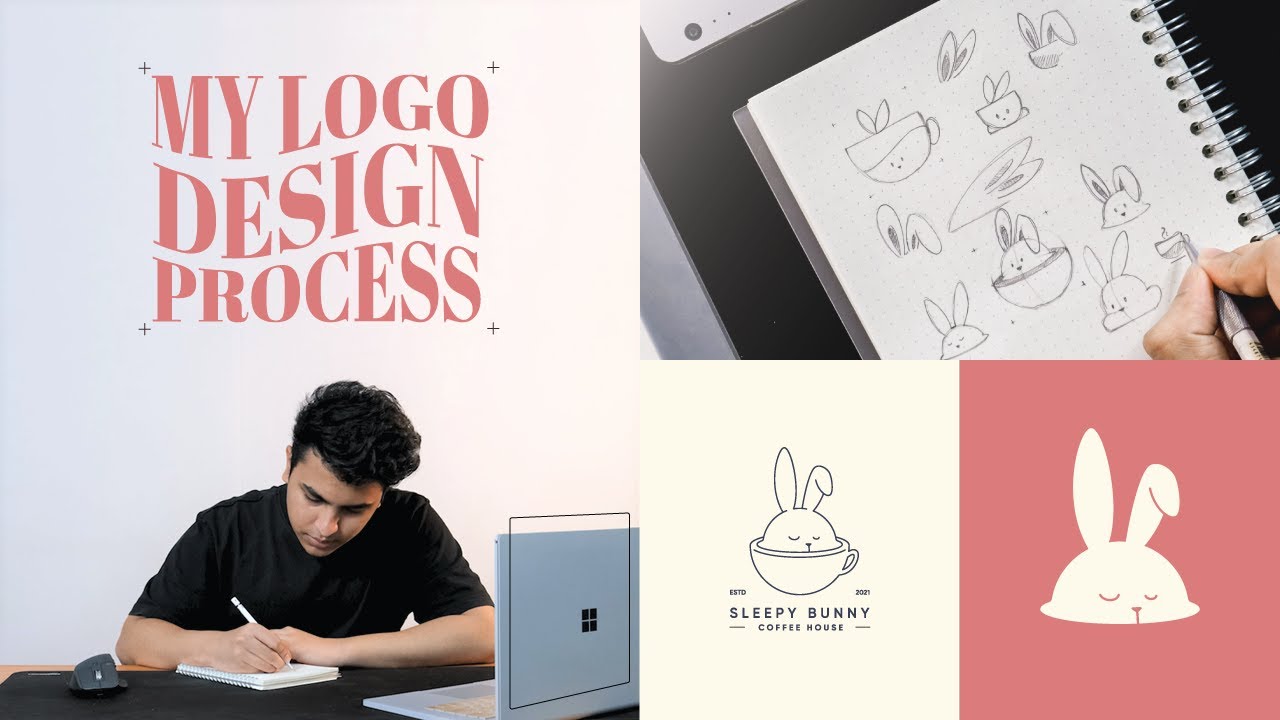
Sometimes, the biggest hurdle is just knowing where to start and how to get to the finish line. This video walks you through the entire, end-to-end logo design process, which is incredibly helpful. It shows you how to take a client's vision or a brand’s needs and systematically turn them into a polished vector logo. It’s a fantastic resource for anyone who wants a clear roadmap. The video offers a comprehensive overview of the logo design process within a short timeframe, making it accessible for beginners.
The step-by-step approach is what makes this tutorial stand out. You'll learn how to really dig into a client brief, find inspiration that actually fuels your design, and then translate those early ideas into strong sketches. Plus, the guidance on color selection and the actual vectorization process in Illustrator is super practical. You'll come away with a solid understanding of the complete cycle. The creator demonstrates a practical application of design principles and software tools, using a relatable example (Sleepy Bunny Coffee House).
- Understand client briefs and gather effective inspiration.
- Master sketching and color selection for logo development.
Digitize Your Ideas: Turning Sketches into Professional Vector Logos
Got a brilliant sketch that you're not sure how to bring into the digital realm? This tutorial is exactly what you need. It focuses on the nitty-gritty of taking a hand-drawn concept and meticulously crafting it into a professional vector logo using Adobe Illustrator's robust tools. You’ll get a hands-on look at how to use the Pen Tool effectively, refine shapes, and add those finishing touches that make all the difference. This tutorial provides a practical workflow from sketch to polished vector logo, emphasizing efficiency.
We found the detailed demonstration of using the Pen Tool for creating clean curves and managing anchor points to be particularly valuable. It’s a fundamental skill, and seeing it applied with precision is key. The video also shows you how to add dynamic stroke variations, which really elevates a logo from flat to dynamic. It's about making your initial ideas shine through. It distinguishes itself from simpler tracing tutorials by focusing on minimizing anchor points and effectively utilizing Illustrator's features for creating depth and refining shapes.
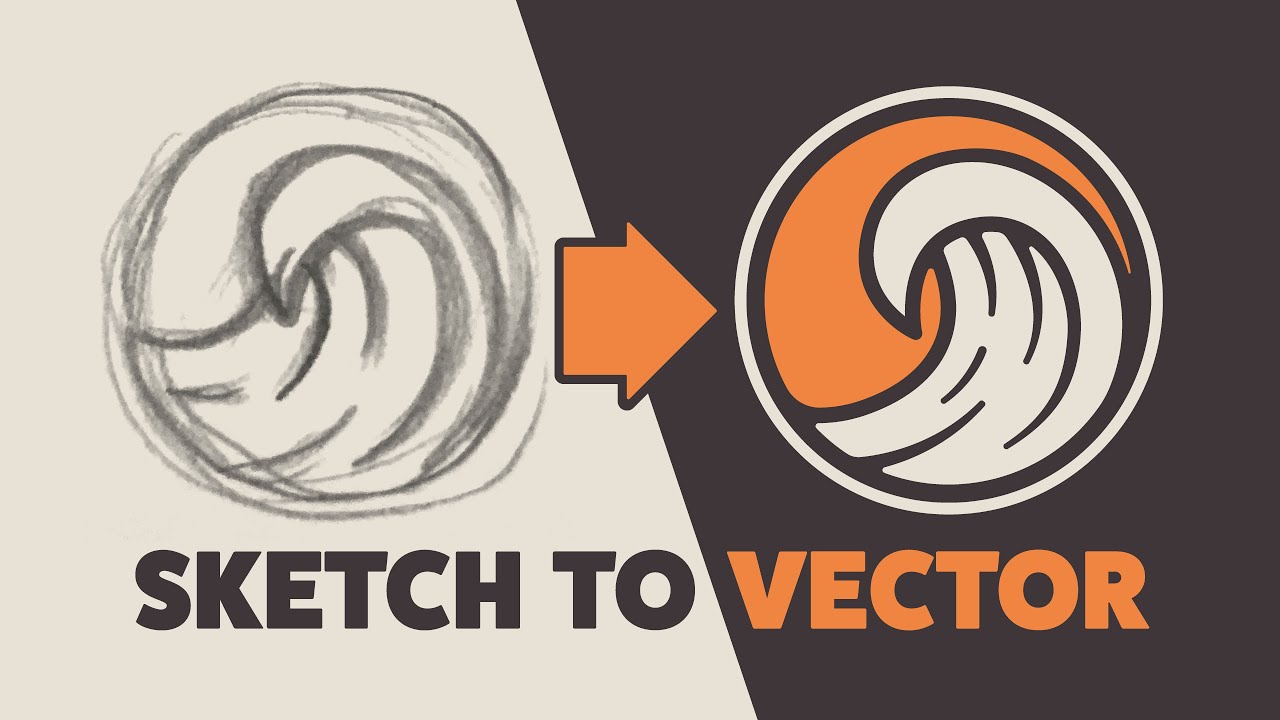
- Import and prepare sketches for accurate tracing in Illustrator.
- Use the Pen Tool and strokes to create professional vector logos.
Your Next Steps
By combining efficient workflow techniques, foundational design principles, and practical step-by-step guidance, you can confidently create impactful vector logos in Adobe Illustrator. The journey from a rough idea to a polished, scalable logo is achievable with the right resources. These videos are a fantastic starting point for anyone looking to master logo design in Illustrator and elevate their vector graphics skills.
Your Action Items
- ☐Pick one video from above and watch it on Querivo
- ☐Ask questions and check summaries while watching without breaking your flow
- ☐Use the AI chat to clarify confusing parts and deepen understanding
- ☐Come back for more curated videos on topics you want to master
Start applying these techniques today and elevate your logo design skills! Watching these specific videos is your direct path to mastering Illustrator logo design on YouTube and learning vector graphics for free.
Turn Any YouTube Video into an Interactive Lesson
Paste any video link, get an instant AI summary, and ask questions in real-time.
Try Querivo Free →Related Videos You Might Enjoy
Looking for more perspectives on this topic? Here are some additional videos worth checking out:
Adobe Illustrator for Beginners: Get Started in 10 Minutes
This video introduces Adobe Illustrator for absolute beginners, explaining its core concepts as a vector drawing software. It guides viewers through the workspace, essential tools like shape and selection tools, and fundamental manipulation techniques, all within a 10-minute timeframe.