Are you struggling to create a logo that truly represents your brand? In today's visually driven world, a professional logo is no longer a luxury – it's a necessity for making a lasting impression. Many small business owners and aspiring designers feel intimidated by complex design software. Fortunately, a wealth of free and accessible YouTube tutorials can guide you through the process of creating impactful vector logos, even with minimal experience. This article curates the most essential YouTube videos to help you master Illustrator logo design and understand the principles of effective branding. We'll guide you from quick, free logo makers to more in-depth tutorials on using powerful tools.
Key Takeaways
- 1Your essential guide to creating professional logos with free online resources.
- 2Master logo creation in minutes using quick online tools.
- 3Learn to design impactful brands using accessible platforms like Canva.
- 4Discover how to leverage everyday software like Microsoft Word for design.
- 5Elevate your brand's visual identity with practical video tutorials.
Who this is for
- If you're a small business owner needing a quick, professional logo without a big budget
- If you're an aspiring graphic designer looking to learn vector logo fundamentals
- If you're someone who feels intimidated by complex design software like Adobe Illustrator
Start Learning with AI-Powered Video Summaries
Get instant summaries, ask questions, and turn any video into an interactive study session.
Try Querivo Free →Get Your First Logo in Minutes: Quick & Easy Online Creation
When you're just starting out or need a logo fast, diving into complex software can be a real drag. This video offers a refreshingly straightforward approach, showing you how to whip up a logo using free online tools. It's perfect for those moments when you need something presentable, like, yesterday. You'll learn the basics of picking icons and fonts that actually work together, giving you a starting point for your brand's visual identity.
It’s important to note that while these tools are amazing for speed and accessibility, they do have limitations. You'll likely get a lower-resolution download, which isn't ideal for print or large-scale applications. But hey, for a social media profile pic or a basic website header, it's often surprisingly good enough. This is your quick win for getting a visual identity in place without any fuss.
- Leverage free online logo makers for rapid design.
- Select and customize icons and fonts to match your brand.
Professional Logos with Everyday Software: Mastering Microsoft Word
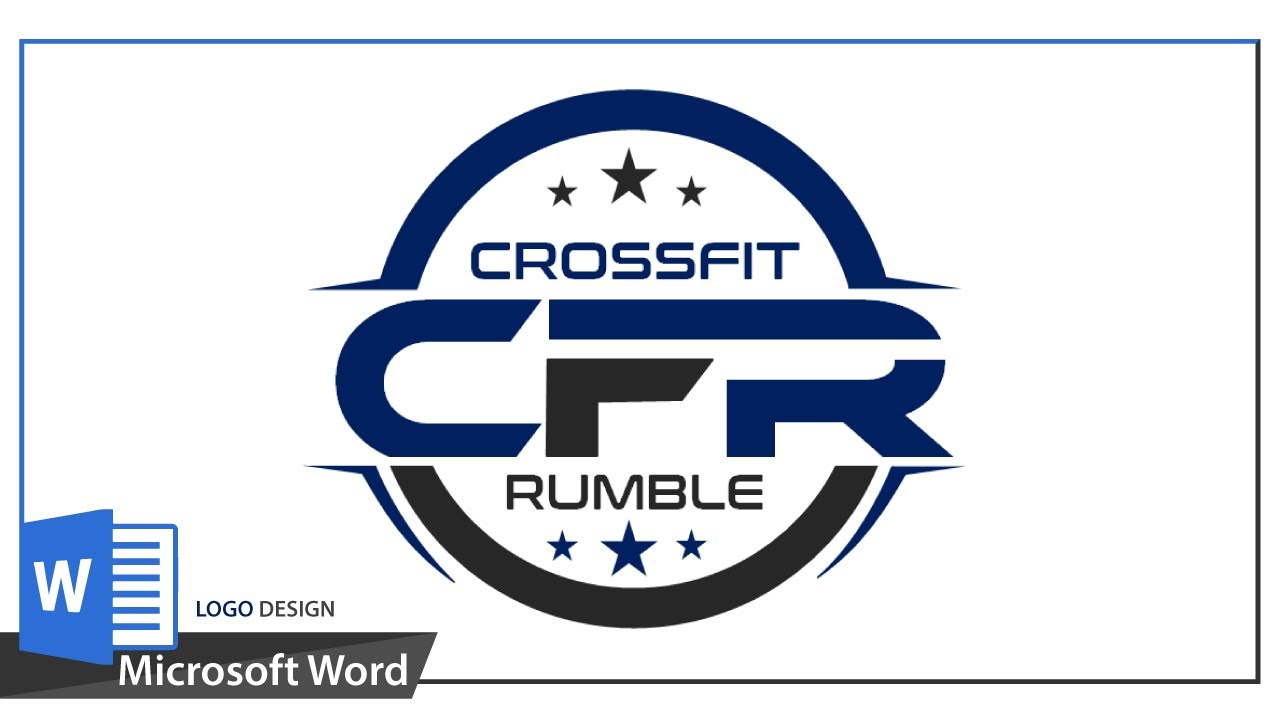
Who knew you could create a pretty solid logo using Microsoft Word? This video challenges the notion that you need fancy, expensive software to get professional results. You'll discover how to tap into Word's shape library, layering tools, and text formatting options to build unique logo elements. It's a fantastic resource if you're already comfortable with Word and want to explore graphic design possibilities within that familiar environment.
The creator walks you through building actual logo components, not just slapping text onto a page. Think custom shapes, curves, and careful placement. It really shows you how to think about design elements and how they fit together. For anyone looking for an accessible entry point into logo creation without a steep learning curve, this is definitely worth checking out. You might be surprised at what you can achieve.
- Utilize Microsoft Word's shape library to build logo elements.
- Master text formatting, placement, and even curving for unique typography.
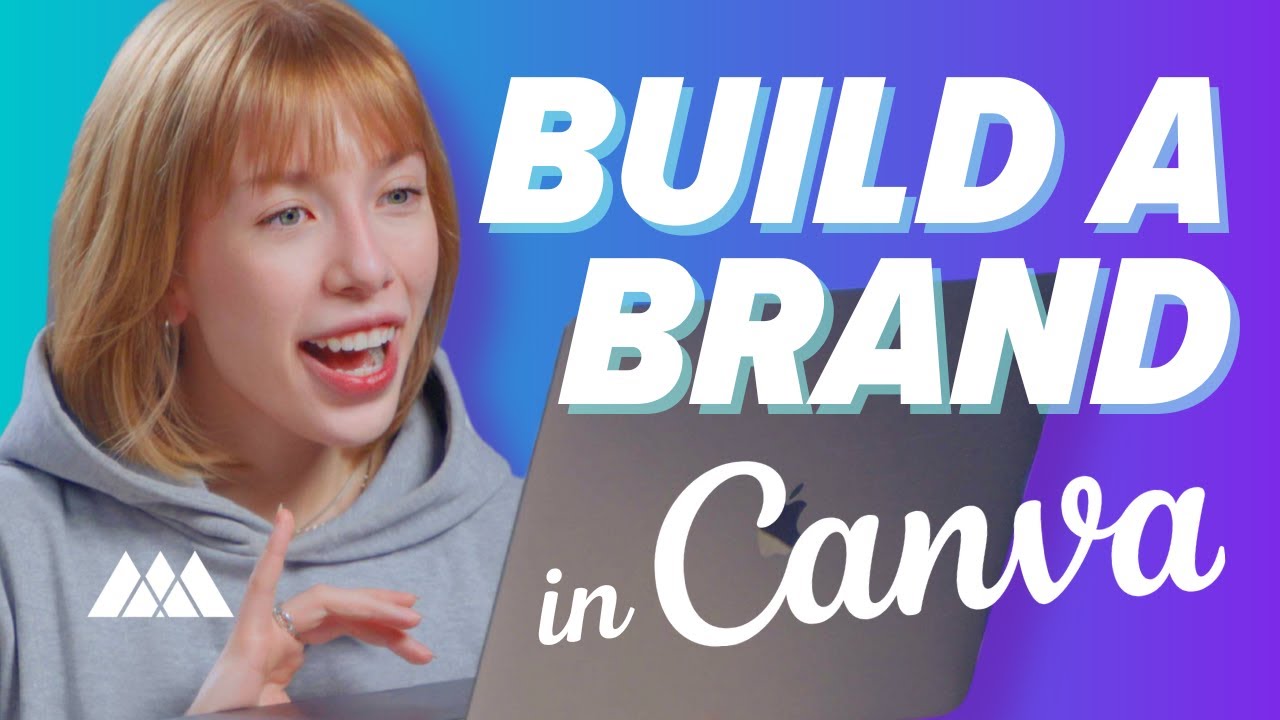
Building a Strong Brand Identity: Logo Design and Beyond with Canva
Creating a logo is just one piece of the branding puzzle, and this video tackles the bigger picture using Canva. It’s a smart move because consistency is key for any business. You'll learn how to design logos that not only look good but also fit into a broader brand identity. This means creating different versions of your logo, designing supporting graphics, and ensuring everything looks cohesive across all your platforms.
This is a great tutorial for anyone looking to establish a unified brand presence. It guides you through using Canva's extensive templates and elements, making the process intuitive even for beginners. You'll get a feel for what goes into creating a memorable brand, beyond just the logo itself. Plus, it touches on essential assets like website banners and favicons, which are crucial for online visibility.
- Design impactful logos using Canva's extensive template and element library.
- Ensure brand consistency by creating logo variations and supporting graphics.
Advanced Logo Techniques in Word: Layering and Curve Effects
Ready to take your Microsoft Word logo skills up a notch? This video dives deeper into creating more sophisticated designs within the software. You'll explore advanced layering techniques to add intricate details and achieve a polished, professional look that goes beyond the basics. It's proof that even common tools can yield impressive results with the right know-how.
The tutorial specifically highlights how to precisely curve text to fit circular or custom shapes. This is a game-changer for adding custom typography that really pops and feels custom-designed. Plus, you’ll learn how to incorporate decorative elements that can really enhance visual appeal and inject personality into your brand. It's a really useful session for anyone wanting to push the boundaries of what's possible in Word.
- Construct layered logo designs with intricate details in Word.
- Precisely curve text to fit circular or custom shapes for a professional finish.
Your Next Steps
Creating a professional logo is achievable for everyone, regardless of their design background or budget. By leveraging free online tools, user-friendly platforms like Canva, and even familiar software like Microsoft Word, you can develop a compelling visual identity that resonates with your audience.
Your Action Items
- ☐Pick one video from above and watch it on Querivo
- ☐Ask questions and check summaries while watching without breaking your flow
- ☐Use the AI chat to clarify confusing parts and deepen understanding
- ☐Come back for more curated videos on topics you want to master
Ready to elevate your brand? Start experimenting with these techniques today and see your vision come to life!
Turn Any YouTube Video into an Interactive Lesson
Paste any video link, get an instant AI summary, and ask questions in real-time.
Try Querivo Free →Related Videos You Might Enjoy
Looking for more perspectives on this topic? Here are some additional videos worth checking out:
How To Make a Logo for FREE in 5 Minutes!
This video tutorial demonstrates how to create a free logo in just five minutes using an online web-based tool called Logo Maker. It guides viewers through selecting icons, adding text, customizing colors and fonts, and downloading the logo in a low-resolution format.