Unlock the power of infinite scalability and crisp detail for your digital art. Ever wondered how those sleek icons and vibrant illustrations maintain their quality at any size?
Key Takeaways
- 1Curated YouTube videos for mastering Illustrator vector graphics.
- 2Learn to transform photos into stunning vector art.
- 3Master the Pen Tool for precise vector creation.
- 4Design professional, scalable icons from scratch.
- 5Build dynamic illustrations with advanced techniques.
Who this is for
- If you're a digital artist struggling to maintain artwork quality at different sizes
- If you're a graphic designer looking to create flexible logos and branding elements
- If you're an aspiring illustrator wanting to harness the power of vector art
Start Learning with AI-Powered Video Summaries
Get instant summaries, ask questions, and turn any video into an interactive study session.
Try Querivo Free →Adobe Illustrator is the industry-standard tool for creating vector graphics, offering unparalleled flexibility for digital artists and designers. Learning its core principles opens doors to professional-grade artwork, from logos to complex illustrations. This guide dives into the best YouTube tutorials to help you master Illustrator's vector capabilities. We'll explore transforming photos into vectors, creating custom icons, building intricate illustrations, and understanding fundamental vector drawing techniques. Get ready to elevate your digital art with these expert-led lessons on Illustrator vector graphics on YouTube.
Transform Photos into Stunning Vector Art with Ease
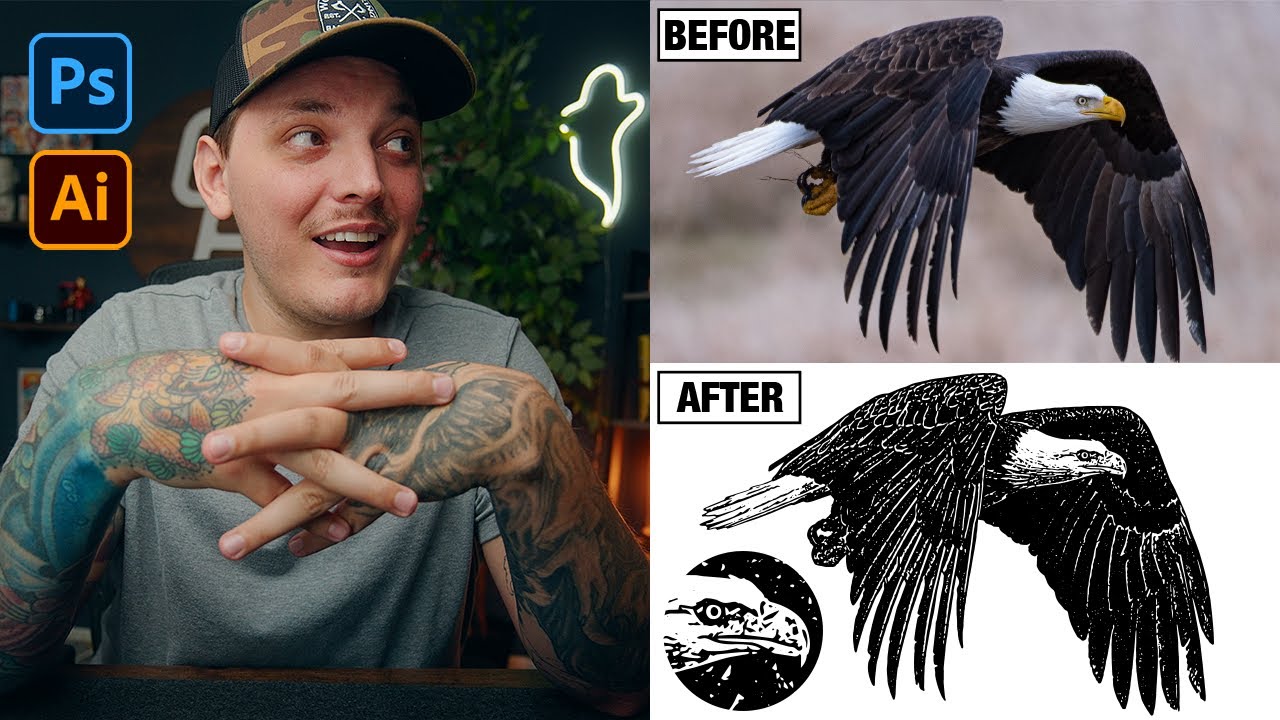
Ever looked at a photograph and wished you could capture its essence in a clean, scalable vector format? It's definitely possible, and this video shows you a remarkably streamlined way to do it. You'll discover how to leverage both Photoshop and Illustrator to get incredible results, making vectorization accessible even if your starting point is a photo. This isn't just about tracing; it's about intelligent conversion that preserves detail and clarity.
The creator walks you through using Photoshop's powerful AI background removal and its diverse filter gallery. These initial steps are surprisingly crucial for preparing your image. Then, the magic really happens in Illustrator with its Image Trace feature. You'll learn how to fine-tune settings to get the best automated vector conversion. Plus, a tip about using Photoshop's Camera Raw filter beforehand really enhances the final output. It’s a pretty solid workflow for anyone wanting to bridge the gap between photography and vector art.
- Convert photos to vector art using Photoshop and Illustrator.
- Enhance details using Camera Raw and Image Trace effectively.
Study This Video Deeper
Get an AI summary and ask questions about confusing parts in real-time.
Open in Querivo →Mastering the Pen Tool: The Cornerstone of Vector Creation
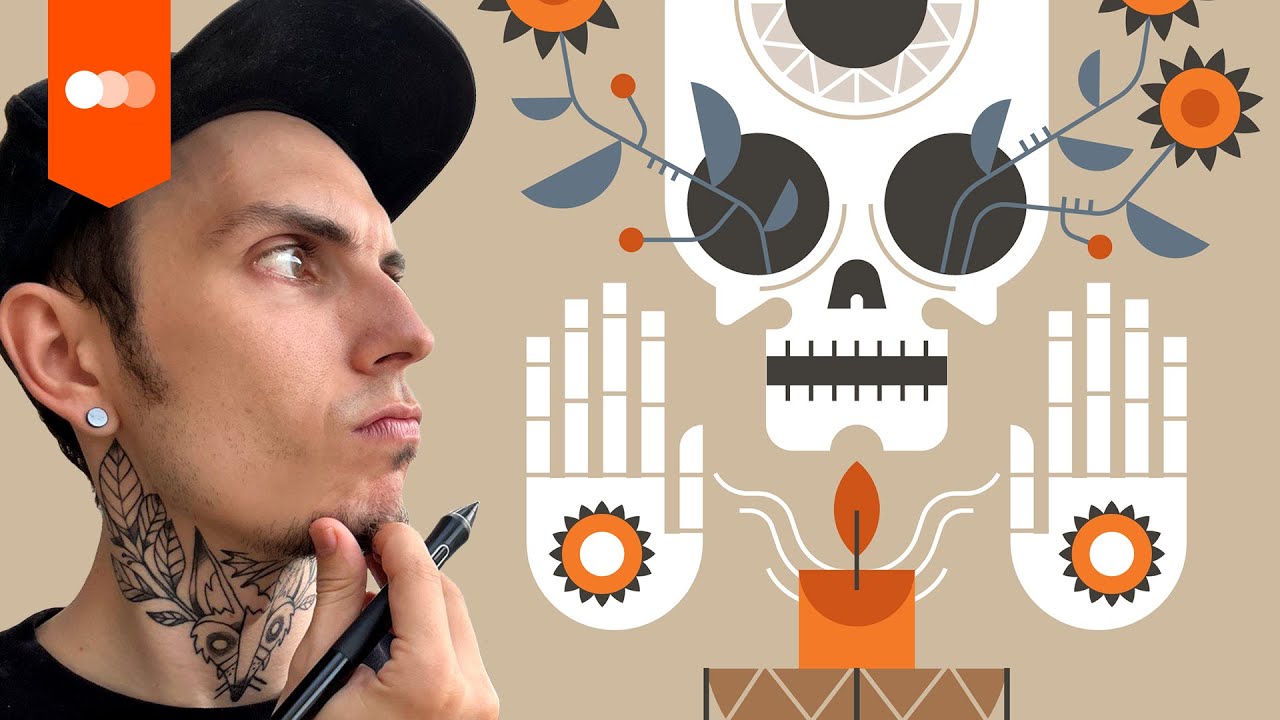
If you're going to do anything significant with Illustrator vector graphics, you absolutely must get comfortable with the Pen Tool. Honestly, it can feel intimidating at first, but this video breaks down its core functionalities in a way that's super easy to grasp. You'll learn how to create those perfect curves and clean lines that form the backbone of any professional-looking vector graphic. Seriously, understanding this tool is like unlocking a secret level in digital art.
This tutorial focuses on the practical aspects – actually building clean vector shapes from scratch. You'll see firsthand how those little anchor points and their handles are not just dots and lines; they're your direct control over the path's direction and curvature. Building confidence with the Pen Tool is crucial, and by practicing the techniques shown here, you'll soon be drawing complex forms with impressive precision. It’s all about demystifying the process so you can draw exactly what you envision.
- Master Pen Tool for precise curves and lines in Illustrator.
- Learn anchor point manipulation for controlled shape creation.
Create Professional Icons: From Sketch to Scalable Vector
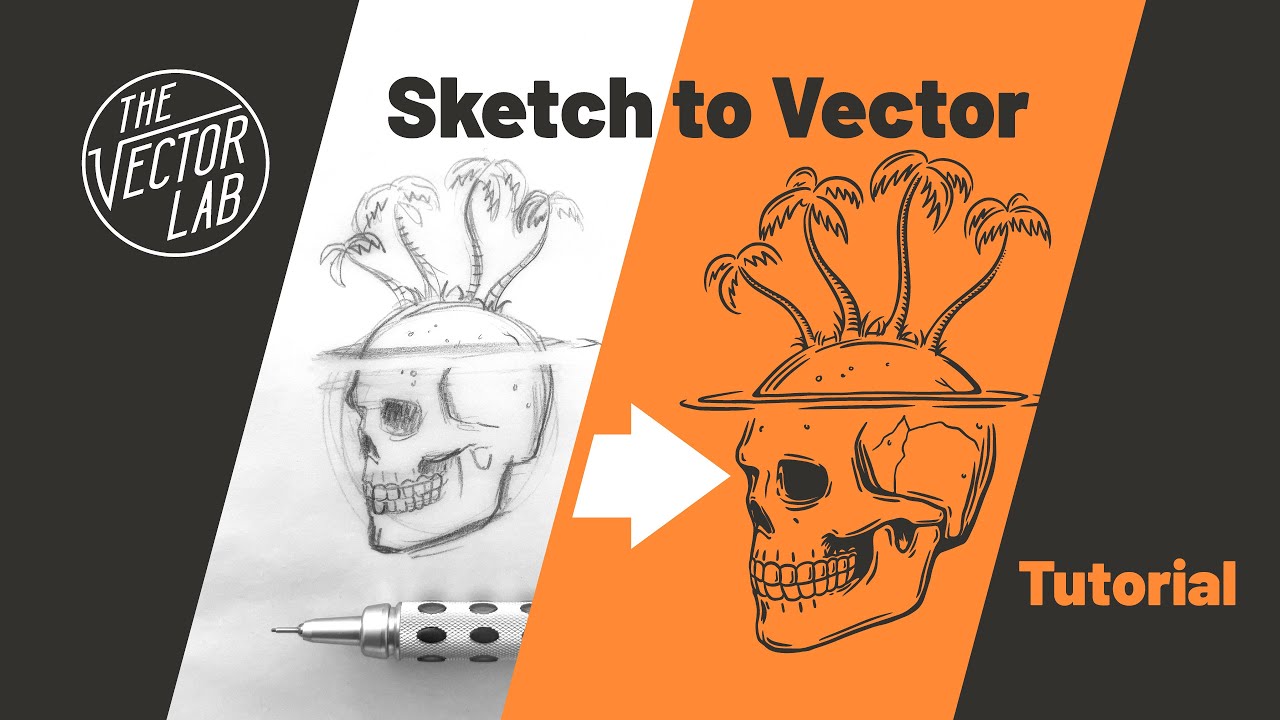
Icons are everywhere, aren't they? From app interfaces to website navigation, they need to be clear, recognizable, and, crucially, scalable. This video is your guide to creating professional-grade icons, taking you from that initial spark of an idea to a polished, ready-to-use vector graphic. You'll learn effective methods for sketching out your concepts and then refining them into clean vector shapes within Illustrator.
The emphasis here is on creating simple, impactful designs. It's not about overcomplication; it's about clarity and recognition at any size. You’ll discover best practices for ensuring your icon designs are consistent and ready for various applications. Whether you're designing a whole icon set or just a single symbol, this tutorial provides a solid foundation for translating hand-drawn ideas into versatile vector assets. This is a great resource for anyone interested in learn vector art Illustrator for UI/UX design.
- Translate sketches into clean, scalable vector icon designs.
- Learn best practices for icon design consistency.
Building Dynamic Illustrations with Illustrator's Vector Tools
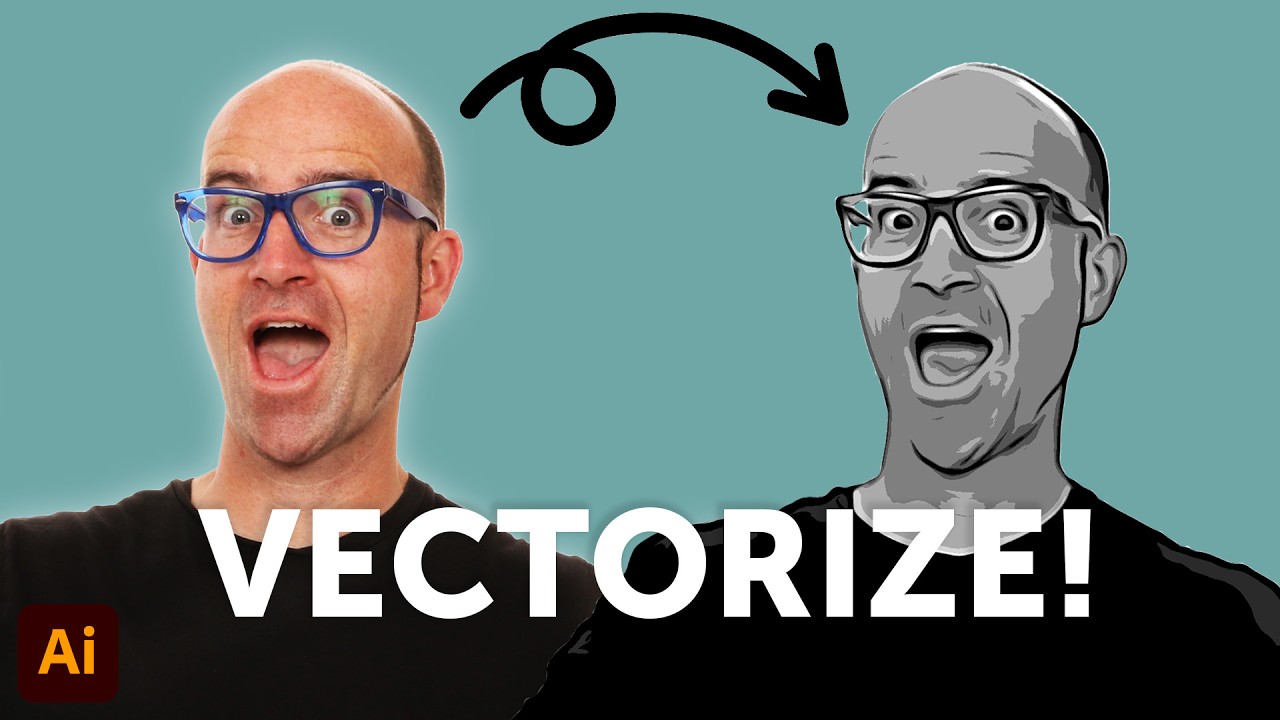
Ready to move beyond basic shapes and dive into creating more intricate and visually rich illustrations? This video explores some of the more advanced techniques that Illustrator's comprehensive vector toolkit offers. You'll learn how to effectively combine shapes and paths to build complex designs that really stand out. It's about pushing the boundaries of what you can create with vector art.
A significant part of this tutorial dives into the powerful Pathfinder and Shape Builder tools. These are absolute game-changers when you're working on intricate projects, allowing for complex operations on shapes with surprising ease. You'll also get insights into color theory and how to apply it effectively within vector illustration, helping your artwork pop. Developing a robust workflow for detailed digital drawings is key, and this video provides valuable insights to help you achieve that.
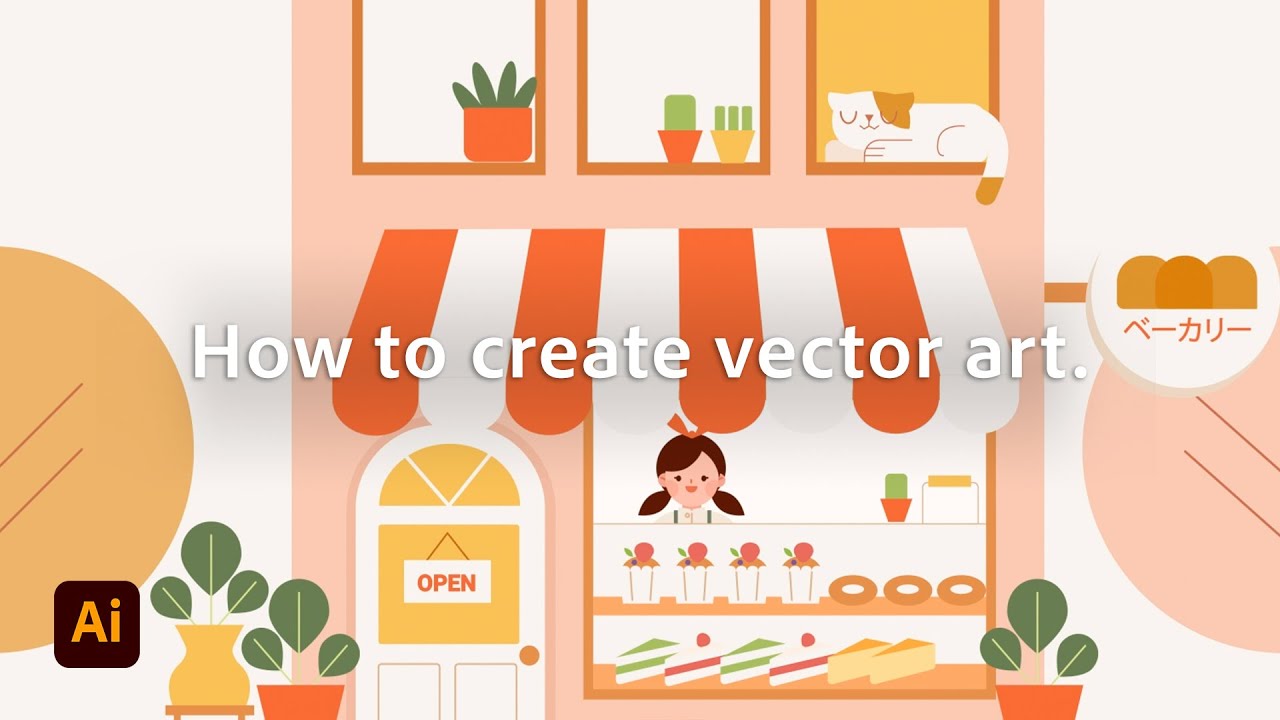
- Combine shapes and paths for intricate illustration designs.
- Explore Pathfinder and Shape Builder for complex artwork.
Your Next Steps
You've explored powerful YouTube tutorials to master Illustrator for vector graphics. From transforming photos and drawing with the Pen Tool to crafting custom icons and building detailed illustrations, these resources provide a solid foundation for your digital art journey. Learning Illustrator vector graphics on YouTube has never been more accessible or more effective, thanks to these expert-led guides.
Your Action Items
- ☐Pick one video from above and watch it on Querivo
- ☐Ask questions and check summaries while watching without breaking your flow
- ☐Use the AI chat to clarify confusing parts and deepen understanding
- ☐Come back for more curated videos on topics you want to master
These curated videos offer a fantastic starting point for anyone looking to create scalable artwork, icons, and illustrations. Dive in, experiment, and start bringing your digital art visions to life.
Turn Any YouTube Video into an Interactive Lesson
Paste any video link, get an instant AI summary, and ask questions in real-time.
Try Querivo Free →Related Videos You Might Enjoy
Looking for more perspectives on this topic? Here are some additional videos worth checking out:
Adobe Illustrator for Beginners: Get Started in 10 Minutes
Adobe Illustrator Beginner Tutorial: Create a Vector Pear from Sketch (HD)
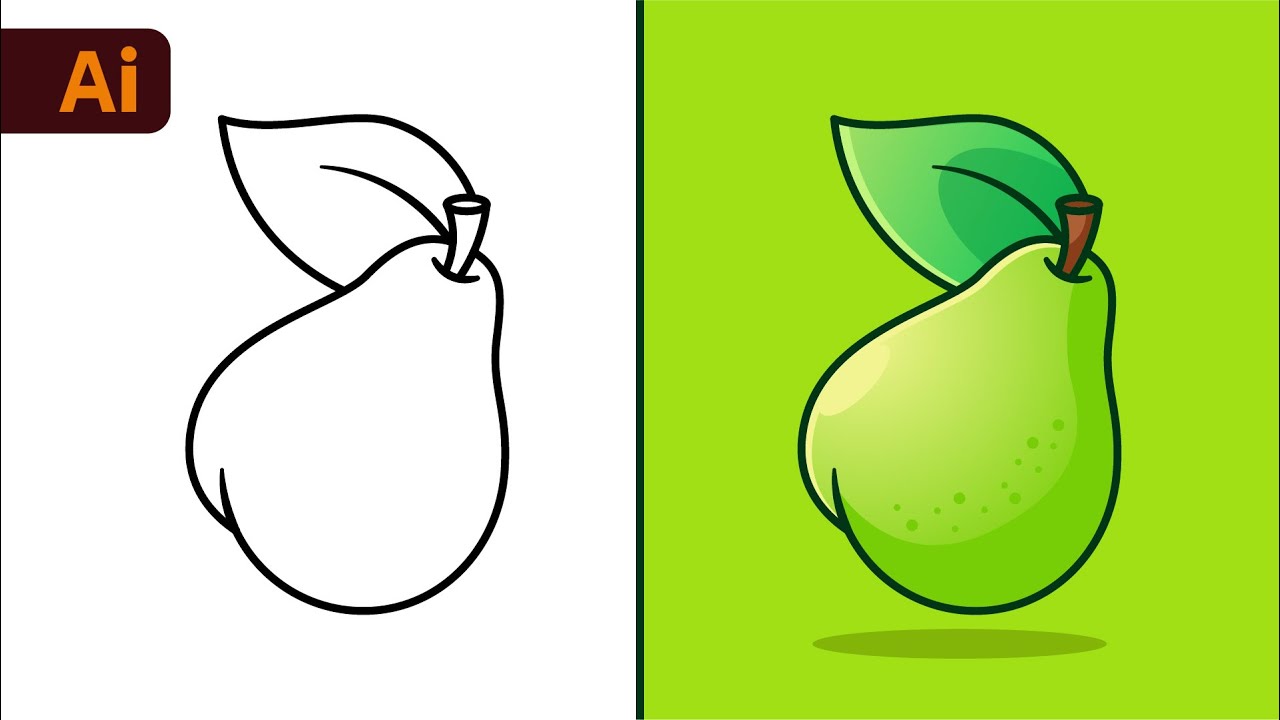
Illustrator Tutorial: Create a Vector Logo from a Rough Sketch
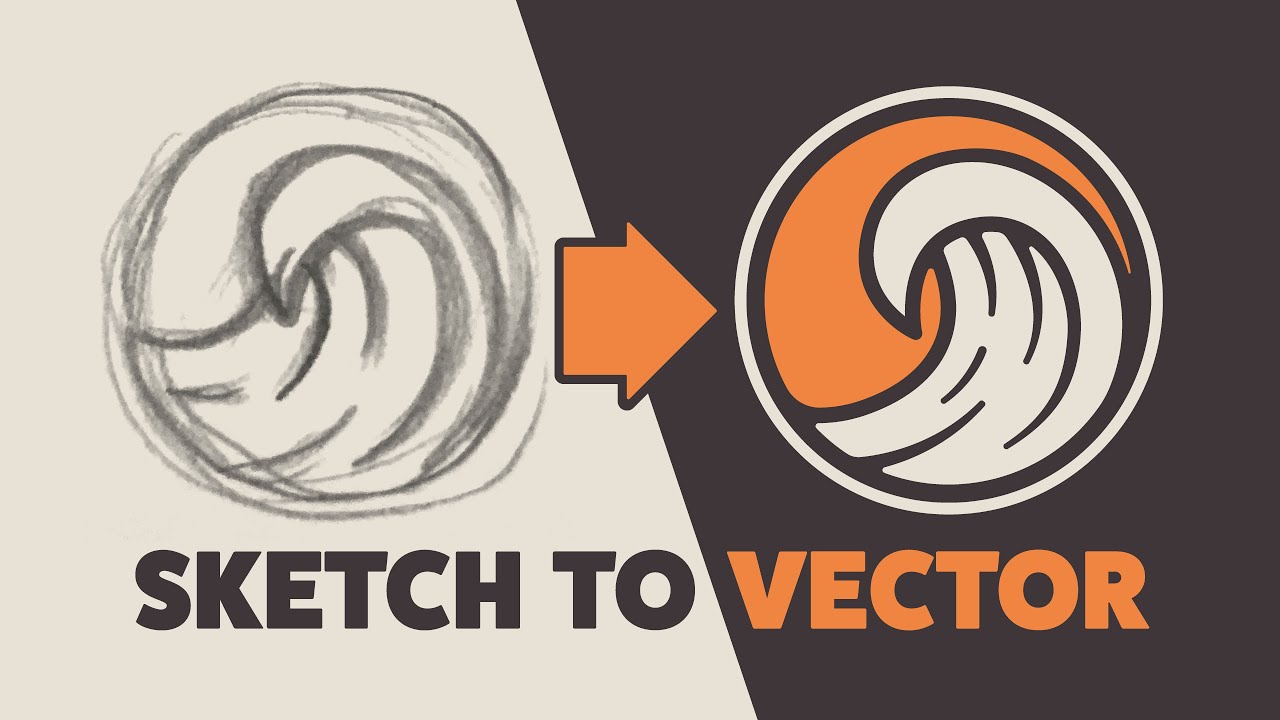
Convert Any Photo Into Vector Graphics! (Photoshop & Illustrator Tutorial)
This tutorial demonstrates a streamlined process for converting any photograph into a vector graphic using Adobe Photoshop and Illustrator. It covers background removal, image adjustments for detail enhancement, and leveraging Illustrator's image trace feature to create scalable vector artwork.