Are you a content creator, artist, or marketer looking to inject a powerful new tool into your creative workflow? Imagine a co-pilot that can brainstorm ideas, generate drafts, and even assist in multimedia creation. That's the promise of Google's Gemini AI, and this guide will show you how to harness its potential through the best YouTube tutorials available.
Key Takeaways
- 1Unlock Gemini AI's creative potential for your projects.
- 2Learn to automate workflows and enhance content creation.
- 3Master multimodal capabilities for richer outputs.
- 4Refine prompts for superior AI-generated results.
- 5Elevate your creative tasks with expert video guides.
Who this is for
- If you're a creator overwhelmed by AI tools and seeking clarity
- If you're an artist or marketer looking to boost productivity and innovation
- If you're an AI enthusiast eager to explore Gemini's advanced features
Start Learning with AI-Powered Video Summaries
Get instant summaries, ask questions, and turn any video into an interactive study session.
Try Querivo Free →Decode Gemini 3 Pro: Strengths, Weaknesses, and Creative Applications
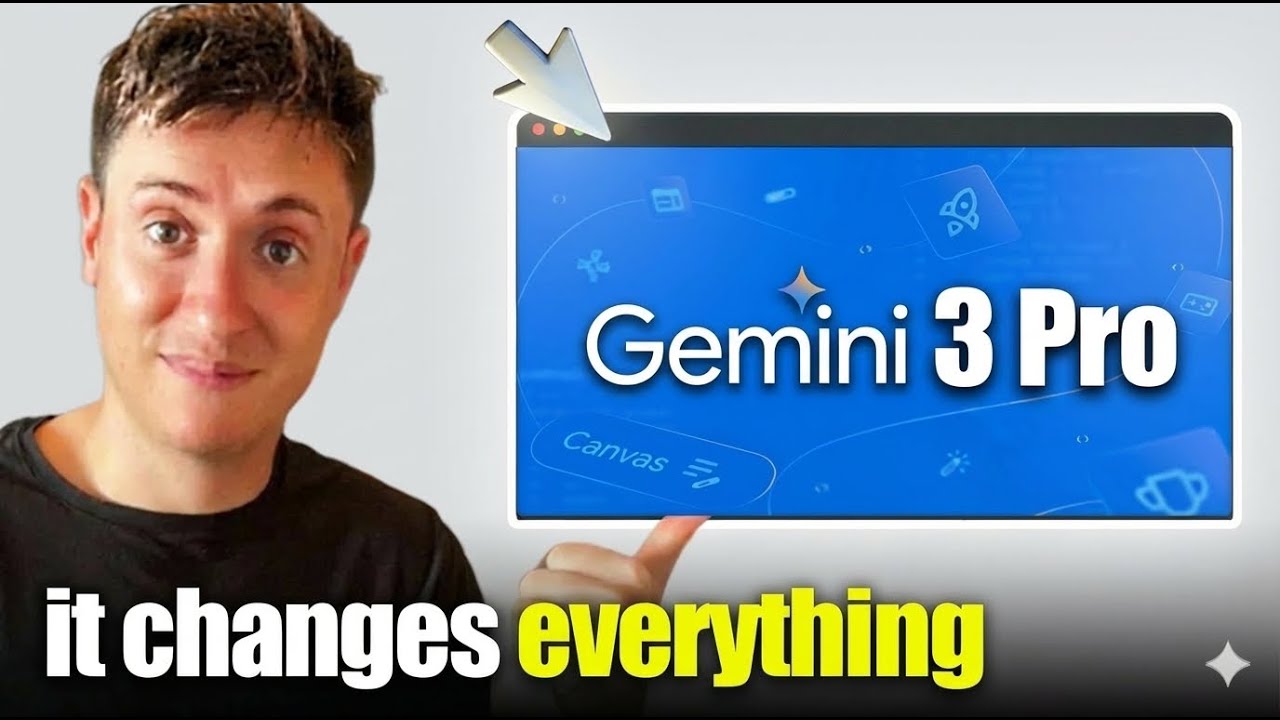
Navigating the evolving world of AI requires understanding the specific tools at your disposal. The video "Master 85% of Google Gemini in 12 Minutes" by Jeff Su provides valuable content for precisely this purpose. This tutorial dives deep into Google Gemini 3 Pro, dissecting its capabilities and limitations, particularly for those of you focused on creative endeavors. It's essential to know where Gemini truly shines and where you might need to supplement its power with other approaches. You'll uncover how its performance metrics translate into practical benefits for your creative groundwork and identify specific use cases that can genuinely streamline your workflow. By understanding these core aspects, you can begin to integrate Gemini effectively, ensuring you're using it for its intended strengths.
Video title: Master 85% of Google Gemini in 12 Minutes Channel: Jeff Su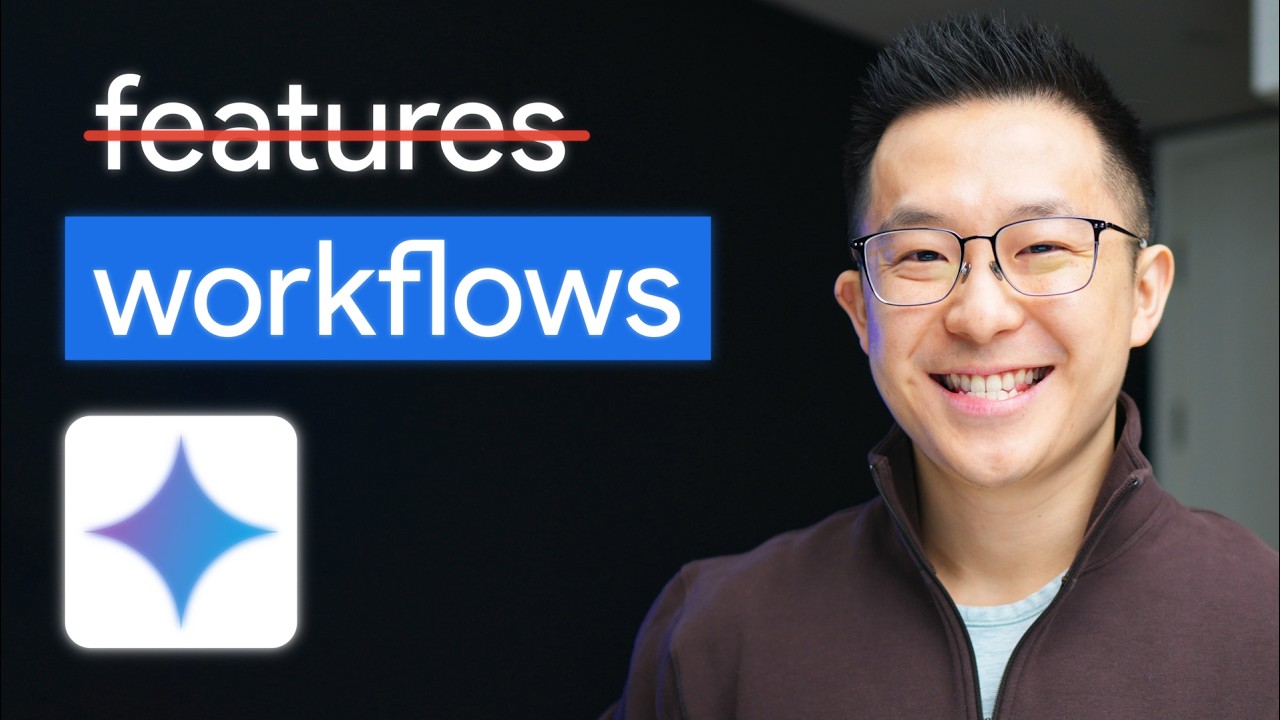
- Understand Gemini 3 Pro's specific strengths for creative tasks.
- Identify scenarios where Gemini is ideal and where it might fall short.
Streamline Your Creativity with Gemini AI Agents
Repetitive tasks can really bog down a creative process, can't they? The video "How to Use Google Gemini - Including New Prompts" by Howfinity is a game-changer for anyone looking to automate their workflow using Gemini 3 Pro's exciting new agent features. You'll discover how to connect Gemini to a variety of applications, effectively creating an AI assistant that handles the grunt work for you. This is particularly interesting for those looking to leverage advanced agent capabilities, and the creator highlights how platforms can provide extensive integration with thousands of apps. Think of the time you'll save by automating routine tasks, allowing you to focus on the more innovative and strategic aspects of your creative projects.
Video title: How to Use Google Gemini - Including New Prompts Channel: Howfinity
- Explore practical AI agent features for task automation.
- Learn to connect Gemini to other apps for workflow streamlining.
Study This Video Deeper
Get an AI summary and ask questions about confusing parts in real-time.
Open in Querivo →Unleash Multimodal Magic: Gemini for Richer Content Creation
The real power of Gemini AI lies in its ability to understand and generate across different types of media. The tutorial "The ONLY Google Gemini Tutorial You Need! How To Use Gemini Like a Pro in 18 Minutes" by Charlie Chang is your key to unlocking those multimodal capabilities. You'll see how to weave together text, images, audio, and even video for truly integrated and engaging creative projects. This video offers live demonstrations that clearly illustrate Gemini's potential, providing practical applications for content creation and idea generation that might surprise you. If you're aiming for content that's not just informative but also captivating, mastering this aspect of Gemini is crucial for creating a more dynamic and immersive experience for your audience.
Video title: The ONLY Google Gemini Tutorial You Need! How To Use Gemini Like a Pro in 18 Minutes Channel: Charlie Chang
- Leverage Gemini's advanced features for integrated creative projects.
- See practical applications of combining different media types.
Prompt Engineering: Your Secret Weapon for Superior Gemini Outputs
Even the most powerful AI can only do so much with vague instructions. The video "Master Google Ai Studio in 15 Minutes" by Darrel Wilson focuses on a critical skill for anyone working with Gemini AI: prompt engineering. You'll learn the fundamental principles behind crafting effective prompts that elicit the precise creative results you're looking for. We'll explore techniques for refining your instructions to achieve specific artistic styles or content types, and importantly, how to iterate and overcome any perceived limitations in Gemini's creative writing. Mastering prompt engineering is your secret weapon to truly maximize Gemini's creative potential, ensuring you get the most accurate and inspiring outputs for your projects.
Video title: Master Google Ai Studio in 15 Minutes Channel: Darrel Wilson
- Master the art of crafting effective prompts for AI.
- Learn techniques to refine prompts for specific creative outcomes.
Study This Video Deeper
Get an AI summary and ask questions about confusing parts in real-time.
Open in Querivo →Your Next Steps
By diving into these expertly curated YouTube videos, you've gained a solid foundation for leveraging Gemini AI in your creative endeavors. Understanding its nuances through Jeff Su's tutorial, automating your tasks with Howfinity's guide, exploring its multimodal power with Charlie Chang's insights, and mastering prompt engineering as demonstrated by Darrel Wilson are all within your reach. Now, it's time to put that knowledge into practice.
Your Action Items
- ☐Pick one video from above and watch it on Querivo
- ☐Ask questions and check summaries while watching without breaking your flow
- ☐Use the AI chat to clarify confusing parts and deepen understanding
- ☐Come back for more curated videos on topics you want to master
These resources offer a clear roadmap to enhance your creative output and unlock new possibilities with Gemini AI. Don't just watch – engage, experiment, and integrate these powerful techniques into your workflow.
Turn Any YouTube Video into an Interactive Lesson
Paste any video link, get an instant AI summary, and ask questions in real-time.
Try Querivo Free →Related Videos You Might Enjoy
Looking for more perspectives on this topic? Here are some additional videos worth checking out:
Google Gemini Gems: The 90% You Should Automate
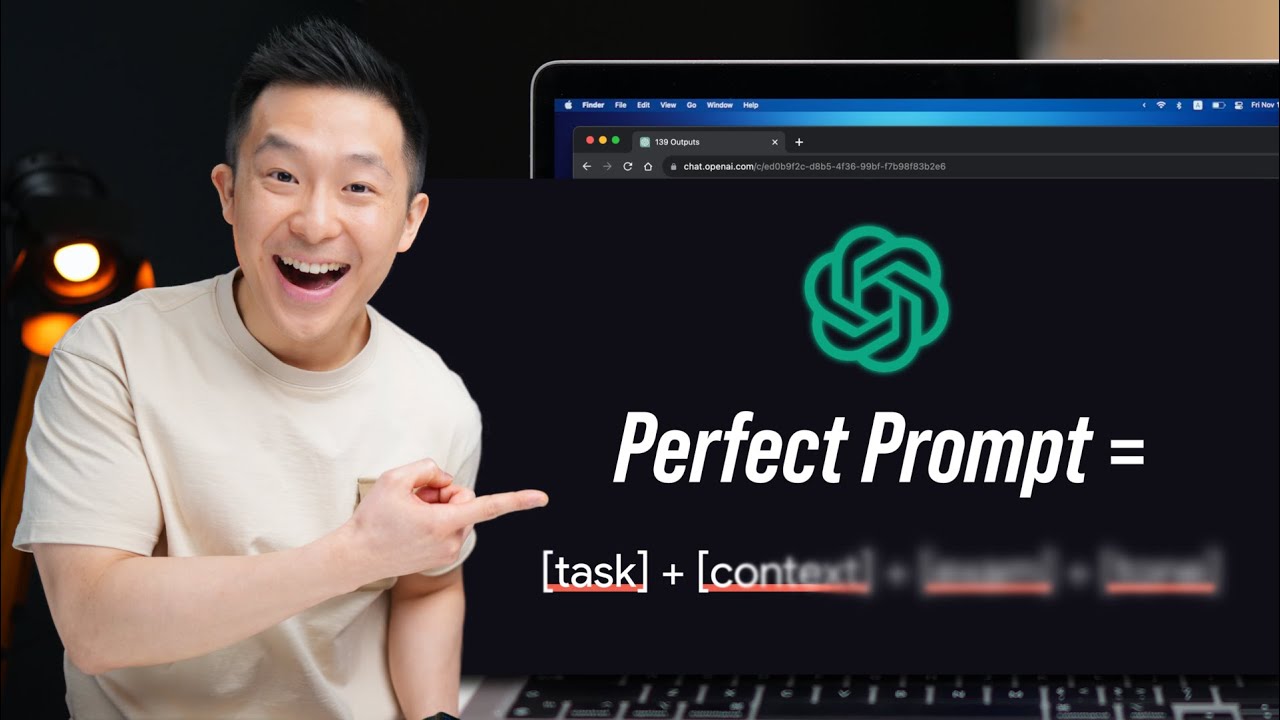
99% Of People STILL Don't Know The Basics Of Prompting (ChatGPT, Gemini, Claude)

Gemini 3 Pro is INCREDIBLE. Here's how to master it in 13 minutes
This video provides an in-depth analysis of Google's Gemini 3 Pro, highlighting its strengths in research, problem-solving, prototype building, and media generation, while also detailing its weaknesses in creative writing and business planning. The presenter offers practical insights on when to leverage Gemini 3 Pro's capabilities and when to consider other AI models.