Dreaming of building your own worlds and interactive experiences on Roblox? Learning to script is your key to unlocking that potential, and the vast library of YouTube tutorials is your ultimate classroom.
Key Takeaways
- 1Master Roblox scripting with curated YouTube videos.
- 2Learn essential Lua fundamentals for game development.
- 3Apply coding skills through real-time game challenges.
- 4Create engaging player experiences and advanced mechanics.
- 5Transform game ideas into playable realities.
Who this is for
- If you're a Roblox creator looking to add unique features to your games
- If you're an aspiring coder wanting to break into game development
- If you're seeking practical, step-by-step tutorials to learn Lua scripting
Start Learning with AI-Powered Video Summaries
Get instant summaries, ask questions, and turn any video into an interactive study session.
Try Querivo Free →Roblox game development goes far beyond just placing parts; it's about bringing your imagination to life through code. Lua scripting allows you to create unique mechanics, engaging player experiences, and even monetize your creations. This article guides you through the best YouTube resources to get you started and progressing on your scripting journey. We've analyzed a range of YouTube videos to bring you a curated guide on how to effectively learn Roblox scripting. Discover essential foundational concepts, practical application through game jams, advanced techniques, and how to build engaging game loops, all taught by top Roblox content creators on YouTube.
Kickstart Your Roblox Scripting Journey: The Absolute Basics
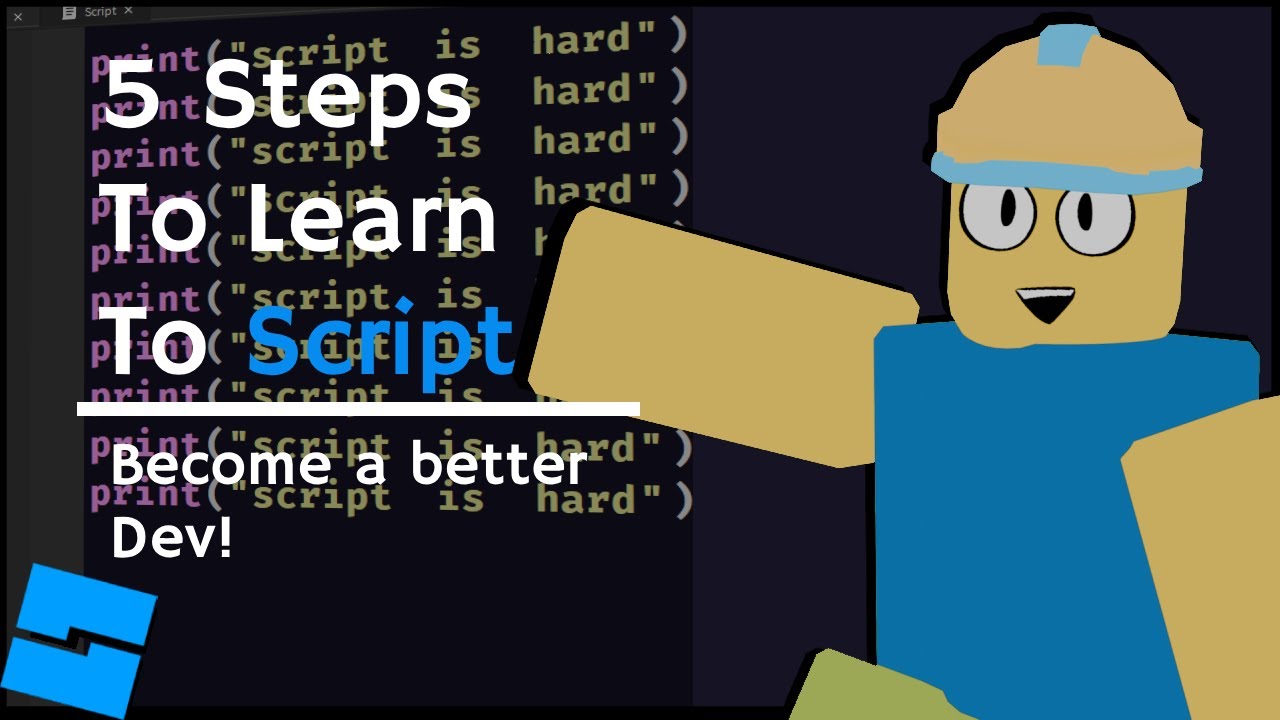
Feeling a bit overwhelmed by the idea of coding for Roblox? We get it. This video is designed to demystify the process, breaking down the core concepts of Lua scripting into bite-sized, manageable chunks. It’s your essential first stop for understanding the building blocks of making your Roblox creations interactive.
You’ll learn the foundational syntax that underpins all Lua scripting. That means getting comfy with variables, understanding different data types (like numbers and strings), and grasping how operators work to manipulate them. Plus, this video dives into crucial Roblox-specific objects and services you'll be using constantly, like Workspace and Players. Pretty vital stuff!
The real magic? You'll actually create your first simple scripts. Imagine changing the color of a part with code or making something happen when a player presses a key. This video makes that a reality, showing you the immediate impact of your newfound scripting knowledge. It’s a surprisingly solid introduction for anyone who’s never written a line of code before.
- Learn essential Lua syntax: variables, data types, and operators.
- Understand key Roblox objects like Workspace and Players.
- Write your first scripts to change part properties and respond to input.
Building a Game in 24 Hours: Real-World Lua Application
Ready to see how those fundamental scripting skills translate into actual game mechanics? This video throws you into the deep end with a 24-hour game development challenge. It's a fantastic way to see scripting applied in a practical, fast-paced environment, emphasizing problem-solving and rapid implementation.
The creator tackles scripting core game mechanics, showing you how to implement movement systems and simple obstacles. You'll witness firsthand how to bring essential gameplay elements to life. And it's not just about gameplay; you'll also get a glimpse into scripting basic UI elements and understanding how event listeners work to create interactive buttons or notifications.
What’s really valuable here is the insight into the iterative process of game design. Scripting under pressure teaches you to prioritize, adapt, and quickly prototype ideas. It’s a great way to see how to apply your foundational knowledge to build something tangible, even with a tight deadline. This is definitely worth watching if you want to see scripting in action.
- See scripting applied to core game mechanics like movement.
- Learn to implement basic UI elements and event listeners.
- Understand the iterative process of game development under pressure.
Study This Video Deeper
Get an AI summary and ask questions about confusing parts in real-time.
Open in Querivo →Creating Engaging Player Experiences: Intermediate Lua Scripting
Once you’ve got the basics down, it's time to move towards making your games more dynamic and captivating. This tutorial helps bridge that gap, showing you how to implement more complex systems and really enhance player engagement through thoughtful scripting. It's about taking your creations from functional to fun.
You'll discover how to develop interactive elements that players can actually engage with, like doors that open, triggers that activate events, or simple puzzles that require a bit of thought. This video breaks down how to use loops and conditional statements effectively to build more intricate game logic, allowing for branching outcomes and more sophisticated interactions.
Furthermore, you'll get an introduction to creating basic player progression systems and implementing collectables. Imagine having players gather items to unlock new abilities or advance through levels – this video shows you how to start building those kinds of engaging loops. It’s a practical guide to making your games feel more alive and rewarding for players.
- Develop interactive elements like doors, triggers, and puzzles.
- Master loops and conditional statements for complex game logic.
- Start building player progression systems and collectables.
Advanced Roblox Scripting: Sophisticated Game Design Strategies
Ready to level up your Roblox development skills and build truly sophisticated games? This video dives into the more advanced scripting techniques and strategic approaches that separate good games from great ones. It touches on optimizing your code for performance, adopting better coding practices, and designing advanced game loops that keep players hooked.
A key focus here is understanding client-server communication, a fundamental concept for any multiplayer or complex Roblox game. You'll learn about RemoteEvents and RemoteFunctions, which are crucial for allowing different parts of your game (like the player's screen and the server) to talk to each other effectively. This is pretty much essential for anything beyond a simple single-player experience.
Plus, you'll get insights into implementing more complex game systems, such as inventory management or intricate ability mechanics. The creator also shares valuable tips for organizing your code, making it more readable and maintainable, and crucially, improving script performance. This is definitely worth your time if you're aiming to build larger, more ambitious Roblox projects.
- Understand client-server communication with RemoteEvents/Functions.
- Implement complex systems like inventories or abilities.
- Learn code organization and performance optimization tips.
Your Next Steps
Learning Roblox scripting through YouTube offers a dynamic and accessible path to game development. By starting with fundamentals and progressively tackling more complex challenges and advanced techniques, you can transform your game ideas into playable realities.
Your Action Items
- ☐Pick one video from above and watch it on Querivo
- ☐Ask questions and check summaries while watching without breaking your flow
- ☐Use the AI chat to clarify confusing parts and deepen understanding
- ☐Come back for more curated videos on topics you want to master
Start your Roblox scripting journey today by exploring the featured YouTube videos and begin coding your first game!
Turn Any YouTube Video into an Interactive Lesson
Paste any video link, get an instant AI summary, and ask questions in real-time.
Try Querivo Free →Related Videos You Might Enjoy
Looking for more perspectives on this topic? Here are some additional videos worth checking out: