Struggling to navigate the vast ocean of Figma tutorials and wondering where to start your UI design journey? You're not alone.
Key Takeaways
- 1Master Figma for UI design with this curated video guide.
- 2Learn foundational design systems for scalable projects.
- 3Transform static designs into interactive prototypes.
- 4Collaborate effectively with your team in real-time.
- 5Elevate your UI skills with advanced techniques.
Who this is for
- If you're a beginner feeling overwhelmed by Figma's features
- If you're a designer looking to streamline your workflow and improve collaboration
- If you're a developer or product manager wanting to understand UI design principles
Start Learning with AI-Powered Video Summaries
Get instant summaries, ask questions, and turn any video into an interactive study session.
Try Querivo Free →Figma has become the industry standard for UI/UX design, offering powerful tools for collaboration, prototyping, and crafting intuitive user interfaces. However, with countless videos available, finding the right path to mastery can feel overwhelming. This article cuts through the noise, highlighting four essential YouTube video tutorials that provide a practical, step-by-step approach to learning Figma for UI design. We'll guide you from fundamental design systems to advanced prototyping and collaboration, empowering you to build stunning interfaces with confidence.
Build Your Design Foundation: Mastering Components and Styles
Getting started with Figma UI design is all about laying a strong foundation. This video is your gateway to understanding the core principles that make designs consistent, scalable, and efficient. It introduces the concept of a design system, which is absolutely crucial for any serious UI/UX work.
You'll discover how to think in terms of atomic design – breaking down your interface into reusable pieces like atoms, molecules, and organisms. This isn't just theoretical; the video shows you how to actually create these reusable components within Figma. Plus, it delves into the importance of styles, specifically text and color styles, ensuring your entire project has a unified visual language. And if that wasn't enough, it covers variants, a super handy feature for managing different states and sizes of your components without duplicating tons of work. It's pretty solid for grasping the nuts and bolts of building a robust design system from the ground up.

- Understand the Atomic Design methodology for scalable design systems.
- Learn to create and manage reusable components and styles in Figma.
Study This Video Deeper
Get an AI summary and ask questions about confusing parts in real-time.
Open in Querivo →Bring Your Designs to Life: Essential Figma Prototyping Techniques
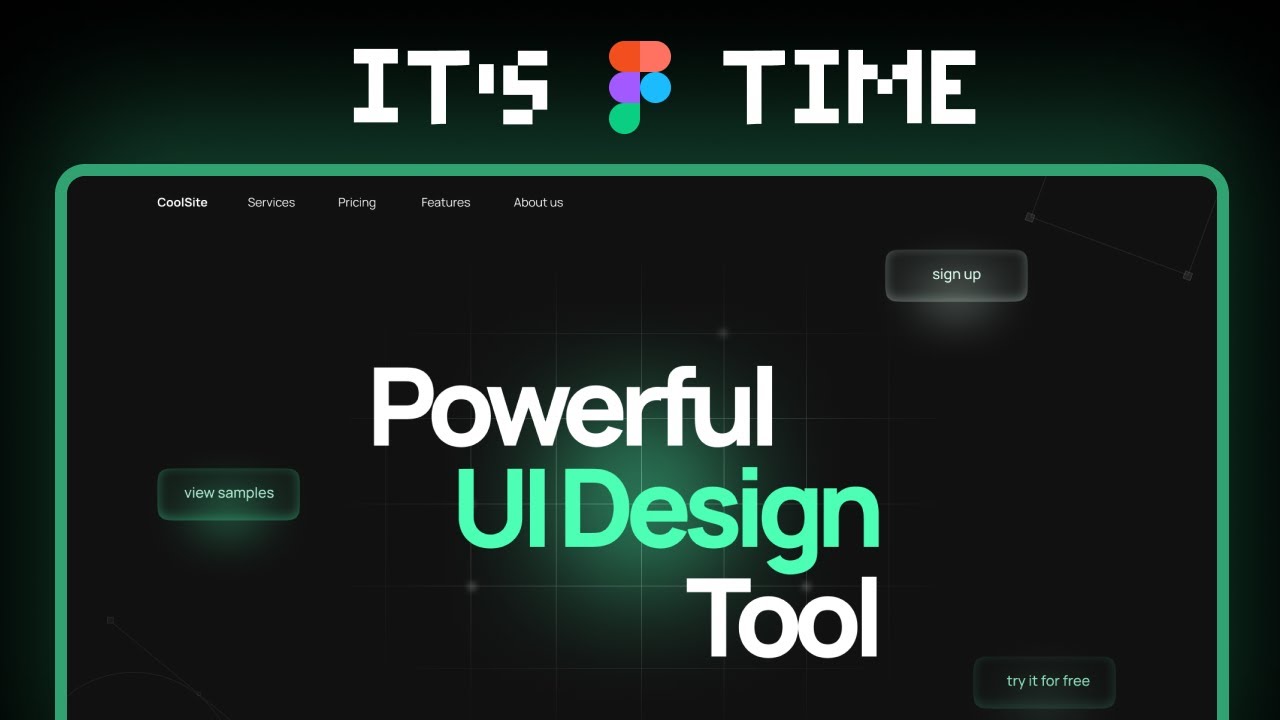
Static screens are just part of the story, right? To truly communicate your design intent and get meaningful feedback, you need to show how things work. This video dives headfirst into the world of Figma prototyping, a skill that's arguably as important as the visual design itself.
You'll learn the fundamental steps to make your designs interactive. This isn't just about linking buttons; it explores different triggers and actions to mimic real user flows, giving stakeholders a tangible feel for the user experience. The instructor shows you how to connect screens and elements, building realistic user journeys that reveal the flow of your application. It's all about best practices for effective prototyping, making sure you showcase your design vision clearly and concisely. Watching this is definitely worth it if you want to move beyond flat mockups.
- Learn the basics of creating interactive prototypes in Figma.
- Explore triggers, actions, and best practices for user flows.
Collaborate Seamlessly: Working Together in Figma
Design is rarely a solo sport, and Figma really shines when multiple people are involved. This video is all about harnessing Figma's collaborative power, making sure your team can work together like a well-oiled machine. Forget endless email chains and confusing version control; this is where real teamwork happens.
You'll get a clear picture of Figma's real-time collaboration features – seeing who's working on what, live. The creator walks you through sharing files and managing permissions, so everyone has the right access without any accidental overwrites. Plus, it covers essential methods for providing feedback and iterating on designs collectively. This is super important for staying aligned and moving projects forward smoothly. If you're working with others, this video is a must-watch for maintaining a productive and efficient workflow.
- Understand Figma's real-time collaboration and file sharing.
- Learn methods for team feedback and iterative design.
Elevate Your Skills: Advanced Figma Techniques for Stunning UIs
Once you've got the basics down, it's time to really polish your skills and create user interfaces that not only function well but also look incredible. This video delves into some of the more advanced functionalities within Figma that can truly elevate the quality and polish of your designs.
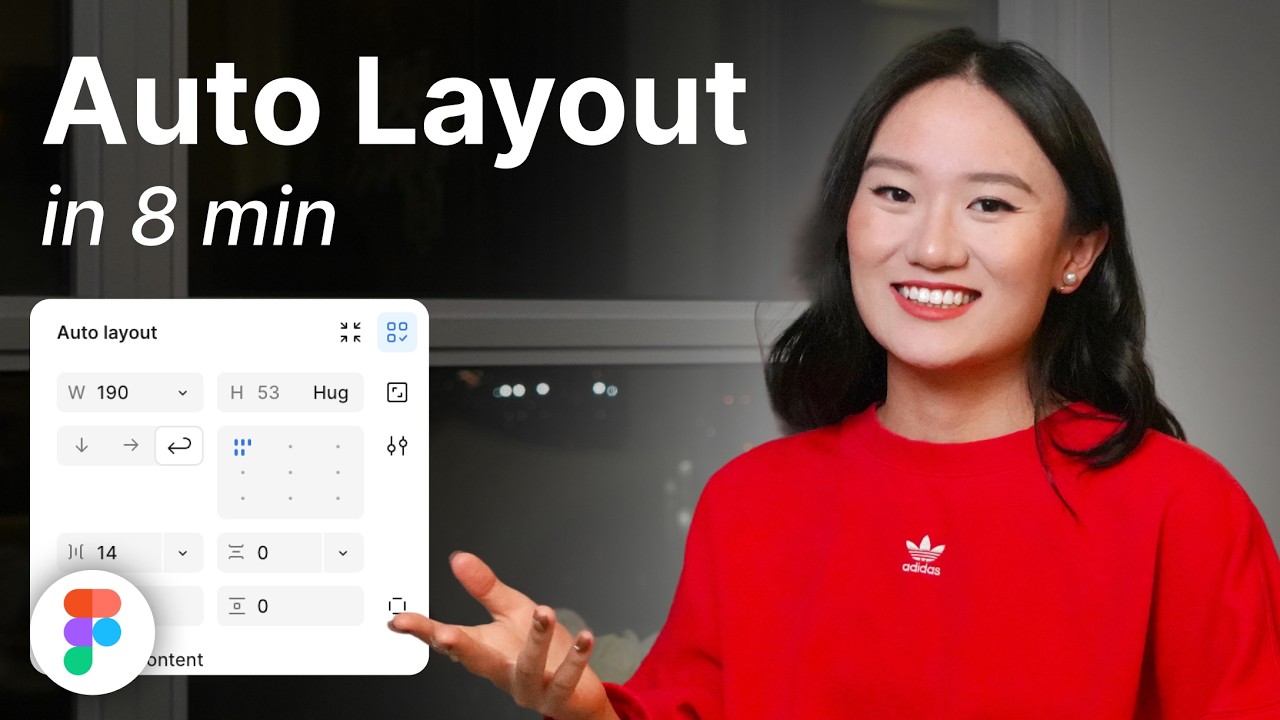
You'll discover techniques for crafting complex and visually appealing UI elements that go beyond the standard. A big focus here is often on the effective use of Auto Layout, which is a game-changer for creating responsive designs that adapt to different screen sizes and content changes. The creator also shares valuable tips and tricks for optimizing your workflows, helping you design more efficiently. It's all about gaining insights that lead to refined, professional-looking user interfaces that will impress. This is definitely a step up for anyone looking to add that extra flair to their Figma UI design.

- Learn advanced techniques for complex UI elements and Auto Layout.
- Get tips for optimizing workflows and creating professional interfaces.
Your Next Steps
By following this practical approach, leveraging these curated YouTube tutorials, you've taken significant steps towards mastering Figma for UI design. You've learned to build foundational design systems, bring designs to life with prototyping, collaborate effectively with teams, and elevate your designs with advanced techniques.
Your Action Items
- ☐Pick one video from above and watch it on Querivo
- ☐Ask questions and check summaries while watching without breaking your flow
- ☐Use the AI chat to clarify confusing parts and deepen understanding
- ☐Come back for more curated videos on topics you want to master
Ready to start building your first stunning UI in Figma? Dive into these videos and begin your practical learning journey today!
Turn Any YouTube Video into an Interactive Lesson
Paste any video link, get an instant AI summary, and ask questions in real-time.
Try Querivo Free →Related Videos You Might Enjoy
Looking for more perspectives on this topic? Here are some additional videos worth checking out: